Skip to content
Claim this template

Free course template · Global

Online safety and safeguarding for staff who work with children and young people

A ready-made course, live deck and two surveys for employees. AhaSlides tracks progress, completion and scores for you. 35 minutes, 6 lessons. Last reviewed 21 October 2026; not legal advice.

Claim the templatePreview the courseDownload SCORM for your LMS

Free. No credit card. Edit everything.

Course outline at a glance

  • The friendly message
  • What would be safer?
  • Checklist
  • Quiz

  • Risks
  • Why risk differs
  • Tabs
  • Accordion
  • Sorting activity
  • Matching quiz

  • Rules
  • Photos and posts
  • Accordion
  • Process
  • Scenario
  • Quiz

  • Boundaries
  • Signs
  • Tabs
  • Accordion
  • Scenario
  • Multi-select quiz

  • Common pressure points
  • What would you do?
  • Accordion
  • Scenario
  • Sorting activity
  • Quiz

  • Next steps
  • Process
  • Quiz

Try some questions from the course

Question 1 of 3

A young person asks you for help in a private message on your personal account. Why is replying privately a risk?


Safe routes protect the young person and you. Private chats on personal accounts have neither oversight nor a record.

Lesson 1, Why online safety is part of safeguarding, teaches this. See the outline

Question 2 of 3

Before sharing a photo of young people, what must you check first?


Permission and purpose come before everything else.

Lesson 3, Safe use of work accounts and devices, teaches this. See the outline

Question 3 of 3

A young person asks you to keep something a secret. What do you do?


You cannot promise secrecy where there may be a risk of harm.

Lesson 5, Grey areas: friendship, secrecy and bullying, teaches this. See the outline

Learners earn a certificate

Your organisation

Certificate of completion

This certifies that

Alex Morgan

has completed

Online safety and safeguarding for staff who work with children and young people

Completed on12 October 2026
Sample certificate with a placeholder learner name.

Style 1 of 6: Indigo serif

Everyone who finishes gets a certificate with their name, the course title and the completion date. Add your own logo, colours and signer.

Three pieces that work together

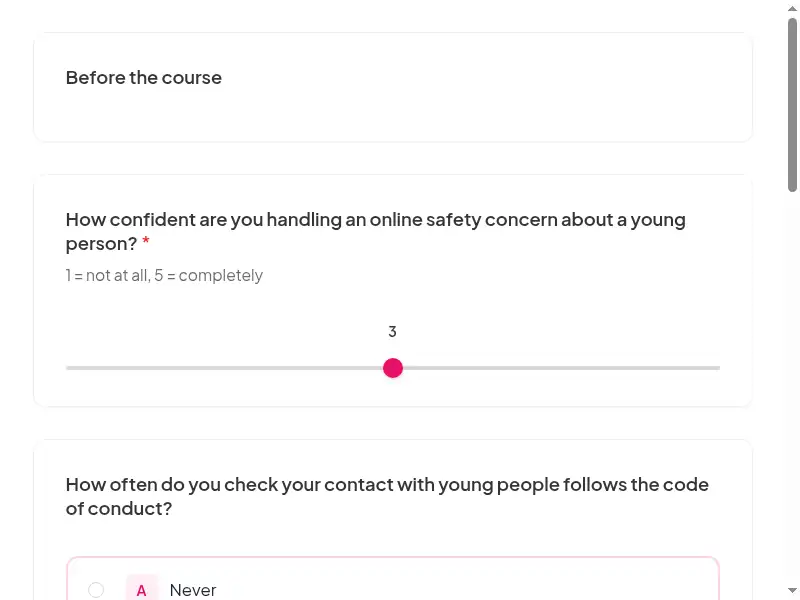
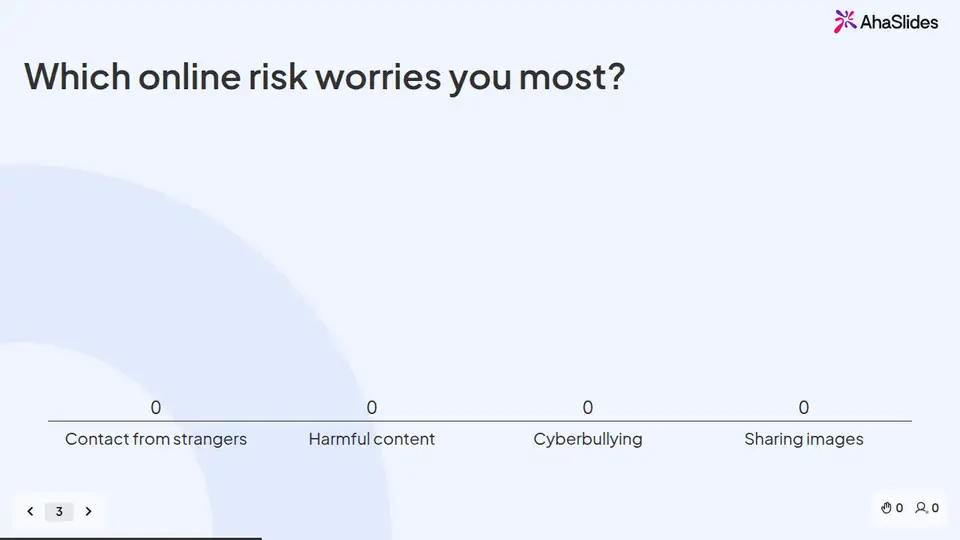
Learners prepare on their own, you answer questions live, and the surveys tell you what stuck. 8 fields to fill in with your own policy, contacts and locations; each one is highlighted inside the course.
Claim the template
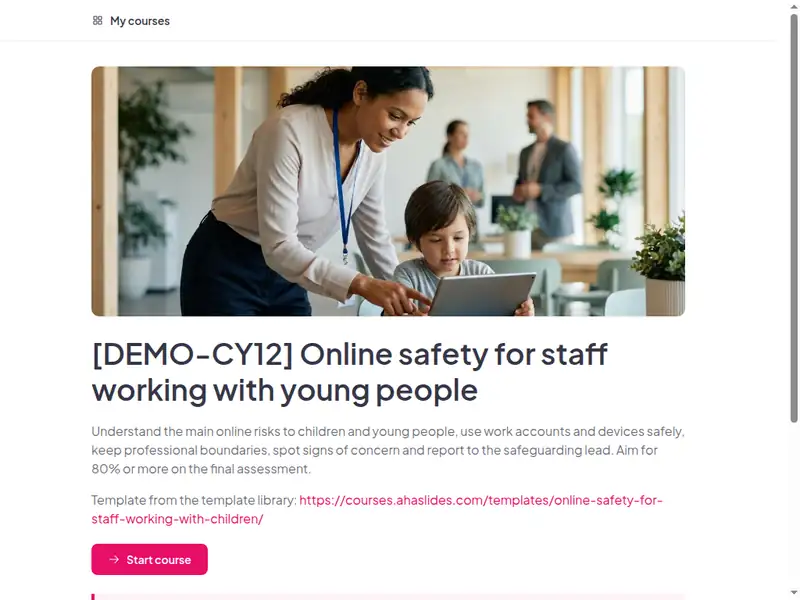
The Online safety and safeguarding for staff who work with children and young people course as a learner first sees it

Completion is tracked for you

Learners sign in to take the course, so every start, finish and score is recorded in AhaSlides. No spreadsheet to keep.

  • Who has finished

    See who has not started, who is in progress and who has completed the course.

  • Every score

    Each learner's answers to the quizzes and activities in the course.

  • What landed

    Survey results show what people took away, and the 30-day check-in shows whether they use it.

Claim the template

6 lessons, about 35 minutes

What learners can do at the end of each lesson. Minutes are an estimate.

  • Lesson 1: Why online safety is part of safeguarding · 7 min

    Before you begin · The friendly message · What would be safer?

  • Lesson 2: The online risks · 6 min

    Risks · Why risk differs · Check

  • Lesson 3: Safe use of work accounts and devices · 6 min

    Rules · Photos and posts · Try it

  • Lesson 4: Boundaries and signs of concern · 6 min

    Boundaries · Signs · Try it

  • Lesson 5: Grey areas: friendship, secrecy and bullying · 6 min

    Common pressure points · What would you do? · Check

  • Lesson 6: Your commitments and the final assessment · 4 min

    Next steps · Practice

Claim the template

Common questions

Yes. The course, the live deck and both surveys are free. Claiming the template into your AhaSlides account is free too.

Yes. The course is self-paced and online, and the live deck lets you add a live session in the room or online.

At onboarding and in the annual safeguarding refresher.

Employees of schools, nurseries, youth organisations and training providers, and any employer with young workers or apprentices; run by L&D with the safeguarding lead.

Record completion in your own LMS or record system, so you can show who finished the course and when.

Yes, everything. Change the wording, swap scenarios for ones from your workplace, add your logo, or remove parts that don't apply.

Your own details, each highlighted inside the course:
  • The route for reporting a security incident or suspected breach, and the time limit that applies
  • Link to the list of approved tools and services
  • Link to the next course in your security awareness path
  • Where course completions are recorded
  • Link to the self-paced course
  • The safeguarding lead's name and contact route
Then edit anything else you like: wording, scenarios, your logo.
Visit the help centre (opens in a new tab)