Skip to content
Claim this template

Free course template · Global

Your data and AI tools: What you can and cannot share

A ready-made course, live deck and two surveys for all employees; run by data protection. 30 minutes, 6 lessons, 10-question final check. Last reviewed 21 October 2026; not legal advice.

Claim the templatePreview the courseDownload SCORM for your LMS

Free. No credit card. Edit everything.

Play a game from the course

Your data and AI tools: What you can and cannot share: try 3 questions

Three questions from this course. Pick an answer, then see why.

Play the game

Game not loading? Open it in a new tab (opens in a new tab)

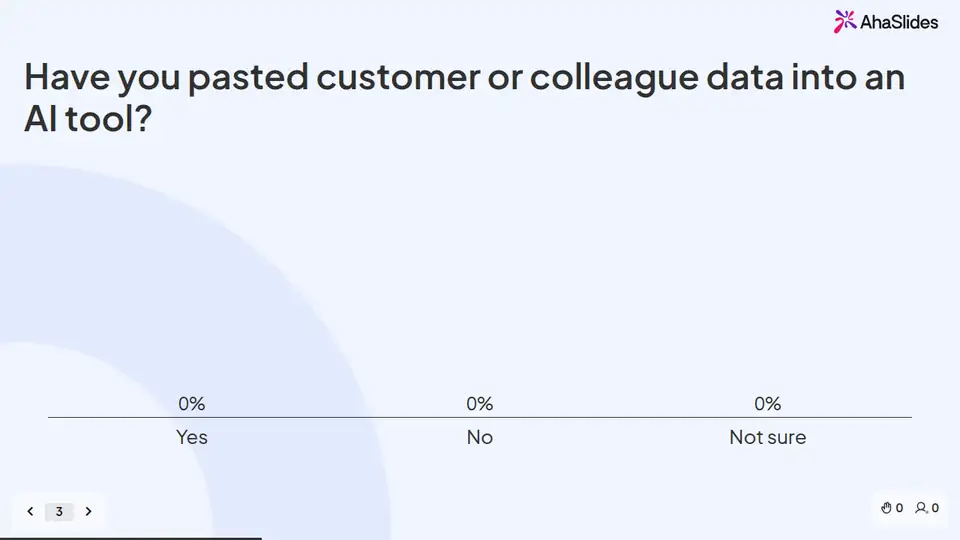
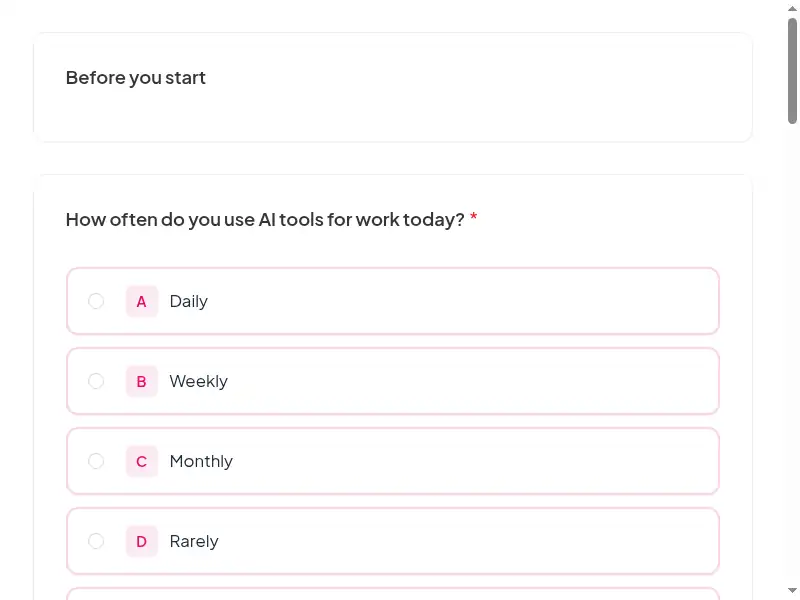
Three pieces that work together

Learners sign in, so every finish and score is recorded. 7 fields to fill in with your details.
Claim the template
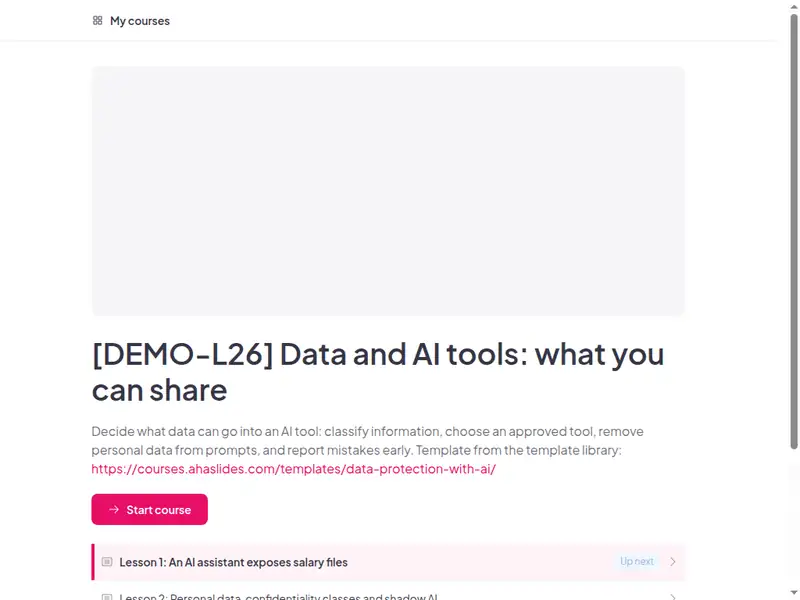
The Your data and AI tools: What you can and cannot share course as a learner first sees it

6 lessons, about 30 minutes

Minutes are an estimate.

  • Lesson 1: An AI assistant exposes salary files · 6 min

    Before you begin · The helpful assistant · What went wrong

  • Lesson 2: Personal data, confidentiality classes and shadow AI · 6 min

    Four classes · Shadow AI · Which class is it?

  • Lesson 3: The five-step check before you paste or connect · 5 min

    Five steps · Clean the prompt · Pass or stop?

  • Lesson 4: Grey areas: permissions, meeting notes, customer lists · 5 min

    The over-broad permission · Unreleased meeting notes · The customer list

  • Lesson 5: Reporting an incident and requesting approved tools · 4 min

    If you shared too much · Asking for a tool

  • Lesson 6: Final assessment and acknowledgement · 4 min

    10 questions, 80% to pass. The result is saved to the learner's record.

Claim the template

Inside this course

Taken from the course itself.

By the end, learners can

  • Classify information as public, internal, confidential or personal before using an AI tool
  • Choose an approved tool or account type that fits the data
  • Remove or anonymise personal data in prompts and uploads
  • Recognise shadow AI and over-broad connector permissions as sources of exposure
  • Act quickly and report when data has been shared by mistake

Sample questions, with answers

  1. What was the main reason the salary data appeared in the answer?

    • The colleague asked an unusual question
    • The assistant had access to more than the task needed
    • The template was out of date
    • The colleague should have known not to ask

    Answer: The assistant had access to more than the task needed. The assistant had access to far more than the task needed, so it could use anything in the drive. Narrow access, checked before connecting, is the safeguard. The question was normal, the colleague did nothing wrong, and the problem was not the template.

    Lesson 1: An AI assistant exposes salary files

  2. Step 4 of the check asks whether you can remove or replace the personal parts. Why is this useful?

    • It makes any tool safe to use
    • You often get the same help while sharing much less personal data
    • It means you no longer need to check the output
    • It is only needed for source code

    Answer: You often get the same help while sharing much less personal data. Often the AI only needs the shape of the task, not the identities. Replacing names with placeholders shares much less personal data. Check that what is left cannot point to the person, for example dates, order numbers or unusual details. It does not make a tool approved, and it does not replace checking the output.

    Lesson 3: The five-step check before you paste or connect

  3. You think a new AI tool would save your team hours. What is the best first step?

    • Start using it on a personal account to test it
    • Make a request through the organisation's route
    • Ask a colleague to try it for you
    • Wait until someone else asks

    Answer: Make a request through the organisation's route. Make a request through the organisation's route, saying the task, the data, the tool and the benefit. Using it first and asking later, or using a personal account, puts data outside the organisation's control.

    Lesson 5: Reporting an incident and requesting approved tools

A scenario from "The five-step check before you paste or connect"

You want an AI summary of a customer complaint.

Best response: Use the approved tool, replace names with placeholders, check the output.

Weaker responses: Paste the full email in a free tool; Ask a colleague to do it on their account.

Common questions

Yes. Claiming the template and editing it are free.

Yes. The course is self-paced and online, and the live deck lets you add a live session in the room or online.

At hire, annually, and when an AI tool is approved or restricted.

All employees; run by data protection, IT security or L&D.

Record completion in your own LMS or record system, so you can show who finished the course and when.

Your own details, each highlighted inside the course:
  • Classification levels and examples
  • Tools and what data class each may take
  • Where to report data shared by mistake
  • How to ask for a new tool
  • Surveys and completion record
Then edit anything else you like: wording, scenarios, your logo.
Visit the help centre (opens in a new tab)