Skip to content
Claim this template

Free course template · Global

Handling personal data day to day: Consent, minimisation, retention and sharing

A ready-made course, live deck and two surveys for all staff. 40 minutes, 6 lessons. Last reviewed 21 October 2026; not legal advice.

Claim the templatePreview the courseDownload SCORM for your LMS

Free. No credit card. Edit everything.

Play a game from the course

Handling personal data day to day: Consent, minimisation, retention and sharing: try 3 questions

Three questions from this course. Pick an answer, then see why.

Play the game

Game not loading? Open it in a new tab (opens in a new tab)

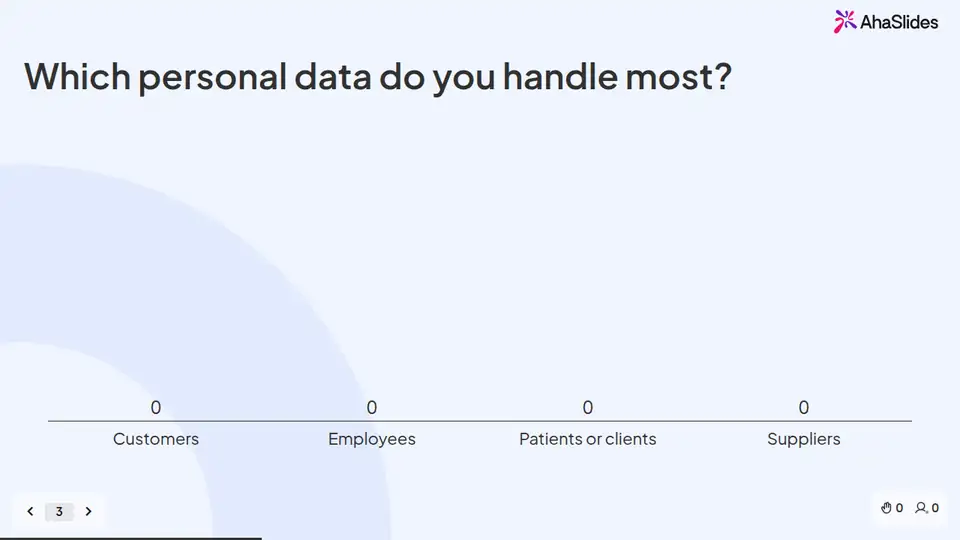
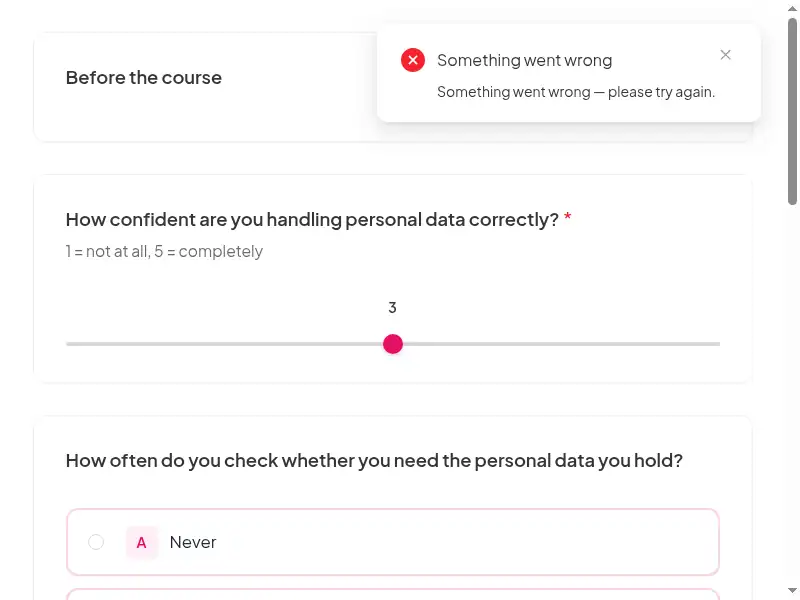
Three pieces that work together

Learners sign in, so every finish and score is recorded. 9 fields to fill in with your details.
Claim the template
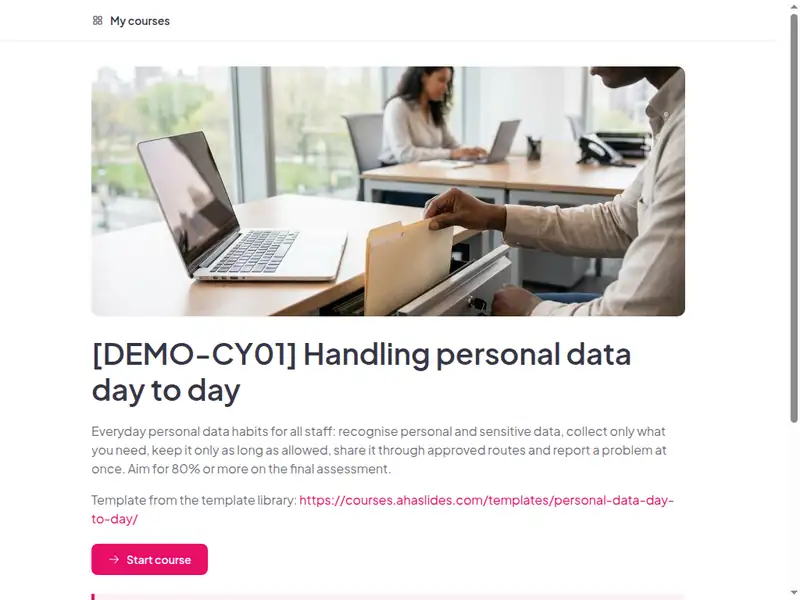
The Handling personal data day to day: Consent, minimisation, retention and sharing course as a learner first sees it

6 lessons, about 40 minutes

Minutes are an estimate.

  • Lesson 1: What counts as personal data · 7 min

    Before you begin · The helpful spreadsheet · What is wrong?

  • Lesson 2: Collect only what you need · 7 min

    Purpose and minimum · Sensitive data · Check

  • Lesson 3: Keep it only as long as needed · 7 min

    Retention · Copies · Try it

  • Lesson 4: Share it safely · 7 min

    Before you share · Approved routes · Check

  • Lesson 5: Grey areas: requests, mistakes and favours · 7 min

    Requests · What would you do? · Check

  • Lesson 6: Your checklist and the final assessment · 5 min

    Next steps · Practice

Claim the template

Inside this course

Taken from the course itself.

By the end, learners can

  • Recognise personal data and sensitive categories in everyday work
  • Collect only what you need and tell people what you do with it
  • Keep personal data only as long as the retention schedule allows
  • Share personal data only through approved routes and with a reason
  • Spot and report a data problem straight away

Sample questions, with answers

  1. Beth's export holds customer names and complaint notes. Is it personal data?

    • Yes, because it can identify the customers
    • No, because it is for internal use
    • Only if it is printed

    Answer: Yes, because it can identify the customers. Names and notes identify people. Internal use does not change that.

    Lesson 1: What counts as personal data

  2. Why should you clear old screenshots of customer records?

    • They are personal data and add risk
    • They take up too much space
    • They break the screen

    Answer: They are personal data and add risk. A screenshot is another copy of personal data. Delete it when you no longer need it.

    Lesson 3: Keep it only as long as needed

  3. A manager asks why a colleague is off sick. What do you share?

    • Only what HR says is needed, such as the dates
    • The full medical note
    • Nothing, and you report the manager

    Answer: Only what HR says is needed, such as the dates. Health data is sensitive. Share the minimum, through HR.

    Lesson 5: Grey areas: requests, mistakes and favours

A scenario from "Keep it only as long as needed"

You find a three-year-old customer export on a shared drive.

Best response: Check the retention rule, delete or move it, tell the owner.

Weaker responses: Leave it; Copy it elsewhere; Ignore.

Common questions

Yes. Claiming the template and editing it are free.

The course itself is self-paced and online, and the live deck lets you add a live session. Whether online delivery meets your local rules depends on the law that applies to you, so check the rules that apply to you or ask your own counsel.

At onboarding, annually, and when a new system or process starts handling personal data.

All staff who handle customer, employee or patient data, and privacy champions; run by L&D with the privacy or data protection lead.

Record completion in your own LMS or record system, so you can show who finished the course and when. Check the retention period that applies to you in the rules that apply to you.

Your own details, each highlighted inside the course:
  • The route for reporting a security incident or suspected breach, and the time limit that applies
  • Your data protection officer or privacy lead
  • Link to your data classification policy
  • Link to the list of approved tools and services
  • Link to the next course in your security awareness path
  • Where course completions are recorded
  • Link to the self-paced course
Then edit anything else you like: wording, scenarios, your logo.
Visit the help centre (opens in a new tab)