Skip to content
Claim this template

Free course template · Global

Secure use of generative AI: Data leaks, shadow AI and AI-enabled attacks

A ready-made course, live deck and two surveys for all staff. 35 minutes, 6 lessons. Last reviewed 21 October 2026; not legal advice.

Claim the templatePreview the courseDownload SCORM for your LMS

Free. No credit card. Edit everything.

Play a game from the course

Secure use of generative AI: Data leaks, shadow AI and AI-enabled attacks: try 3 questions

Three questions from this course. Pick an answer, then see why.

Play the game

Game not loading? Open it in a new tab (opens in a new tab)

Three pieces that work together

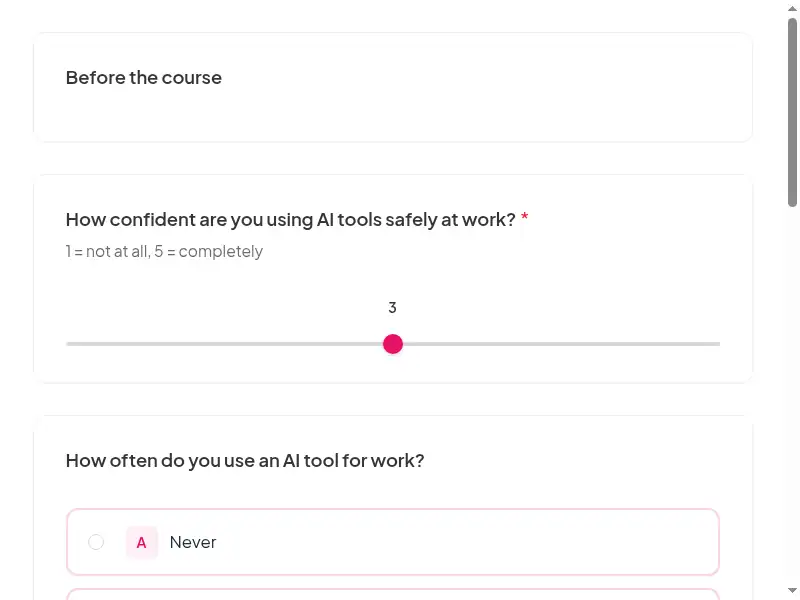
Learners sign in, so every finish and score is recorded. 9 fields to fill in with your details.
Claim the template
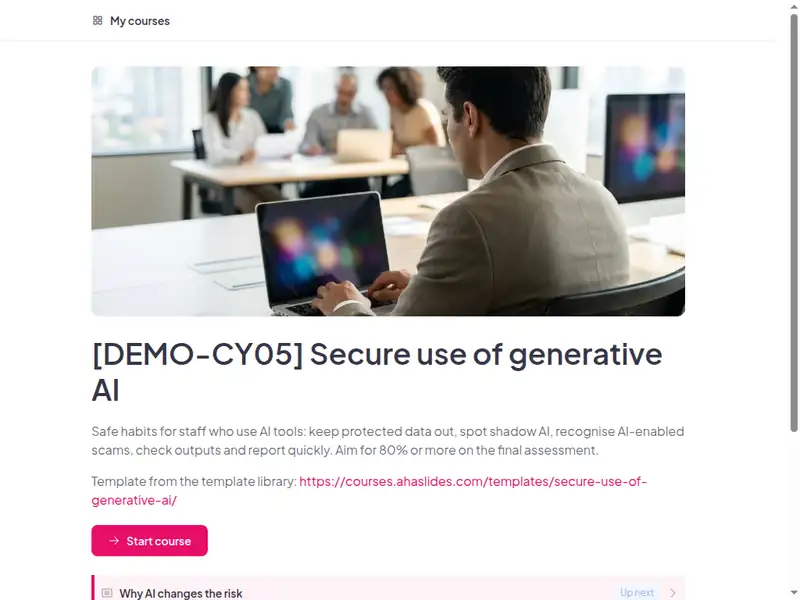
The Secure use of generative AI: Data leaks, shadow AI and AI-enabled attacks course as a learner first sees it

6 lessons, about 35 minutes

Minutes are an estimate.

  • Lesson 1: Why AI changes the risk · 7 min

    Before you begin · The helpful summary · What is the risk?

  • Lesson 2: What not to paste, and shadow AI · 6 min

    Data traffic light · Shadow AI · Check

  • Lesson 3: AI-enabled scams · 6 min

    What has changed · Defences · Try it

  • Lesson 4: Grey areas: checking outputs and untrusted content · 6 min

    Trust but verify · What would you do? · Check

  • Lesson 5: Report and ask · 6 min

    When to report · Where to ask · Try it

  • Lesson 6: Your rules and the final assessment · 4 min

    Next steps · Practice

Claim the template

Inside this course

Taken from the course itself.

By the end, learners can

  • Recognise what data must never be pasted into an AI tool
  • Explain shadow AI and why unapproved tools are a risk
  • Spot AI-enabled scams such as cloned voices and convincing messages
  • Check AI outputs and links before acting on them
  • Report concerns and know where to find the approved tools

Sample questions, with answers

  1. Mira pasted a client contract into an unapproved tool. What is the main risk?

    • The text may leave the organisation's control
    • The summary will be too short
    • It uses too much battery
    • The file will be corrupted

    Answer: The text may leave the organisation's control. Once pasted, you cannot be sure where the text goes, who can read it or how long it is kept.

    Lesson 1: Why AI changes the risk

  2. A video call from a colleague asks for a password reset. What is the best check?

    • Contact them on a known number
    • Trust the face
    • Share it quickly
    • Check the time zone

    Answer: Contact them on a known number. Faces can be faked. Use a route you know.

    Lesson 3: AI-enabled scams

  3. What should a report include?

    • What was pasted, where and when
    • Only an apology
    • Nothing, a call is enough
    • A deleted screenshot

    Answer: What was pasted, where and when. Facts let the team judge the harm quickly.

    Lesson 5: Report and ask

A scenario from "AI-enabled scams"

You get a voice message that sounds like your director, asking you to approve an urgent payment.

Best response: Call back on a known number and follow the payment rules.

Weaker responses: Approve to be quick; Reply to the number in the message; Ignore it.

Related articles

2 articles from the AhaSlides blog that use this course, newest first.

Common questions

Yes. Claiming the template and editing it are free.

Yes. The course is self-paced and online, and the live deck lets you add a live session in the room or online.

At AI tool roll-out and in the annual security refresher.

All staff who use AI tools, with notes for an IT and security variant; run by L&D with the security team.

Record completion in your own LMS or record system, so you can show who finished the course and when.

Your own details, each highlighted inside the course:
  • Who staff ask about security questions
  • The route for reporting a security incident or suspected breach, and the time limit that applies
  • Link to your data classification policy
  • Link to the list of approved tools and services
  • Link to the next course in your security awareness path
  • Where course completions are recorded
  • Link to the self-paced course
Then edit anything else you like: wording, scenarios, your logo.
Visit the help centre (opens in a new tab)