Skip to content
Claim this template

Free course template · Global

Copilot at work: Safe, effective use of your office-suite AI assistant

A ready-made course, live deck and two surveys for all staff licensed for copilot or copilot chat. AhaSlides tracks progress, completion and scores for you. 40 minutes, 6 lessons. Last reviewed 21 October 2026; not legal advice.

Claim the templatePreview the courseDownload SCORM for your LMS

Free. No credit card. Edit everything.

Course outline at a glance

  • An invented story
  • What went wrong?
  • Checklist
  • Quiz

  • Grounding
  • True or false?
  • Tabs
  • Sorting activity
  • Flashcards
  • Matching quiz

  • Traffic-light rule
  • Prompt framework
  • Classify and prompt
  • Accordion
  • Process
  • Sorting activity
  • Quiz

  • Scenario
  • Scenario
  • Scenario
  • Scenario
  • Quiz
  • Multi-select quiz

  • Report path
  • Which tool for which task
  • Process
  • Tabs
  • Quiz

  • Practice
  • Quiz
  • Checklist

Try some questions from the course

Question 1 of 3

What is the best explanation for the salary table appearing in Lena's summary?


The file had been shared more widely than intended, so the assistant could use it. The assistant did not break into anything and Lena did not do anything wrong by asking. Check your own setup against the vendor's documentation.

Lesson 1, Spotting an over-shared file in a summary, teaches this. See the outline

Question 2 of 3

A red file is…


Not referenced unless approved. Removing names does not change its classification, and private chats or laptops do not make it safe.

Lesson 3, Classifying data and prompting with goal, context, source, expectations, teaches this. See the outline

Question 3 of 3

A summary of a long thread omits a decision. What should you do?


Check the source and add the decision. Sending as is, blaming the tool or shortening the thread leaves the gap in place.

Lesson 4, Handling confidential files, missed decisions and consumer accounts, teaches this. See the outline

Learners earn a certificate

Your organisation

Certificate of completion

This certifies that

Alex Morgan

has completed

Copilot at work: Safe, effective use of your office-suite AI assistant

Completed on12 October 2026
Sample certificate with a placeholder learner name.

Style 1 of 6: Coral geometric

Everyone who finishes gets a certificate with their name, the course title and the completion date. Add your own logo, colours and signer.

Three pieces that work together

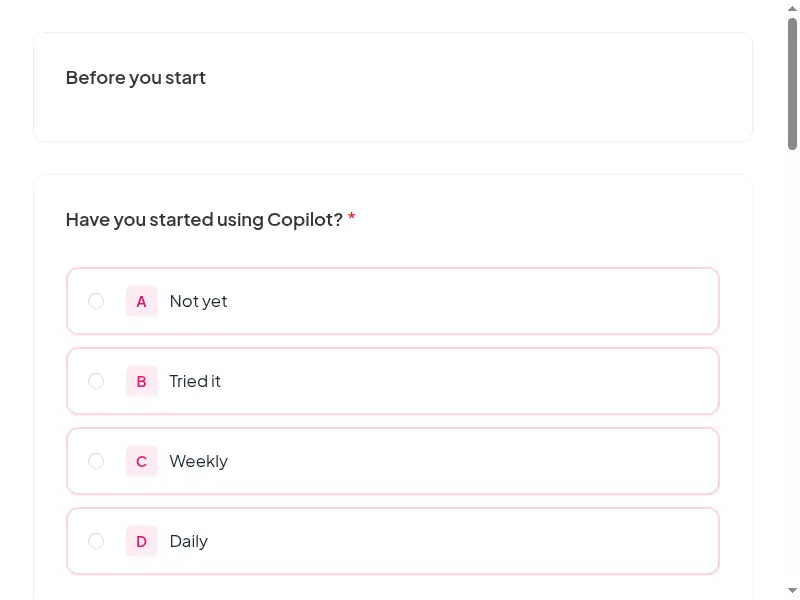
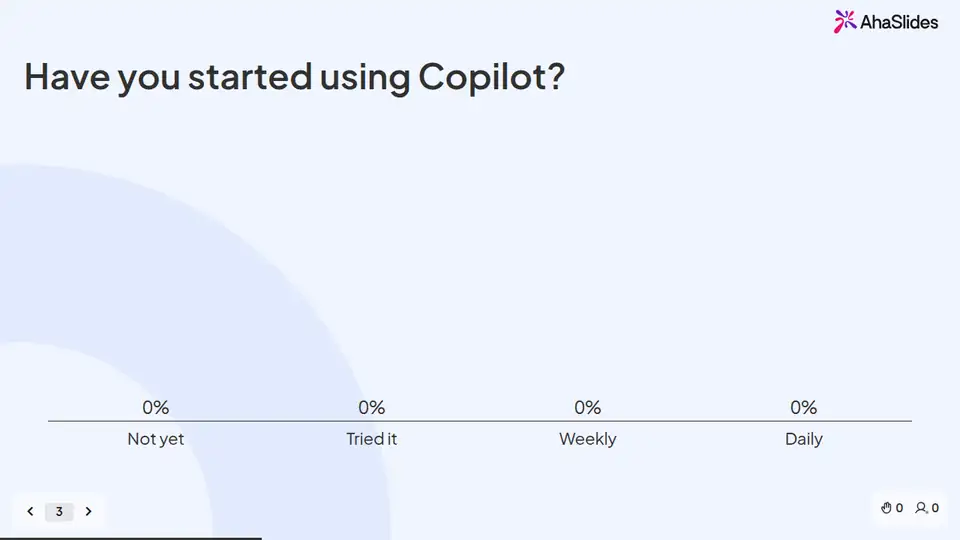
Learners prepare on their own, you answer questions live, and the surveys tell you what stuck. 8 fields to fill in with your own policy, contacts and locations; each one is highlighted inside the course.
Claim the template
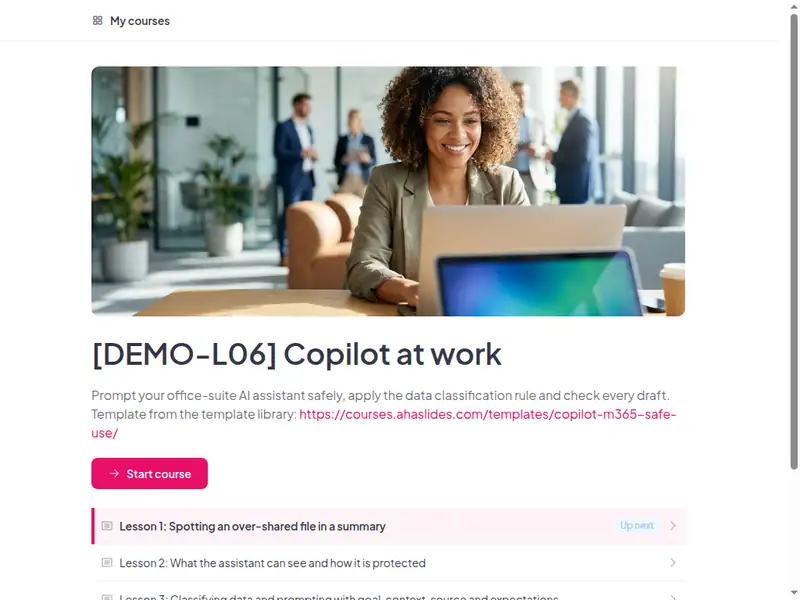
The Copilot at work: Safe, effective use of your office-suite AI assistant course as a learner first sees it

Completion is tracked for you

Learners sign in to take the course, so every start, finish and score is recorded in AhaSlides. No spreadsheet to keep.

  • Who has finished

    See who has not started, who is in progress and who has completed the course.

  • Every score

    Each learner's answers to the quizzes and activities in the course.

  • What landed

    Survey results show what people took away, and the 30-day check-in shows whether they use it.

Claim the template

6 lessons, about 40 minutes

What learners can do at the end of each lesson. Minutes are an estimate.

  • Lesson 1: Spotting an over-shared file in a summary · 8 min

    Before you begin · An invented story · What went wrong?

  • Lesson 2: What the assistant can see and how it is protected · 8 min

    Grounding · True or false? · Check

  • Lesson 3: Classifying data and prompting with goal, context, source, expectations · 8 min

    Traffic-light rule · Prompt framework · Classify and prompt

  • Lesson 4: Handling confidential files, missed decisions and consumer accounts · 8 min

    Scenario · Scenario · Scenario

  • Lesson 5: Reporting over-sharing and getting help · 5 min

    Report path · Which tool for which task

  • Lesson 6: Final assessment and AI use acknowledgement · 3 min

    Practice

Claim the template

Common questions

Yes. The course, the live deck and both surveys are free. Claiming the template into your AhaSlides account is free too.

Yes. The course is self-paced and online, and the live deck lets you add a live session in the room or online.

At licence roll-out, at onboarding for licensed roles, and as a refresher after feature changes.

All staff licensed for Copilot or Copilot Chat in the office suite.

Record completion in your own LMS or record system, so you can show who finished the course and when.

Yes, everything. Change the wording, swap scenarios for ones from your workplace, add your logo, or remove parts that don't apply.

Your own details, each highlighted inside the course:
  • Copilot data protection link
  • Data classification policy link
  • Copilot report contact
  • AI help contact
  • Approved AI tools
  • LMS or record system
Then edit anything else you like: wording, scenarios, your logo.
Visit the help centre (opens in a new tab)