Skip to content
Claim this template

Free course template · Global

Safe EHR use and clinical system downtime procedures for nurses

A ready-made course, live deck and two surveys for registered and enrolled nurses. AhaSlides tracks progress, completion and scores for you. 35 minutes, 6 lessons. Last reviewed 21 October 2026; not legal advice.

Claim the templatePreview the courseDownload SCORM for your LMS

Free. No credit card. Edit everything.

Course outline at a glance

  • The screen goes blank on Ward 6
  • What a good record does
  • Checklist
  • Flashcards
  • Quiz

  • The duties in brief
  • Open it only if you need it
  • Good entries
  • Tabs
  • Sorting activity
  • Flashcards
  • Matching quiz

  • What the system does and does not do
  • Put the electronic round in order
  • Accordion
  • Sorting activity
  • Checklist
  • Quiz

  • The downtime routine
  • Scenario
  • Scenario
  • Process
  • Scenario
  • Quiz
  • Sorting activity
  • Matching quiz

  • Recovery in order
  • Digital tools and AI in nursing
  • Scenario
  • Process
  • Accordion
  • Sorting activity
  • Scenario
  • Quiz

  • Completion
  • Quiz

Try some questions from the course

Question 1 of 3

Why do accuracy and timing matter as much as completeness?


The record exists so the next clinician can act safely.

Lesson 1, Why the record and the system matter, teaches this. See the outline

Question 2 of 3

Which test should you pass before you open a chart?


Having access is not the same as having a need.

Lesson 2, Using the record accurately, privately and safely, teaches this. See the outline

Question 3 of 3

A hard stop appears when you scan a medicine. You…


A hard stop is a safety feature. Understand it before you go on.

Lesson 3, Medicines on screen: checks and safeguards, teaches this. See the outline

Learners earn a certificate

Your organisation

Certificate of completion

This certifies that

Alex Morgan

has completed

Safe EHR use and clinical system downtime procedures for nurses

Completed on12 October 2026
Sample certificate with a placeholder learner name.

Style 1 of 6: Indigo serif

Everyone who finishes gets a certificate with their name, the course title and the completion date. Add your own logo, colours and signer.

Three pieces that work together

Learners prepare on their own, you answer questions live, and the surveys tell you what stuck. 16 fields to fill in with your own policy, contacts and locations; each one is highlighted inside the course.
Claim the template
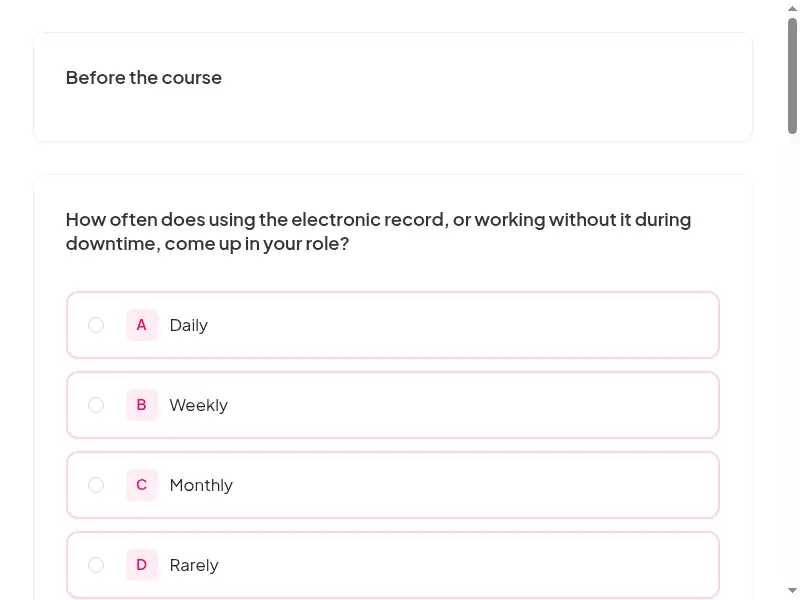
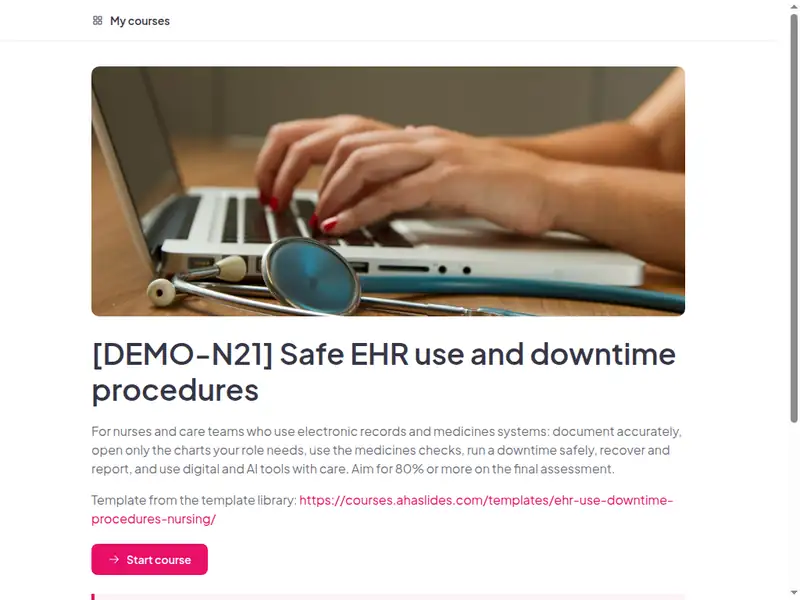
The Safe EHR use and clinical system downtime procedures for nurses course as a learner first sees it

Completion is tracked for you

Learners sign in to take the course, so every start, finish and score is recorded in AhaSlides. No spreadsheet to keep.

  • Who has finished

    See who has not started, who is in progress and who has completed the course.

  • Every score

    Each learner's answers to the quizzes and activities in the course.

  • What landed

    Survey results show what people took away, and the 30-day check-in shows whether they use it.

Claim the template

6 lessons, about 35 minutes

What learners can do at the end of each lesson. Minutes are an estimate.

  • Lesson 1: Why the record and the system matter · 7 min

    Before you begin · The screen goes blank on Ward 6 · What a good record does

  • Lesson 2: Using the record accurately, privately and safely · 6 min

    The duties in brief · Open it only if you need it · Good entries

  • Lesson 3: Medicines on screen: checks and safeguards · 6 min

    What the system does and does not do · Put the electronic round in order · Check

  • Lesson 4: Downtime and the grey areas · 6 min

    The downtime routine · Scenario · Scenario

  • Lesson 5: Recovery, speak up and apply · 6 min

    Recovery in order · Digital tools and AI in nursing · Scenario

  • Lesson 6: Final assessment · 4 min

    Practice · Completion

Claim the template

Common questions

Yes. The course, the live deck and both surveys are free. Claiming the template into your AhaSlides account is free too.

Yes. The course is self-paced and online, and the live deck lets you add a live session in the room or online.

At onboarding, before a new system goes live, after a significant downtime event, and annually alongside downtime drills.

Registered and enrolled nurses, nursing associates and healthcare assistants in hospitals and care homes who document, support prescribing or administer medicines using electronic systems; run by the nurse educator or clinical education lead, with the digital or business continuity lead as a guest.

Record completion in your own LMS or record system, so you can show who finished the course and when.

Yes, everything. Change the wording, swap scenarios for ones from your workplace, add your logo, or remove parts that don't apply.

Your own details, each highlighted inside the course:
  • Clinical education contact
  • Local policy link
  • Incident reporting route
  • Escalation route
  • Regulator and standards
  • LMS or record system
  • Ehr system name
  • Privacy policy link
  • Downtime procedure link
  • Downtime forms location
  • It service desk contact
  • AI tools policy link
  • Course URL
  • Live session URL
Then edit anything else you like: wording, scenarios, your logo.
Visit the help centre (opens in a new tab)