
짧은 대답 : to turn a PowerPoint into a quiz, add a question slide after each section of the deck you already have. In PowerPoint alone, link each answer to a “correct” or “try again” slide. To have everyone answer on their phone and get scored, add live quiz slides with the AhaSlides add-in, or import the deck into AhaSlides.
If your training session or lesson is already built, making it interactive shouldn’t mean building it again. This guide starts from the deck you have: first the PowerPoint-only method, then two ways to add live quiz slides without redoing your slides. Starting from a blank deck instead? Our guide to making an interactive quiz on PowerPoint 그것을 다룹니다.
How to turn a PowerPoint into a quiz with PowerPoint alone
Plain PowerPoint has no quiz feature, but links and animations get you a working self-check quiz. Microsoft’s own guide to making a quiz in PowerPoint uses the same building blocks, and its support pages cover slide links 작업 버튼 (2026년 11월 19일 확인)
1. Choose your checkpoints
Go through the deck and mark the end of each section. Those are your quiz points: one or two questions each, about what you just covered. Five checkpoints in a 45 minute session keep people with you without turning the session into an exam.
2. Add a question slide at each checkpoint
Insert a new slide after the section (Home > New Slide). Put the question in the title and each answer option in its own text box or shape, so each one can carry a link.
3. Link each answer to a feedback slide
Add two slides after the question: one that says “Correct” and explains why, and one that says “Not quite” with a hint. Then select an answer and add a link:
- 윈도우 : Insert > Link > Insert Link (또는 Ctrl+K)를 누르고 선택하세요. 이 문서에 배치 and pick the feedback slide.
- 맥 : 삽입 > 링크 (또는 Cmd+K)를 눌러 엽니다. 이 문서 tab and pick the feedback slide.
On each feedback slide, add a button from Insert > Shapes, 아래에 액션 버튼 at the bottom of the menu, and in the Action Settings box that opens set 하이퍼링크 the next content slide, or back to the question for another try. In Slide Show, click the answer itself: a click anywhere else moves to the next slide.
4. Or reveal the answer on click
For a quicker version, skip the feedback slides. Put the correct answer in a text box on the question slide and give it an 게재 애니메이션 세트 클릭시. Ask the question, let people call out, then click to reveal.
5. Use Microsoft Forms if you have a work or school account
Microsoft Forms can put a quiz on a slide that people answer on their own devices. In the desktop app, go to Insert > Forms 선택하고 New Quiz 아래에 My forms. In PowerPoint for the web, Home > Add-ins > Forms inserts a quiz you have already made in Forms, from its link. Microsoft lists the desktop route for Office 365 Education and Microsoft 365 Apps for business customers on a PC (version 1807 or later), the web route needs a work or school account, and an admin can turn Forms off (Microsoft 지원(2026년 11월 19일 확인됨).
Where the PowerPoint-only quiz stops
The questions do their job. What you get back from them is thin:
- One answer per question. Whoever clicks answers for everyone, so you never learn who knew it and who didn’t.
- 기록이 없습니다. Once you move on, the answers are gone. You can’t see which section needs another pass.
- 점수 없음. Turning it into a competition means a tally on a whiteboard.
- Forms has limits. It needs a work or school account, and you read the responses in Forms, not on your slide.
You built the deck to teach. You should be able to see what people took in, without a rebuild.
The live way: add quiz slides to the deck you already have
AhaSlides is an all-in-one engagement platform for teams and classrooms. It turns each checkpoint into a question everyone answers on their phone, so you see who took it in and who needs another pass, with scores kept for you.

시작하는 두 가지 빠른 방법:
- 덱을 업로드하세요. 파워포인트 파일을 업로드하세요 AhaSlides 그리고 처음부터 다시 시작할 필요 없이 AI를 통해 퀴즈 문제와 설문조사를 추가할 수 있도록 합니다.AI 파워포인트 제작기).
- 아니면 파워포인트로 계속 발표하세요. 무료를 추가하세요 AhaSlides 추가 기능 and put a quiz slide at each checkpoint, in three steps.
Keep presenting from PowerPoint with the add-in
1. Write your questions in AhaSlides. Make one quiz slide per question: 답변 선택 (multiple choice) or 참 또는 거짓 suit a checkpoint. To start from a ready-made set, the Quick Quiz Starter for PowerPoint template below is a 14-slide quiz with True or False, Pick Answer, Short Answer, Correct Order and Match Pairs questions, two leaderboards and a closing poll. Swap its questions for your own.
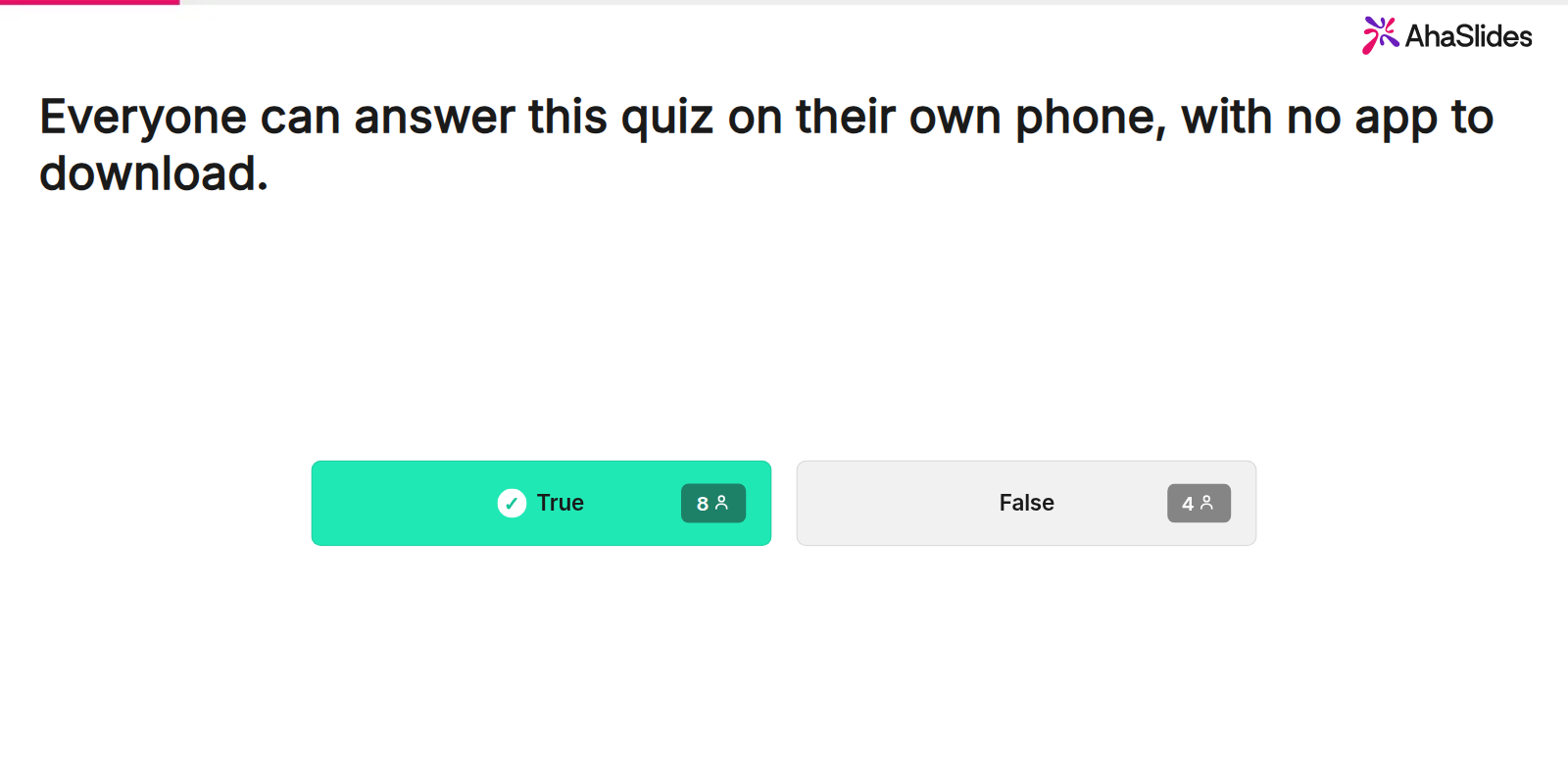
2. Install the add-in and add your quiz slides. 파워포인트에서 다음으로 이동하세요. 홈 > 추가 기능선택한다. 추가 추가 기능, 검색 AhaSlides (웹용 파워포인트에) 추가하세요. 삽입 > 추가 기능). 다음과 같이 표기되어 있습니다. AhaSlides Live Polls and Quizzes.
Insert a blank slide after the section and select it. In the add-in, sign in, open your AhaSlides presentation, tick the quiz slide for this checkpoint (the picker labels it Quiz: Pick Answer) and click the add button, which shows how many slides you have ticked. The quiz goes on the slide you are on. Repeat at each checkpoint; your own slides stay exactly as they were.
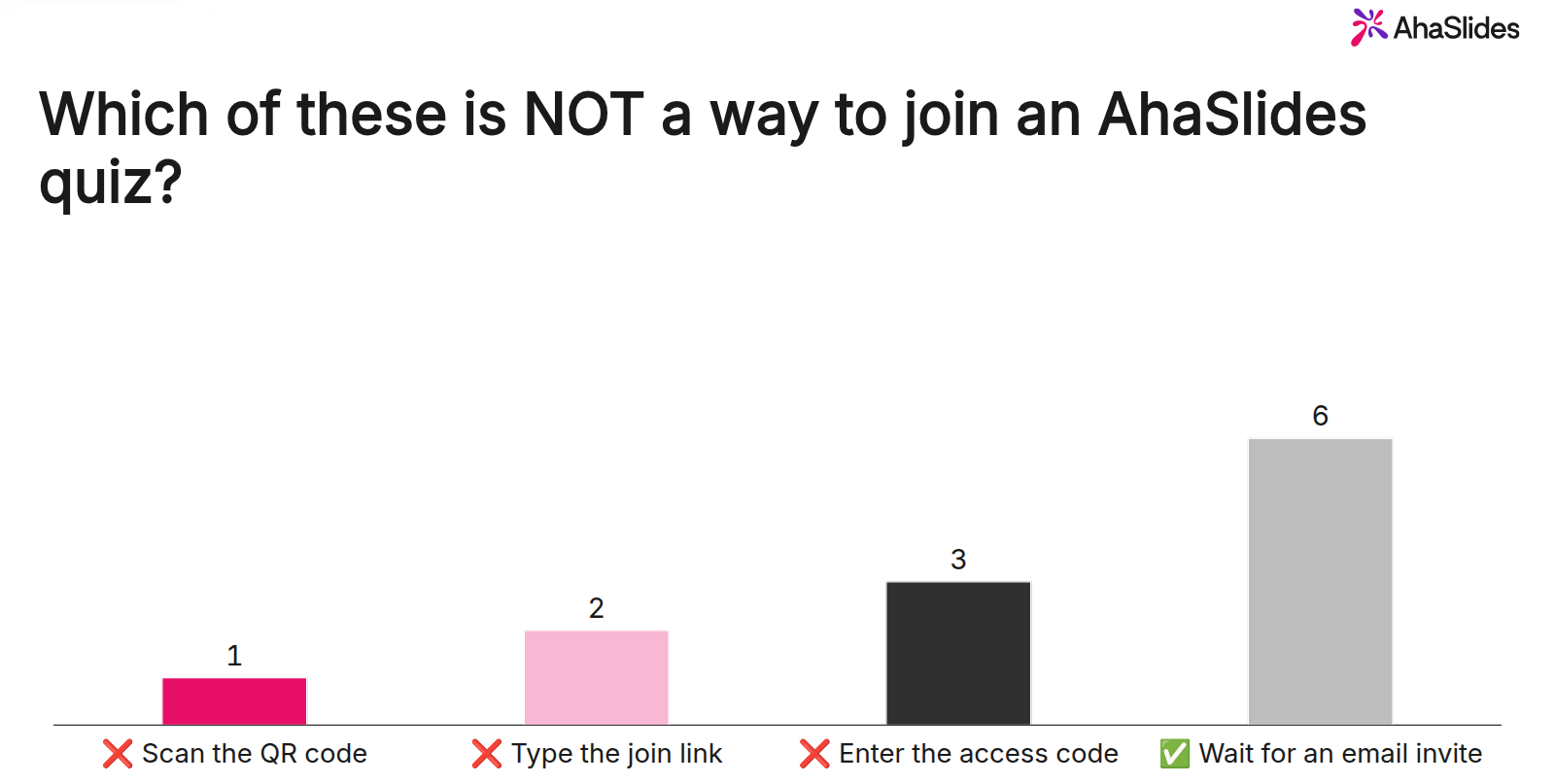
3. Present and show the scores. 슬라이드 쇼를 시작하고 누르세요 Q to show the QR code and join link; people join once for the whole deck. When time is up on a question, the results show how many people picked each answer, with the correct one marked.
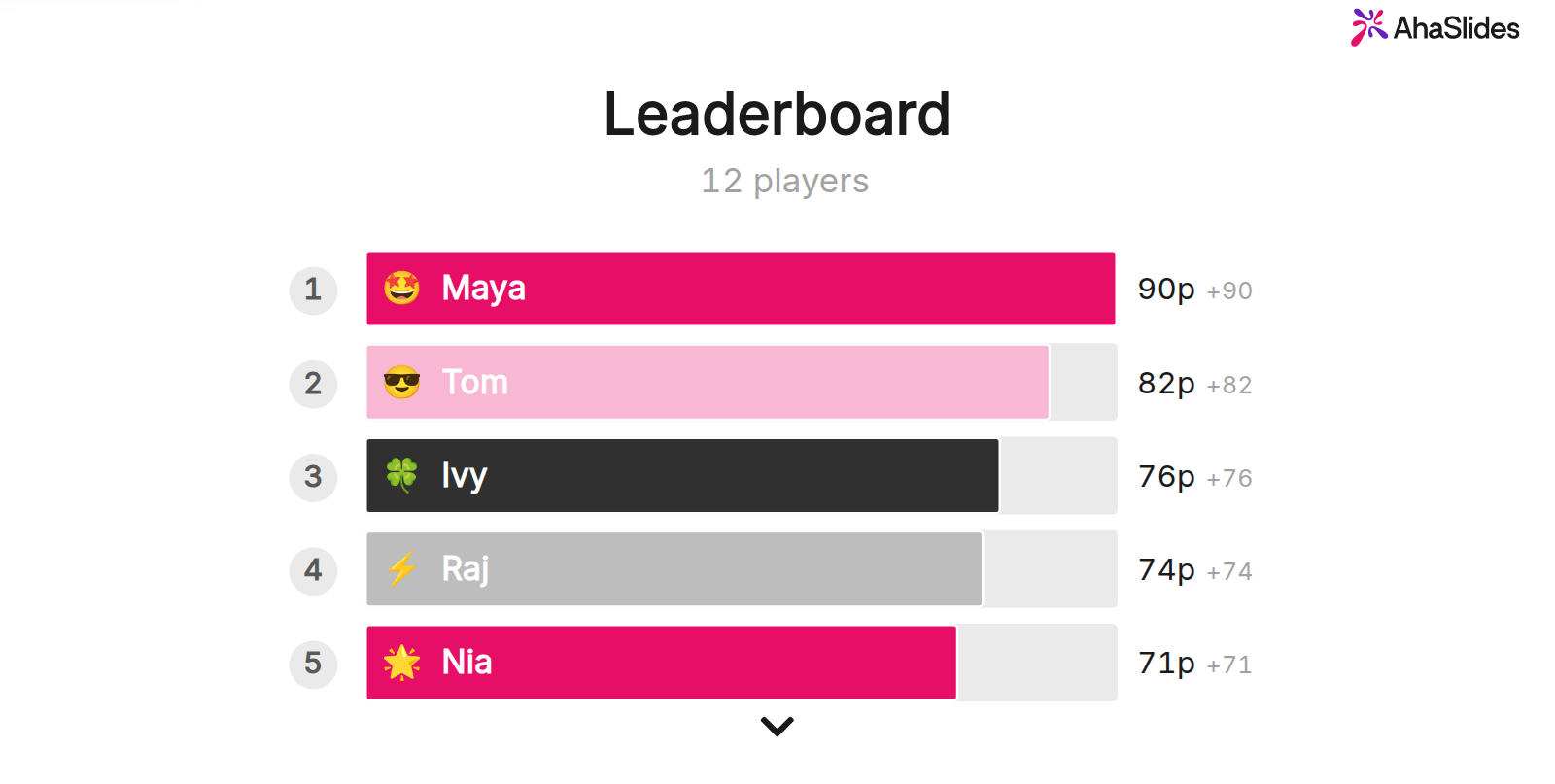
PR 기사 L for the leaderboard at any point, or end the deck on a leaderboard slide. Before you present to a new group, open the add-in menu and click 결과 초기화 so earlier answers are cleared.
Or upload the deck to AhaSlides and let AI suggest questions
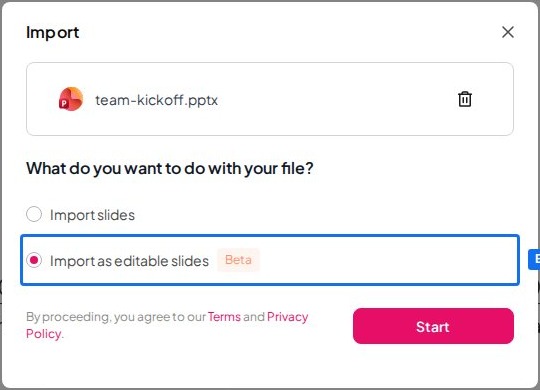
1. Import your file. 에 내 프레젠테이션 대시보드 AhaSlides클릭 수입 and choose your .pptx file (up to 50 MB and 200 slides).
2. Keep it editable. 왼쪽 메뉴에서 Import as editable slides (Beta) 클릭 스타트. Text, shapes, layout, formatting and animations come across as normal AhaSlides slides. Complex elements may come in as images, and some Morph effects don’t come across, so look through each slide afterwards.
3. Add the questions. When the import finishes, the import card shows Add interactive polls or quizzes. 딸깍 하는 소리 추가 and the AI assistant adds about 2 to 8 interactive slides, such as polls and quizzes, spread through your deck. It doesn’t edit, reorder or delete your imported slides. The row appears only if the AI assistant is available on your account. Read every question and answer it writes before you present.
4. Present from AhaSlides. Run the deck from AhaSlides; people join with the QR code and answer on their phones, as with the add-in.
An editable import is a copy of your file, so edit the .pptx first and import when it is final: changes you make to the original afterwards may not carry across. Our editable PowerPoint import post has the details.
어떤 방법으로? Choose the add-in when the file has to stay a PowerPoint deck, for a shared template or a brand master. Choose the upload when you are happy to present from AhaSlides and want a first set of questions written for you.
5 ways to use quiz slides in a deck you already have
- Section checks in training. One Pick Answer question after each module shows who is following before you move on.
- 이전과 이후. Ask the same three questions at the start and the end of a session, then compare the results to see what people learned.
- Compliance refreshers. Turn the dense policy slides into True or False checks, so people have to think about each rule.
- Exit tickets in class. End a lesson with two questions; the results tell you where to start next time.
- All-hands recaps. A short quiz on the numbers you just shared, with the leaderboard on the last slide.
Want a game format instead? Our 제퍼디 파워포인트 템플릿 guide builds a scored board with the same add-in, and 파워포인트에 설문조사를 추가하는 방법 covers questions with no right answer. AhaSlides' 온라인 퀴즈 제작자 page lists every quiz slide type and setting.
사람들이 묻는 질문
How do you create a multiple choice quiz in PowerPoint?
Put the question in the slide title and each answer in its own shape, then link each shape to a “correct” or “try again” slide with 삽입 > 링크 > 이 문서에 배치. For a multiple choice quiz that everyone answers on their phone, add a Pick Answer slide with the AhaSlides 추가 기능.
Can I make a quiz on Google Slides?
Yes. The linked-answer method works the same way: select an answer, go to 삽입 > 링크 and pick a slide in the presentation. AhaSlides 또한이있는 Google Slides add-on for live quiz slides.
How do I create an interactive poll in PowerPoint?
Add a Poll slide with the AhaSlides add-in, using the same steps as a quiz slide above. A poll has no correct answer and no points, so it suits opinions and check-ins.
How do you create a quiz using Microsoft?
Use Microsoft Forms: create a quiz at forms.office.com, or in PowerPoint go to Insert > Forms 선택하고 New Quiz. Inserting it into a slide needs a work or school Microsoft 365 account.
이 덱을 상호작용형으로 만드세요
고정된 덱으로는 누가 팔로우하고 있는지, 누가 접속을 끊었는지 알 수 없어서, 문제가 발생한 후에야 조치를 취할 수 있습니다.
이 분야가 처음이신가요? 저희 가이드를 참고하세요. 인터랙티브 파워포인트 만드는 방법 모든 슬라이드 유형을 단계별로 자세히 설명합니다.
Host your PowerPoint quiz on AhaSlides
Keep the slides you have, add a question at each checkpoint, and let the scores add up while you teach. Sign up free and add your first quiz slide to PowerPoint today.