Skip to content
Claim this template

Free course template · Global

Cybersecurity quiz: Team rounds

A ready-made course and live deck for teams. 25 minutes, 2 lessons, 5-question final check. Last reviewed 22 October 2026; not legal advice.

Claim the templatePreview the courseDownload SCORM for your LMS

Free. No credit card. Edit everything.

Play a game from the course

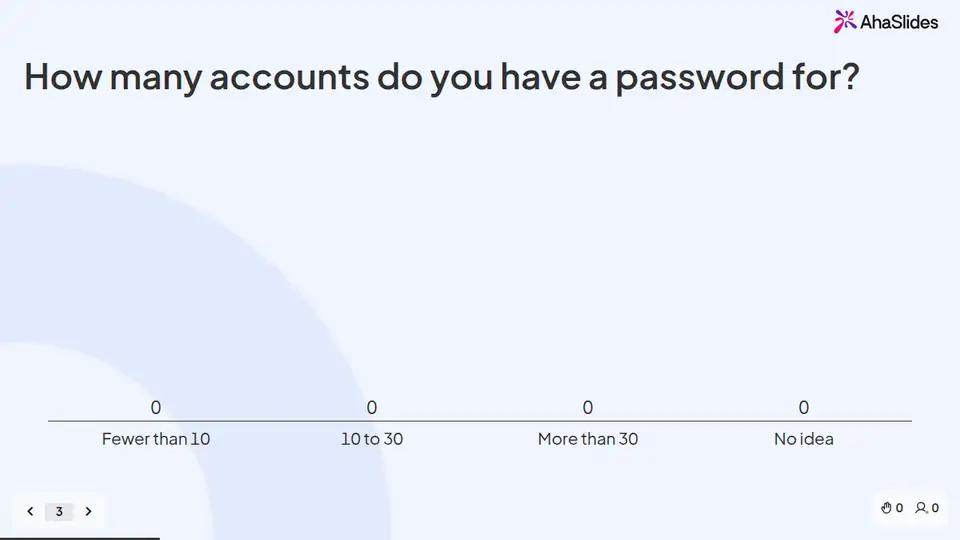
Cybersecurity quiz: Team rounds: try 3 questions

Three questions from this course. Pick an answer, then see why.

Play the game

Game not loading? Open it in a new tab (opens in a new tab)

Two pieces that work together

Learners sign in, so every finish and score is recorded. 4 fields to fill in with your details.
Claim the template
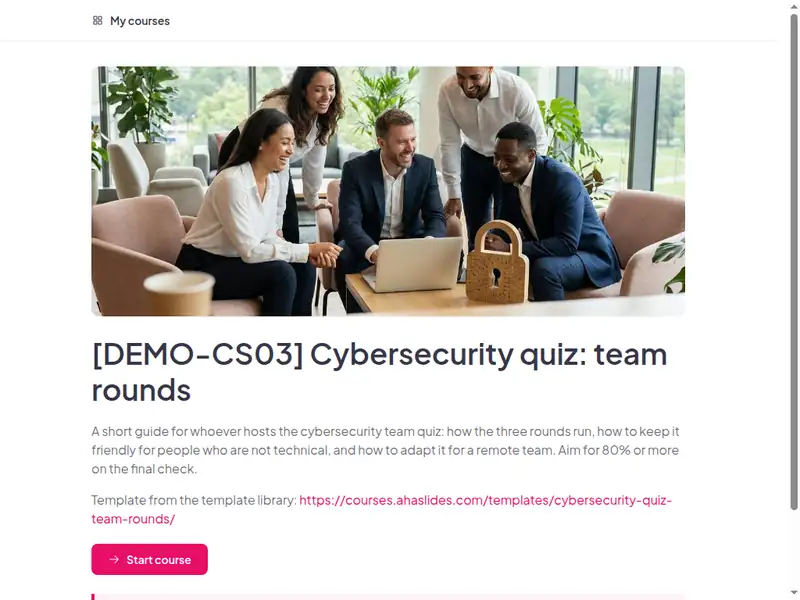
The Cybersecurity quiz: Team rounds course as a learner first sees it

2 lessons, about 25 minutes

Minutes are an estimate.

  • Lesson 1: Run the quiz · 11 min

    Before you begin · The three rounds · Check

  • Lesson 2: Host it well · 14 min

    Keep it friendly · Run it remotely · Final check · You are ready to host

Claim the template

Inside this course

Taken from the course itself.

By the end, learners can

  • Recall the everyday habits that protect accounts and data (passphrases, MFA, updates)
  • Tell safe from unsafe choices in short workplace situations
  • Know who to contact with a security question or concern

Sample questions, with answers

  1. Which round works well as a warm-up?

    • Round 3, myth or fact
    • Round 1
    • None of them

    Answer: Round 3, myth or fact. The deck notes say to run the myth-or-fact round first for a bigger session.

    Lesson 1: Run the quiz

  2. How should you treat a wrong answer?

    • As a chance to share a useful tip
    • As a reason to name the person
    • As a reason to end the round

    Answer: As a chance to share a useful tip. Explain it kindly so everyone learns.

    Lesson 2: Host it well

  3. Why play in teams?

    • People talk answers over and no one is singled out
    • It is faster
    • It removes the leaderboard

    Answer: People talk answers over and no one is singled out. A team scores together, which keeps it friendly.

    Lesson 2: Host it well

Common questions

Yes. Claiming the template and editing it are free.

Yes. The course is self-paced and online, and the live deck lets you add a live session in the room or online.

A team meeting, an awareness event or a social.

Teams of any size; run by IT, security, a champion or a people team.

Record completion in your own LMS or record system, so you can show who finished the course and when.

Your own details, each highlighted inside the course:
  • Optional
  • Security contact
  • What your organisation actually wants people to do on public Wi-Fi
  • Course URL
Then edit anything else you like: wording, scenarios, your logo.
Visit the help centre (opens in a new tab)