Skip to content
Claim this template

Free course template · United Kingdom

UK: Display screen equipment (DSE) safety

A ready-made course, live deck and two surveys for DSE "users". 25 minutes, 7 lessons, 10-question final check. Last reviewed 12 October 2026; not legal advice.

Claim the templatePreview the courseDownload SCORM for your LMS

Free. No credit card. Edit everything.

Play a game from the course

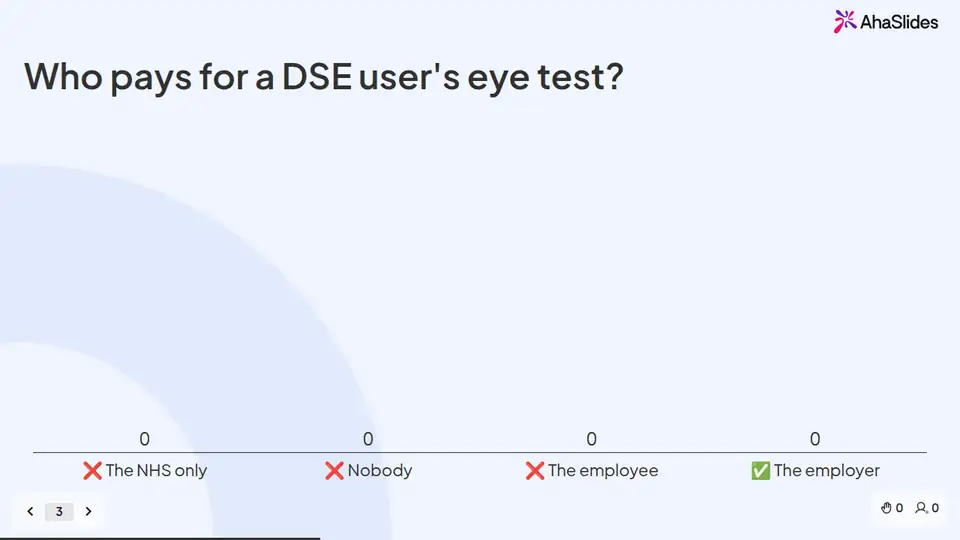
UK: Display screen equipment (DSE) safety: try 3 questions

Three questions from this course. Pick an answer, then see why.

Play the game

Game not loading? Open it in a new tab (opens in a new tab)

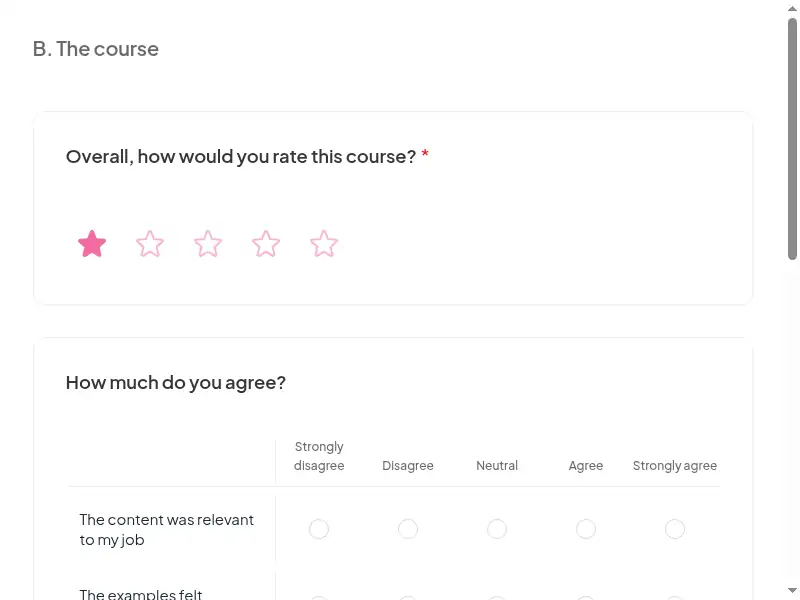
Three pieces that work together

Learners sign in, so every finish and score is recorded. 7 fields to fill in with your details.
Claim the template
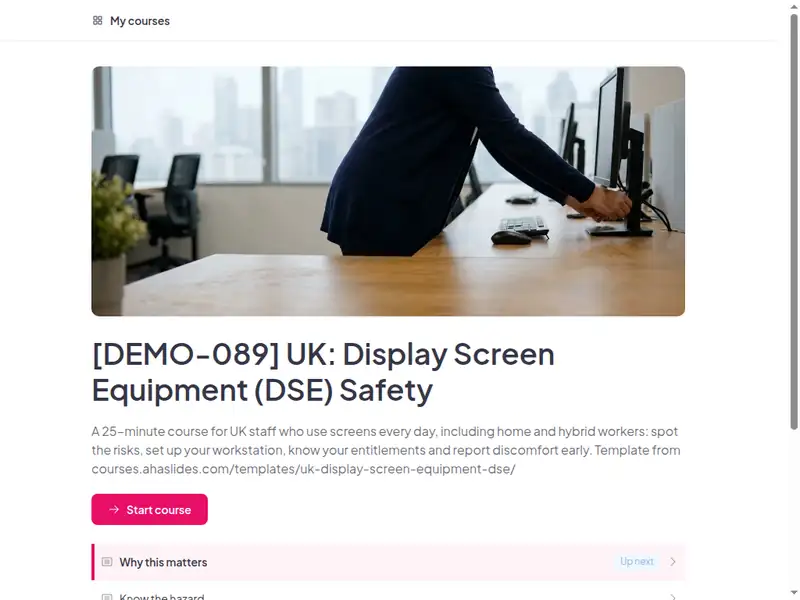
The UK: Display screen equipment (DSE) safety course as a learner first sees it

7 lessons, about 25 minutes

Minutes are an estimate.

  • Lesson 1: Why this matters · 4 min

    Explain DSE risks and whether you're a DSE "user".

  • Lesson 2: Know the hazard · 4 min

    Recognise symptoms - upper-limb disorders, back pain, eye strain, fatigue, stress.

  • Lesson 3: Hierarchy of controls · 2 min

    Apply the hierarchy of controls to your workstation.

  • Lesson 4: Set it up right · 7 min

    Set up chair, screen, keyboard, mouse and laptop correctly, at the office and at home.

  • Lesson 5: Your workplace · 2 min

    Complete the DSE self-assessment and know your entitlements (eye test, breaks).

  • Lesson 6: When things go wrong · 2 min

    Report discomfort early and get help.

  • Lesson 7: Final assessment · 4 min

    10 questions, 80% to pass. The result is saved to the learner's record.

Claim the template

Inside this course

Taken from the course itself.

Sample questions, with answers

  1. Which of these people is most likely to be a DSE user?

    • Someone who uses a screen daily for an hour or more at a time
    • Someone who checks a screen once a week
    • Someone who only uses a phone for calls
    • Someone who prints documents

    Answer: Someone who uses a screen daily for an hour or more at a time. Users usually work at a screen daily for continuous spells of an hour or more. If you are unsure, ask your assessor.

    Lesson 1: Why this matters

  2. Why is a laptop on a table all day a risk?

    • The screen and keyboard are fixed together, so you cannot set both at the right height
    • Laptops use more power
    • Laptops are always faulty
    • Tables are not allowed

    Answer: The screen and keyboard are fixed together, so you cannot set both at the right height. With a laptop on its own, the screen is too low if the keyboard is at the right height. A separate keyboard and a riser fix this.

    Lesson 2: Know the hazard

  3. Which control comes first in the hierarchy?

    • Eliminate or reduce the risk at source
    • Personal habits
    • Better posture reminders
    • Wait for symptoms

    Answer: Eliminate or reduce the risk at source. The hierarchy starts with removing the risk. Personal measures are the last line of defence.

    Lesson 3: Hierarchy of controls

A scenario from "When things go wrong"

Sheffield hybrid worker Chloe has had a tingling right wrist for two weeks after moving to a laptop-only home set-up.

Best response: Report now, reassess, request kit.

Weaker response: Bad enough.

Legal basis

Health and Safety (Display Screen Equipment) Regulations 1992 (as amended 2002) - reg 2 (workstation risk assessment), reg 3 (minimum requirements, Schedule), reg 4 (breaks/changes of activity), reg 5 (eye and eyesight tests), reg 6 (training), reg 7 (information); HSE guidance L26 and INDG36; Management of Health and Safety at Work Regulations 1999.

Common questions

Yes. Claiming the template and editing it are free.

The course itself is self-paced and online, and the live deck lets you add a live session. Whether online delivery meets your local rules depends on the law that applies to you, so check Health and Safety or ask your own counsel.

At induction / before first use + whenever the workstation changes significantly (reg 6(2)); refresher annually (best practice).

DSE "users" - staff who use screens daily for continuous spells of an hour or more, incl. home and hybrid workers.

Record completion in your own LMS or record system, so you can show who finished the course and when. Check the retention period that applies to you in Health and Safety.

Your own details, each highlighted inside the course:
  • Dse assessment link
  • Dse assessor contact
  • Equipment request process
  • Home working policy
  • Voucher/optician arrangement
  • Occupational health contact
  • LMS or record system
Then edit anything else you like: wording, scenarios, your logo.
Visit the help centre (opens in a new tab)