

AhaSlides on Canva
Present live AhaSlides polls, quizzes and word clouds from your Canva presentations
Present live AhaSlides polls, quizzes and word clouds right on your Canva slide. Paste one link into Canva's Embed app, with no app to install and no tab-switching. Your audience answers on their phones and results update live.
You asked. Again. And again. Now you can present live AhaSlides polls and quizzes right on your Canva slide, with no app to install and no tab-switching.
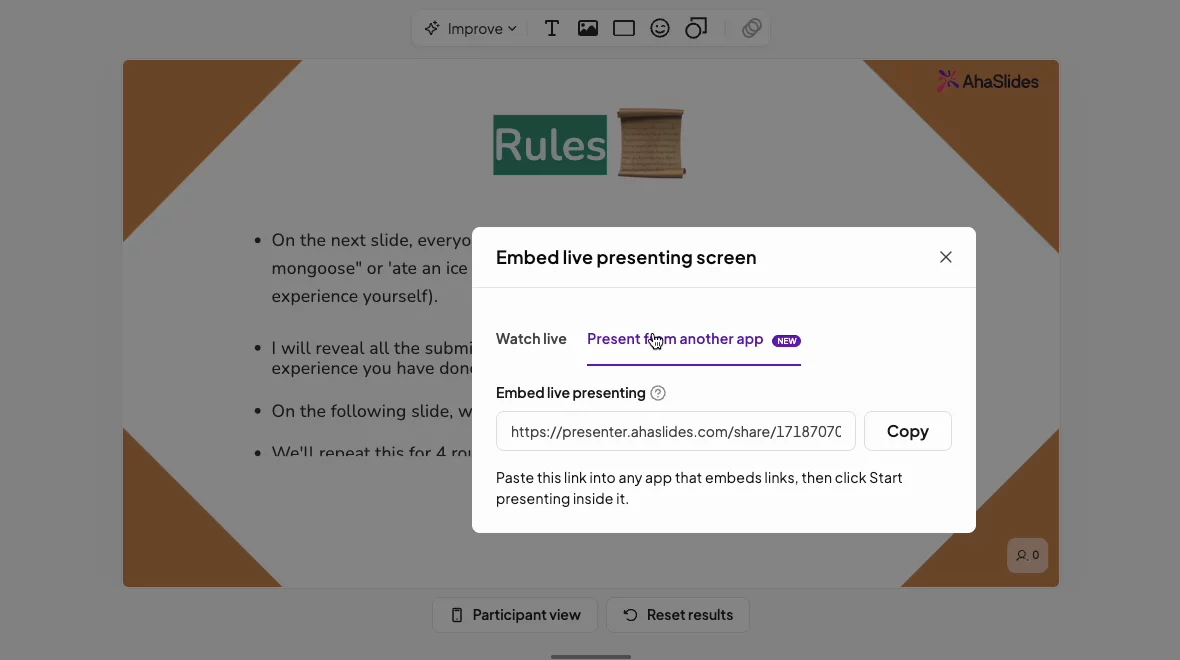
1. Copy your presenting link: in AhaSlides, open Share and copy the link for presenting from another app.
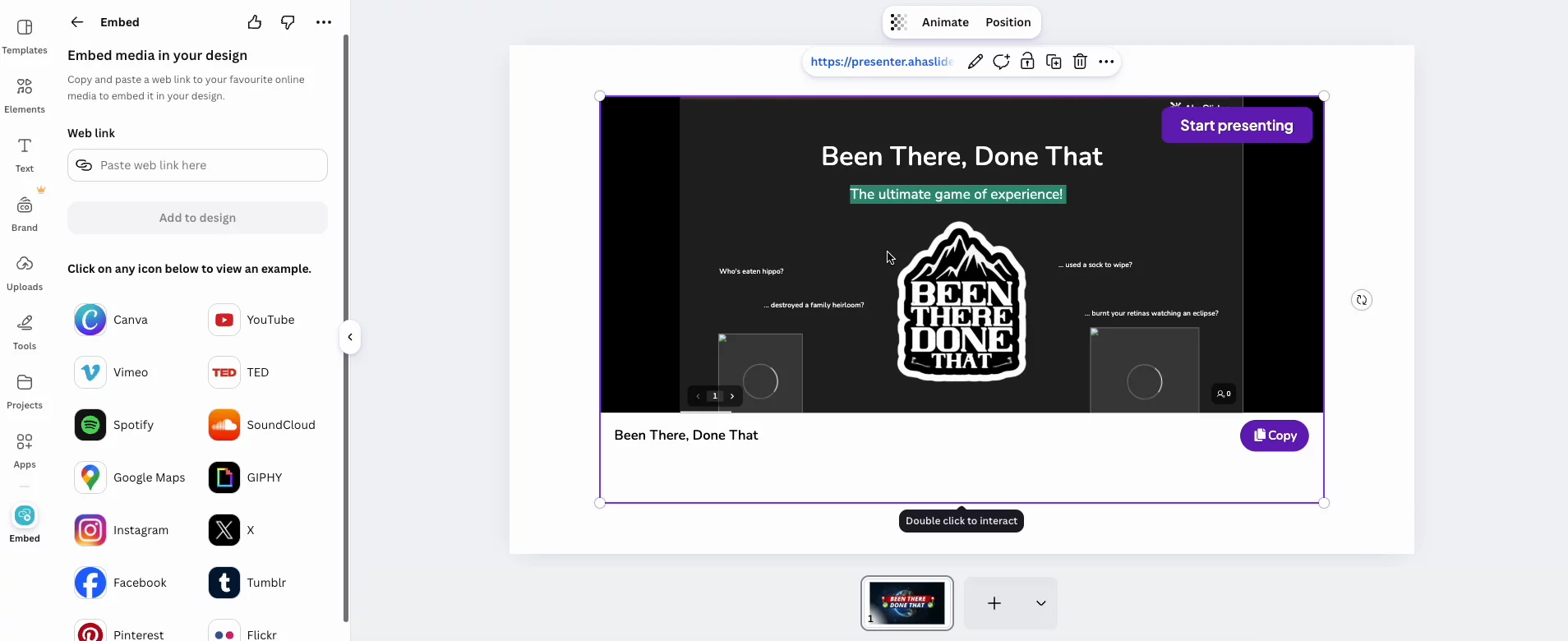
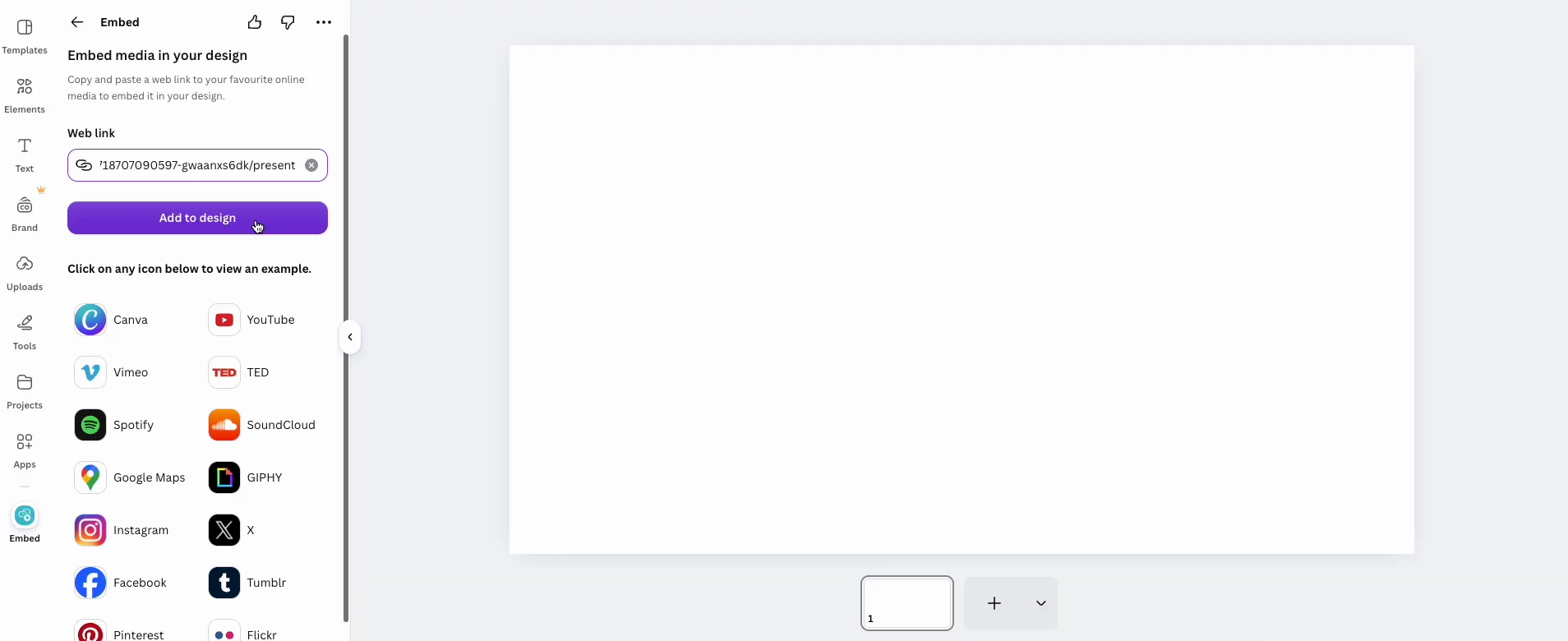
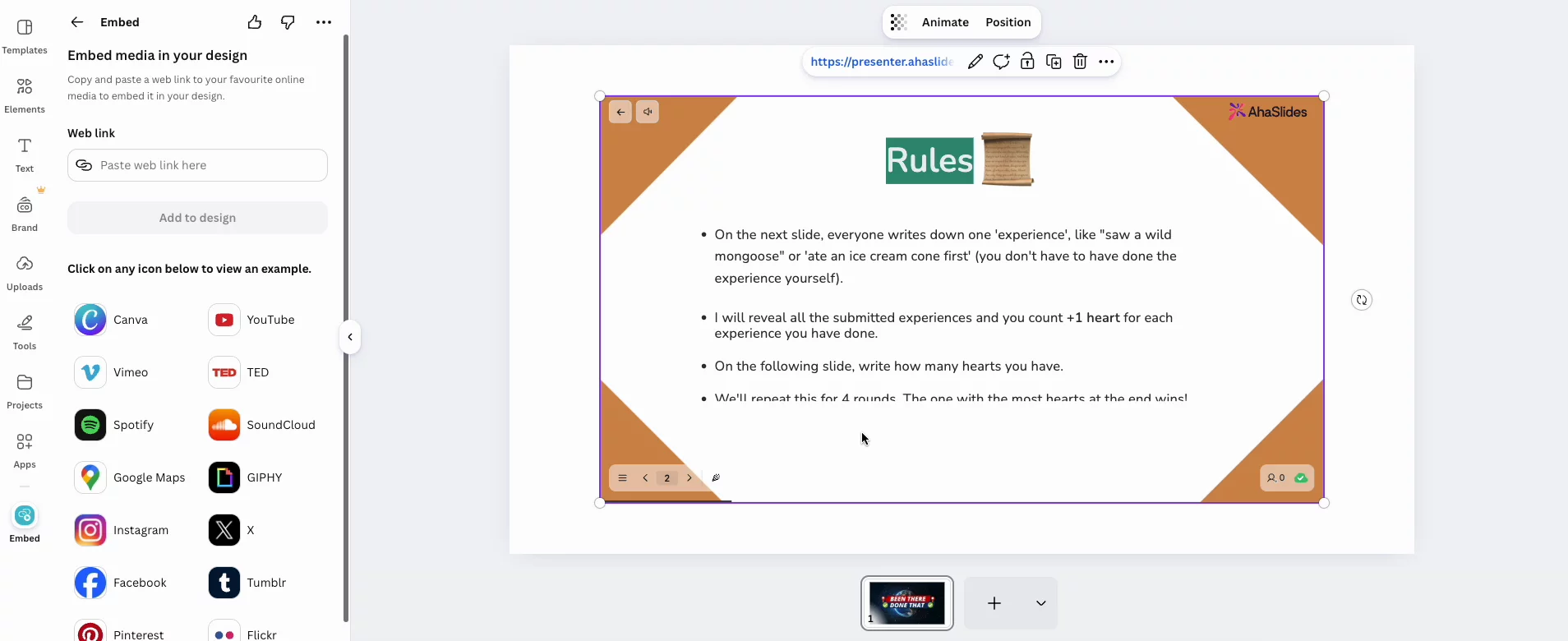
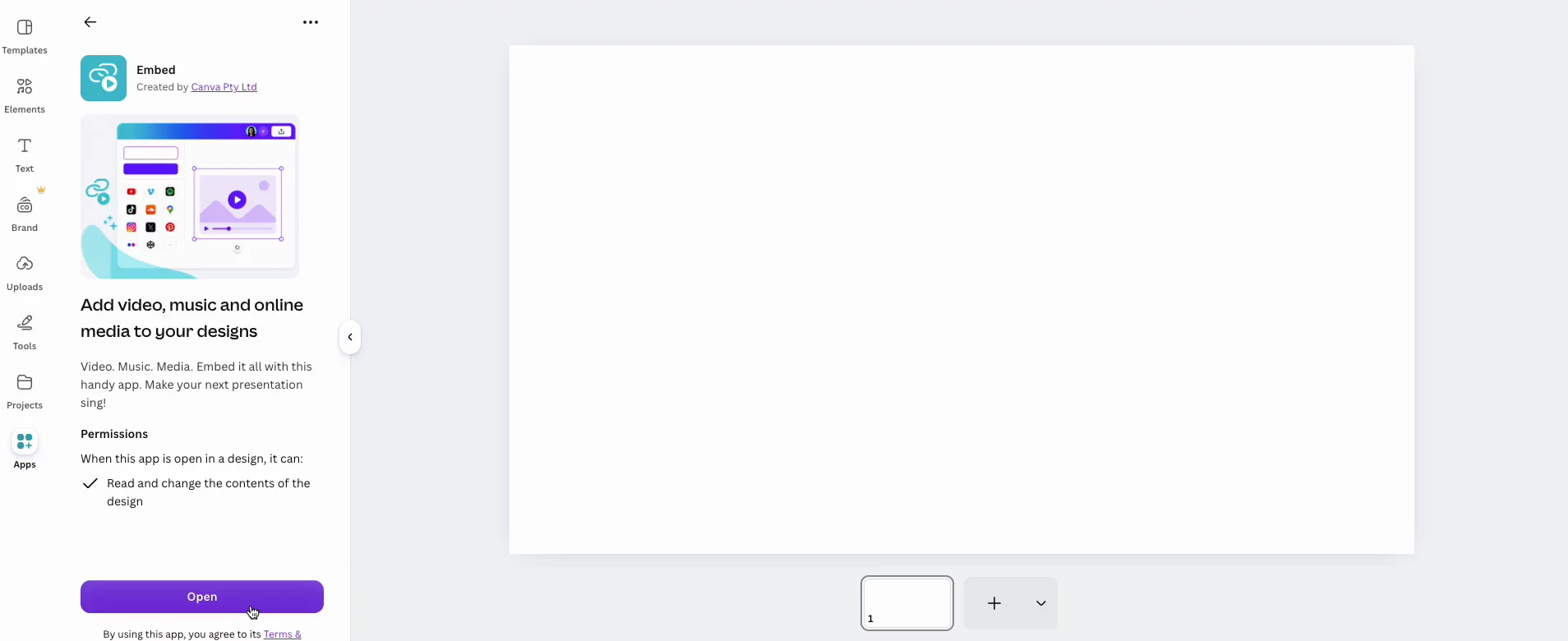
2. Paste it into Canva: add the link to your slide with Canva's Embed app. Your real AhaSlides deck appears right in the design.
3. Present live from Canva: present your Canva design as usual and start AhaSlides on the slide. Phones come out and results roll in live.
Keep the Canva design you love
Design every slide in Canva, then add live polls, quizzes and word clouds on top. Your deck still looks like yours.
Stay in your deck
The activity sits right on your Canva slide, so the room keeps its energy at the very moment you want it to join in.
Answers from every phone
Your audience joins with the code on screen and responds on their own phones. Results update live on the slide.
Nothing goes live by accident
Your AhaSlides session only starts when you click Start presenting. Just showing slides? Paste the share link for a live, view-only embed.
No. You paste your AhaSlides link into Canva's built-in Embed app, so there is nothing new to install.
No. They join with the code on screen and answer on their own phones, just like any AhaSlides session.
No. Your AhaSlides session only starts when you click Start presenting on the slide.
Yes. Paste your ordinary AhaSlides share link instead for a live, view-only version of your deck in Canva.
Anyone who can present it in AhaSlides: the owner, or a collaborator with presenting rights. Everyone else just sees the slides.
.svg)
.svg)
