Skip to content
Claim this template

Free course template · Global

AI in meetings: Note-takers, transcripts and summaries used fairly and lawfully

A ready-made course, live deck and two surveys for staff and managers. AhaSlides tracks progress, completion and scores for you. 30 minutes, 6 lessons, 10-question final check. Last reviewed 21 October 2026; not legal advice.

Claim the templatePreview the courseDownload SCORM for your LMS

Free. No credit card. Edit everything.

Course outline at a glance

  • The decision nobody made
  • What went wrong
  • Timeline
  • Flashcards
  • Quiz

  • What it does
  • What is off-limits
  • Tabs
  • Accordion
  • Multi-select quiz

  • Three stages
  • Appropriate or not?
  • Fix the summary
  • Process
  • Sorting activity
  • Checklist
  • Quiz

  • The guest who objects
  • The grievance meeting
  • The engagement score
  • Scenario
  • Quiz

  • Who owns what
  • Meeting checklist
  • Accordion
  • Checklist
  • Matching quiz

Final check: 10 questions, 80% to pass

Try some questions from the course

Question 1 of 3

What was the most important step that was missed at Wrenfield?


Nobody who was in the meeting checked the summary before it was circulated and acted on. The tool will sometimes get things wrong, so a person must check before it becomes the record.

Lesson 1, When an AI summary gets it wrong, teaches this. See the outline

Question 2 of 3

Which of the errors in this summary could do the most harm if it were circulated?


A decision nobody made, such as a budget extension, can lead to spending or promises that were never agreed. A wrong date or a misspelt name matter, but a made-up decision is the hardest to undo. Check every decision first.

Lesson 3, Before, during and after: the meeting process, teaches this. See the outline

Question 3 of 3

A colleague asks you to run the meeting AI on a private conversation about their health. What is the best response?


Health conversations are sensitive. Switch the tool off, offer a different way to keep notes if they want one, and follow your organisation's policy. Do not use it just because the colleague agreed, unless the policy allows it.

Lesson 4, Grey areas: guests, grievances and engagement scores, teaches this. See the outline

Learners earn a certificate

Your organisation

Certificate of completion

This certifies that

Alex Morgan

has completed

AI in meetings: Note-takers, transcripts and summaries used fairly and lawfully

Completed on12 October 2026
Sample certificate with a placeholder learner name.

Style 1 of 6: Teal humanist

Everyone who finishes gets a certificate with their name, the course title and the completion date. Add your own logo, colours and signer.

Three pieces that work together

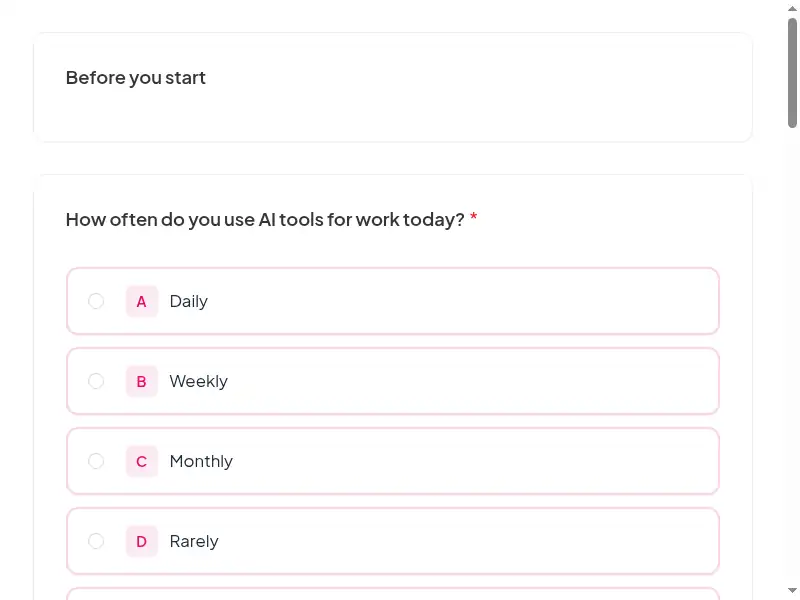
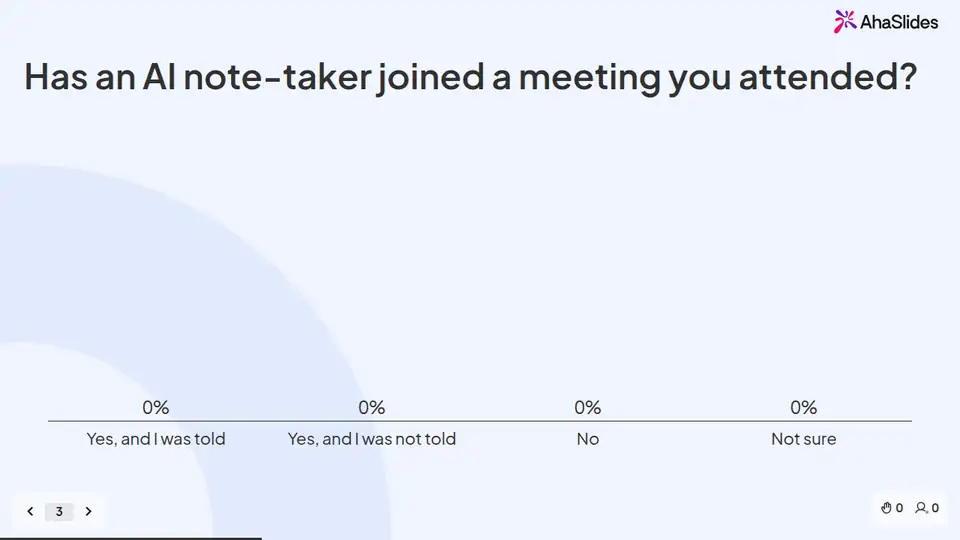
Learners prepare on their own, you answer questions live, and the surveys tell you what stuck. 9 fields to fill in with your own policy, contacts and locations; each one is highlighted inside the course.
Claim the template
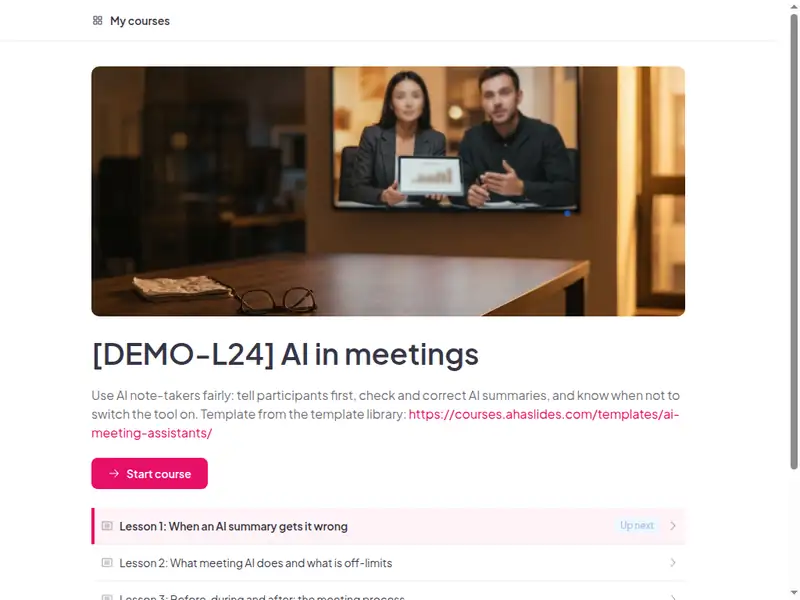
The AI in meetings: Note-takers, transcripts and summaries used fairly and lawfully course as a learner first sees it

Completion is tracked for you

Learners sign in to take the course, so every start, finish and score is recorded in AhaSlides. No spreadsheet to keep.

  • Who has finished

    See who has not started, who is in progress and who has completed the course.

  • Every score

    Each learner's result on the 10-question final check, against the 80% pass mark.

  • What landed

    Survey results show what people took away, and the 30-day check-in shows whether they use it.

Claim the template

6 lessons, about 30 minutes

What learners can do at the end of each lesson. Minutes are an estimate.

  • Lesson 1: When an AI summary gets it wrong · 6 min

    Before you begin · The decision nobody made · What went wrong

  • Lesson 2: What meeting AI does and what is off-limits · 6 min

    What it does · What is off-limits · Check

  • Lesson 3: Before, during and after: the meeting process · 5 min

    Three stages · Appropriate or not? · Fix the summary

  • Lesson 4: Grey areas: guests, grievances and engagement scores · 5 min

    The guest who objects · The grievance meeting · The engagement score

  • Lesson 5: Checklist, transcript ownership and retention · 4 min

    Who owns what · Meeting checklist

  • Lesson 6: Final assessment and acknowledgement · 4 min

    10 questions, 80% to pass. The result is saved to the learner's record.

Claim the template

Common questions

Yes. The course, the live deck and both surveys are free. Claiming the template into your AhaSlides account is free too.

Yes. The course is self-paced and online, and the live deck lets you add a live session in the room or online.

When an AI note-taker is rolled out, at hire, and annually.

Staff and managers who run or join online meetings with AI note-takers or summaries; run by HR, IT or L&D.

Record completion in your own LMS or record system, so you can show who finished the course and when.

Yes, everything. Change the wording, swap scenarios for ones from your workplace, add your logo, or remove parts that don't apply.

Your own details, each highlighted inside the course:
  • Policy on AI note-takers
  • Wording for invitations and opening statements
  • Where transcripts live and for how long
  • Where transcripts live and for how long
  • How grievance and disciplinary meetings are recorded
  • Contact, surveys, completion record
  • Contact, surveys, completion record
Then edit anything else you like: wording, scenarios, your logo.
Visit the help centre (opens in a new tab)