


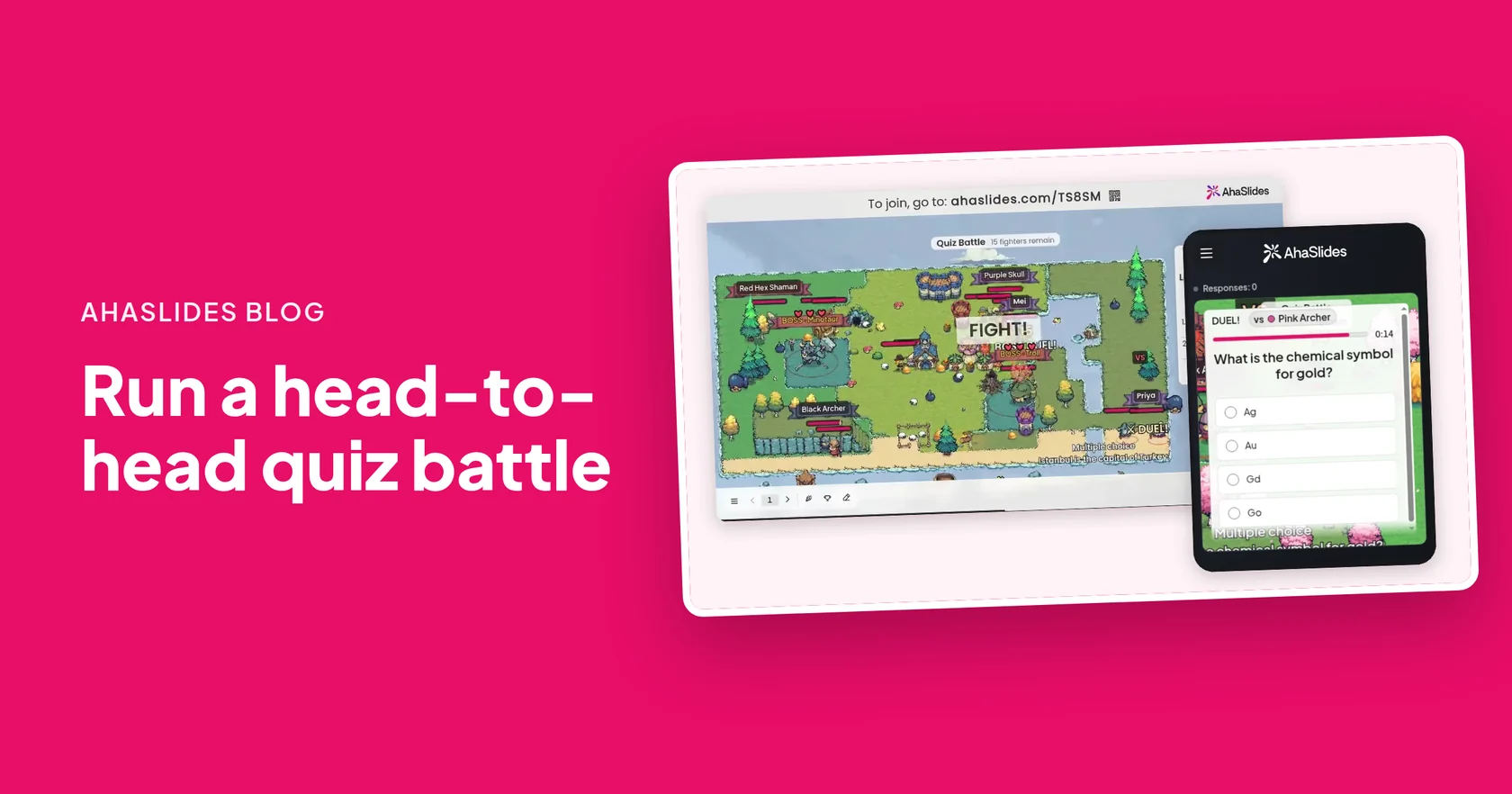
A quiz battle is a live quiz where players duel one on one, and the first right answer wins each duel. In AhaSlides Quizkamp, every player gets a pixel-art fighter in a shared arena on the big screen. When two fighters meet, both phones show the same question, a wrong answer costs health, and the last fighter or team standing wins.
It suits a class revising for a test, a training session that needs a recap and a team meeting that needs a lively start. This guide covers how a quiz battle plays, how to set one up step by step, which questions work in a duel, and how to run it in teams.
How does a quiz battle work?
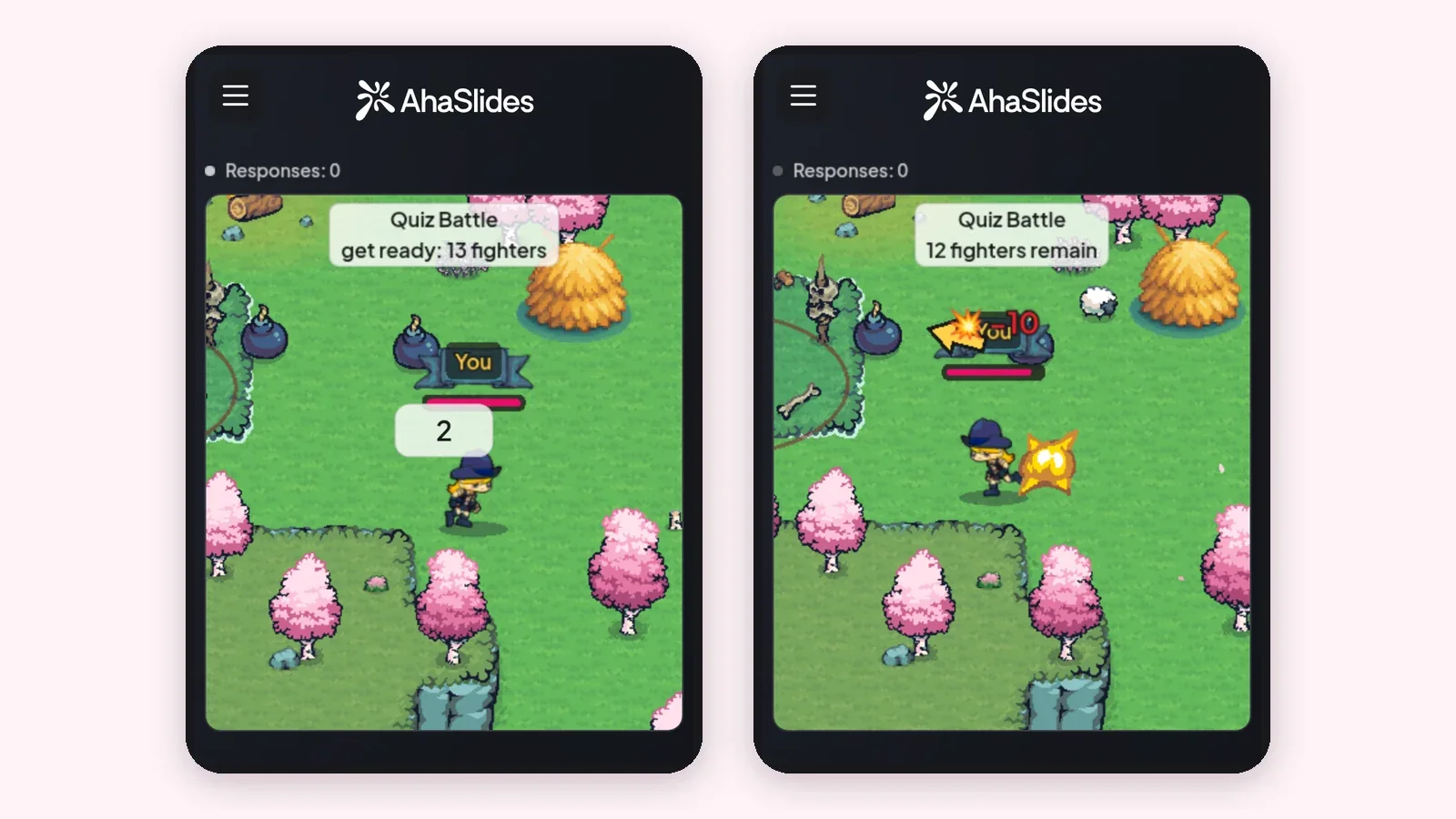
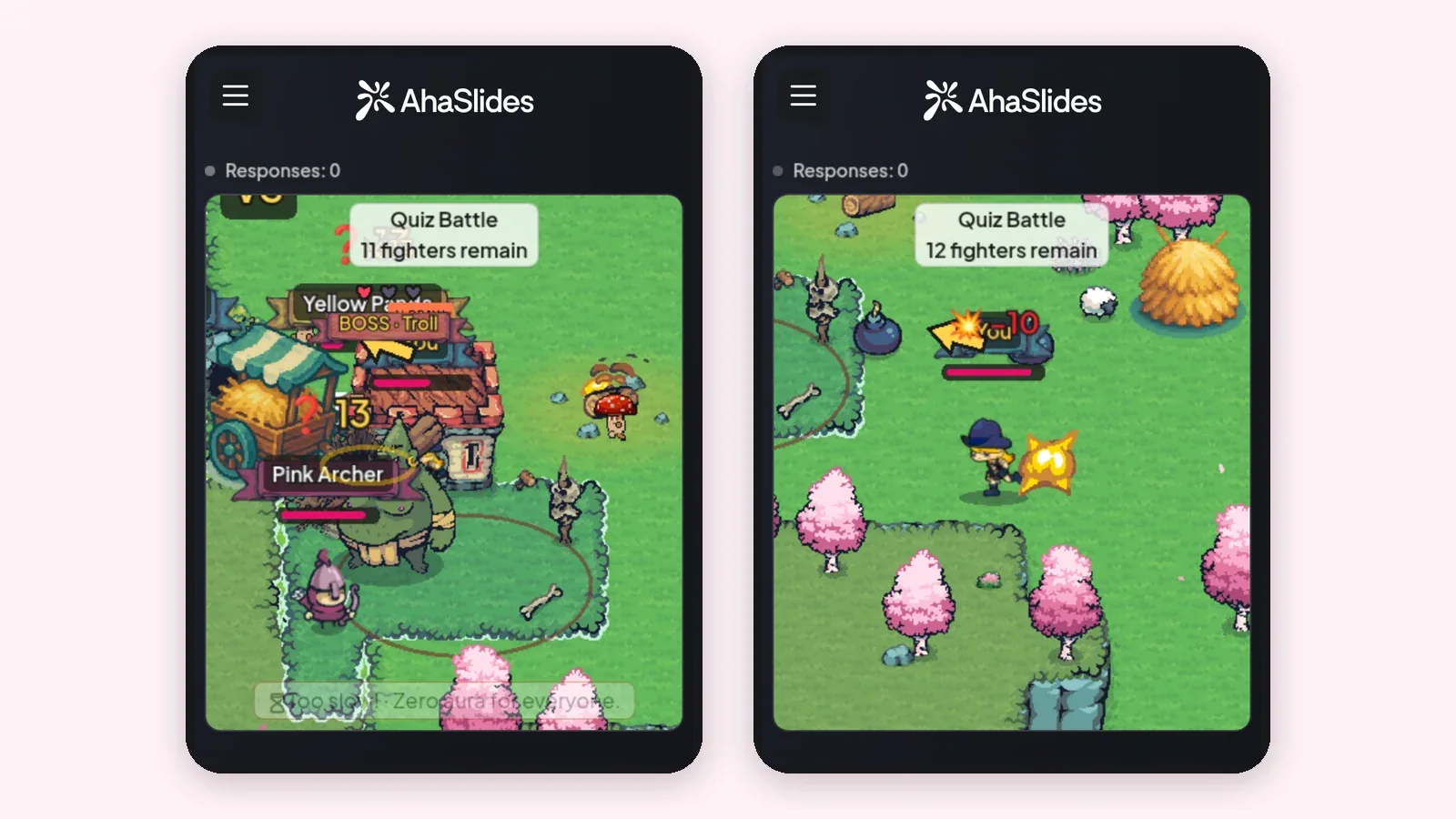
Each player controls one fighter from their own phone, and duels happen all over the arena at the same time. Nobody waits for a turn, and nobody can hide at the back of the room.
- Join and find your fighter. Players open the link or scan the QR code, type a name and get a fighter, marked You on their screen. No app or account is needed.
- Meet a rival. When two fighters run into each other, DUEL! appears on both phones with the same question and a timer.
- Answer first. The first right answer lands the hit. A wrong answer costs health, and if nobody answers in time, the duel is a draw.
- Stay standing. Players are knocked out one by one until a single fighter, or a single team, is left. That fighter or team wins.
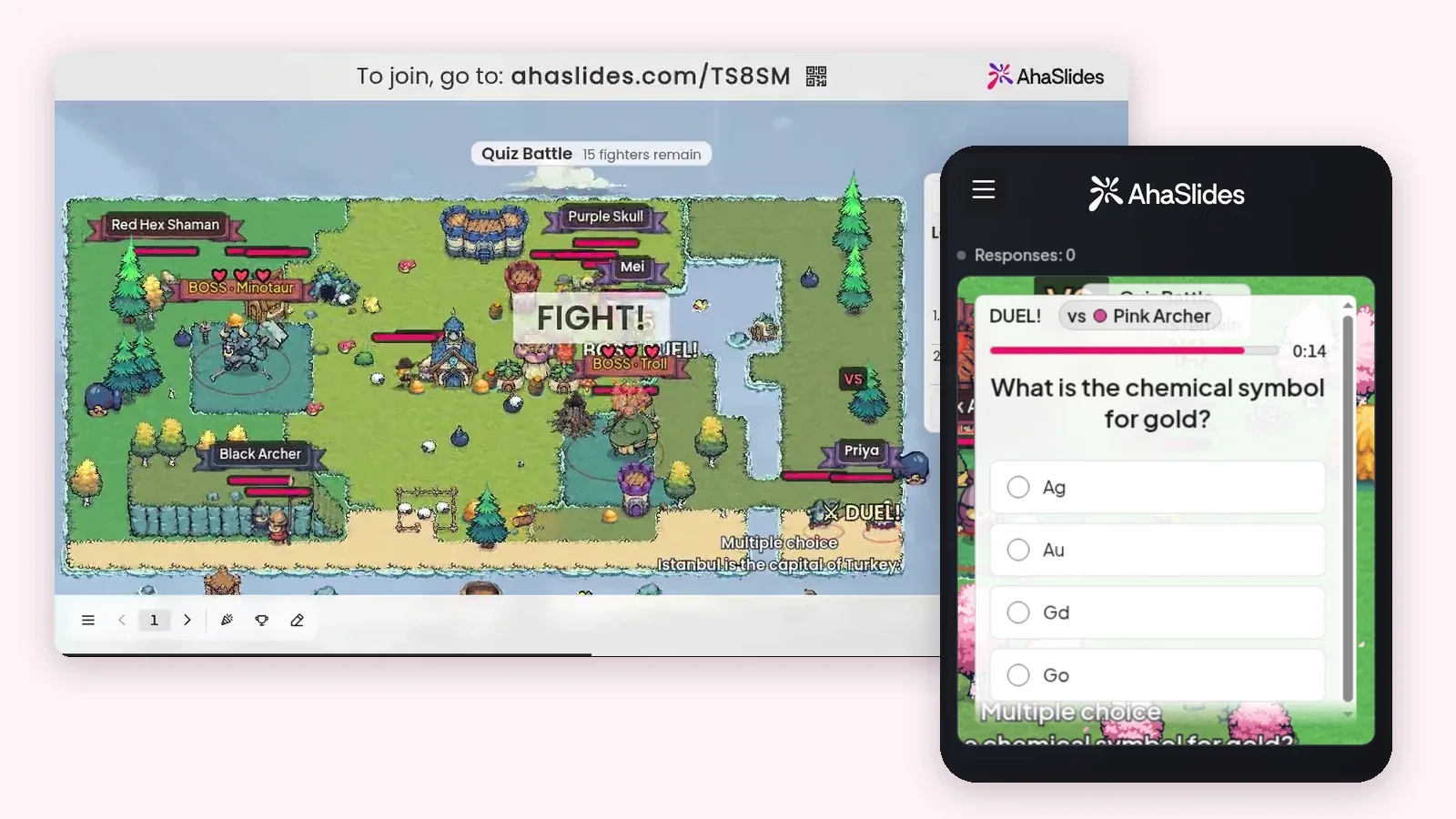
The arena and a live leaderboard on the big screen show every knockout as it happens, so the room can follow the battle between duels. The fighters' comic lines tend to get a laugh too.
Why does a quiz battle work for revision?
Because a guess is a gamble. A wrong answer costs health, so the fastest way to win is to actually know the answer, not to tap at random and hope.
- Everyone answers, all the time. With duels running across the arena at once, every player is recalling answers for the whole game, not waiting for their turn.
- Speed rewards knowing it well. The first right answer wins the duel, so learners who know the material cold feel the difference.
- Small groups still get a real game. Bots fill the empty places, so a handful of players, or a single learner revising at home, still gets proper duels.
How do you run a quiz battle?
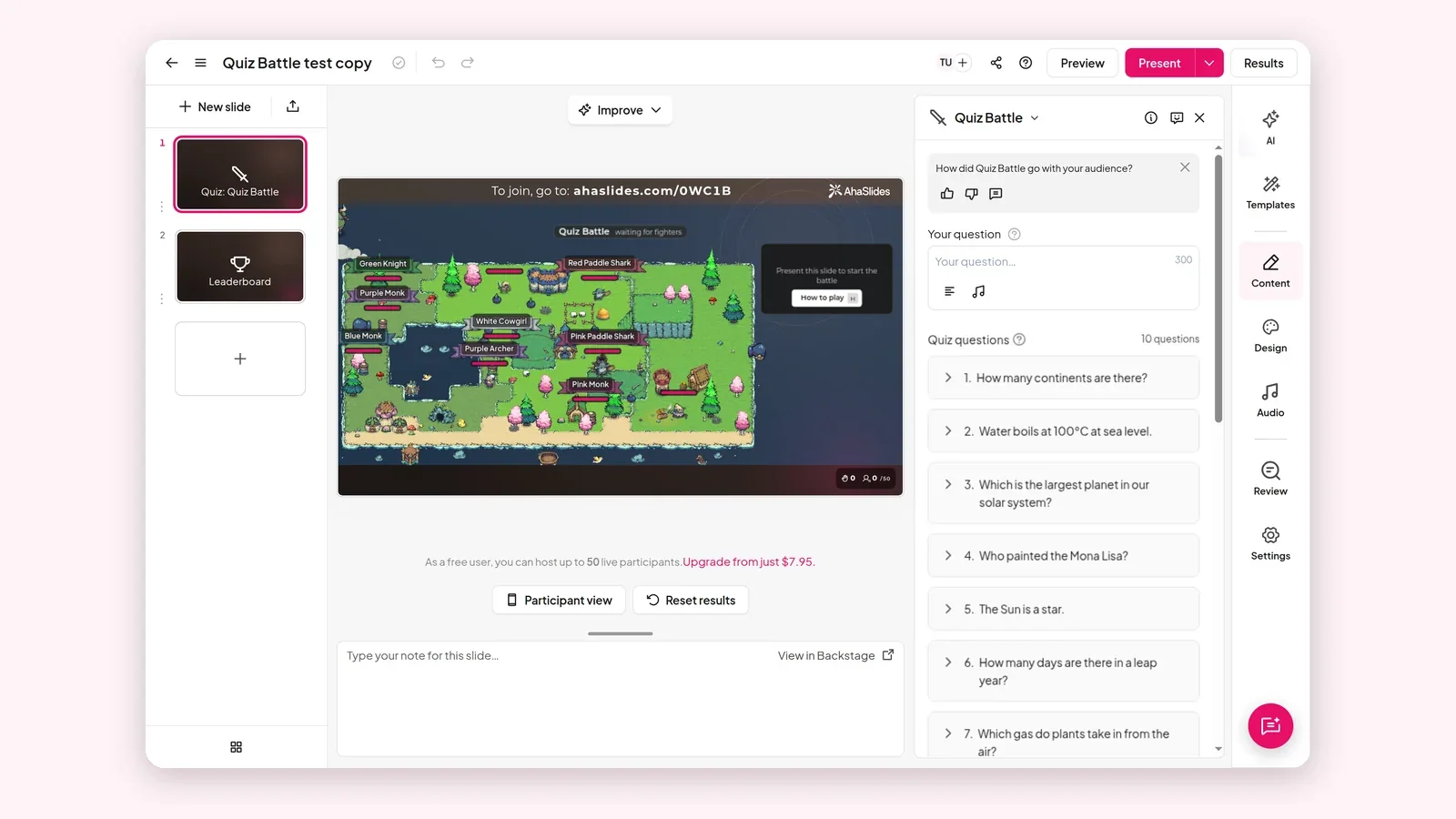
Add a Quiz Battle slide, put in your questions, then press Present and let players join on their phones. Here is the full set-up for Quizkamp.
- Add a Quiz Battle slide. Meld deg på AhaSlides, open a presentation and add a Quiz Battle slide.
- Add your questions. Write your own. Each question is multiple choice or true or false.
- Or import the questions you already have. Last opp opptil 10 filer, for eksempel PDF, Word, Excel eller PowerPoint, eller lim inn notatene dine, så gjør AI dem om til spørsmål. En quiz eksportert fra Kahoot eller Blooket som regneark følger også med.
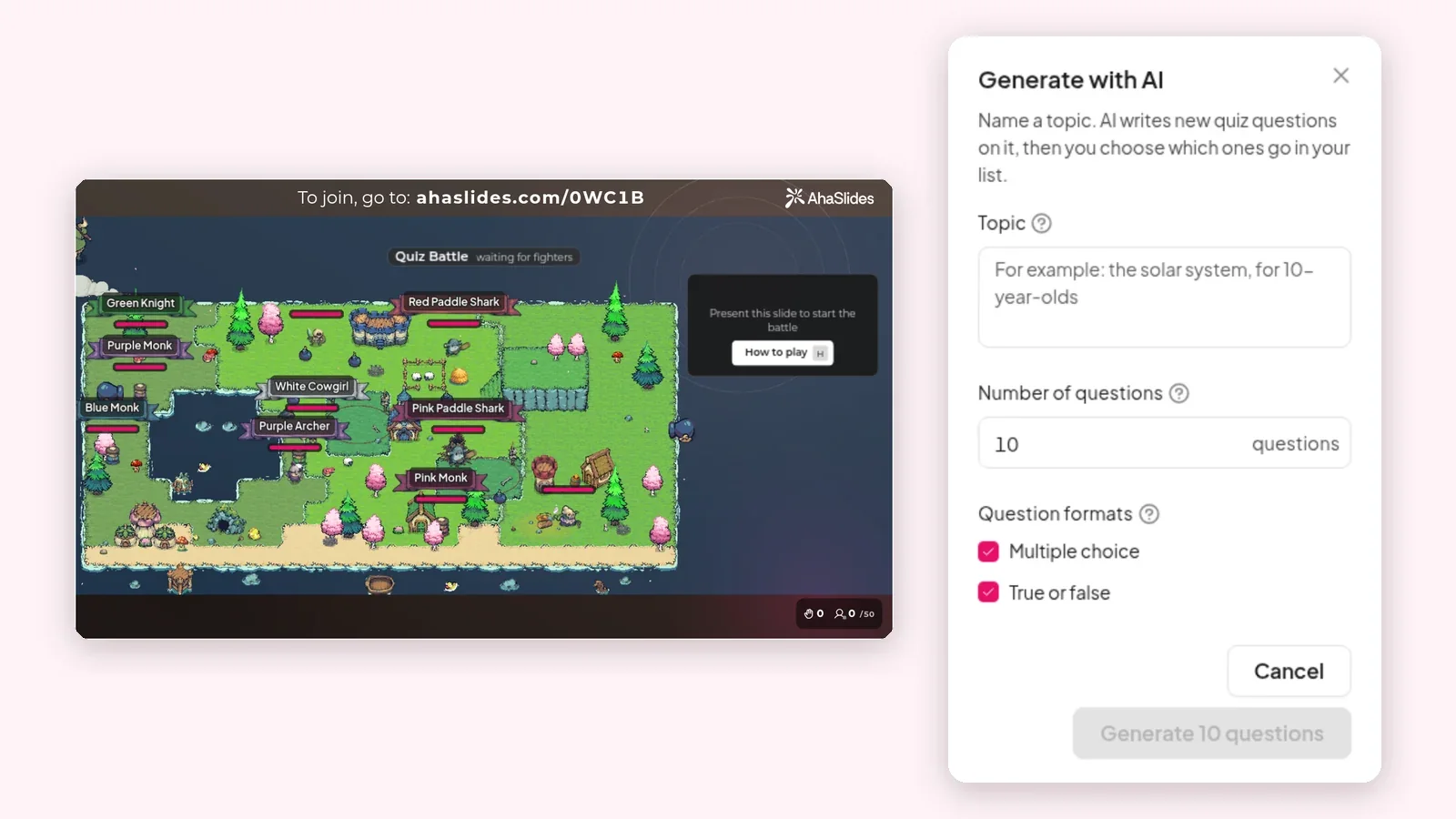
- Or generate them with AI. Nevn et emne, for eksempel solsystemet for 10-åringer, og velg hvor mange spørsmål du vil ha. AI skriver dem, og du velger hvilke som skal inn.
- Choose solo or teams. Leave it as every player for themselves, or turn on team mode and set up 2 to 12 named teams. Bots fill empty places, and you can set them to 0.
- Press Present. Players open the link or scan the QR code on the big screen and type a name.
- Let the battle run. After a short countdown, every fighter walks out into the arena and the duels begin. The leaderboard keeps track of the knockouts for you.
Which kind of quiz battle should you run?
Pick the version that matches what you need from the session. The same slide covers all five.
| Versjon | Slik setter du det opp | Best for |
|---|---|---|
| Konkurransedyktig revisjon | Turn a unit's questions into duels and play it live | The lesson before a test |
| Selvstudium mot boter | Share the link; bots fill the arena | Homework and revision at home |
| Flash-kortøvelse | Paste your flash card questions or import a spreadsheet | Vocabulary, dates, formulas and key terms |
| Icebreaker | Five easy questions at the start | Opening a class or meeting in under a minute |
| Lagkamp | Turn on team mode with 2 to 12 named teams | Departments, school houses or workshop tables |
How is a quiz battle different from a normal live quiz?
In a normal live quiz, everyone answers the same question and waits for the reveal. In a quiz battle, duels run all over the arena at once, a wrong answer costs health, and players are knocked out until one fighter or team is left.
That changes how the room feels. A normal quiz has a rhythm of question, wait, answer. A quiz battle keeps every player busy and turns each question into a small contest against one person, which is why it works so well when energy is low.
Want a game where everyone answers at their own pace and luck can still swing the result? Our skattejaktquiz post has 40 ready-made questions, and every right answer opens a chest of gold.
What questions work best in a quiz battle?
Short questions with one clear right answer work best, because a duel is a race. If players need to read a paragraph, the fastest reader wins, not the person who knows the most.
- Keep questions short. One line that can be read in a couple of seconds.
- Keep answer options short. A word or a number is ideal. Long options slow everyone down.
- Make one answer clearly right. Avoid trick questions and "it depends". A disputed answer feels unfair when it costs health.
- Use true or false for speed. Mix in a few to keep the duels quick.
- Mix easy and harder questions. Easy ones keep everyone in the game early; harder ones decide the final duels.
10 sample quiz battle questions
Use these to test the format, or as a warm-up before your subject questions.
- Hva er det kjemiske symbolet for gull? Au
- Which is the largest ocean on Earth? Stillehavet
- Hvor mange kontinenter er det? Seven
- True or false: water boils at 100°C at sea level. ekte
- Which is the largest planet in our solar system? Jupiter
- Hvem malte Mona Lisa? Leonardo da Vinci
- Hvor mange dager er det i et skuddår? 366
- Hvilken gass tar planter opp fra luften? Karbondioksid
- True or false: the Sun is a star. ekte
- Hva er hovedstaden i Japan? Tokyo
How do you play a quiz battle in teams?
Turn on team mode and set up 2 to 12 named teams. Teammates never fight each other, and the last team with a fighter standing wins.
Teams work well when some players know the topic much better than others: a weaker player is still in the game as long as a teammate survives. In class, use school houses or table groups. At work, split by department, or mix departments so people meet colleagues they rarely work with. If you need fair teams quickly, see how to split a class or team into random groups.
Tips for hosting a quiz battle in class or at work
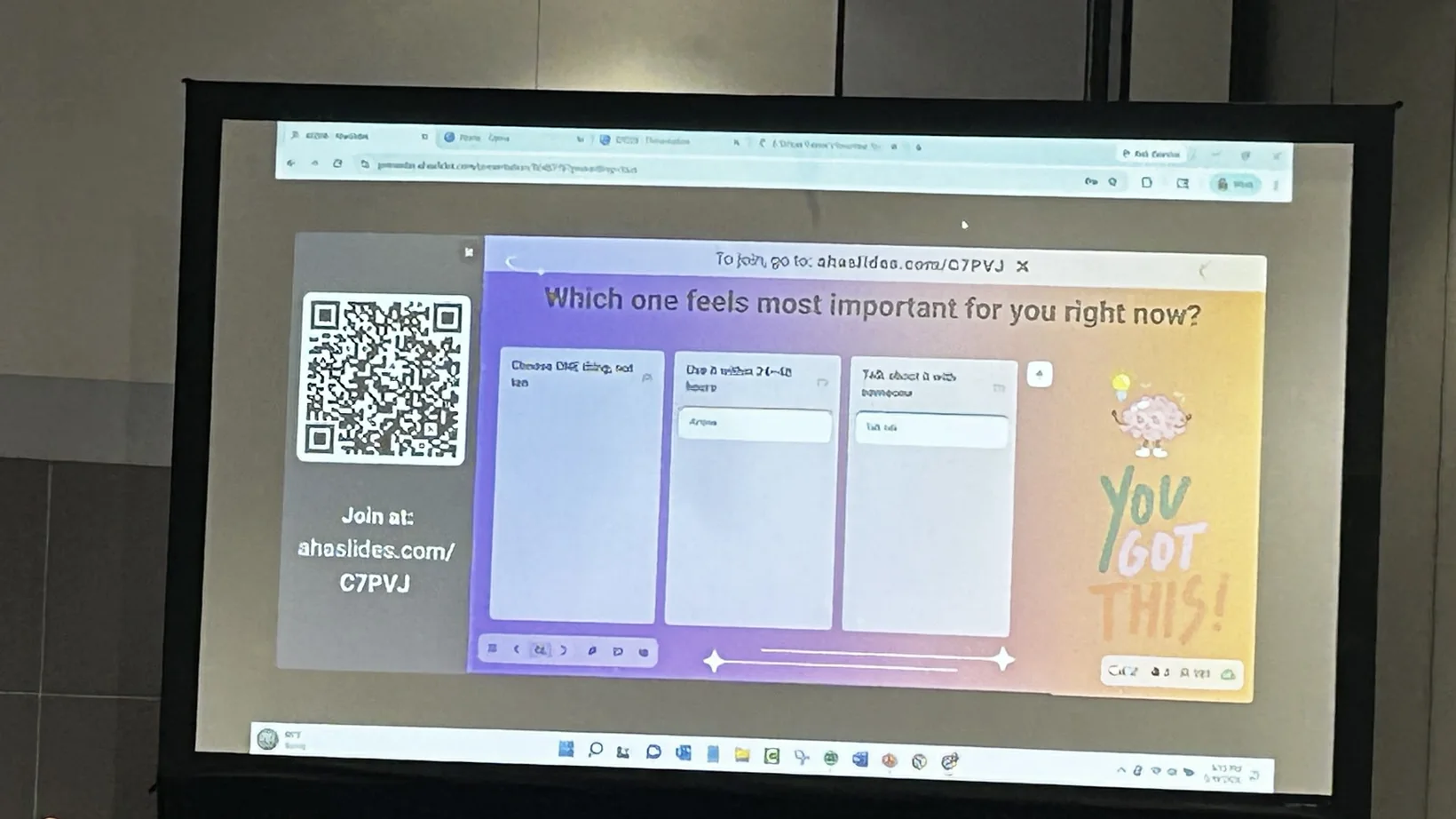
- Keep the join code on the big screen until everyone is in. Read it out once, and give late arrivals a moment before you start.
- Warm up with five easy questions. Everyone learns how the duels work before the questions that matter.
- Decide on bots before you start. Leave them on for a small group so every player gets duels. Set them to 0 for a big room where every rival should be a real person.
- Commentate. Call out knockouts and close duels from the leaderboard. The room enjoys it as much as the players do.
- Go over the hardest questions afterwards. A quick recap of the answers people missed turns the game into learning.
- Reuse it for self-study. Share the link after class so learners can battle the bots again before a test.
Looking for more games like this? See 8 classroom games students play on their phones for lessons, and 8 team-building games for a live session for meetings, workshops and trainings.
Free quiz battle templates to host
Choose a ready-made template below, or play the demo battle on your phone to see how the duels feel.
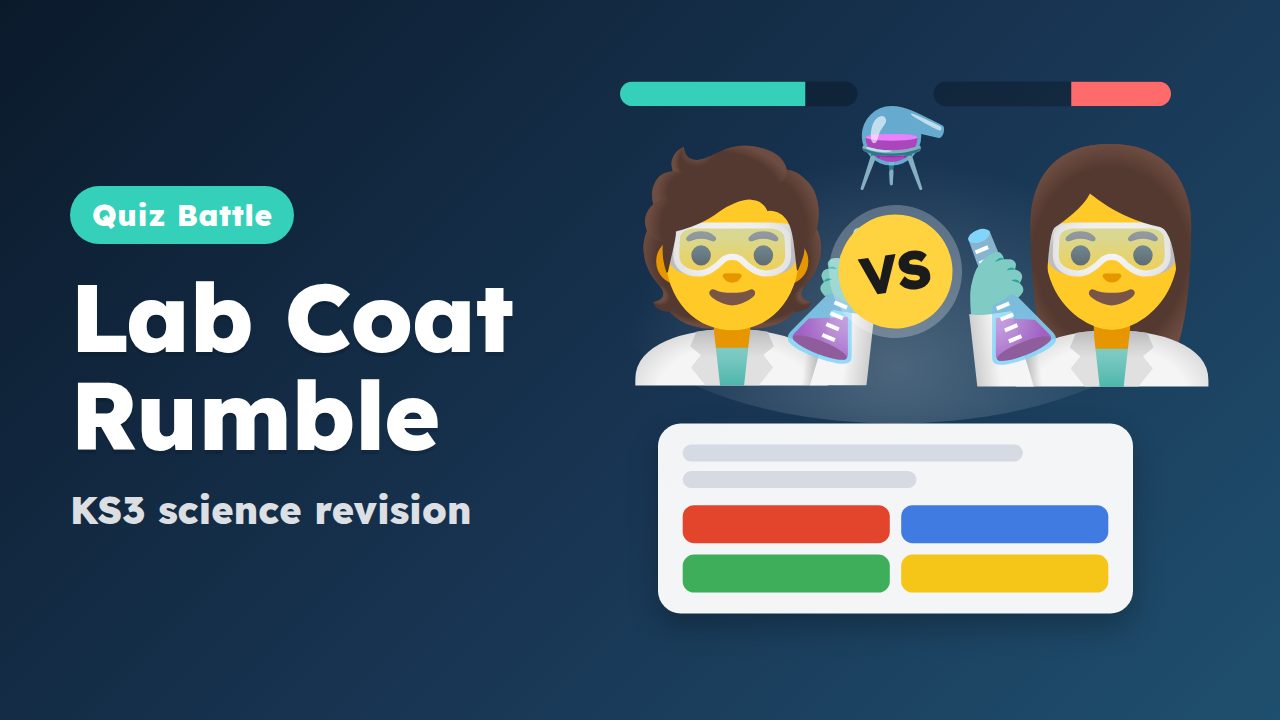
Lab Coat Rumble: KS3 Science Revision Battle
Ends a science unit with a 10-minute revision battle on every pupil's phone.
Bruk denne malen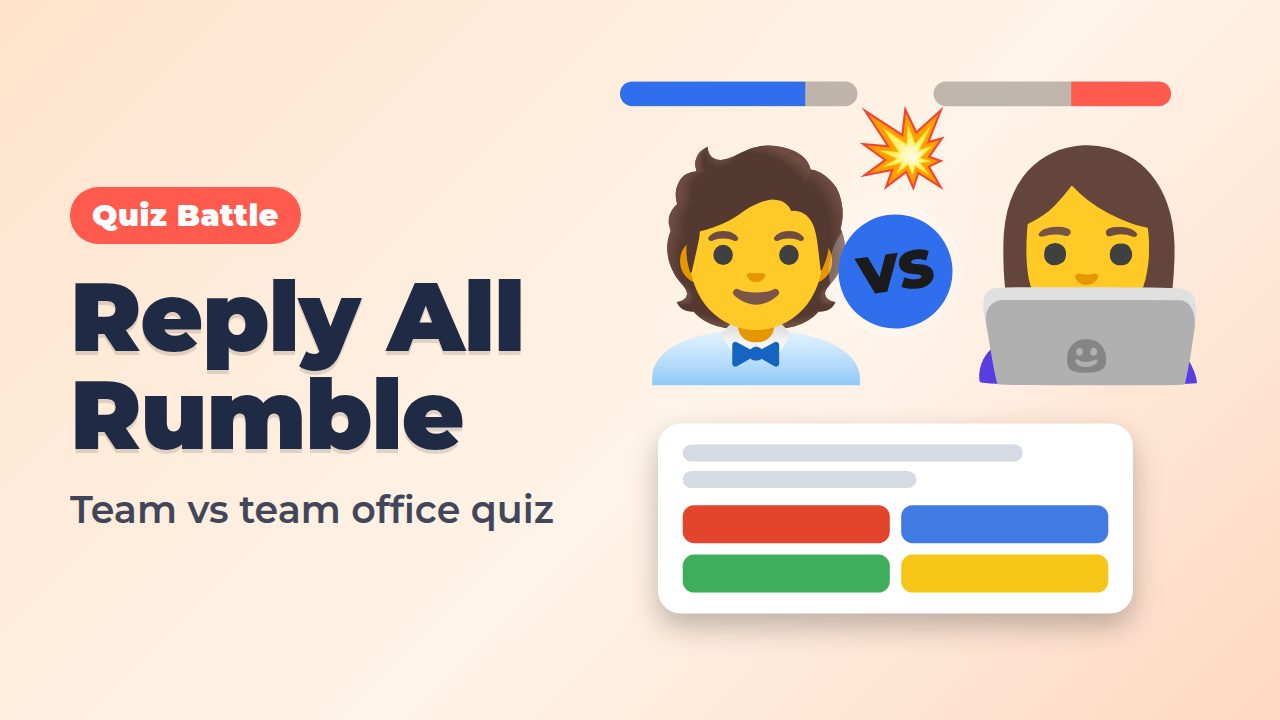
Reply All Rumble: The Office Quiz Battle
Opens an all-hands or Friday social with a team-against-team battle on office life.
Bruk denne malen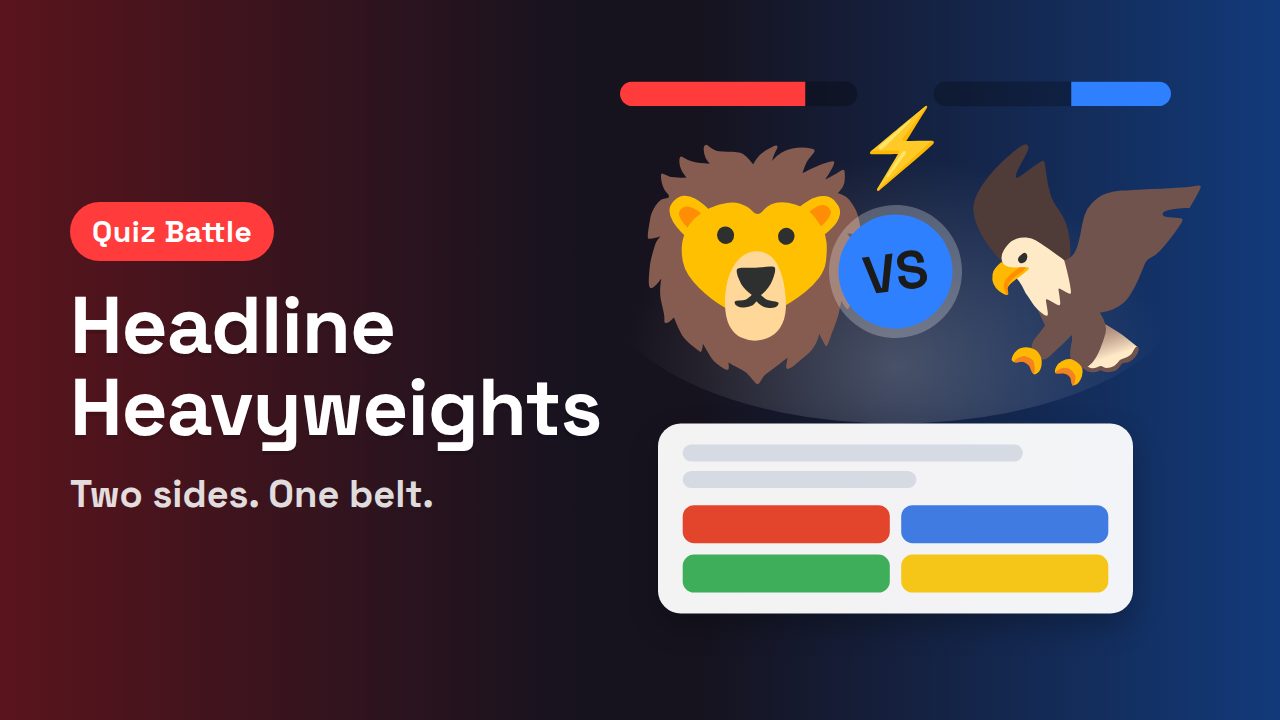
Headline Heavyweights: Left Side vs Right Side
Splits the room in two for a head-to-head duel on recent headlines.
Bruk denne malen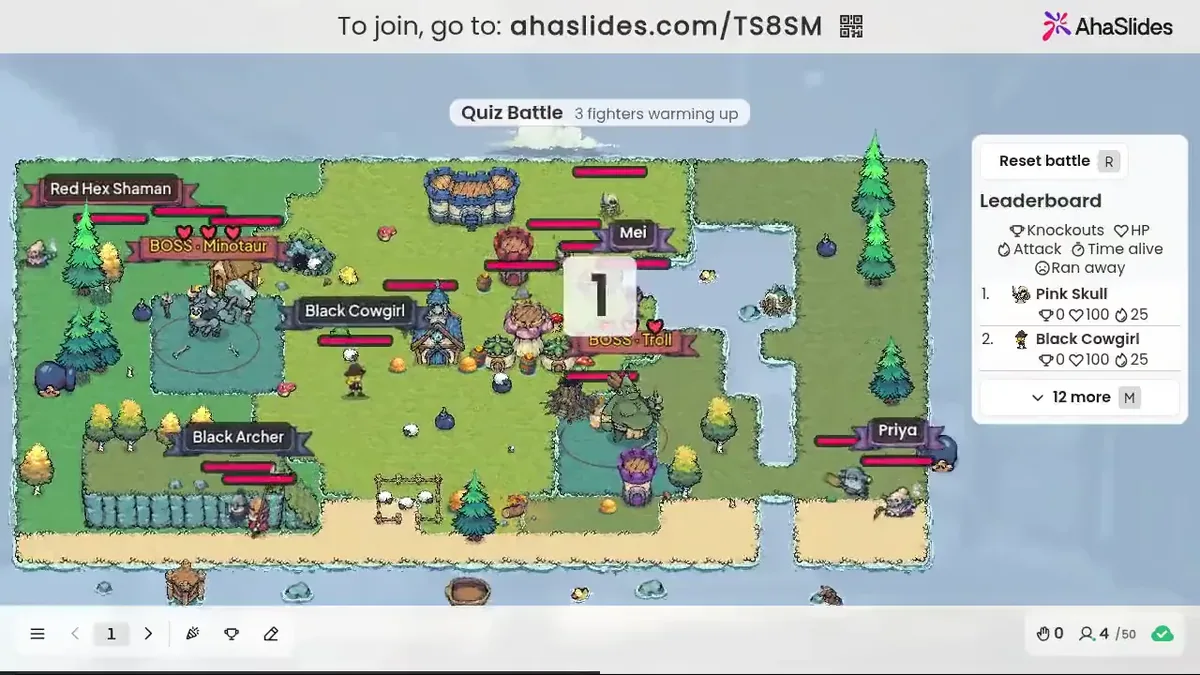
Play the demo quiz battle
Open it on your phone, get a fighter and duel the bots to see how a battle feels before you host one.
Spill demoenWhen you are ready to host, sign up, add a Quiz Battle slide, put in your own questions and press Present. The Quizkamp page has more ways to use it.
Arranger din første quizkamp
Ofte stilte spørsmål
What is a quiz battle?
A quiz battle is a live quiz game where players duel one on one and the first right answer wins each duel. In AhaSlides Quiz Battle, every player gets a pixel-art fighter in a shared arena, and the last fighter or team standing wins.
How do players join a quiz battle?
On their own phone. They open the link or scan the QR code on the big screen, type a name and get a fighter. No app or account is needed.
Can I play a quiz battle on my own?
Yes. Bots fill the arena, so one player still gets real duels. That makes it useful for self-study: share the link and learners play on their own time.
How many teams can play a quiz battle?
Between 2 and 12. Turn on team mode and name each team. Teammates never fight each other, and the last team with a fighter standing wins.
Can I use my own questions in a quiz battle?
Yes. Write your own, import them from files or pasted text, or generate them with AI from a topic. Questions are multiple choice or true or false.
What happens if only a few people join a quiz battle?
Bots fill the empty places, so a small group still gets a full battle. If you want only real players, you can set the bots to 0.






