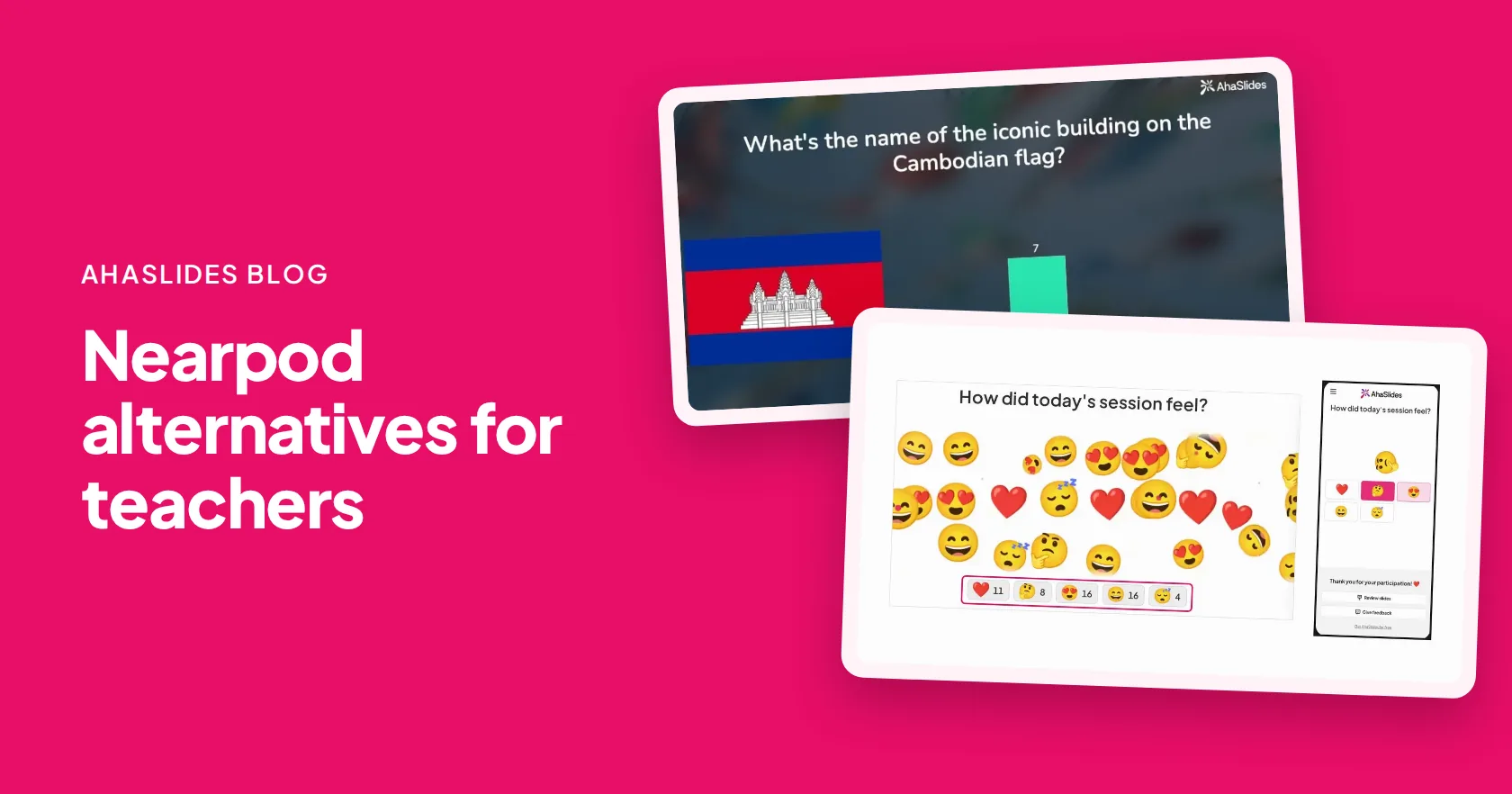
The best Nearpod alternatives are AhaSlides, Pear Deck, Lumio by SMART, ClassPoint, Curipod, Kahoot and Wayground, and every one has a free plan for teachers. Choose by how you teach: AhaSlides mixes polls, quizzes and Q&A in one lesson, Pear Deck and ClassPoint work inside your slides, and Kahoot and Wayground lean on games and practice.
Nearpod is a strong pick for schools that want a large ready-made lesson library. If you need every student answering in your own lessons, without paying for a larger library, a lighter tool does that job. Prices below are from each vendor's pricing page, checked 20 November 2026.
Nearpod alternatives at a glance
Prices are the entry paid plan for one teacher, as each pricing page lists it.
| Narzędzie | Najlepszy dla | Bezpłatne planu | Plan wstępu płatny |
|---|---|---|---|
| AhaSlides | Polls, quizzes and Q&A in one lesson, live or self-paced | Tak, na małe sesje | Essential, $7.95 a month billed yearly |
| Nearpod | A ready-made library of standards-aligned lessons | Yes (Silver, 40 students a lesson) | Gold, $159 a year |
| Gruszka Deck | Interactive questions in Google Slides | Tak | Teacher Premium, $149 a year with the educator discount |
| Lumio by SMART | Classrooms with SMART boards | Yes (100 MB storage) | Standard, $59 a year |
| ClassPoint | Quizzes and polls inside PowerPoint | Yes (Basic, 25 students per class) | Pro, $96 billed yearly |
| Kahoot | Game-show quizzes | Tak (Kahoot! Iść) | Kahoot!+ Bronze, $3 a month billed yearly ($36 a year) |
| Droga gruntowa | Assessments and practice with AI tools | Yes (Basic, 100 students) | School and District, custom quote |
| Kurypod | Whole-class writing practice with AI feedback | Tak | School and District, custom pricing |
Want to see every student answer in your own lesson? Zarejestruj się za darmo.
Why do teachers look for sites like Nearpod?
Mostly limits and price. Nearpod's pricing page lists the free Silver plan with 40 students per lesson and 300 MB of storage. Gold costs $159 a year for 75 students and adds the AI question generator and the Google Slides add-on, Platinum costs $397 a year, and schools and districts request a quote.
That is good value if you use the library every day. If you build your own lessons and want a quick way to hear from every student, you may be paying for content you never open.
Which free Nearpod alternatives are worth trying?
1. AhaSlides
A lesson in AhaSlides mixes your content slides with ankiety na żywo, quizy, word clouds and anonimowe pytania i odpowiedzi. Run it live, or switch it to self-paced so students work through it at their own speed, in class or as homework. Students join from a link or QR code, with no app or account.
You can build in the Google Slides add-on or the PowerPoint add-in, or let the Kreator prezentacji AI draft a lesson from a topic or turn an old PowerPoint or PDF into a quiz. Afterwards, the raport z sesji shows how the class did. On Pro it shows each student's answers and scores, and Essential and Pro export to Excel.

- Najlepszy dla: teachers who want checks for understanding, quizzes and discussion in one tool.
- Limit: no ready-made library of standards-aligned lessons, VR field trips or simulations like Nearpod's. You bring the content.
- Cena: a free plan for small sessions. Essential is $7.95 a month billed yearly ($23.95 monthly) and Pro is $15.95 a month billed yearly ($49.95 monthly). See cennik edukacyjny for teachers and team pricing for departments.
2. Gruszkowa talia
Pear Deck adds interactive questions to Google Slides or PowerPoint Online, and students can answer live or at their own pace. Our Pear Deck alternatives guide compares slide add-ons in more depth. Strona z cenami lists a free teacher plan with student-paced mode and anonymous answers, and Teacher Premium at $149 a year with the educator discount, which adds named responses, drawing and draggable answers and teacher feedback.
Najlepszy dla: Google Slides nauczyciele. Limit: the PowerPoint version works only in PowerPoint Online, not the desktop app.
3. Lumio by SMART
Lumio turns lessons into activities for SMART boards and student devices. SMART's pricing page lists a free plan with 100 MB of lesson storage, Standard at $59 a year with unlimited storage, and Spark for schools by quote.
Najlepszy dla: schools already on SMART boards. Limit: the free plan's storage fills quickly once you add media.
4. ClassPoint
ClassPoint runs quizzes, polls, annotation and a name picker inside PowerPoint on Windows, and its AI writes quiz questions from your slides. Strona z cenami lists Basic free for up to 25 students per class and 3 classes, and Pro at $8 a month or $96 billed yearly for up to 200 students per class. More options are in our ClassPoint alternatywy przewodnik.
Najlepszy dla: PowerPoint teachers who never want to leave the app. Limit: it is built around PowerPoint, so it suits less well if you teach from Google Slides.
5. Kahoot
Kahoot is the game-show quiz most students already know. Its plans page for schools wykazy Kahoot! Go free and Kahoot!+ Bronze at $36 billed yearly for 50 players, with higher tiers adding more question types and players.
Najlepszy dla: fast, loud review games. Limit: it is quiz-first, so it is less suited to a full lesson with content and discussion.
6. Wayground
Wayground, dawniej Quizizz, covers assessments, presentations, flashcards and AI tools, delivered live or student-paced. Its plans page lists Basic free for every teacher, with a 100-student cap, and School and District plans by quote.
Najlepszy dla: ćwiczenia i prace domowe. Limit: the free plan limits question types and activity storage.
7. Curipod
Curipod now describes itself as a writing practice platform: teacher-led lessons where students write, get real-time AI feedback and revise in the same lesson. Strona z cenami lists a free plan for every teacher, with weekly writing sessions, and custom pricing for schools and districts. See our Curipod alternatives.
Najlepszy dla: literacy and writing lessons. Limit: it is focused on writing, so it is not a general tool for polls and quizzes.
How do you rebuild a Nearpod-style lesson in AhaSlides?
Start with your original PowerPoint or PDF, then recreate the interactive activities in AhaSlides. Nearpod activities, reports and assignments do not transfer.
- Sign up free. Tworzenie AhaSlides account with your school email.
- Bring in your slides. Import a PowerPoint or PDF, or open the AhaSlides dodatek w Google Slides lub PowerPoint.
- Add the questions. Insert polls, quizzes, word clouds or Q&A between your content slides, or ask the AI to suggest them and check each one.
- Choose live or self-paced. Present it live, or set it to self-paced and share the link for homework.
- Przeczytaj raport. After the lesson, open the report to see how the class did. Pro shows who answered what, and Essential and Pro export to Excel.
Free Nearpod alternative templates to host
Open a ready-made lesson, swap in your own questions and present it to your class.

Inside a Volcano: Interactive Science Lesson
A ready-to-teach lesson on magma and eruptions, with polls and an open question.
Użyj tego szablonu
Photosynthesis: How Plants Make Food
Illustrated teaching slides, quick quiz checks and an ordering question.
Użyj tego szablonu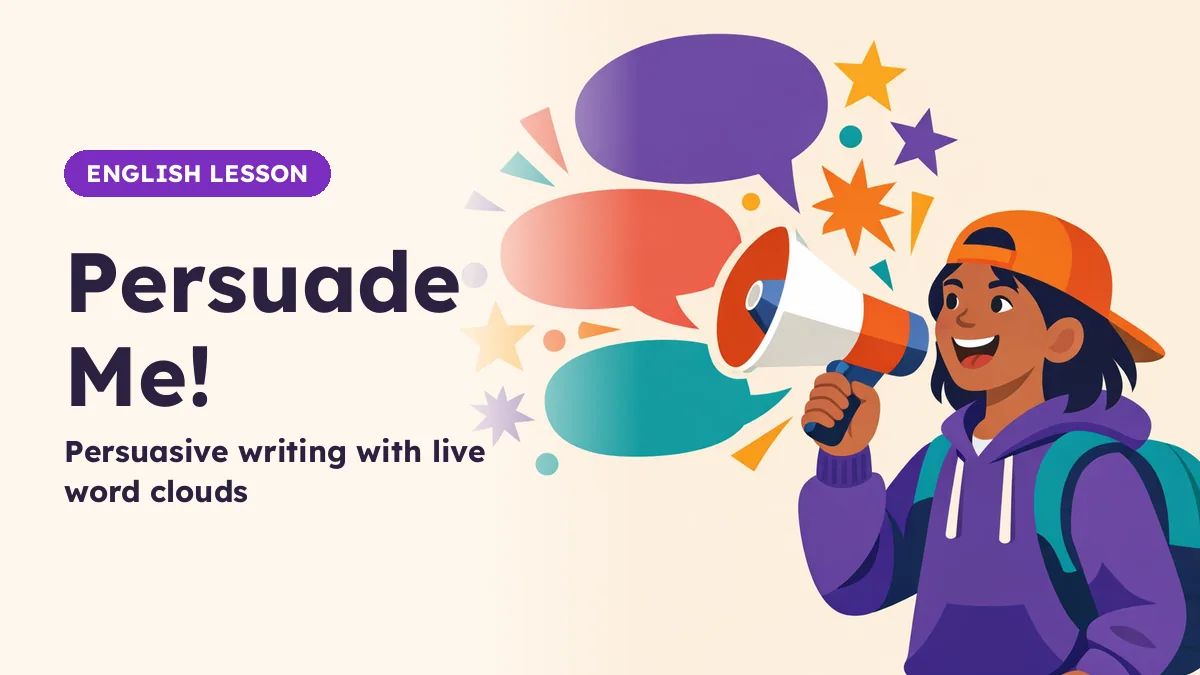
Persuade Me! A Persuasive Writing Lesson
Ethos, pathos and logos, with live word clouds and a writing task.
Użyj tego szablonu
Exit Ticket: Fractions Check
A five-minute exit ticket: a recap, three fraction questions and a reflection.
Użyj tego szablonuWant to build from scratch? Start from the twórca quizu.
Try a lesson every student answers
PYTANIA I ODPOWIEDZI
Is there a free alternative to Nearpod?
Tak. AhaSlides, Pear Deck, Lumio, ClassPoint, Curipod, Kahoot and Wayground all have a free plan for teachers. Each limits something different, such as students per session, storage or question types.
What is better than Nearpod for interactive lessons?
It depends on what you teach with. AhaSlides suits teachers who want polls, quizzes and Q&A in one lesson, Pear Deck suits Google Slides użytkownicy, i ClassPoint suits PowerPoint users.
How much does Nearpod cost?
Nearpod's pricing page lists Silver free, Gold at $159 a year and Platinum at $397 a year for individual teachers, with schools and districts by quote (checked 20 November 2026).
Can students do AhaSlides lessons at their own pace?
Yes. Switch a presentation to self-paced and students work through it on their own devices, in class or at home, and their answers land in your report.
Czy AhaSlides offer pricing for teachers and schools?
Yes. Teachers get education pricing on Essential and Pro billed yearly, and schools buying several licences get team pricing. See the stronie z cenami.