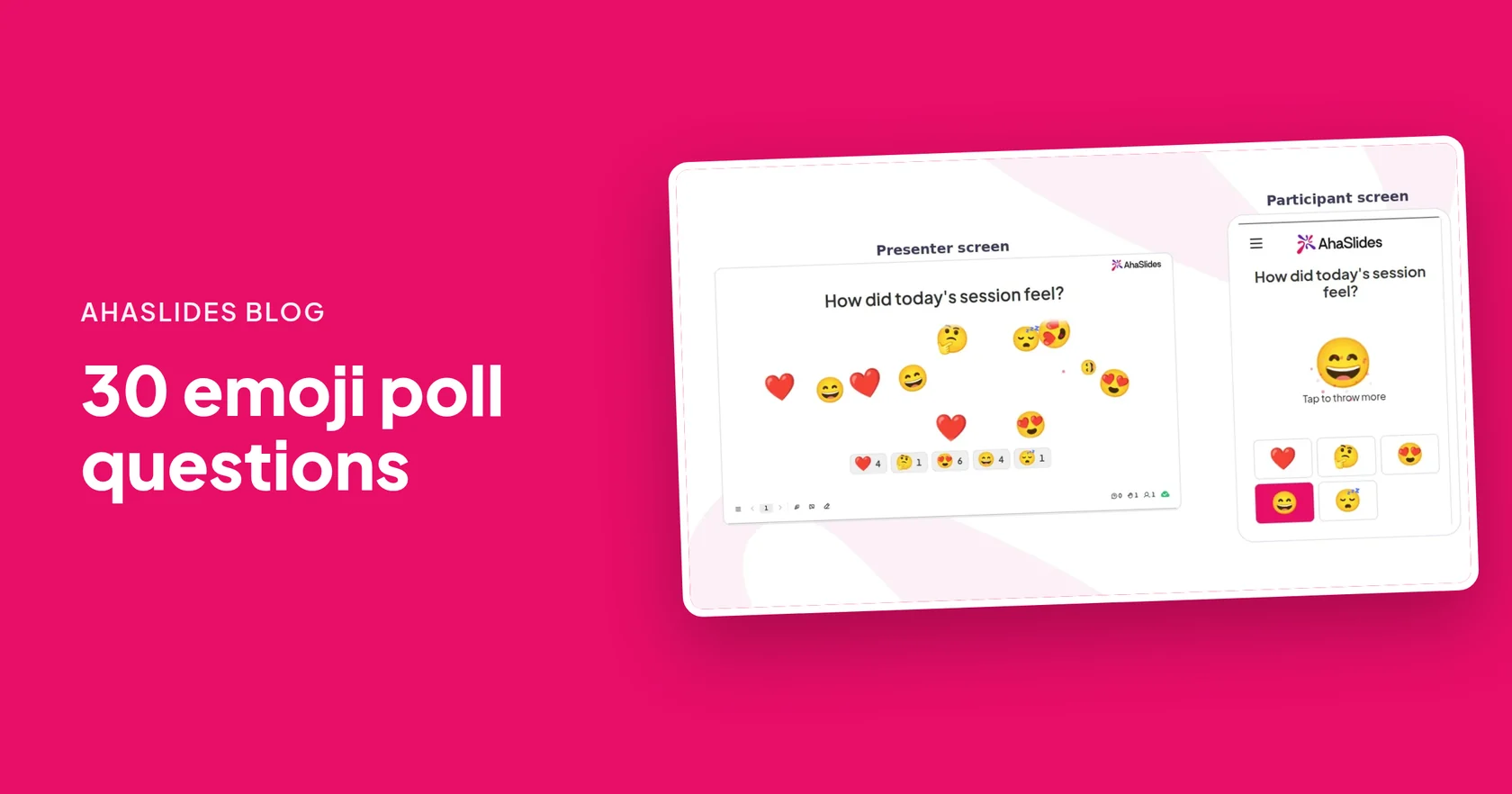
An emoji poll asks one question and lets people answer by tapping an emoji instead of typing. It works best for moods and reactions, such as how a session felt or how ready a class is, because nobody has to find the right words and everyone can answer in a second. Below are 30 emoji poll questions, each with an emoji set ready to use.
The questions are grouped by when you would ask them: opening a meeting, checking understanding in class, collecting feedback, and just for fun. You can run any of them with the AhaSlides Emoji Anketi slaytı, and the steps are further down.
What is an emoji poll?
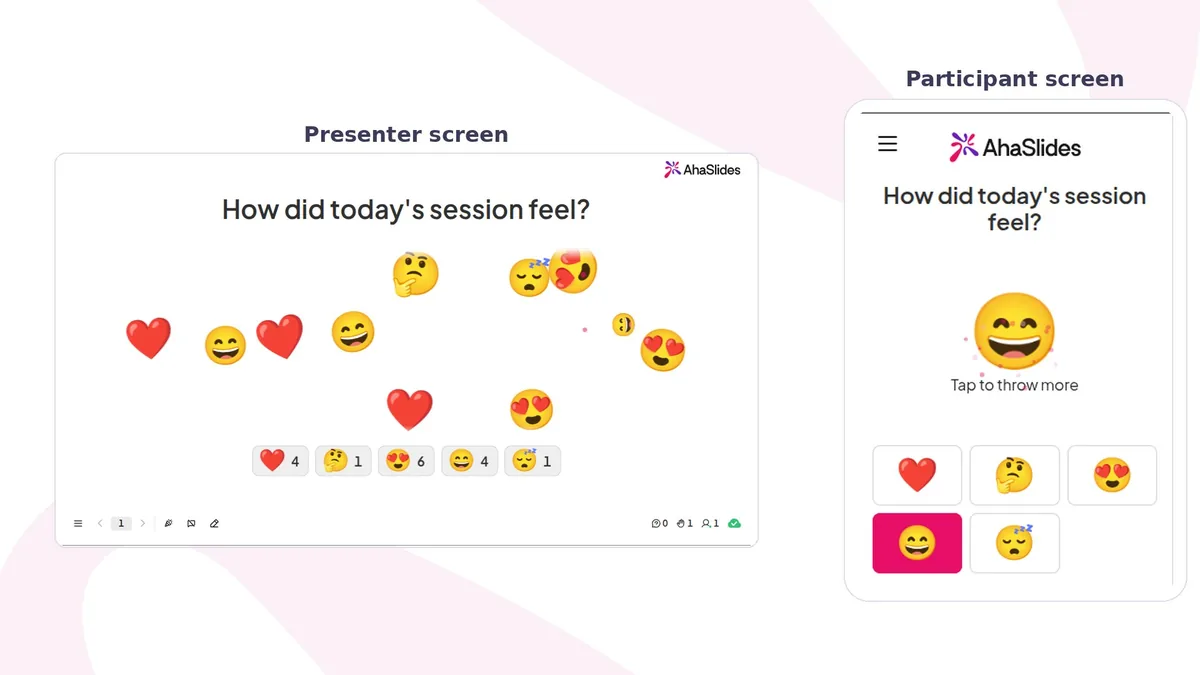
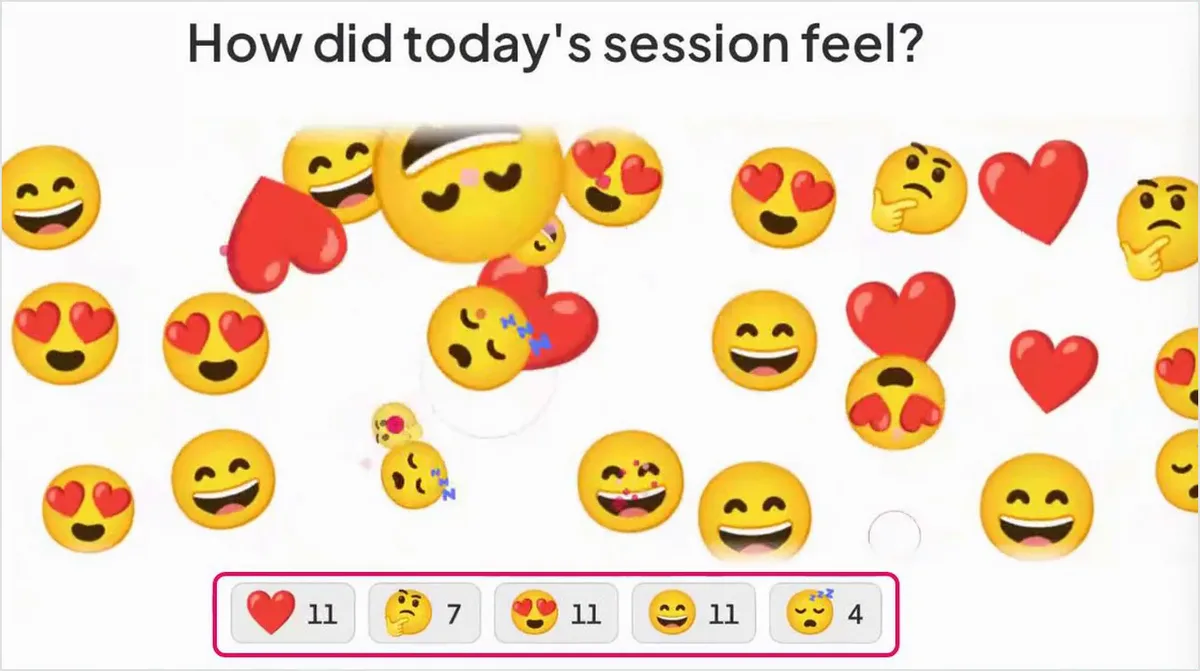
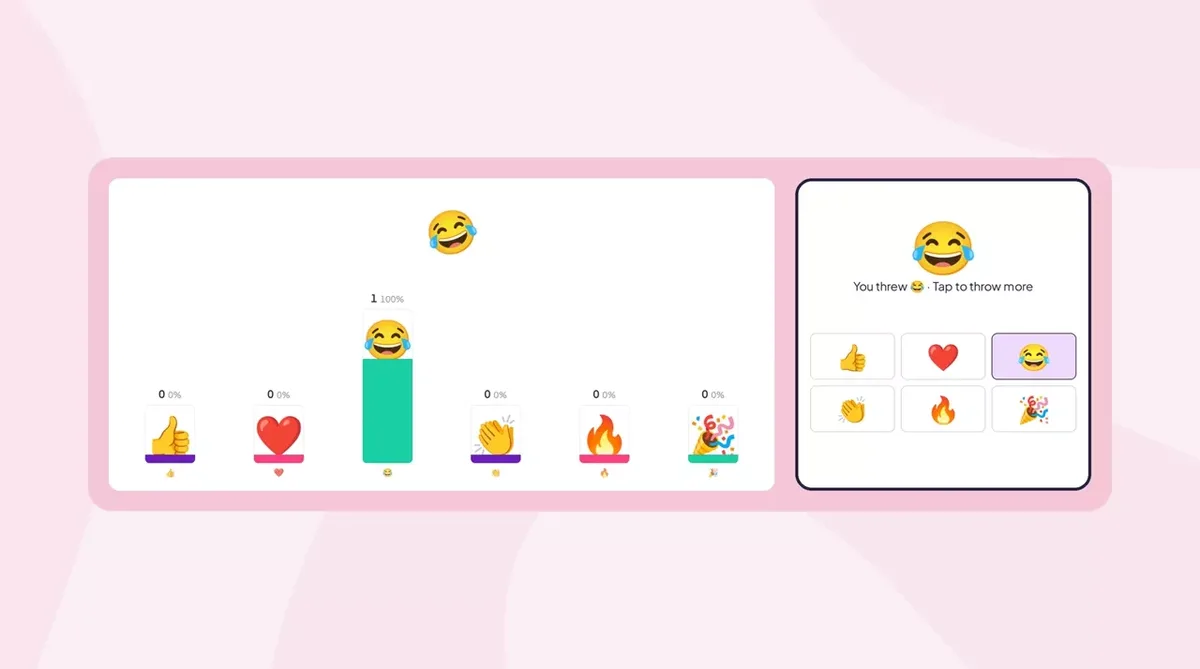
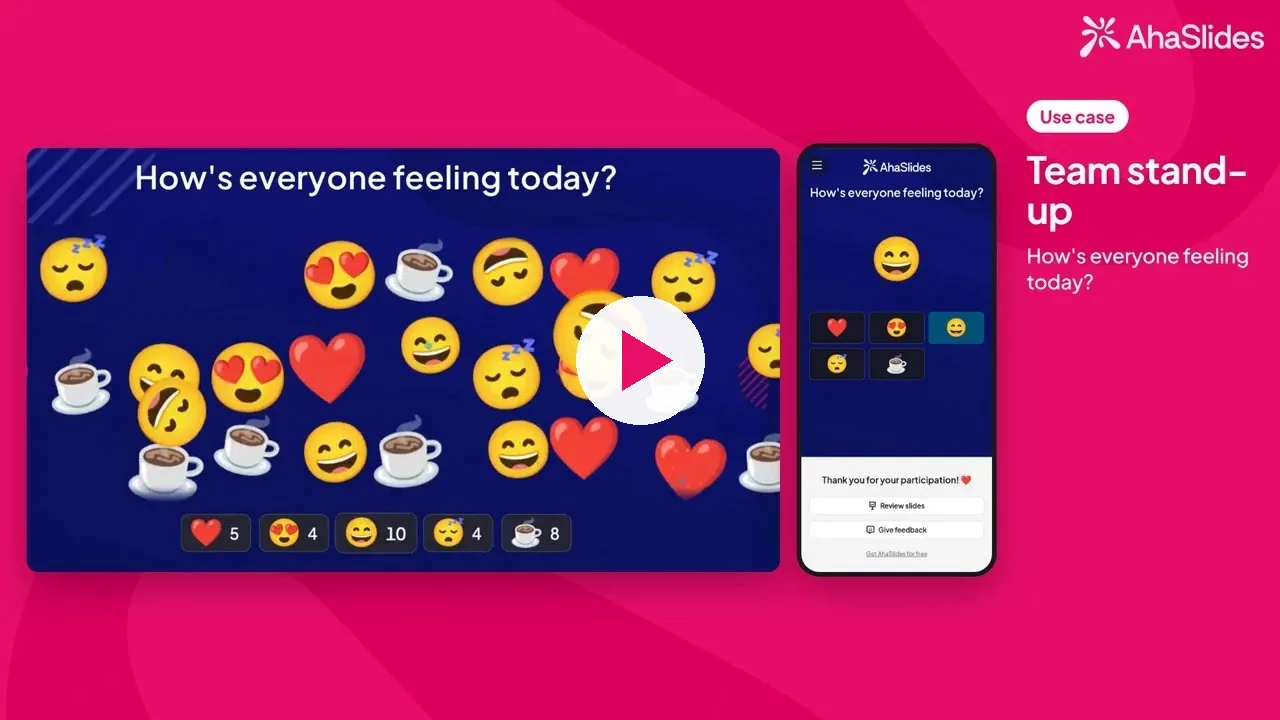
An emoji poll is a poll where the answer options are emojis, and each tap is counted live on the presenter's screen. In AhaSlides, you pick 2 to 6 emojis, people tap one on their phone, and each tap flies across your screen and adds to a count under that emoji. There are no right answers, points or leaderboard, so it feels like a show of hands rather than a test.
That is what makes it useful. People who would never raise a hand to say "I'm lost" will happily tap a confused face, and you get a picture of the whole room in a few seconds, not just the loudest voices.
How do you run an emoji poll in AhaSlides?
You run an emoji poll by adding an Emoji Poll slide, typing a question, picking your emojis and presenting. Emoji Poll is in Beta: you find it in the Anket group of the slide type picker, where it carries a Beta tag.
- Slaytı ekleyin. Editörde tıklayın. Yeni slayt, sonra ara Emoji Anketi veya aç Anket grup.
- Ask a question people can feel. Type it in Senin sorun. A question about a mood or a reaction works better than one with a right answer. You can add an image or audio to it.
- Pick 2 to 6 emojis. emoji'yi, choose from Reactions, Faces, Objects and symbols, and Food and nature, or click Browse all emojis to search the full library. People see them in the order you pick them.
- Decide how many answers each person gives. In Diğer ayarlar, Birden fazla kez göndermeye izin ver is on by default, so people can keep tapping. Turn it off when you want one answer per person.
- Sununuz. Tıkla Önizleme to try it yourself, or Mevcut and share the access code.
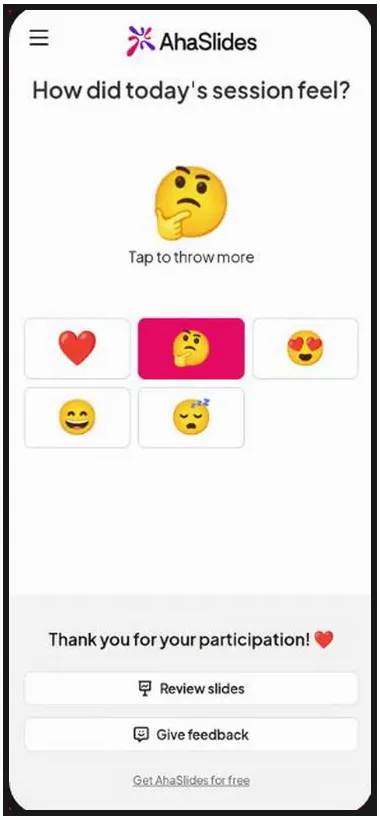
When you have enough answers, turn on Close submission. Phones then show "Submission closed" and no new taps are counted.
Which emoji poll question fits your moment?
Match the question to what you want to learn, and set the answer limit to match. A count you will act on needs one answer per person; a poll that is there for energy can stay open to repeat taps.
| Moment | Örnek soru | Emoji seti |
|---|---|---|
| Meeting warm-up | How's your week going? | 😫 😕 😐 🙂 😄 |
| Start of a lesson | How ready do you feel for today's topic? | 😴 🤔 😄 |
| Anlayışın kontrol edilmesi | How confident are you with what we just covered? | 😟 🤔 🙂 💪 |
| End-of-session feedback | How did today's session feel? | ❤️ 🤔 😍 😄 😴 |
| Event energy | How's the energy in here? | 🔥 ⭐ ❤️ |
| Sadece eğlence için | Çay veya kahve? | ☕ 🍵 |
Emoji poll questions to open a meeting
Opening with an emoji poll gets everyone's phone out and every voice counted before the agenda starts. Ask, look at the screen, and say one sentence about what you see.
- How's your energy this morning? 😴 😐 🙂 ⚡ A room full of sleepy faces is your cue to keep the first item short.
- How's your week going so far? 😫 😕 😐 🙂 😄 Five faces give a clear scale without a single number.
- What's your weather today? ⛈️ 🌧️ ⛅ ☀️ The weather metaphor lets people say "rough day" without explaining why.
- How busy is your week? 🐢 🚶 🏃 🚀 Useful before you hand out new work: a screen of rockets means push the deadline.
- What's fuelling you today? ☕ 🍵 🥤 💧 🍫 A light opener that makes people smile and costs ten seconds.
- How ready are you for this meeting? 😴 🤔 🙂 🔥 Honest answers here tell you whether to recap the background first.
- How did last week end for you? 🎉 🙂 😐 😮💨 Good for a Monday team meeting, and a natural lead into wins and blockers.
- How connected do you feel to the team right now? 🏝️ 🙂 🤝 ❤️ Worth asking in remote and hybrid teams, where it is easy to miss someone drifting.
Opening a class or meeting with a quick mood check? Our emoji check-in guide has 30 check-in questions with emoji sets.
Emoji poll questions to check understanding in class
A quick emoji poll mid-lesson tells you who is following before the test does. Set it to one answer per student so the count matches the class.
- How ready do you feel for today's topic? 😴 🤔 😄 Ask it at the start to decide how much to recap.
- How confident are you with what we just covered? 😟 🤔 🙂 💪 If the worried faces outnumber the flexed arms, go over it again before moving on.
- How did the homework go? 😩 😕 🙂 🌟 Students admit to a hard task far more easily with a face than out loud.
- Should I go over that again, or move on? 🔁 ⏩ Two emojis make it a straight vote, and the class decides the pace with you.
- How hard was that last task? 😎 🙂 😅 🥵 A spread from cool to overheated helps you pitch the next task at the right level.
- Could you explain today's idea to a friend? 🙈 🤏 👍 🎓 Explaining is a stricter test than recognising, so this is a more honest check than "Do you get it?".
- How do you feel about Friday's quiz? 😱 😬 🙂 🏆 Shows you who needs extra practice, without anyone having to say so.
- How was the pace today? 🐢 👌 🚀 Too slow, just right or too fast: three taps that can change how you plan tomorrow.
Emoji poll questions for feedback
End-of-session feedback is where an emoji poll saves the most effort: one tap at the door instead of a form nobody fills in. Ask while people are still in the room, and turn on Close submission before you read the result out.
- How did today's session feel? ❤️ 🤔 😍 😄 😴 The classic closing question, and the one in the screenshot above.
- How useful was this workshop for your work? 🗑️ 🤷 👍 💎 Separates "nice session" from "I'll use this tomorrow".
- Would you come to another session like this? 👎 🤷 👍 A simple signal for whether to book the next one.
- Was this meeting the right length? 🥱 👌 ⏱️ Too long, just right or too short. Repeat it monthly and watch the trend.
- How clear are the next steps? 🌫️ 🤔 💡 If the fog wins, spend two more minutes on actions before people leave.
- How did the group work go? 🤝 🙂 😐 🙃 Tells you which format to keep for next time.
- How was lunch? 😋 🙂 😐 🤢 Useful feedback for event organisers, and it always gets a laugh.
Fun emoji poll questions
Not every emoji poll needs a purpose. A silly one between agenda items gives people a break and something to talk about.
- Çay veya kahve? ☕ 🍵 The fastest way to split a room into two friendly camps.
- Kediler mi, köpekler mi? 🐱 🐶 Expect strong opinions and a few people asking to tap both.
- Pineapple on pizza: yes or no? 😋 🤢 Leave repeat taps on and watch the two sides compete.
- Which season are you? 🌸 ☀️ 🍂 ❄️ Easy to answer, and a good opener for small talk.
- Where would you rather be right now? 🏖️ ⛰️ 🏙️ 🛋️ Works well before a holiday or at the end of a long term.
- How's the energy in here? 🔥 ⭐ ❤️ For events: leave Allow submitting more than once on so the screen fills up.
- Şu anda en çok neye ihtiyacın var? 🍕 ☕ 😴 🎉 A playful way to find out it is time for a break.
Running a longer session for a team? These team-building games for a live session use the same join-and-tap flow, with more to play.
How do you get honest answers from an emoji poll?
You get honest answers by making the count easy to trust and the result worth talking about. A few habits help:
- Turn off repeat taps when the count matters. The count is the number of taps, not people. With Allow submitting more than once on, one keen person can add to a count many times.
- Pick emojis whose meaning is clear without words. A heart, a star or a few faces read the same for everyone. Explain any unusual one out loud.
- Talk about what the screen shows. "Most of you look tired, so let's keep this short" shows people their answer changed something.
- Remember that only you see the totals. Participants see their own answer on their phone, and the counts and flying emojis show on your screen. If you want the group to see the result, keep your screen shared.
- Do not remove an emoji after people have voted. Its taps stop showing in the results.
- Ask the same question regularly. One poll is a snapshot. The same question every week shows you a trend.

An Emoji Poll is not the same as reactions. Tepkiler are a presentation setting that lets people react on any slide. An Emoji Poll is a slide of its own that asks one question, with the emojis you choose, and counts each answer.
Free emoji poll templates to host
Every question above fits on a single Emoji Poll slide, so you can drop one into any presentation you already use.
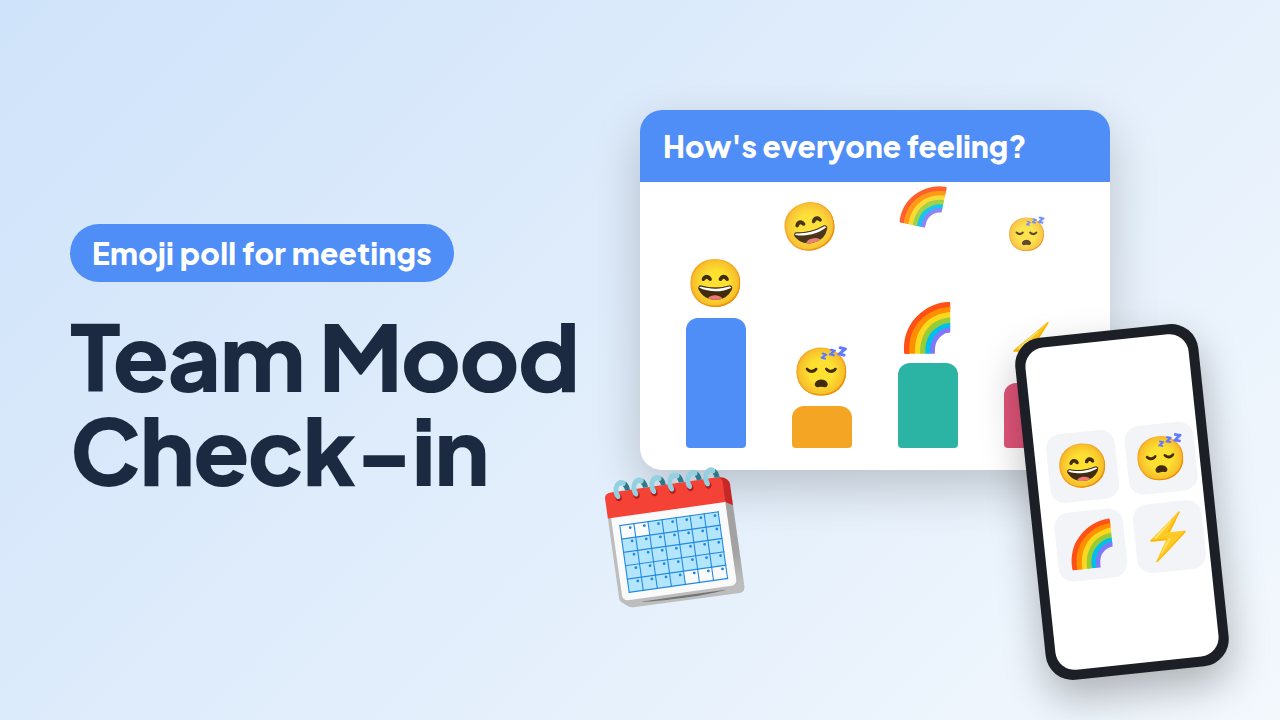
What's the Forecast? Team Mood Check-in
A 60-second anonymous mood and workload check to open a weekly meeting.
Bu şablonu kullan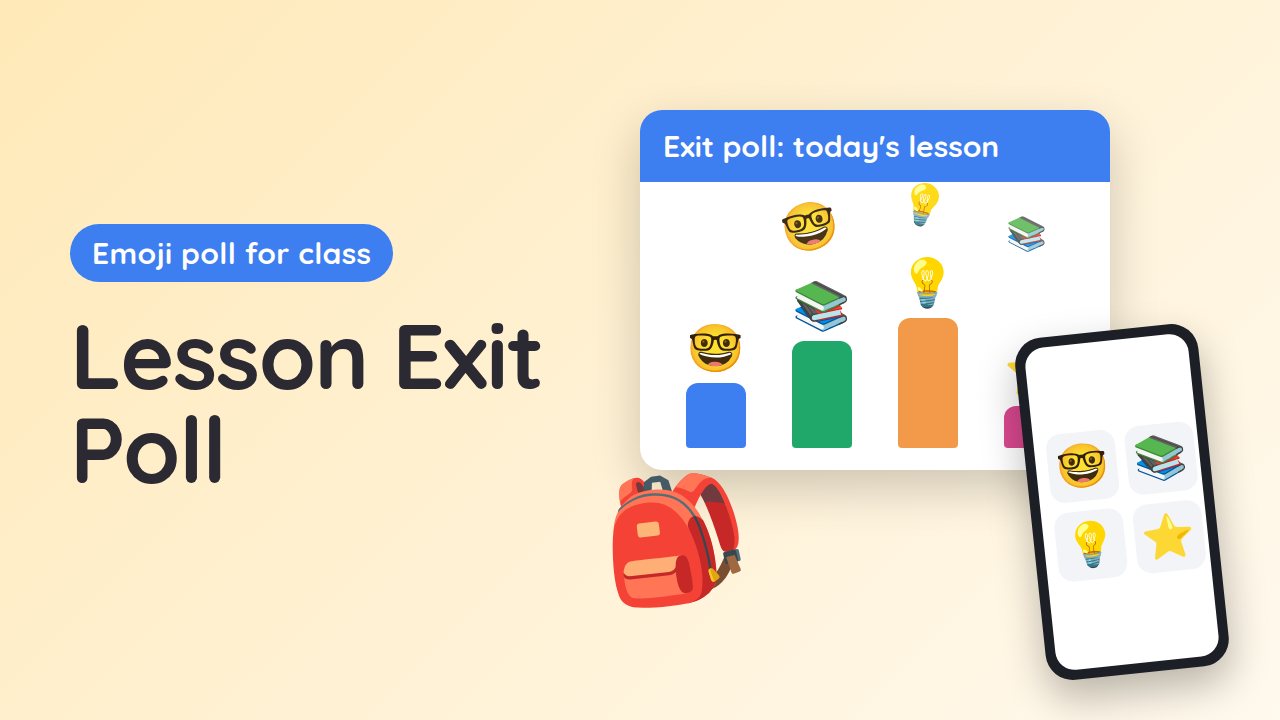
Door Check: Today's Lesson in One Tap
A two-minute exit poll to see who understood the lesson and how the pace felt.
Bu şablonu kullan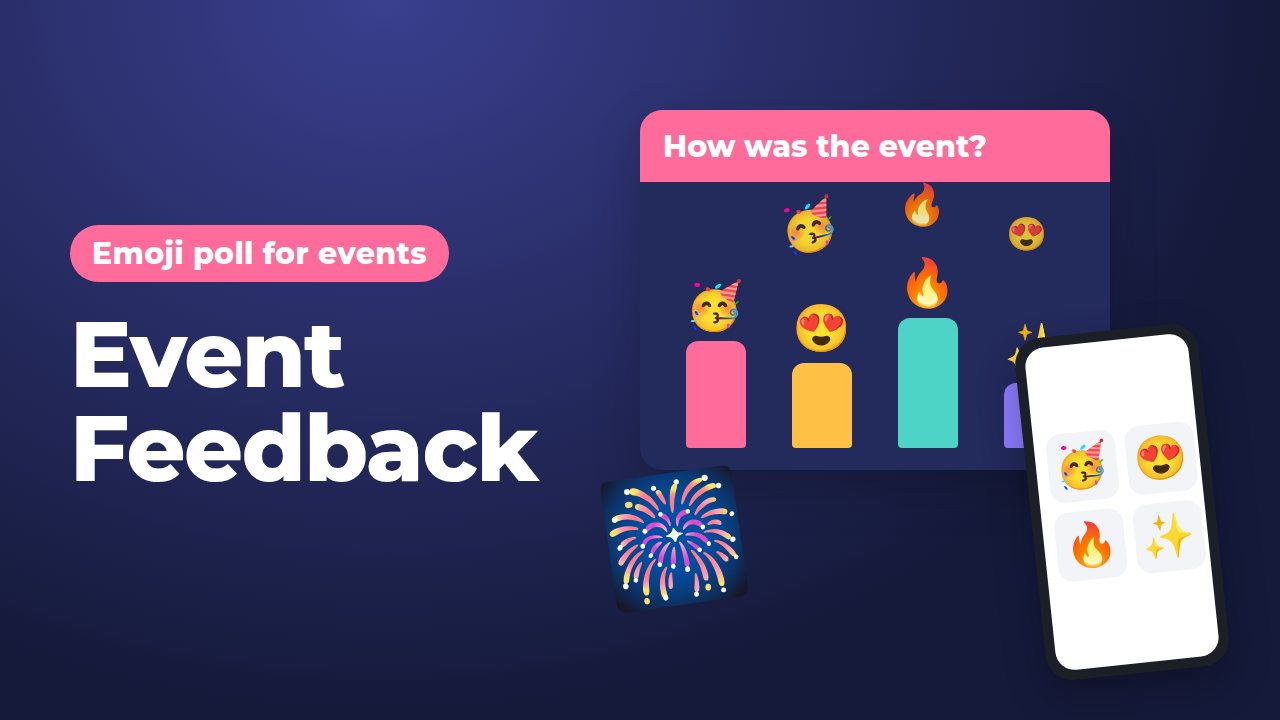
Encore? Your Event in Emojis
Collects instant audience feedback in the closing minutes of an event.
Bu şablonu kullanOpen a template above, adapt its question and emoji set, and present it. To build your own, open any presentation and add an Emoji Poll slide. The Emoji Anketi yardım makalesi Her ortamı kapsar.
Sık Sorulan Sorular
What is an emoji poll?
An emoji poll is a poll where people answer by tapping an emoji instead of choosing a text option. Each tap is counted live, so you see how a group feels in seconds. It suits check-ins, warm-ups and end-of-session feedback.
How do I make an emoji poll?
In AhaSlides, click New slide and search for Emoji Poll, or find it in the Poll group, where it has a Beta tag. Type your question, pick 2 to 6 emojis and click Present. People join on their phones with the access code and tap to answer.
How many emojis can an emoji poll have?
An AhaSlides Emoji Poll takes 2 to 6 emojis, chosen by you. Three to five usually works best: enough to show a range, few enough to choose from at a glance.
Does the count show people or taps?
It shows taps. With Allow submitting more than once on, which is the default, one person can add to a count many times. Turn it off when you want each count to match the number of people.
Can participants see the emoji poll results?
The counts and flying emojis show on the presenter's screen, and participants see only their own answer on their phone. To share the result, keep your screen visible to the room or on the call.
Is an emoji poll scored?
No. An Emoji Poll has no correct answers, points or leaderboard. It is there to find out how people feel, not to test what they know.