Skip to content
Claim this template

Free course template · US federal

HIPAA security awareness

A ready-made course, live deck and two surveys for all workforce members. 30 minutes, 6 lessons, 12-question final check. Last reviewed 8 October 2026; not legal advice.

Claim the templatePreview the courseDownload SCORM for your LMS

Free. No credit card. Edit everything.

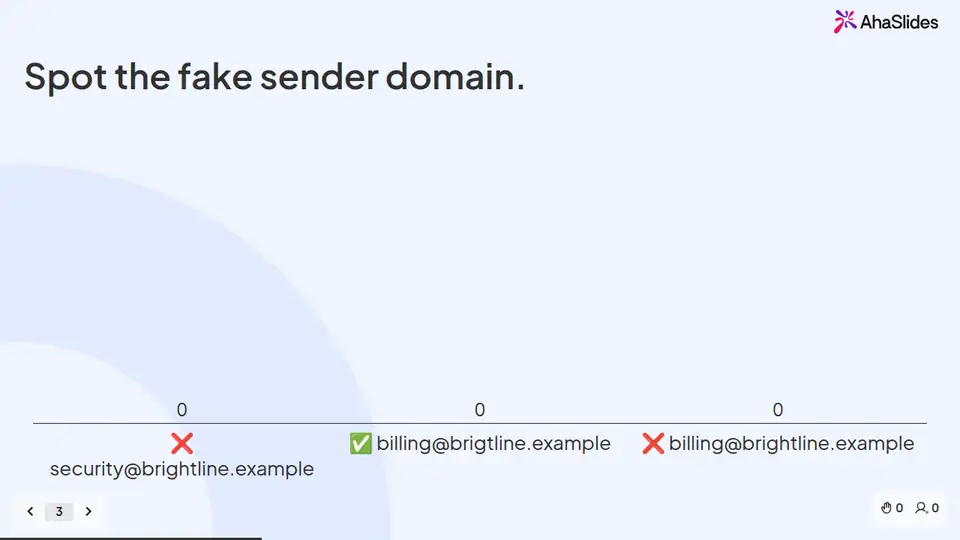
Play a game from the course

HIPAA security awareness: try 3 questions

Three questions from this course. Pick an answer, then see why.

Play the game

Game not loading? Open it in a new tab (opens in a new tab)

Three pieces that work together

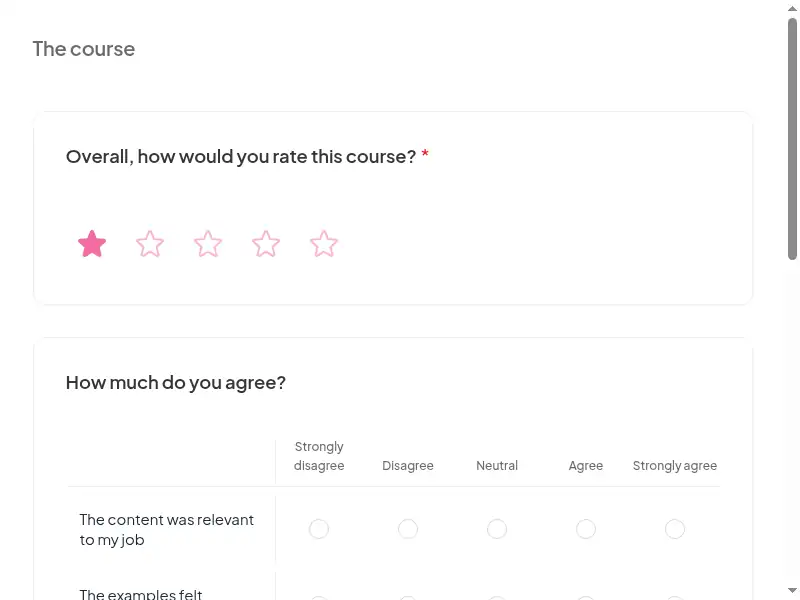
Learners sign in, so every finish and score is recorded. 7 fields to fill in with your details.
Claim the template
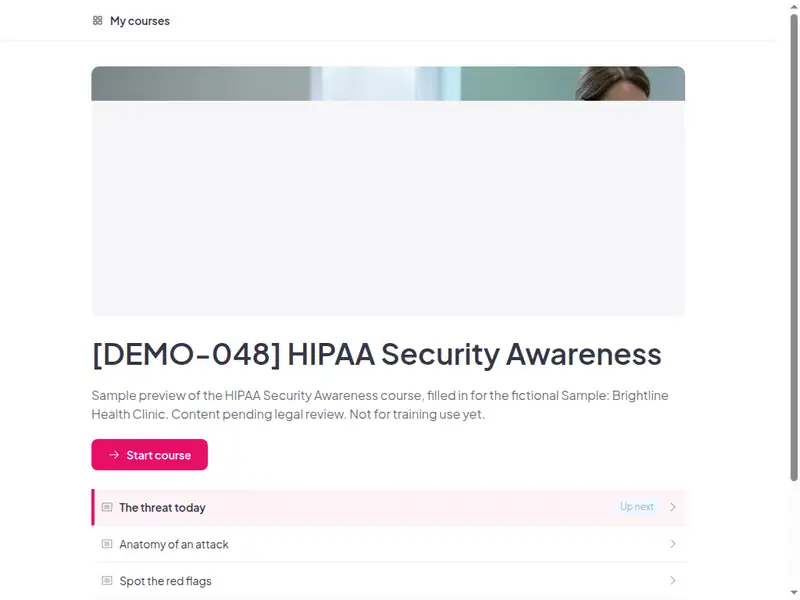
The HIPAA security awareness course as a learner first sees it

6 lessons, about 30 minutes

Minutes are an estimate.

  • Lesson 1: The threat today · 6 min

    Explain why healthcare is a top target and what ePHI is.

  • Lesson 2: Anatomy of an attack · 4 min

    Describe how a ransomware attack unfolds from a phishing email.

  • Lesson 3: Spot the red flags · 6 min

    Spot red flags in emails, texts, calls and log-in alerts.

  • Lesson 4: Protect yourself · 5 min

    Use strong passwords/passphrases, MFA and safe device habits.

  • Lesson 5: Respond & report · 5 min

    Report a suspected security incident immediately.

  • Lesson 6: Final assessment · 4 min

    12 questions, 80% to pass. The result is saved to the learner's record.

Claim the template

Inside this course

Taken from the course itself.

Sample questions, with answers

  1. What is the best summary of the lesson from a hospital ransomware attack?

    • Security is part of patient safety
    • It only affects the IT team
    • It is only about money
    • It cannot happen to small clinics

    Answer: Security is part of patient safety. Attacks can disrupt care itself. Everyone's habits protect patients, not just IT.

    Lesson 1: The threat today

  2. Which step could a second sign-in check (MFA) have blocked?

    • Opening the email
    • The vendor's invoice
    • Signing in with the stolen password
    • The ransom note

    Answer: Signing in with the stolen password. MFA stops an attacker who has only the password.

    Lesson 2: Anatomy of an attack

  3. Your phone shows an MFA approval request, but you are not signing in. What do you do?

    • Approve it to make it stop
    • Ignore it
    • Approve once, then change your password later
    • Deny it and report it

    Answer: Deny it and report it. An unexpected prompt means someone has your password. Deny it and report it.

    Lesson 4: Protect yourself

A scenario from "Respond & report"

Clinic nurse enters credentials on a fake "badge renewal" page.

Best response: Report now, change password per IT.

Weaker responses: Wait and see; Try again.

Legal basis

45 CFR §164.308(a)(5) - security awareness & training: (ii)(A) security reminders, (B) protection from malicious software, (C) log-in monitoring, (D) password management (addressable); §164.316 documentation (6 years).

Common questions

Yes. Claiming the template and editing it are free.

The course itself is self-paced and online, and the live deck lets you add a live session. Whether online delivery meets your local rules depends on the law that applies to you, so check 45 CFR §164.308(a)(5) or ask your own counsel.

At onboarding + periodic security reminders; annual refresher is industry best practice (would become explicit under the proposed rule - see Notes).

All workforce members (including management) of covered entities and business associates - hospital nurses, clinic staff, billing/IT, remote coders.

Record completion in your own LMS or record system, so you can show who finished the course and when. Check the retention period that applies to you in 45 CFR §164.308(a)(5).

Your own details, each highlighted inside the course:
  • Password policy
  • Approved tools
  • Security incident contact
  • Phish report button howto
  • Security officer name
  • LMS or record system
Then edit anything else you like: wording, scenarios, your logo.
Visit the help centre (opens in a new tab)