
Lesson 1: Why this matters · 3 min
Recognise early signs of musculoskeletal discomfort (MSDs) and why to report early.
Learners sign in, so every finish and score is recorded. 4 fields to fill in with your details.
Minutes are an estimate.
Recognise early signs of musculoskeletal discomfort (MSDs) and why to report early.
Identify ergonomic risk factors: awkward posture, repetition, contact stress, static load.
Adjust chair, desk, monitor, keyboard and mouse to a neutral posture.
Build micro-breaks, movement and eye rest into the workday.
Request an ergonomic assessment or equipment.
What would you do?
8 questions, 80% to pass. The result is saved to the learner's record.
Taken from the course itself.
Your fingers tingle most afternoons. What is the best first step?
Answer: Tell someone and adjust your setup early. Early signs are easiest to fix. Report them and change your setup before they turn into an injury. A clinician can say what is causing them.
Lesson 1: Why this matters
Which of these is an example of contact stress?
Answer: Resting your wrist on a hard desk edge. Contact stress is pressure from a hard surface or edge on part of your body. Typing without a break is repetition and static posture, glare is a lighting problem, and holding a phone with your shoulder is awkward posture.
Lesson 2: Know the risk factors
You work from a laptop all day. Which change helps your neck most?
Answer: Raise the laptop and use an external keyboard. A raised screen, with its top at or slightly below eye level, and a separate keyboard let your neck and your wrists stay in a neutral position.
Lesson 3: Set up your workstation
Hybrid worker: after two weeks at a new home desk, neck pain and numb fingers; manager is busy with a deadline.
Best response: Adjust setup, take breaks, report symptoms and request assessment , see a clinician if persistent.
Weaker responses: Wait until it's bad; Take painkillers and push through.
Best practice (OSHA eTool: Computer Workstations; NIOSH guidance); California 8 CCR §5110 where applicable.
Courses teams often run alongside this one.
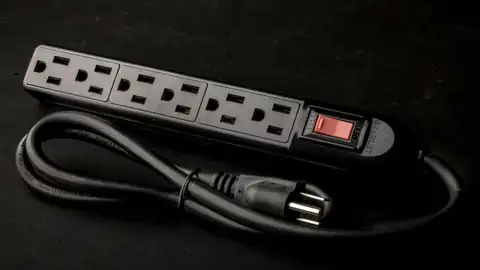
OSHA Training

OSHA Training

OSHA Training
Comments from trainers
No comments yet. Tell other trainers how the course went.
Your comment
Comments are public. We remove spam and personal details.