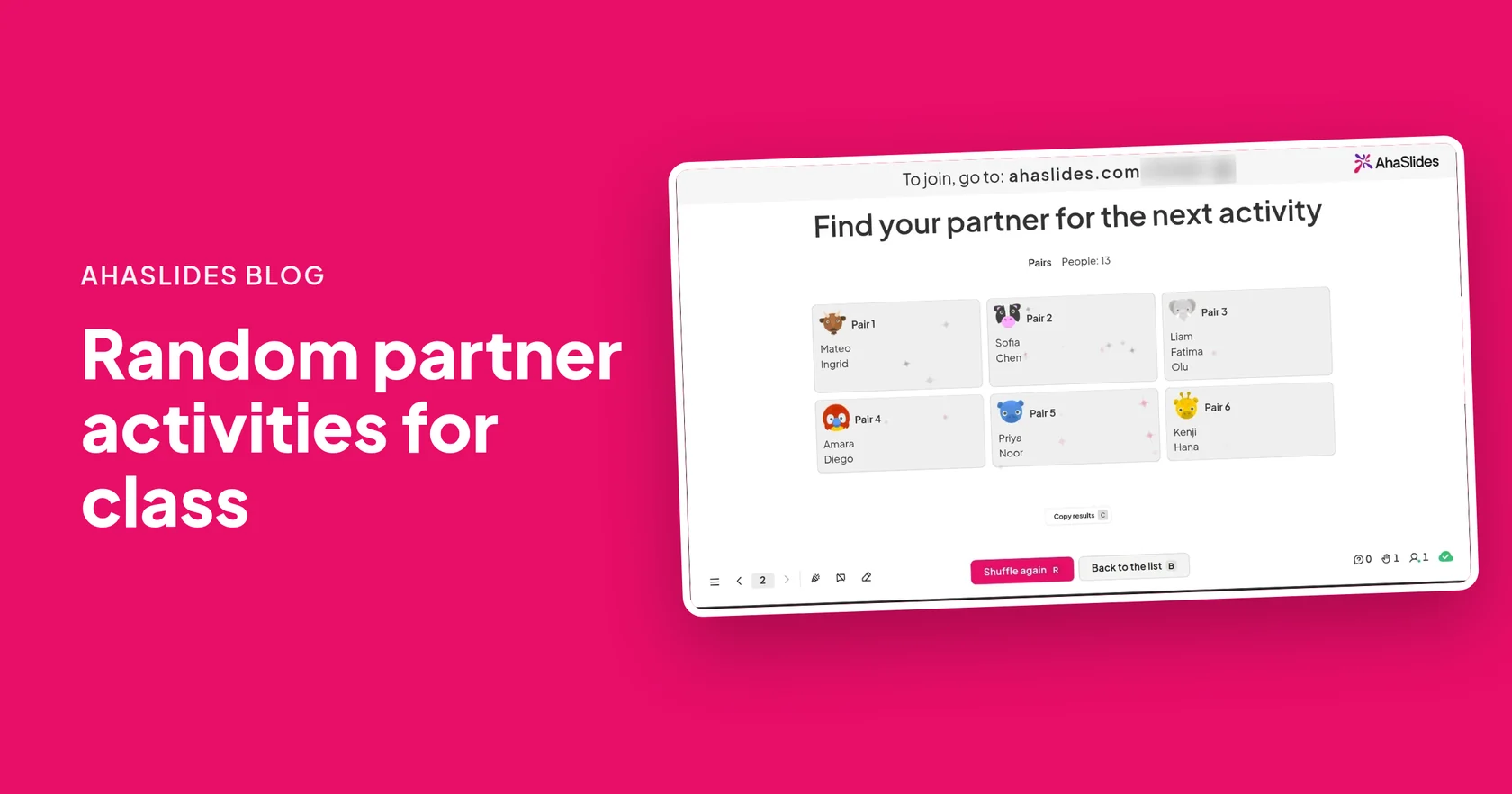
Random partner activities are short tasks two students do together after being paired by chance rather than by friendship. You pair the class at random, give one clear task with a time limit, then shuffle again for the next round so everyone works with someone new. Below are 15 ideas, from a two-minute introduction to a class knockout tournament.
The ideas suit primary and secondary classes, university seminars and training sessions, and most need nothing but a prompt on the board. To make the pairs themselves, you can use the Γεννήτρια τυχαίων ζευγών on AhaSlides: one tap shuffles the room, and each student sees their partner on their own phone. The steps are further down.
Why pair students at random?
Random pairs get every student talking to someone outside their usual group, and nobody is left standing alone while the class sorts itself out. When students choose, friends pair up, the same few people get left over, and the lesson stalls while you fix it.
Pairs are also the smallest group where nobody can hide. In a group of five, one person can sit back. With a partner, both have to explain, listen and decide. Shuffling between rounds spreads that practice around the room, so students hear more than one way of thinking about the same problem.
15 random partner activities at a glance
Use this table to pick an activity by the time you have and what you want students to get out of it.
| Ενέργεια | What partners do | Το καλύτερο για |
|---|---|---|
| 1. Think-pair-share | Think alone, compare answers, share with the class | Any open question |
| 2. Two-minute introductions | Each talks for one minute about a prompt | First lessons, new groups |
| 3. Explain it back | One explains a topic, the other repeats it in their own words | Έλεγχος κατανόησης |
| 4. Agree or disagree | Take a side on a statement and give a reason | Opinion and debate warm-ups |
| 5. Peer marking | Swap work and mark it against criteria | Written tasks and homework |
| 6. Quiz each other | Ask and answer questions from notes | Revision before a test |
| 7. Spot the mistake | Find and fix errors in a worked example | Maths, grammar, science |
| 8. Solve and check | One solves, the other checks, then swap | Πρακτική προβλήματα |
| 9. Describe the word | Describe a key term without saying it | Vocabulary and key terms |
| 10. Story swap | Take turns writing one sentence each | Creative writing, language classes |
| 11. Back-to-back drawing | One describes a picture, the other draws it | Listening and precise language |
| 12. Interview and introduce | Interview a partner, then introduce them to others | Speaking practice, new classes |
| 13. Δύο αλήθειες και ένα ψέμα | Guess which of three statements is false | Παγοθραυστικά |
| 14. Rock, paper, scissors tournament | Play matches in a knockout bracket | Energy breaks, end of term |
| 15. Quick-fire quiz knockout | Answer questions head to head, winner goes through | Revision with a competitive edge |
Random partner activities for discussion
These work with any subject. The task is to talk, so each one gives students a reason to explain their thinking out loud.
1. Think-pair-share
Ask an open question. Students think on their own for a minute, compare answers with their partner, then a few pairs share with the class. The thinking time means quieter students have something ready to say before anyone speaks. Our think-pair-share activities guide has examples for every grade.
2. Two-minute introductions
Each partner talks for one minute on a simple prompt: "Something I did this weekend", "A subject I would add to the timetable". Then shuffle and repeat with a new partner. Three rounds in the first week and most of the class has spoken to someone new.
3. Explain it back
Partner A explains what they learned in the last ten minutes. Partner B repeats it back in their own words, and A corrects anything that changed on the way. Gaps show up fast, for both of them.
4. Agree or disagree
Put a statement on the board, such as "Homework should be optional" or "The main character made the right choice". Each partner takes a side and gives one reason, then they swap sides and argue the opposite. Switching sides makes students listen to the other view instead of waiting for their turn.
5. Peer marking
Partners swap a piece of work and mark it against two or three criteria you give them. Ask for one thing that works and one thing to improve. Random pairs matter here: marking a friend's work tends to be kinder than it is useful.
Random partner activities for practice and revision
Practice in pairs means every student is answering, not one at a time with their hand up. Keep rounds short and shuffle often.
6. Quiz each other
Each student writes five questions from their notes, with answers. Partners take turns asking. Writing the questions is revision in itself, and answering a classmate's questions shows what they found important.
7. Spot the mistake
Show a worked example with two or three errors in it: a maths solution, a paragraph with grammar slips, a science method with a missing step. Partners find and fix each one. Pairs who finish early can write a mistake of their own for another pair.
8. Solve and check
Partner A solves a problem out loud while partner B watches and checks each step. On the next problem they swap roles. Talking through the steps makes the method visible, so mistakes get caught before they become habits.
9. Describe the word
Give each pair a list of key terms. One partner describes a word without saying it, and the other guesses. It works for vocabulary in a language class and for terms like "photosynthesis" or "democracy" in any other.
10. Story swap
Partners write a short story together, one sentence each in turn. Set a rule for the round, such as "use the past tense" or "include three new words from this week". Read a few aloud at the end.
Creative and active partner activities
These get students talking in a different way, and work well after a long stretch of seated work.
11. Back-to-back drawing
Partners sit back to back. One has a simple picture or diagram and describes it. The other draws it from the description alone. Compare the two at the end: the differences show exactly where the instructions were unclear.
12. Interview and introduce
Partners interview each other for three minutes each, then join another pair and introduce their partner. Students practise asking follow-up questions and listening closely, because they have to repeat what they heard.
13. Δύο αλήθειες και ένα ψέμα
Each partner says three things about themselves, one of them false. The other guesses which is the lie. It is a quick icebreaker for a new class, and you can turn it into a subject game with three statements about a topic.
Partner games and contests
Random pairs also make fair opponents. The Random Pair Generator's Tournament option draws a knockout bracket from the people in the room, for up to 64 players.
14. Rock, paper, scissors tournament
Shuffle the class into a knockout bracket. Each pair plays best of three, and you click the winner's name on the big screen to move them on to the next round. Each player's phone shows who they play against and whether they won or lost each match.
15. Quick-fire quiz knockout
Use the same bracket for revision. Ask a question to each pair in turn, and the first to answer correctly goes through. If the numbers do not fill the bracket, some players skip round 1. The slide tells you how many before you shuffle.
How do you make random partners with AhaSlides?
Add a Random Pair Generator slide, let students join on their phones, then click Shuffle. Here are the steps.
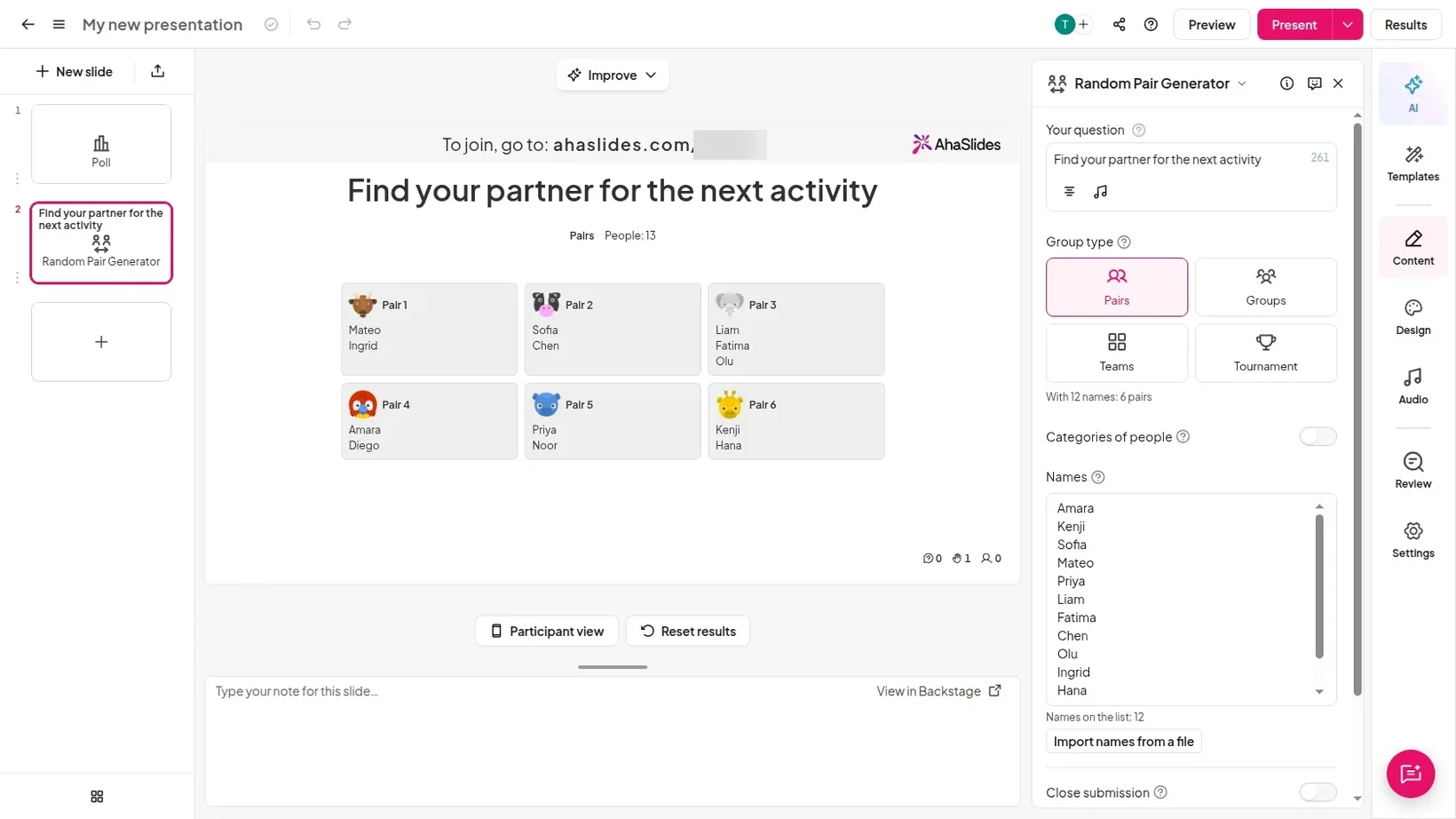
- Προσθέστε τη διαφάνεια. Στον επεξεργαστή, κάντε κλικ στο Νέα διαφάνεια, στη συνέχεια αναζητήστε Γεννήτρια τυχαίων ζευγών in the slide type picker.
- Add a question. Type a short prompt in Η ερώτησή σου, such as "Find your partner for the next activity".
- Choose a group type. Κάτω από Τύπος ομάδας, διάλεξε Ζεύγη. Μπορείτε επίσης να επιλέξετε Group, ομάδες or Τουρνουά.
- Add names if you have a list. Paste up to 200 names into ονόματα, one per line, or click Import names from a file for a .txt or .csv list. Leave it empty if everyone will join on their phone.
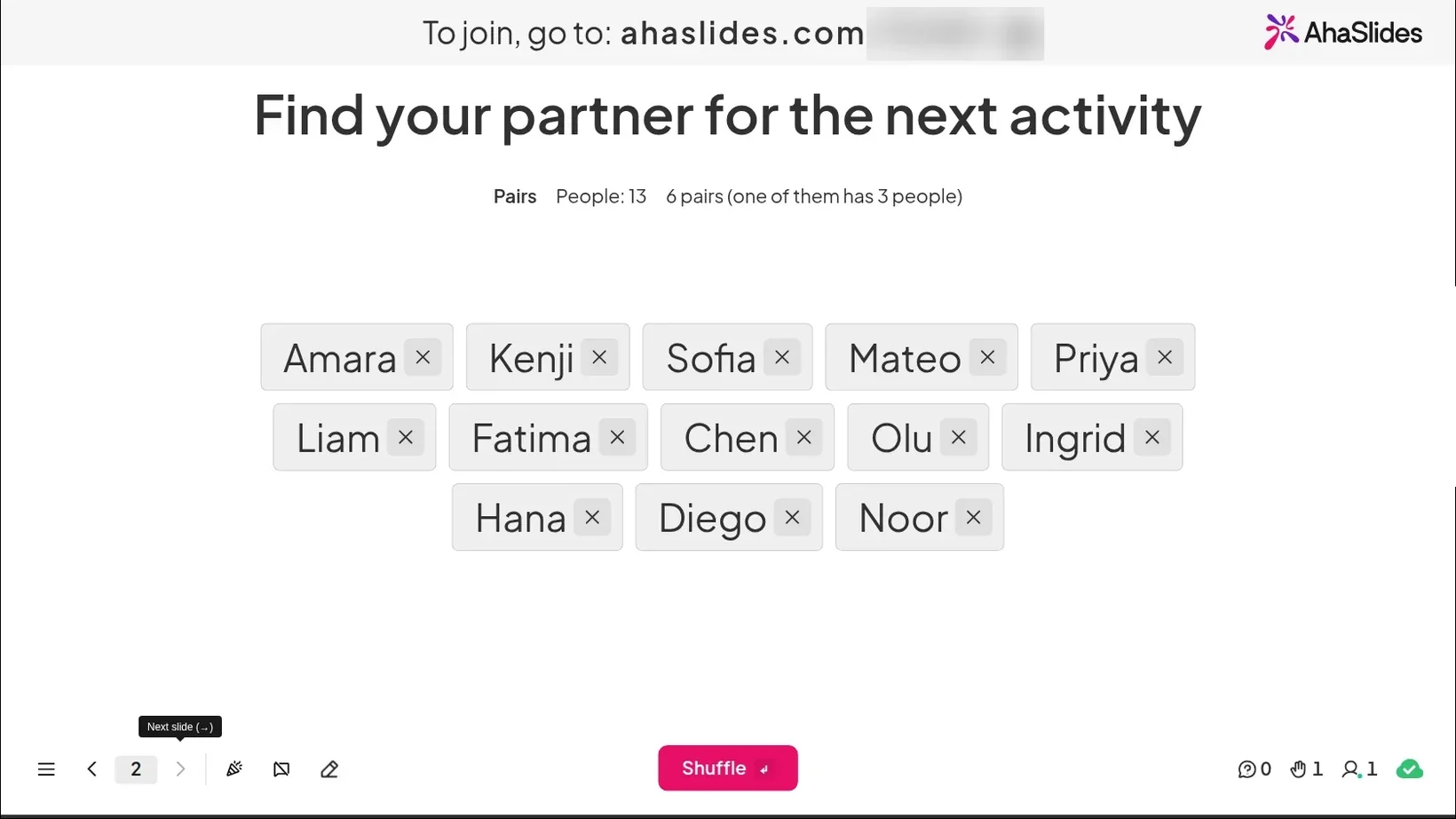
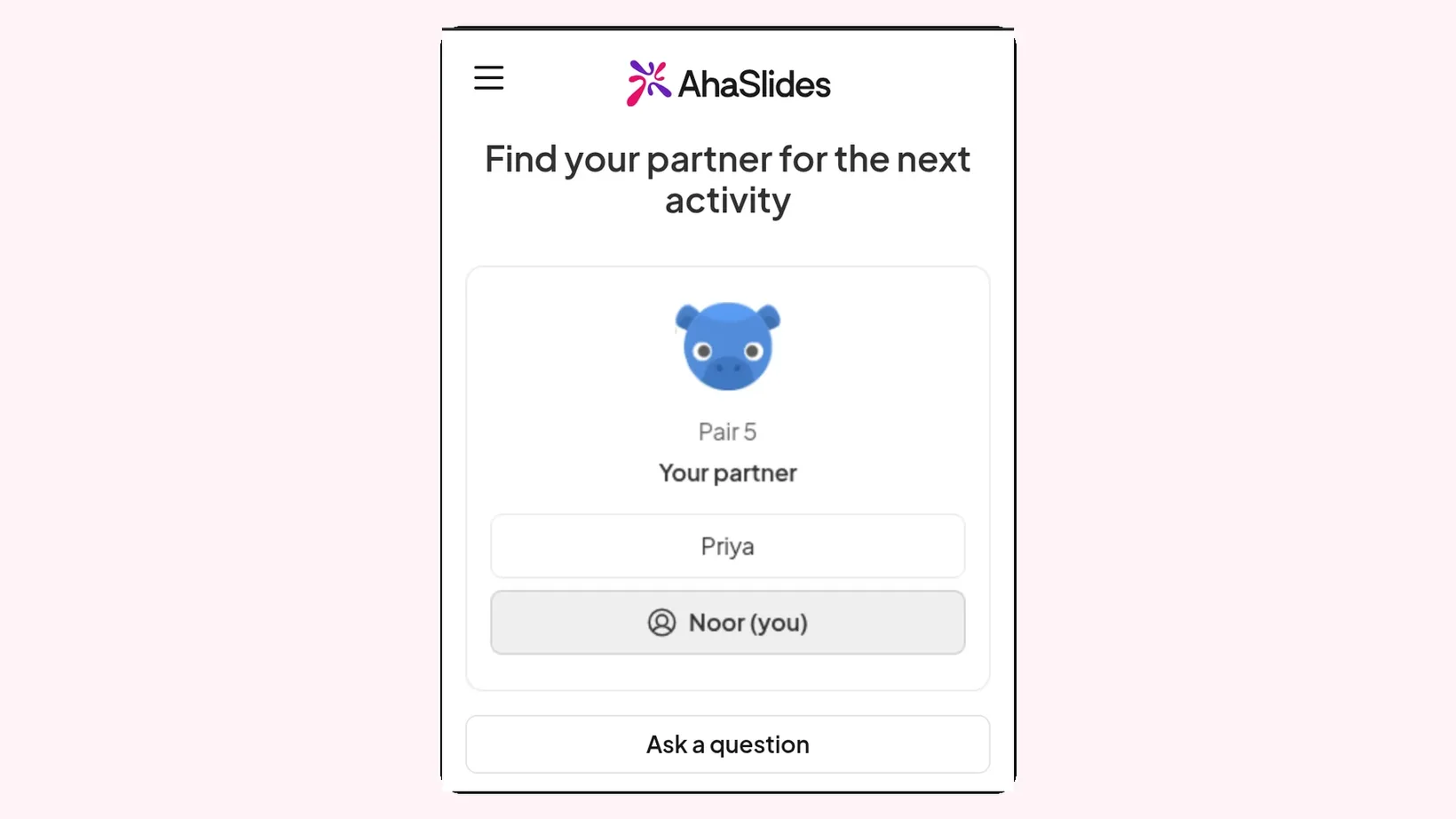
- Present and let students join. Πατήστε Παρουσιάστε. Students join with the access code on screen, tap Συμμετοχή, and their name appears in the list on the big screen.
- Ανάμιξη. When everyone is in, click Shuffle or press Enter. Each pair appears as a card, such as Ζεύγος 1.
- Shuffle again for the next round. Πατήστε Ανακάτεμα ξανά (or press R) for new partners, or Αντιγραφή αποτελεσμάτων (or press C) to paste the pairs into a spreadsheet or a document.
Each phone shows that student's partner, so nobody has to hunt for their name on the screen or wander the room asking around.
What do you do with an odd number of students?
Make one group of three. In Pairs mode, the Random Pair Generator does this for you: with an odd number, one pair gets 3 people, so nobody is left on their own. Give the trio a simple rule, such as taking turns as the speaker, listener and checker.
If a student arrives after the shuffle, the big screen shows how many people joined late, and they are added the next time you click Ανακάτεμα ξανά. For the activity already running, ask the latecomer to join the trio.
How do you move from pairs to groups and teams?
Change the group type and shuffle again. The same slide makes Group of 3 to 20 people each, or a set number of ομάδες, from 2 to 20. Sizes are kept as even as possible.
To mix students from different classes or year groups, turn on Κατηγορίες ανθρώπων. You name 2 to 4 categories, students pick theirs when they join, and every pair, group or team gets someone from each. Trainers use the same setting to mix new starters with experienced staff.
When the groups need names, such as a topic, a task or a role, use a Random Group Maker slide instead. Our guide on πώς να χωρίσετε μια τάξη ή μια ομάδα σε τυχαίες ομάδες walks through it. For more games students play on their own devices, see these classroom games students play on their phones.
Tips for running partner activities
The pairing takes seconds. What makes the activity useful is a clear task and a firm finish.
- Give the task before the shuffle. Students start talking the moment they see their partner, so make sure they already know what to talk about.
- Set a visible time limit. Short rounds of two to five minutes keep pairs focused. Stop while the talk is still going.
- Name who goes first. "The partner whose name is first on the card starts" saves a minute of "you go, no, you go".
- Ask for something to show. One answer, one question or one sentence per pair gives you a quick check on what the class understood.
- Shuffle often. Three short rounds with different partners beat one long one with the same person.
Free random partner templates to host
Start from a ready-made icebreaker deck that already has pairs, groups, teams and a tournament set up.
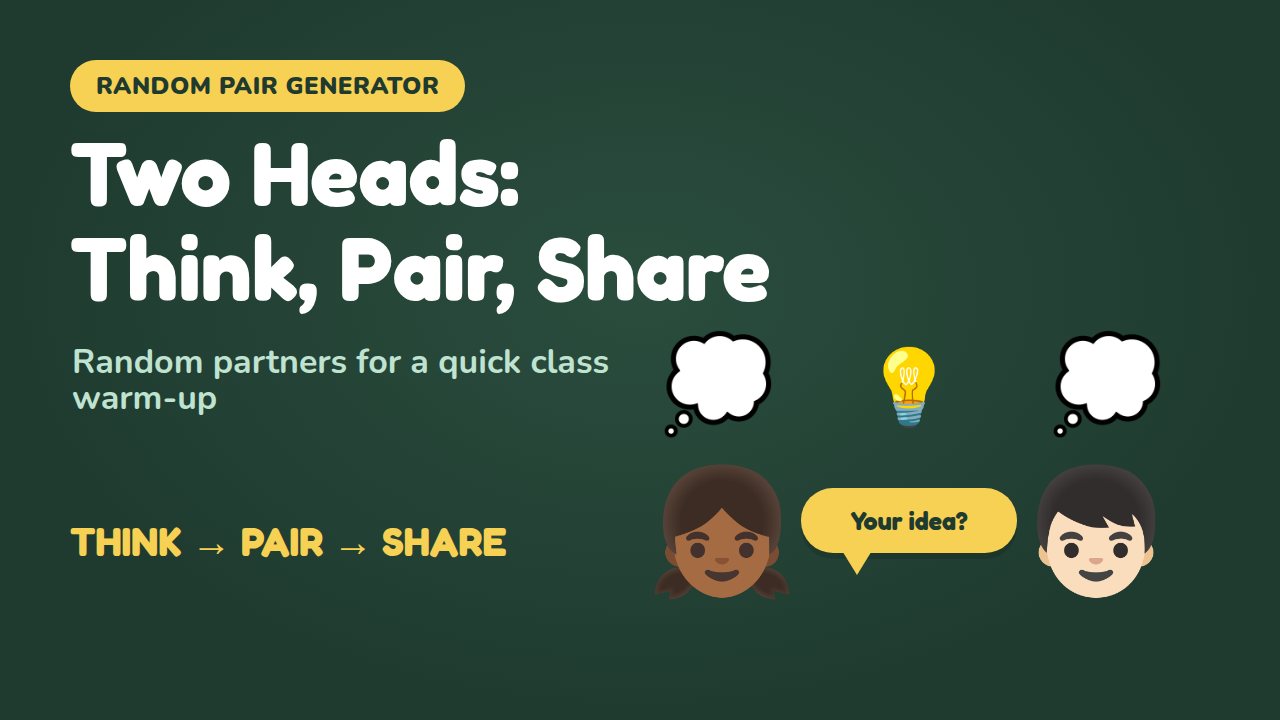
Two Heads: Think, Pair, Share
Runs a think-pair-share warm-up with a random partner for every pupil.
Χρησιμοποιήστε αυτό το πρότυπο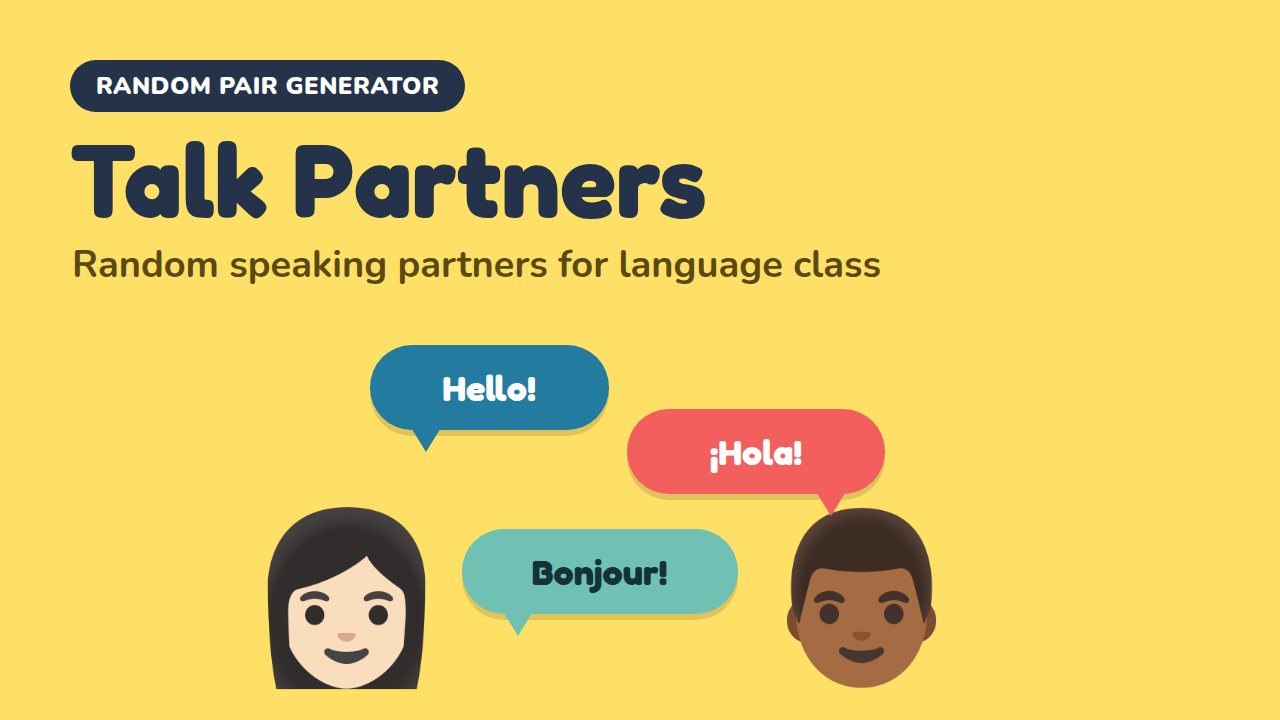
Talk Partners: Speaking Swap
Shuffles a class into random speaking partners, then gives each pair conversation prompts.
Χρησιμοποιήστε αυτό το πρότυπο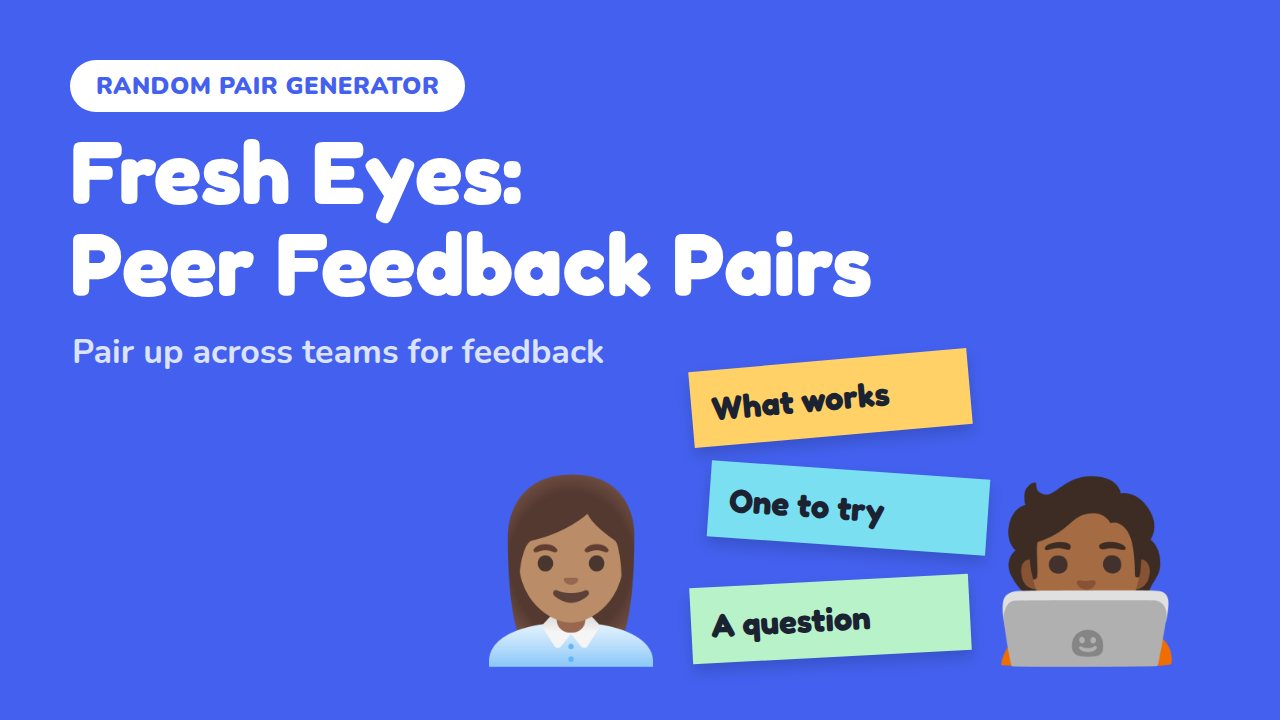
Fresh Eyes: Peer Feedback Pairs
Pairs colleagues at random across teams so everyone gets feedback from a fresh pair of eyes.
Χρησιμοποιήστε αυτό το πρότυποOpen the template, swap in your own prompts for each round, and present it to your class. To build your own, start from the Γεννήτρια τυχαίων ζευγών page, and see the Random Pair Generator help guide for every setting.
Συχνές ερωτήσεις
What are some good random partner activities for class?
Think-pair-share, explain it back, quiz each other and peer marking work in almost any subject. For a change of pace, try back-to-back drawing or a rock, paper, scissors tournament.
How do I pair students randomly?
Draw names from a hat, or use a Random Pair Generator slide on AhaSlides. Students join on their phones, you click Shuffle, and each student sees their partner on their own screen.
How do I pair students when there is an odd number?
Make one group of three. In Pairs mode, the Random Pair Generator puts 3 people in one pair automatically, so nobody is left on their own.
Can I use a class list instead of students joining?
Yes. Paste up to 200 names into the Names box, one per line, or import a .txt or .csv file. Anyone who joins on their phone is added to the list too.
Can I make random groups of three or four instead of pairs?
Yes. Choose Groups as the group type and set People per group to anything from 3 to 20. Group sizes differ by one at most, and nobody ends up in a group on their own.
How often should I change partners?
For short activities, every round or every lesson. Regular shuffling means students work with most of the class over a few weeks, rather than the same few people.