
Split a room into teams.
Reveal each one

Type a list of names or let people join with a code, and sort them into 2 to 16 groups. Open the groups one by one on the big screen.
Koristite besplatni predložak
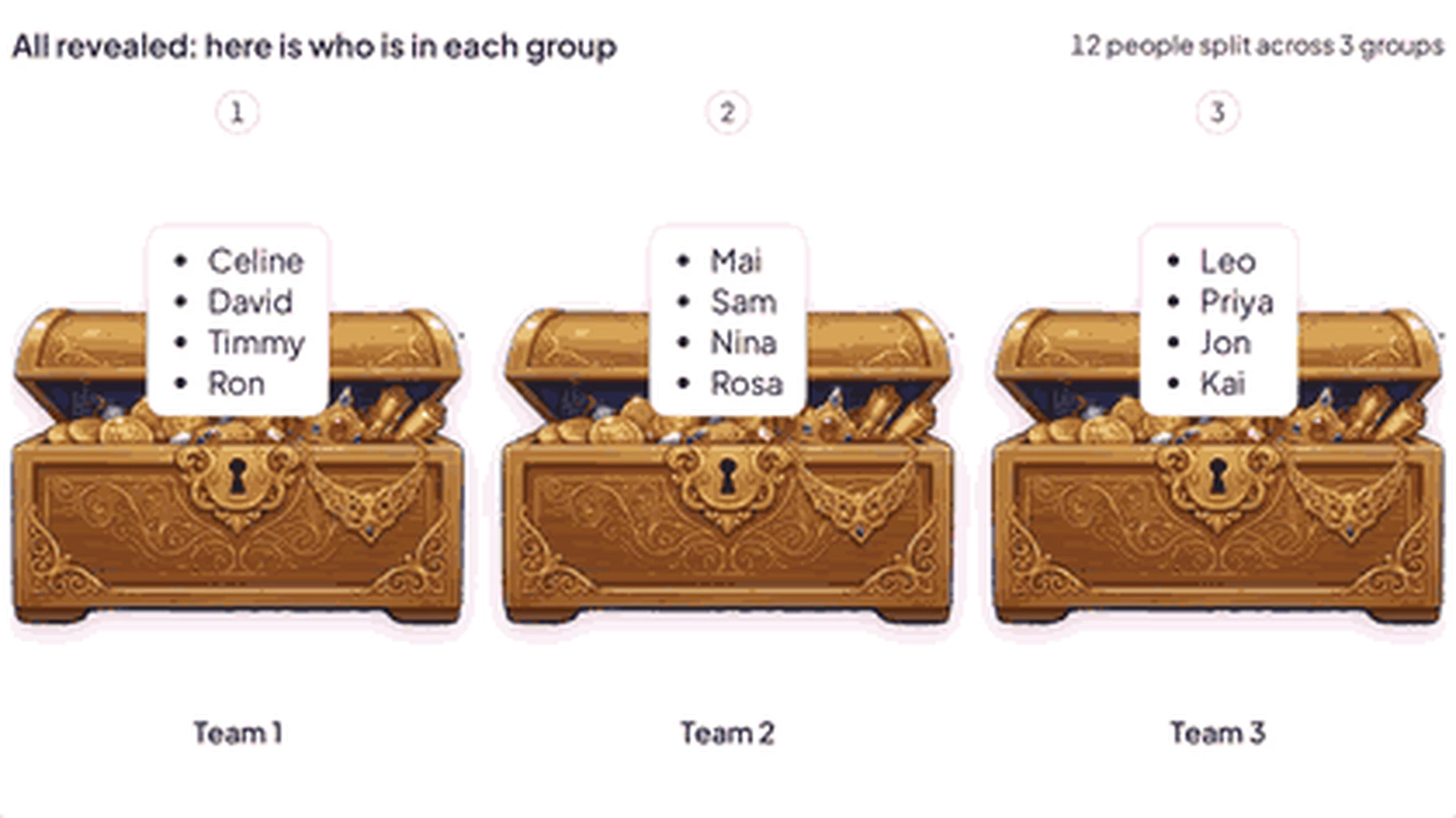
Alat za izradu nasumičnih grupa na zaslonu prezentera: tri otvorene škrinje s blagom pod nazivom Tim 1, Tim 2 i Tim 3, svaka s četiri imena, s linijom od 12 ljudi podijeljenih u 3 grupe

A fair, fun way to form groups

Skip counting off or drawing names from a hat. Random Group Maker places everyone in one go, then makes the reveal a moment.

  • People who join

    People join on their own phone and tap the group they want. Anyone who has not chosen is placed at random.

  • Fair when it's random

    Random places are spread as evenly as possible, so groups are never more than one apart.

  • 2 do 16 grupa

    Name each group up to 80 characters. It can be a team, a task or a role.

  • A reveal to watch

    Pick Chest, Card, Scroll or Balloon. Each group opens to show its name first, then the people in it.

  • Names you type

    Paste up to 300 names to group a class register, even before anyone has joined.

  • Zadržite rezultate

    Once every group is open, download the groups as an .xlsx spreadsheet.

Run your first group reveal

  1. Korak 1: Choose who to group

    Choose Names you type and paste your list, or People who join to group everyone in the room.
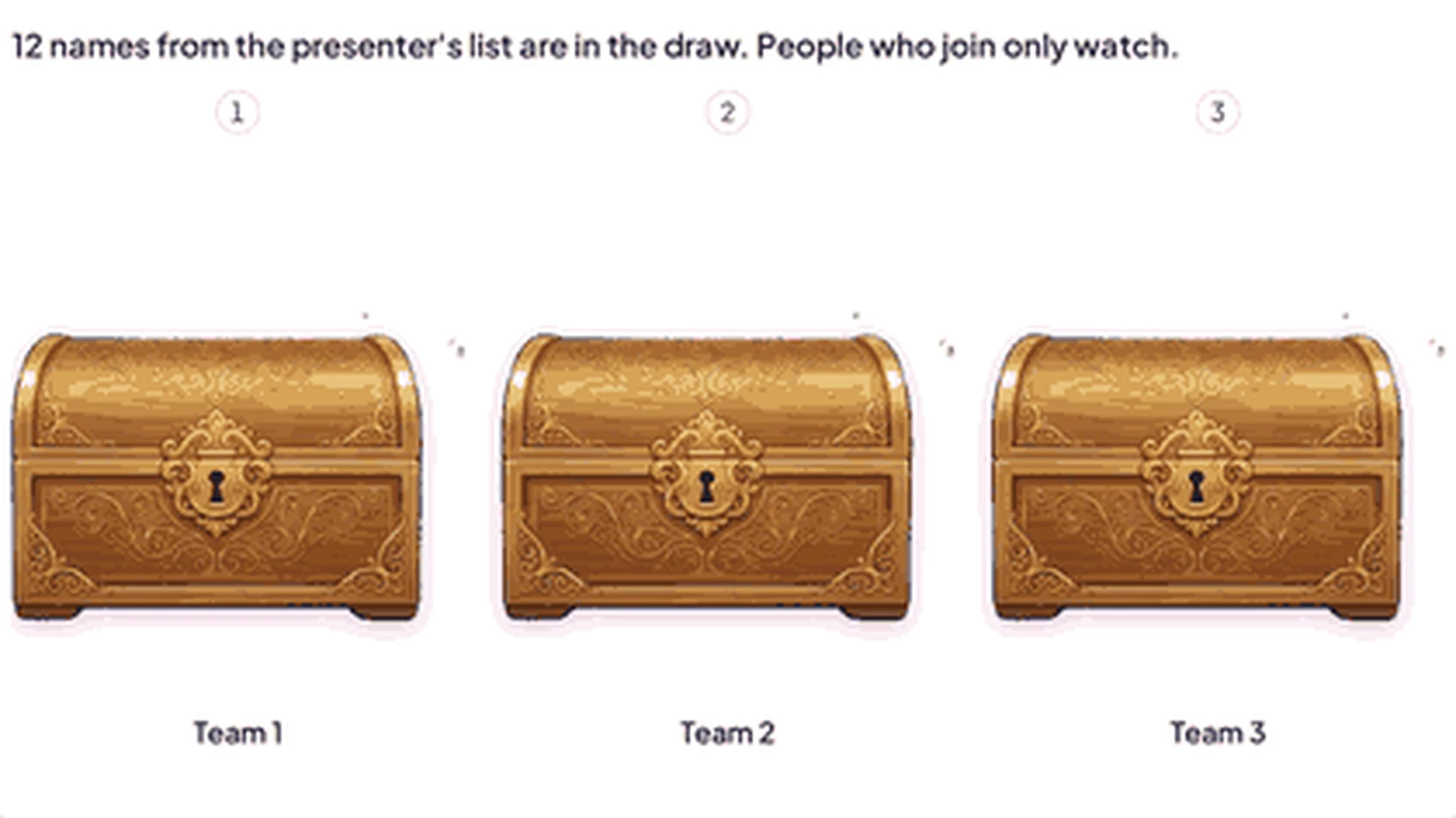
    Random Group Maker before the reveal: three sealed treasure chests named Team 1, Team 2 and Team 3, with a line saying 12 names from the presenter's list are in the draw
  2. Korak 2: Start the reveal

    Click Start reveal and the first group opens. Click Reveal next for the following one, or click any sealed group yourself.
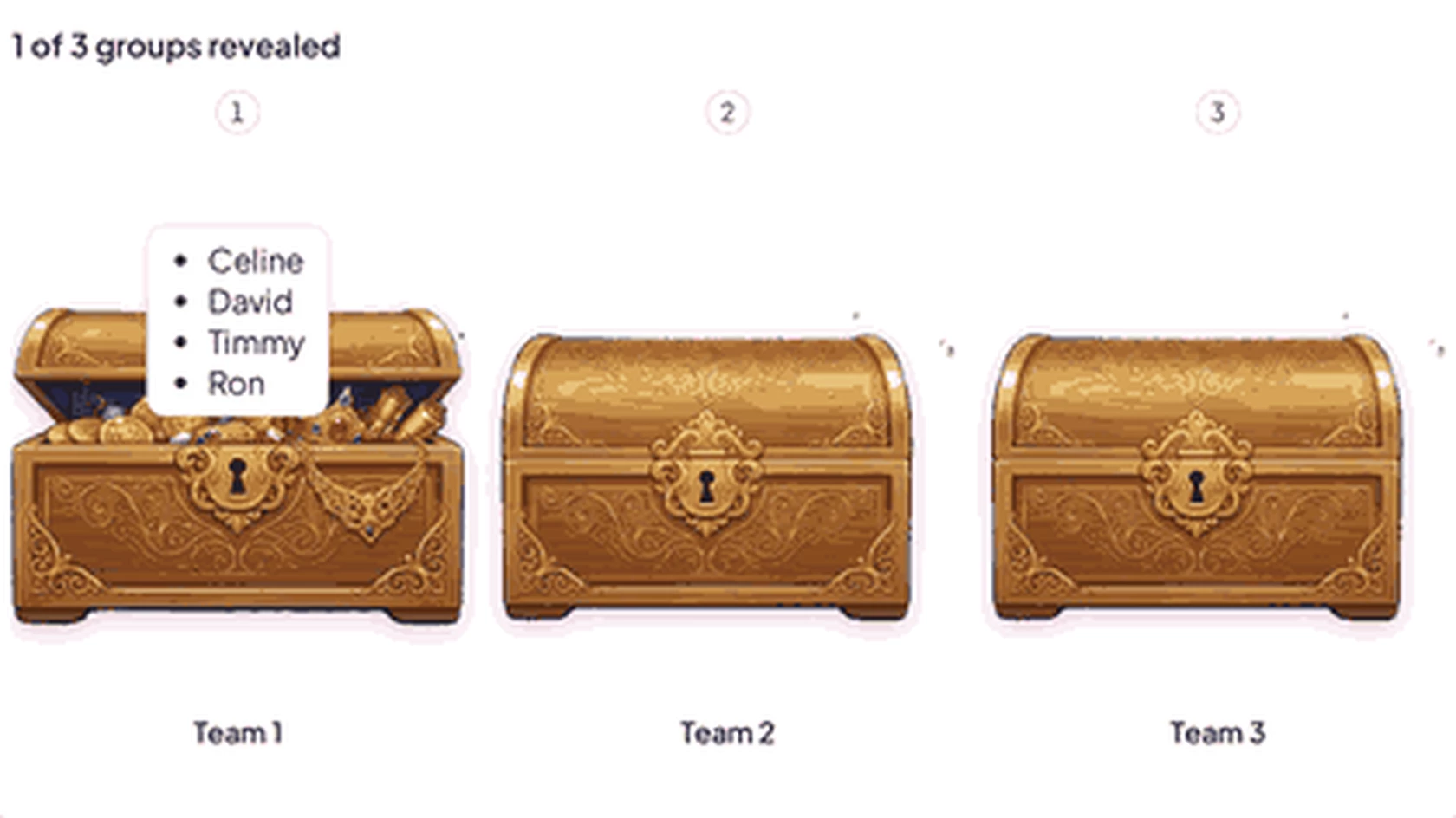
    Random Group Maker with 1 of 3 groups revealed: the Team 1 chest is open and lists four names, while Team 2 and Team 3 are still sealed
  3. Korak 3: Open every group

    Reveal all opens everything at once. Participants find their group on the big screen, and their phone shows it too.
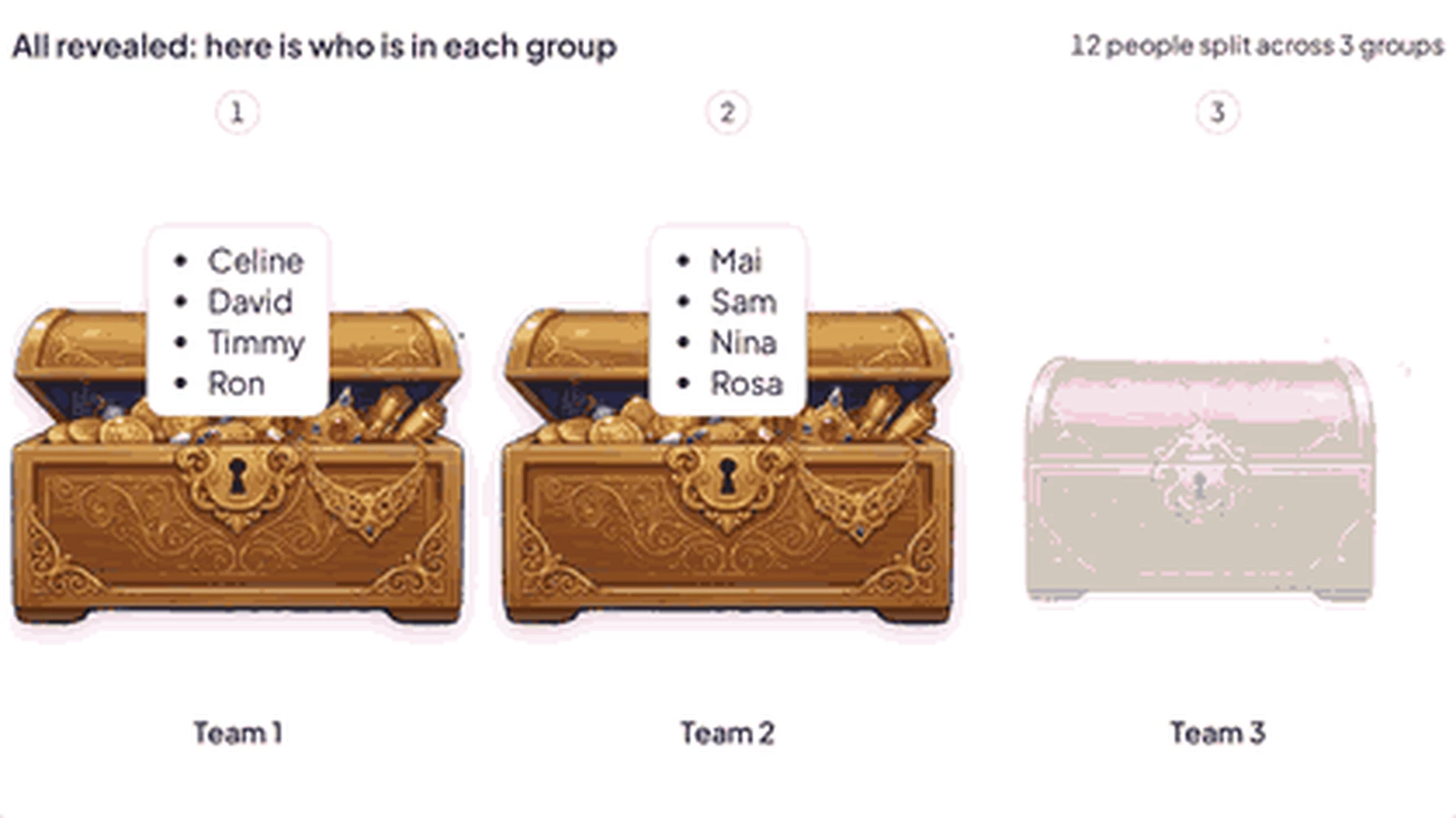
    Random Group Maker with groups opening: Team 1 and Team 2 chests are open with four names each, and the Team 3 chest is just starting to open
Koristite besplatni predložak (otvara se u novoj kartici)

Ways to split a room

A group can be a team, a task, a role or a prize. Name them and let the slide do the sorting.

  • Projektni timovi

    Split a class of 24 into six teams for a project.

  • Workshop tables

    Send each person to a numbered table with a different topic.

  • uloge

    Give everyone a role, such as note-taker, timekeeper or spokesperson.

  • Poslovi

    Share out tasks at the end of a session, such as clearing tables or tidying the whiteboard.

  • Izaberi svoju stranu

    With People who join, everyone taps the topic they want, then the reveal shows who chose what.

  • Prizes and gifts

    Name each group after a prize and reveal who gets what.

Pitanja prije nego što počnete

An unscored slide that splits everyone who has joined into 2 to 16 groups, then reveals who landed where one group at a time. Nothing goes to the leaderboard.

With Names you type, you paste a list and the slide places each name at random. With People who join, each person taps a group on their own phone, and anyone who has not chosen is placed at random.

They are placed in a group at random, so everyone who joined ends up in a group.

No. The slide places names at random, and people who join can pick their own group.

It spreads however many people join across up to 16 groups. A pasted list holds up to 300 names.

Ne. The kotačić za okretanje picks one entry at a time. Random Group Maker places everyone in a group in one go, then reveals them group by group.

In the editor, click New slide, then search for Random group maker in the slide type picker.
Koristite besplatni predložak (otvara se u novoj kartici)