
1 단계 : 오픈 커넥터
In Claude, click your profile and go to Settings, then Connectors.
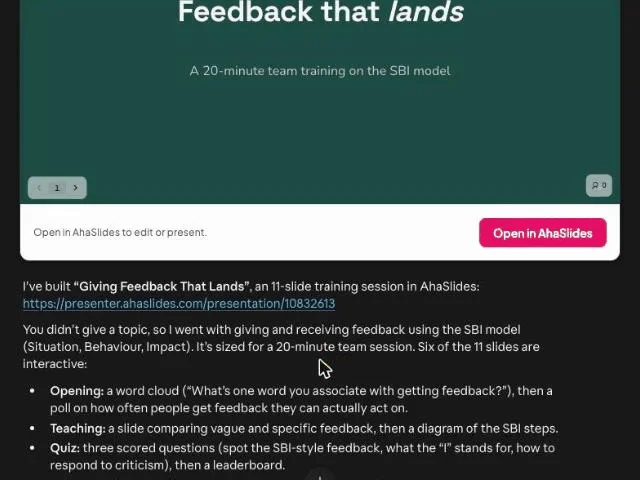
연결하기 AhaSlides to Claude, then ask for what you need in plain words. Claude builds a deck with live polls and quizzes, a self-paced course or a feedback survey in your AhaSlides account, and shows you a preview of each deck right in the chat.









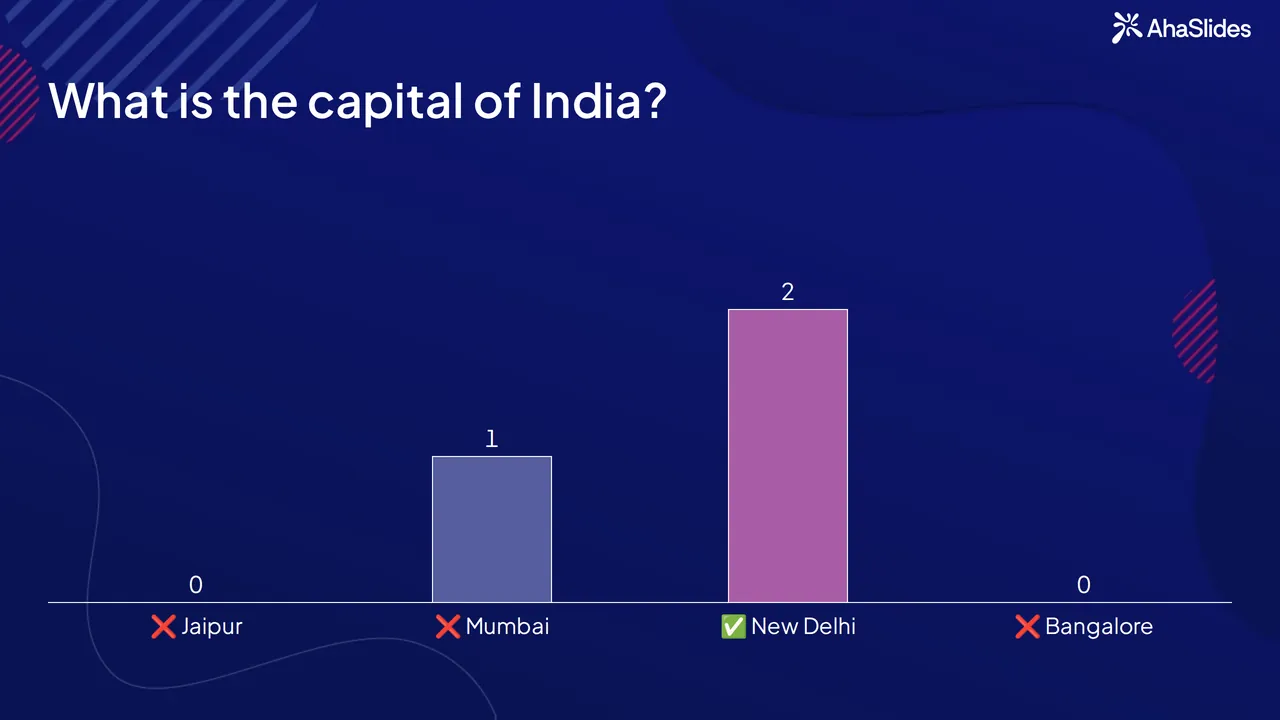
Ask Claude for a quiz on today's lesson, then see every answer on the big screen.
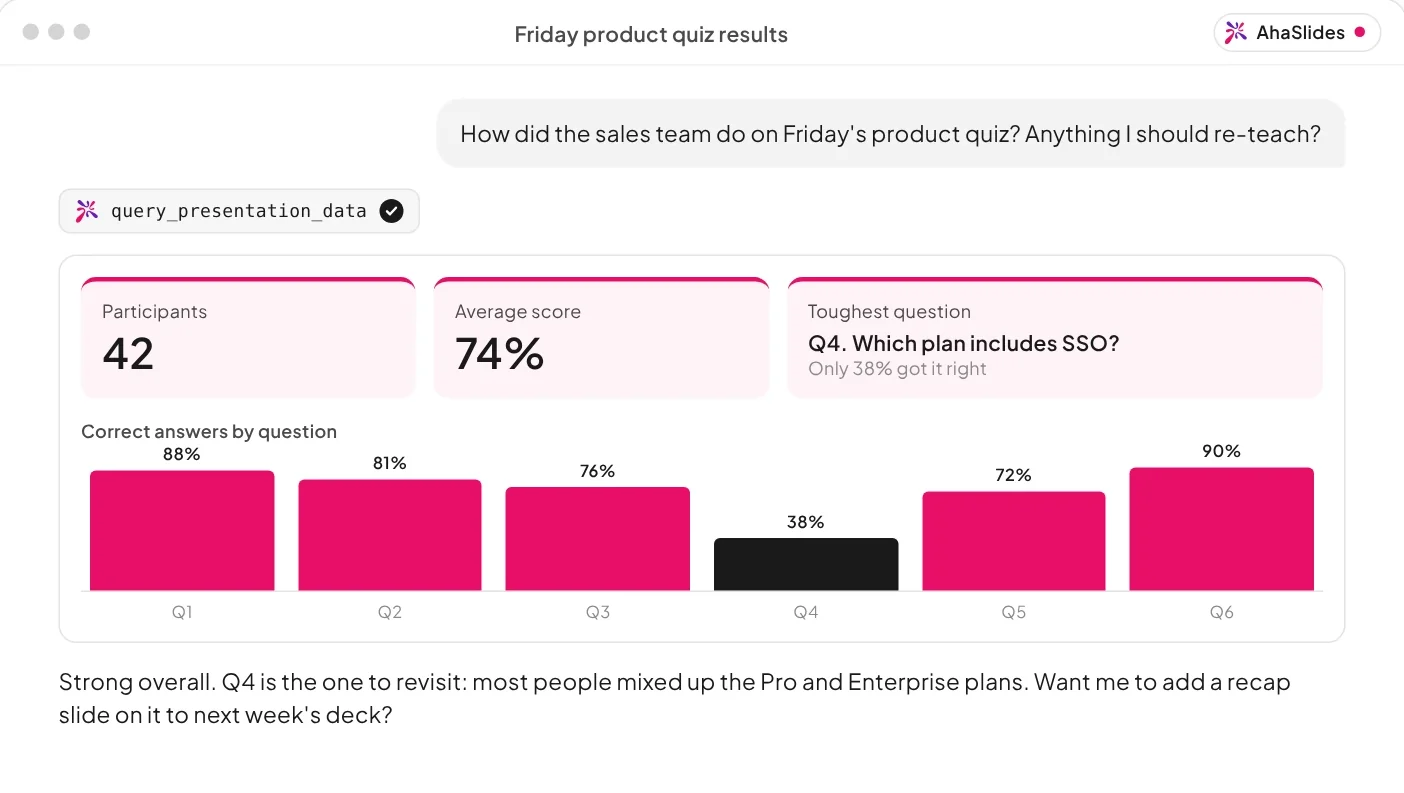
Ask Claude how the group scored, and it points to the question most people missed.
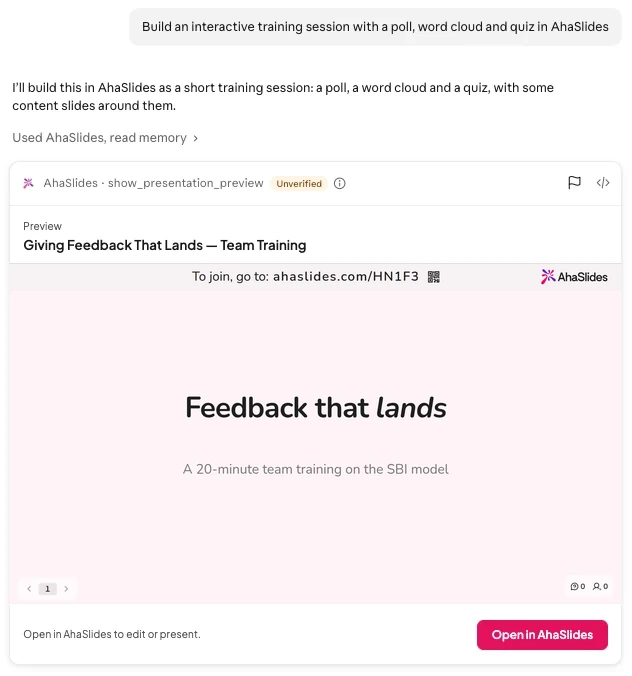
Ask for a training with a poll, word cloud and quiz, and get a deck ready to present.
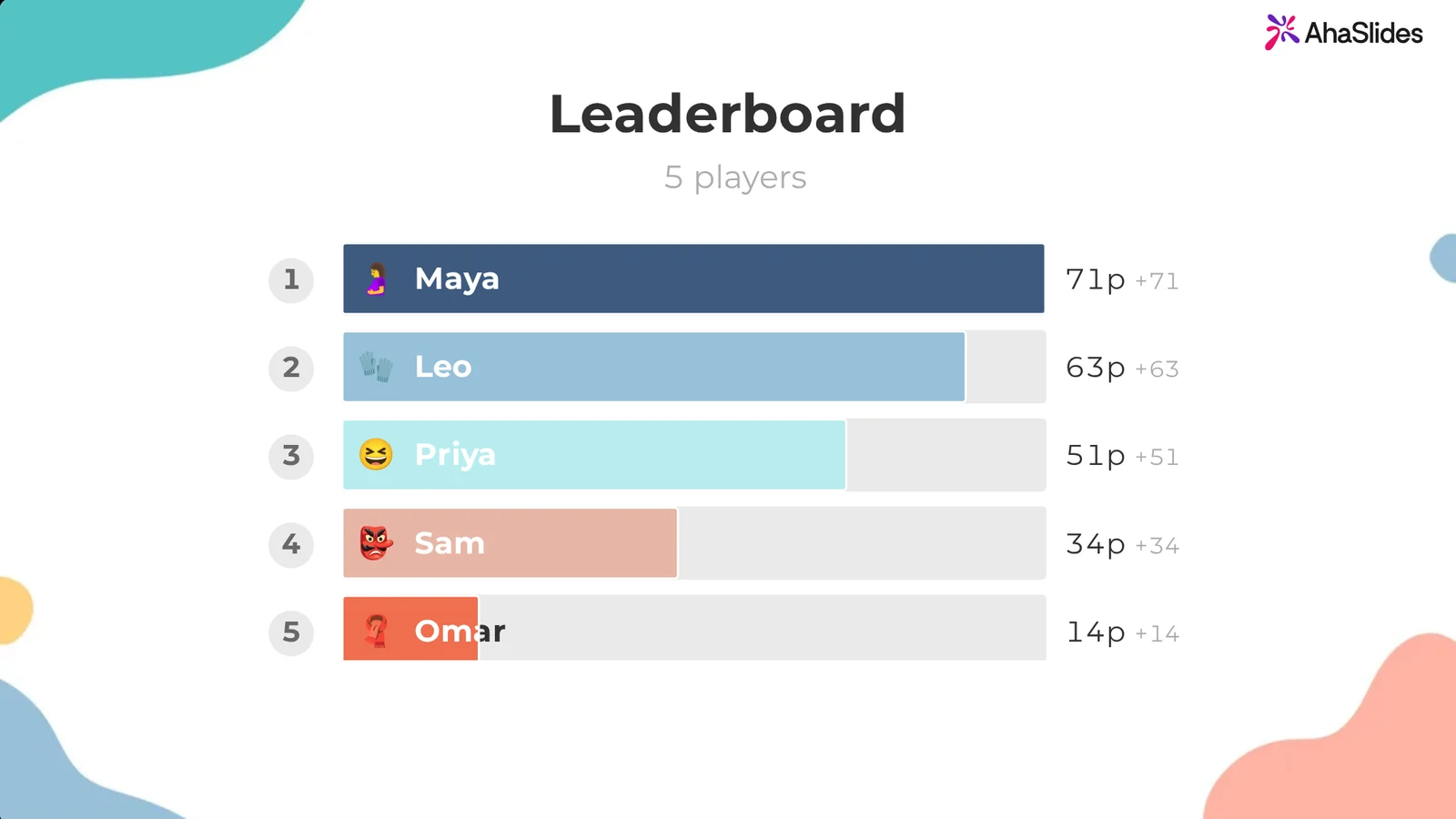
Describe your rounds and Claude writes the questions. A live leaderboard keeps it close.
In Claude, click your profile and go to Settings, then Connectors.
Click Add custom connector, paste https://mcp.ahaslides.com/mcp into the Remote server URL field and click Add.
The first time Claude uses an AhaSlides 도구를 사용하려면 다음 계정으로 로그인하세요. AhaSlides account (free or paid). There is no API key to set up.
Start a chat with a request such as "Make a 10-slide kickoff deck with an icebreaker poll".