
Create surveys in ChatGPT

Tell ChatGPT what you want to find out. The AhaSlides plugin writes the questions and builds the survey in your AhaSlides account, and when the answers come in, you ask ChatGPT what people said.

Legg til i chattenGPT
Vurdert til 4.7 av 5 på G2, basert på 428 anmeldelser
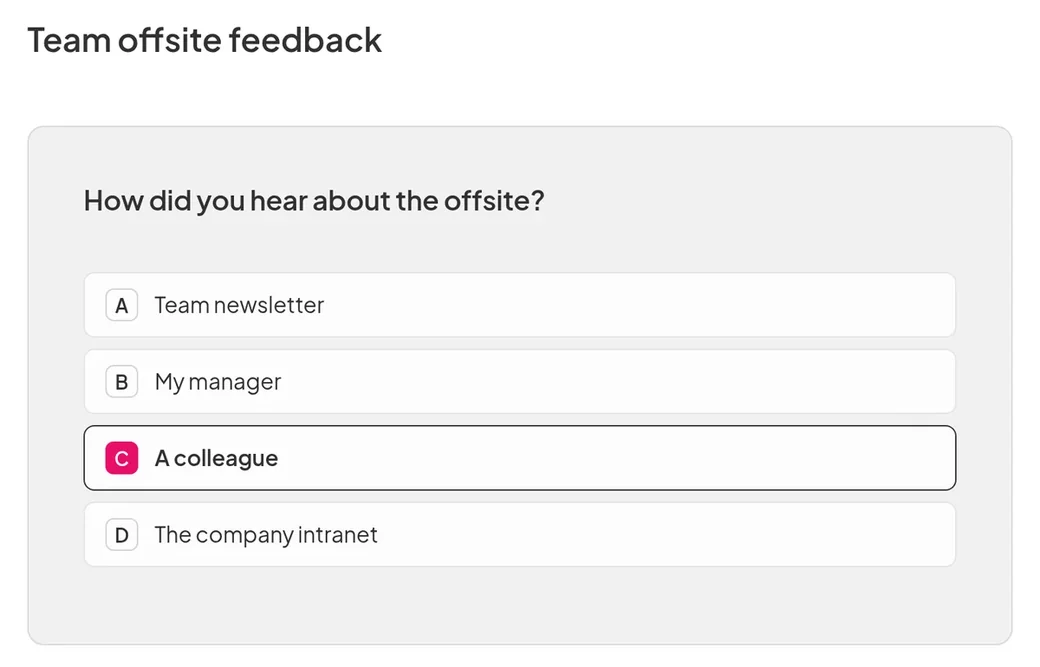
A team offsite feedback survey in AhaSlides: a multiple choice question asking how people heard about the offsite, with "A colleague" picked
  • Abu Dhabi Universitets logo
  • Airbus-logoen
  • Bend La Pine Schools-logo
  • BMC-logo
  • Bosch-logoen
  • Criteo-logoen
  • Ferrero Rocher-logoen
  • Intel-logoen
  • Ivy Tech Community College-logo
  • Le Quiz Show-logoen

Ask, publish, then read the answers

  • A ready survey from one request

    Say who the survey is for and what you want to learn, such as how a training day went. ChatGPT builds it in your AhaSlides account and publishes it when you are happy.
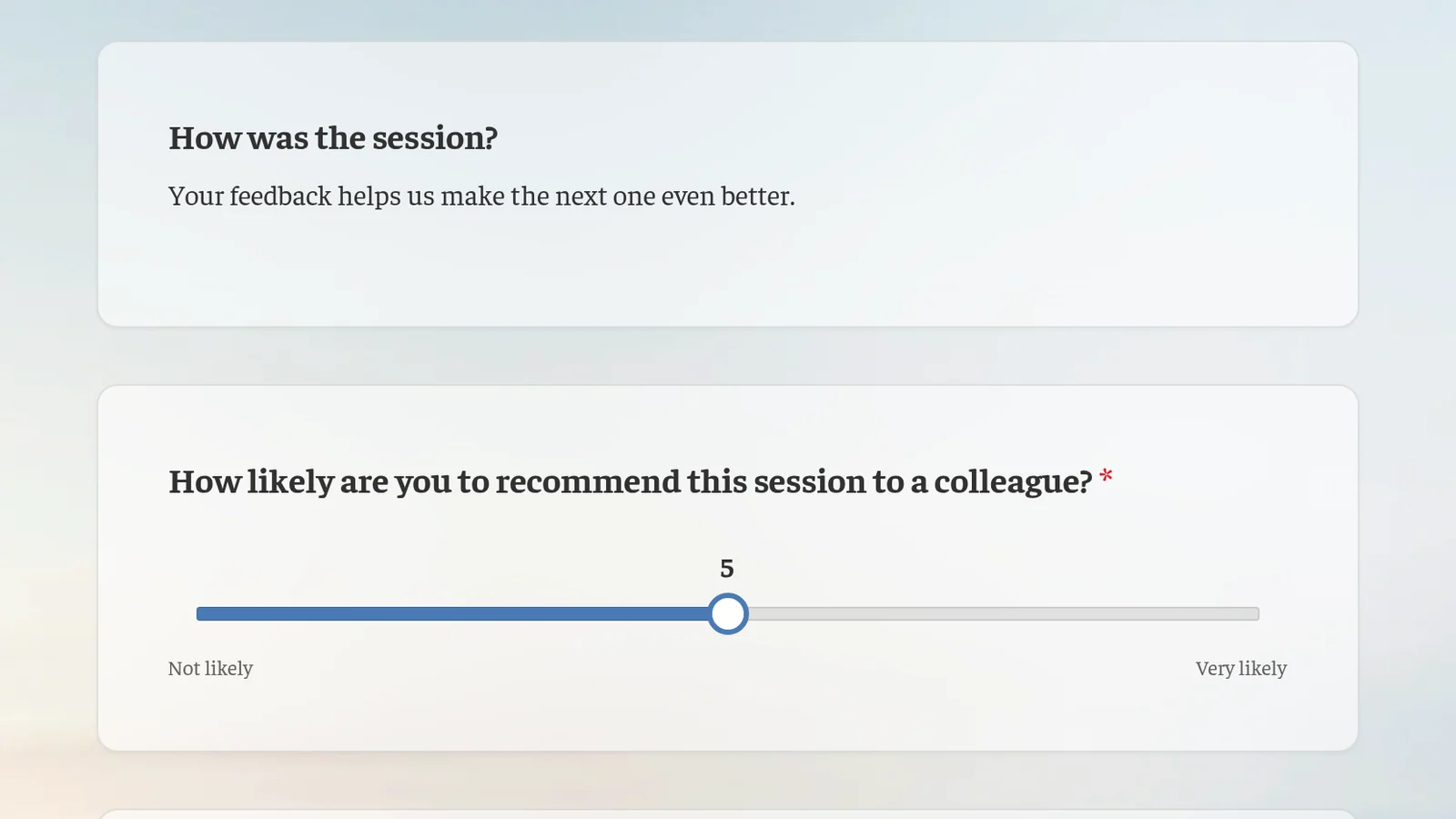
    A post-training feedback survey as people see it: how was the session, and how likely they are to recommend it to a colleague on a slider
Legg til i chattenGPT

After you publish

  • Read the answers in ChatGPT

    Ask ChatGPT how people answered and what stood out, in the same chat where you built the survey.

  • Change it any time

    Open the survey in AhaSlides and edit any question yourself, or ask ChatGPT to do it.

  • In your audience's language

    Build the survey in any language ChatGPT supports.

Hvem er det for

  • trenere

    Run quick surveys to understand your learners.

  • Bedriftsgrupper

    Find out what your audience thinks, then turn what they said into next steps.

More you can do with AhaSlides in ChatGPT

Ofte stilte spørsmål

Yes. Ask ChatGPT to publish it once you are happy with the questions. You can also open it in AhaSlides first and check every question yourself.

Yes. Once people have answered, ask ChatGPT how they responded and what stood out. It reads the results from your AhaSlides konto.

Nei AhaSlides plugin works with a free or paid AhaSlides account, on any ChatGPT plan.
Read the setup guide (åpnes i en ny fane)