Skip to content
Claim this template

Free course template · Global

Data classification & handling

A ready-made course, live deck and two surveys for all employees. 25 minutes, 7 lessons, 10-question final check. Last reviewed 8 October 2026; not legal advice.

Claim the templatePreview the courseDownload SCORM for your LMS

Free. No credit card. Edit everything.

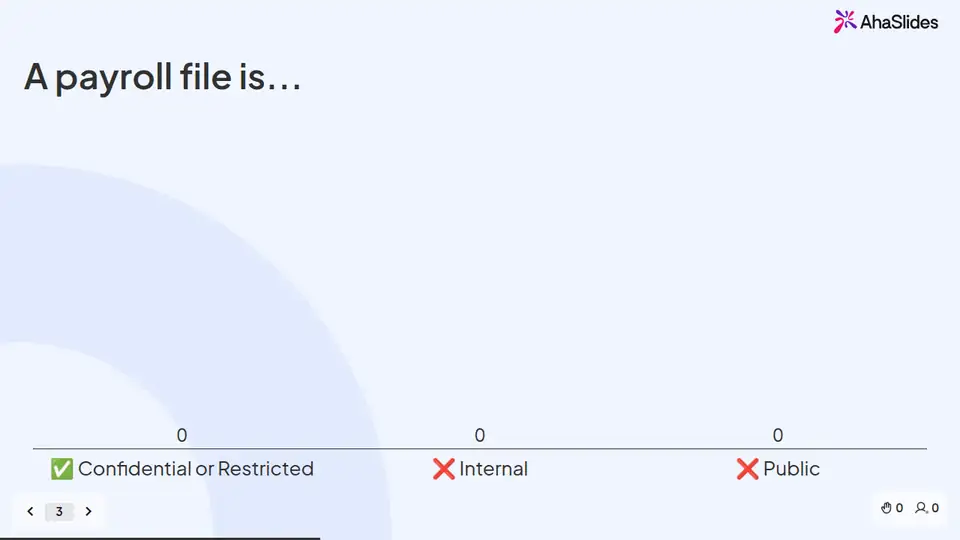
Play a game from the course

Data classification & handling: try 3 questions

Three questions from this course. Pick an answer, then see why.

Play the game

Game not loading? Open it in a new tab (opens in a new tab)

Three pieces that work together

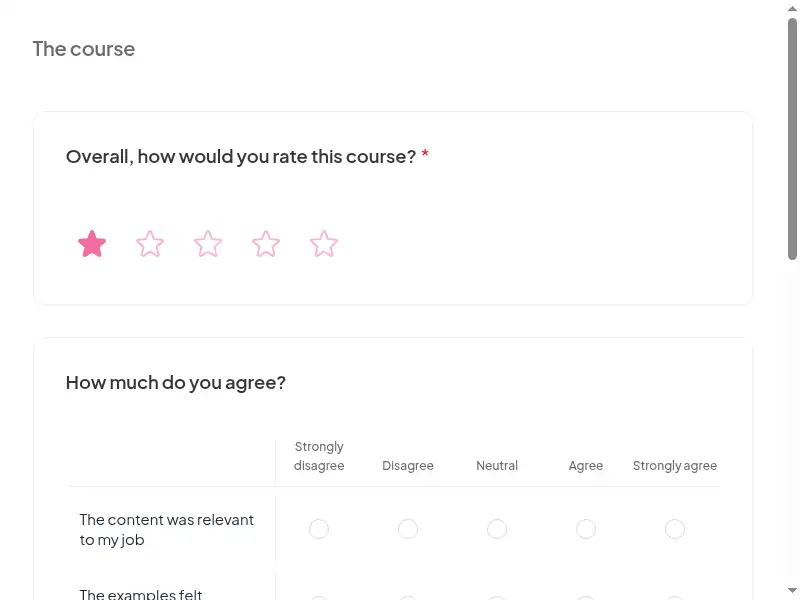
Learners sign in, so every finish and score is recorded. 7 fields to fill in with your details.
Claim the template
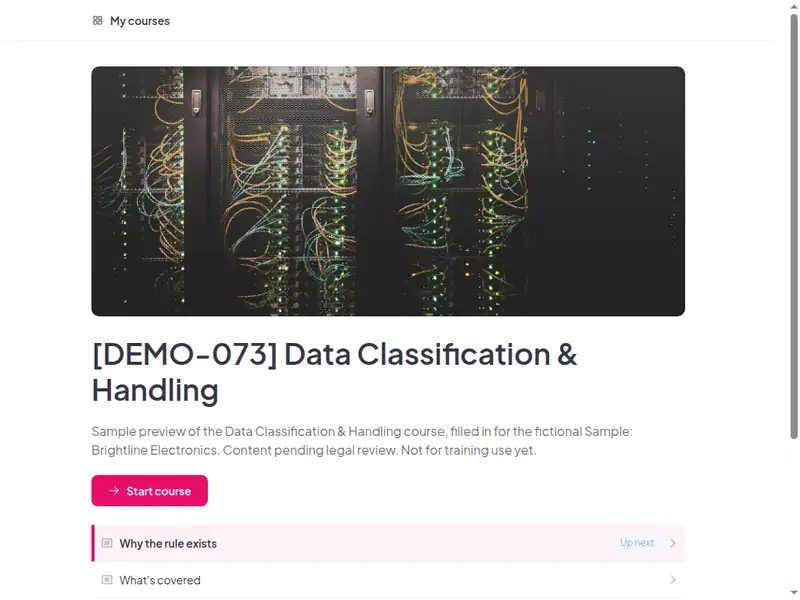
The Data classification & handling course as a learner first sees it

7 lessons, about 25 minutes

Minutes are an estimate.

  • Lesson 1: Why the rule exists · 4 min

    Explain why classification protects customers, the company and you.

  • Lesson 2: What's covered · 4 min

    Identify the company's classification levels and examples.

  • Lesson 3: Allowed vs not allowed · 4 min

    Label, store, share and dispose of data by level.

  • Lesson 4: Red flags & duties · 4 min

    Recognise mishandling red flags.

  • Lesson 5: Case practice · 4 min

    Report a misclassification or data mishandling.

  • Lesson 6: Escalate correctly · 2 min

    Practice

  • Lesson 7: Final assessment · 3 min

    10 questions, 80% to pass. The result is saved to the learner's record.

Claim the template

Inside this course

Taken from the course itself.

Sample questions, with answers

  1. What does "anyone with the link" really mean?

    • Anyone who gets the link can open it, even if it was forwarded
    • Only people in your team
    • Only people who ask first
    • Only people with a company email

    Answer: Anyone who gets the link can open it, even if it was forwarded. A link set to anyone can be forwarded and opened by anyone who receives it.

    Lesson 1: Why the rule exists

  2. Where should Confidential data be stored?

    • In a personal cloud account
    • In approved, encrypted tools
    • On a shared USB stick
    • In any chat

    Answer: In approved, encrypted tools. Use approved tools only. Personal accounts and unencrypted USB sticks are not approved.

    Lesson 3: Allowed vs not allowed

  3. You are unsure what level a file should have. What do you do?

    • Pick Public to be safe
    • Delete it
    • Ask the data owner or security and treat it as higher until you know
    • Ask no one

    Answer: Ask the data owner or security and treat it as higher until you know. Ask the data owner. Treat the file as the higher level until you know.

    Lesson 6: Escalate correctly

A scenario from "Case practice"

Procurement specialist asked by a new vendor to email the full customer database "for onboarding".

Best response: Check classification, DPA/contract, use secure transfer, minimum data.

Legal basis

ISO/IEC 27001:2022 Annex A 5.12 (classification of information), 5.13 (labelling), 5.10 (acceptable use), 5.14 (information transfer), 8.10 (information deletion); AICPA SOC 2 Trust Services Criteria - Confidentiality C1.1-C1.2, CC6.1; supports GLBA, HIPAA, state privacy laws.

Related articles

24 articles from the AhaSlides blog that use this course, newest first.

Common questions

Yes. Claiming the template and editing it are free.

The course itself is self-paced and online, and the live deck lets you add a live session. Whether online delivery meets your local rules depends on the law that applies to you, so check ISO/IEC 27001:2022 Annex A 5.12 or ask your own counsel.

At hire + annually.

All employees.

Record completion in your own LMS or record system, so you can show who finished the course and when. Check the retention period that applies to you in ISO/IEC 27001:2022 Annex A 5.12.

Your own details, each highlighted inside the course:
  • Classification levels
  • Handling matrix
  • Approved storage and sharing tools
  • Secure disposal process
  • Data owner directory
  • Security hotline
  • LMS or record system
Then edit anything else you like: wording, scenarios, your logo.
Visit the help centre (opens in a new tab)