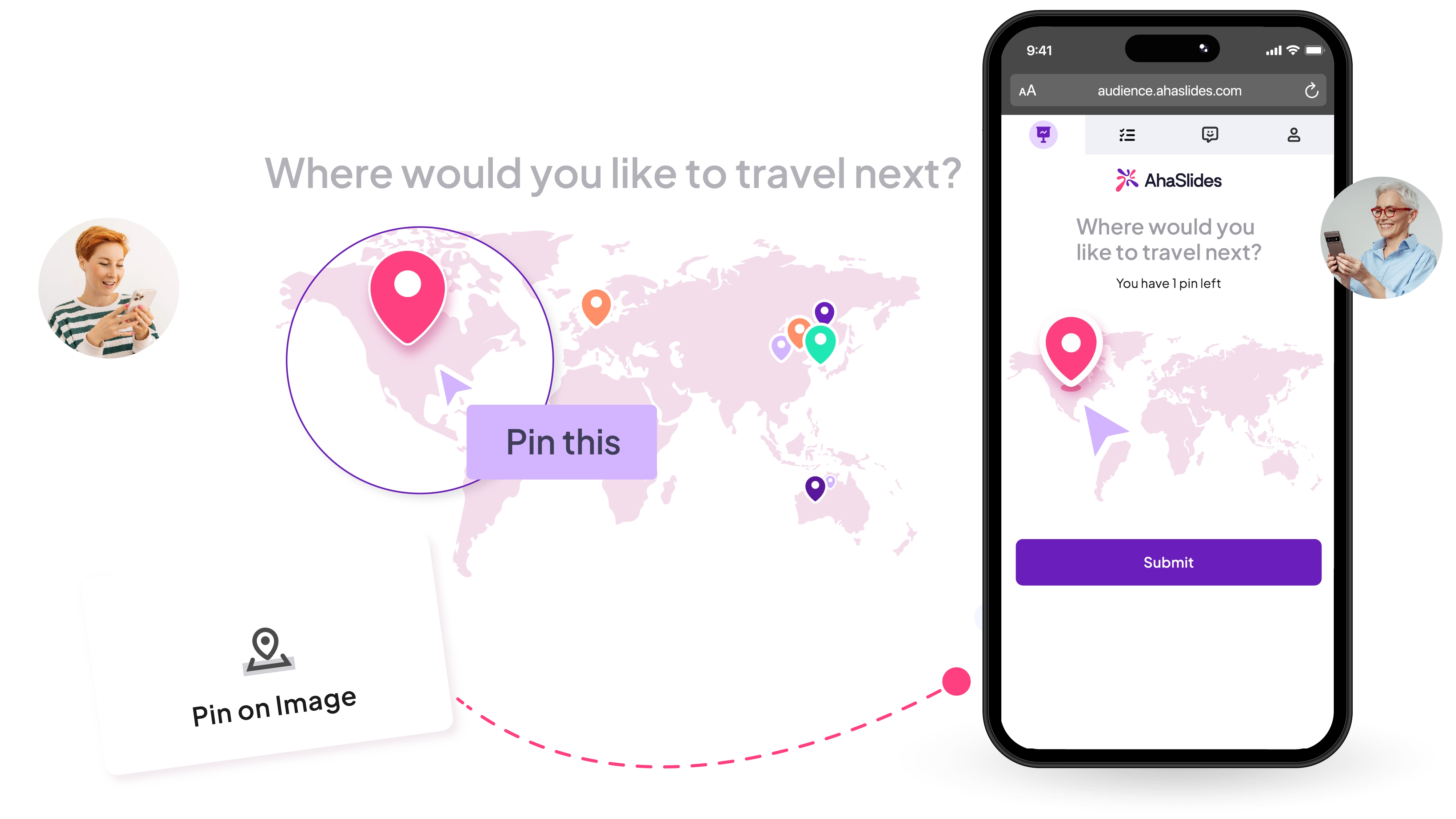
Pin on Image polls for icebreakers and live opinion voting

Upload any image and let your audience drop a pin. Run live image polls and see results instantly.

Try Pin on Image for free
AhaSlides' pin on image slide activity
Pinagkakatiwalaan ng 4M+ user mula sa mga nangungunang organisasyon sa buong mundo
Unibersidad ng MITUniversity of Tokyomicrosoftunibersidad ng CambridgeSamsungBosch

Pin polling made easy.

Masira ang yelo

Use a world map for “Where are you joining from?” or “What’s your dream place to visit?”. One image, one pin, and the conversation begins.
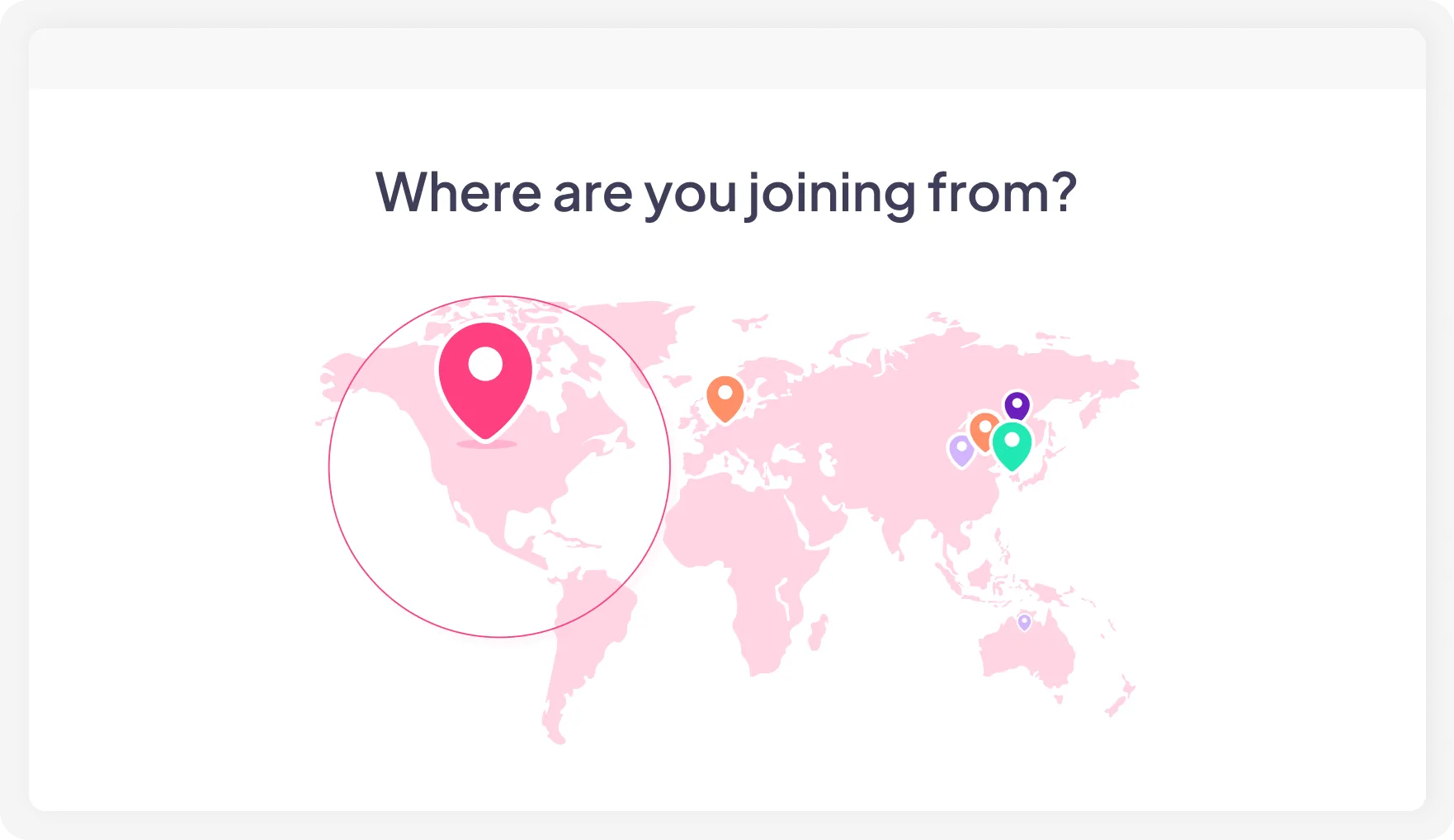
A pin on image poll with a world map on AhaSlides

Start the debate

Upload a 2×2 grid, perceptual map, spectrum, or scatter plot. Let everyone pin first, then use the results to start the discussion.
Sample question: "Where do you think our brand stands relative to our current competitors?"

Isang maikling sagot na pagsusulit sa AhaSlides

Turn photos into moments

Upload a team photo and ask a question only your group can answer. It makes the interaction more personal, fun, and memorable.
Sample question: "Pin the person you think would buy us some coffee today."

A team photo on AhaSlides with pins

Wrap up the conversation

Discuss first, then come back to the pin poll. One final pin helps everyone align on the same picture.
Sample question:"After today's discussion, where do you think we are on the roadmap?”
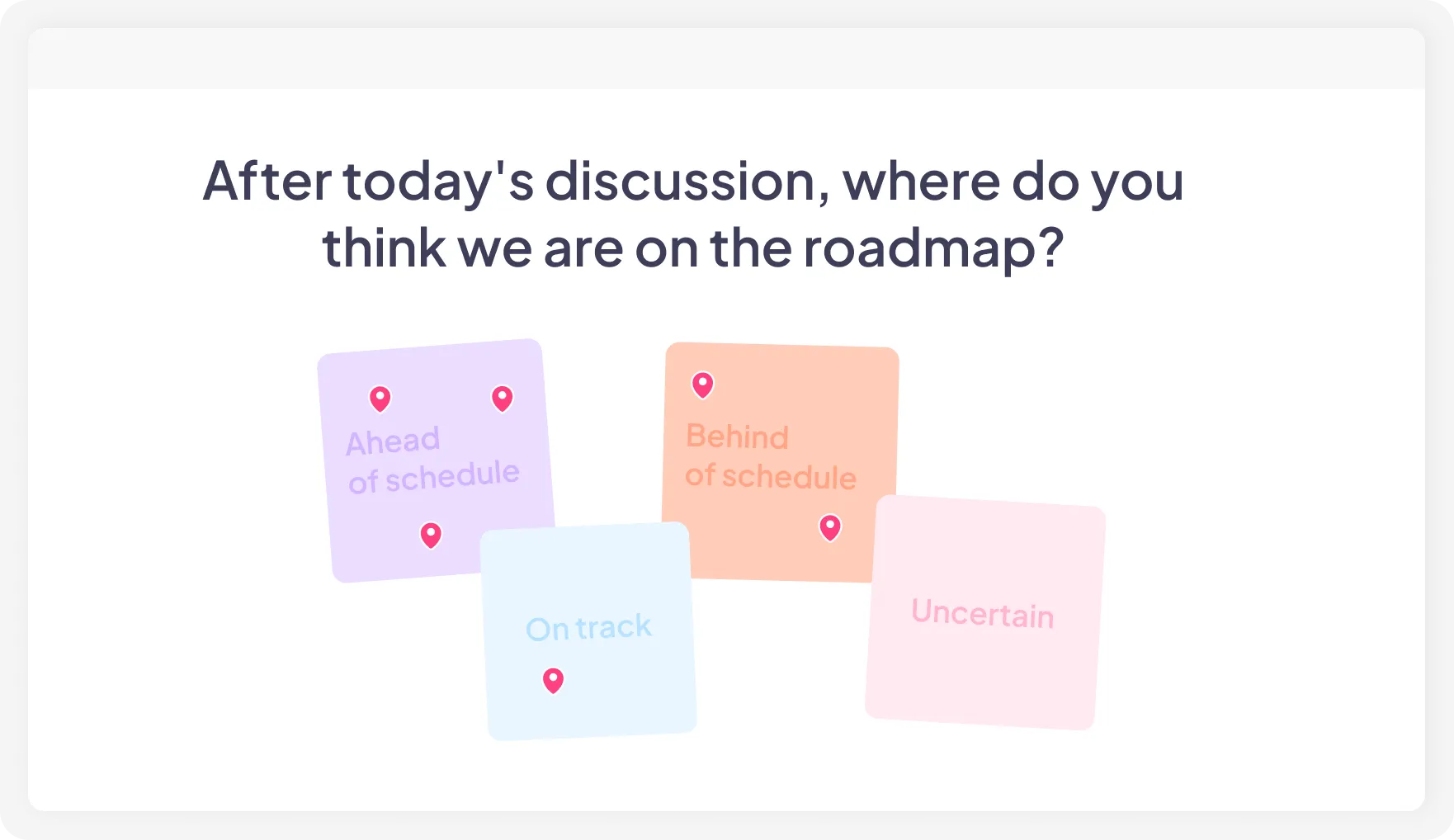

Sticky notes showing 4 different options for teams to pin on AhaSlides' pin on image activity
Try Pin on Image for free

Start a Pin on Image poll in 3 simple steps

1. Add Pin on Image slide

Open AhaSlides, create or continue a presentation, and add a Pin on Image slide from question menu.
2. I-upload ang iyong larawan

Any image works: a map, a grid, a team photo, a diagram, or a blank canvas you design yourself.
3. Share and collect

Participants join by QR code or link, drop their pin, and results appear live on your screen.

Visualize opinions in all contexts

A meeting of 5 people, behind them is the screen showing AhaSlides' pin on image activity

Mga pagpupulong at workshop

Replace “let’s go around the room” activities with a single image poll. Thirty seconds. Every opinion is captured.

A classroom with students participating in AhaSlides' pin on image activity

Pagsasanay at edukasyon

Use hotspot and other pin-based learning exercises at the beginning or end of a discussion. Join by QR code, no downloads, no logins.

A conference with speakers using AhaSlides' pin image activity to ice break

Mga kaganapan at kumperensya

Open with a world map icebreaker or close with a visual vote on where to head next. The room gets involved either way.
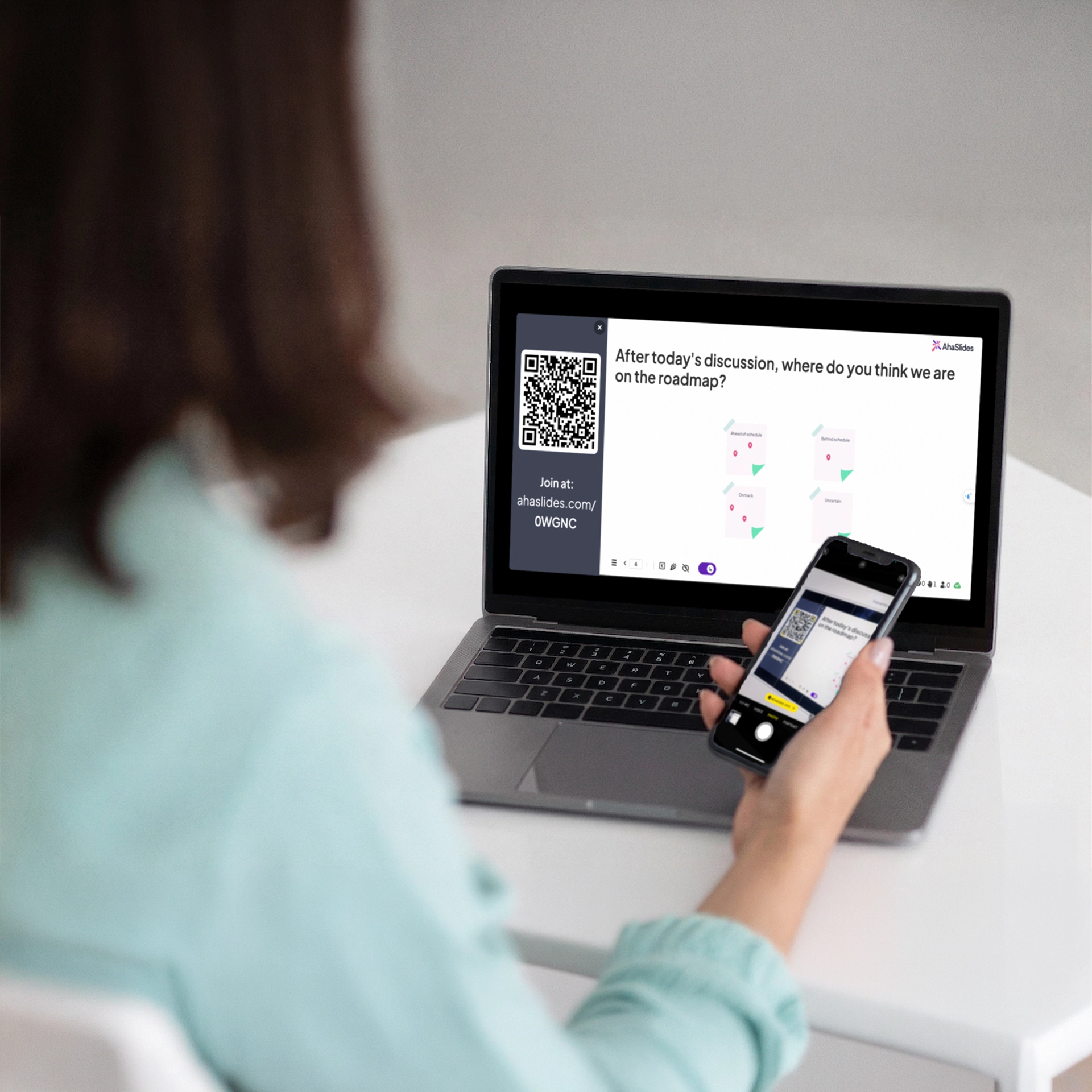
A women using her phone to scan the join code on AhaSlides

Online sessions

Participants join from any device and drop a pin to share their opinion. Everyone is heard without a bloated chat box.


Kung ano ang sinasabi ng aming mga gumagamit

AhaSlides has been game-changer for us. We don't have to rely on people coming up afterward to give us their contact information — it's already in the slides.
Patotoo sa customer
Amber Vanderburg
Tagapagtatag ng The Pathwayz Group
Instead of a passive audience, people become active participants in the discussion. This is especially valuable when discussing topics such as career paths, women in STEM, and academic experiences — where hearing many voices enriches the conversation.
Patotoo sa customer
Ana Laura Pérez Martínez
Propesor, Fakultad ng Inhinyeriya, UNAM
I couldn't believe the variety of question types available — and that they could all be part of the same presentation. I started using it right away, and it was an immediate success.
Patotoo sa customer
Kristina Topalova
Tagapagtatag at Guro, Ang Babaeng Ingles

Mga Madalas Itanong

What is a Pin on Image poll?
A Pin on Image poll lets participants place a pin directly on an uploaded image. Results appear live on screen, showing exactly where responses cluster.
What images can I upload?
You can upload maps, team photos, mood wheels, 2×2 grids, journey maps, product screenshots, and more, as long as they are in a supported image format.
How many pins can each person place?
You can set the limit. One pin per person works well for clear votes. Multiple pins work better when you want a fuller picture.
Can pins be anonymous?
Yes. Pin responses are anonymous unless you require participants to submit their names or other information before responding.
Can I use it in a self-paced survey?
Yes. Add it to a self-paced presentation, share the link, and participants can respond in their own time.
Is it available on the free plan?
Yes, with limited usage. Visit the pahina ng pagpepresyo para sa buong detalye.
© 2026 AhaSlides Pte Ltd