Kendinize güvenerek katılın. Kontrolü elinizde tutun.

Own the room by using your phone as a remote control. You stay one step ahead and focus on delivering your message.

BAŞLAYIN
G2'de 428 değerlendirmeye göre 5 üzerinden 4.7 puan aldı.
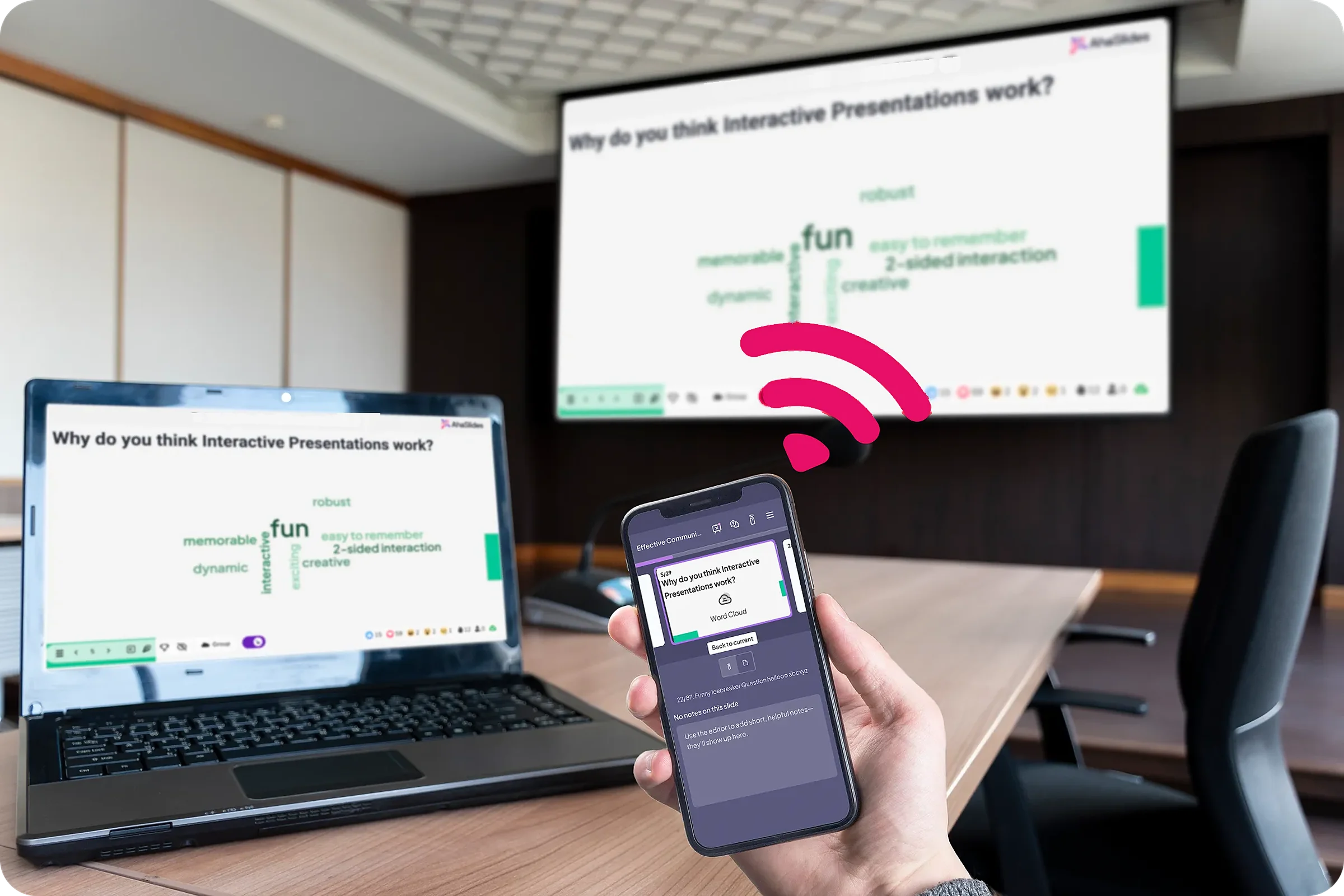
A presenter holding a phone that controls the AhaSlides word cloud shown on a laptop and the meeting room screen
  • Abu Dabi Üniversitesi logosu
  • Airbus logosu
  • Bend La Pine Okulları logosu
  • BMC logosu
  • Bosch logosu
  • Criteo logosu
  • Ferrero Rocher logosu
  • Intel logosu
  • Ivy Tech Topluluk Koleji logosu
  • Le Quiz Show logosu

Toplam sunum kontrolü

  • Slayt önizlemesi

    Read notes, see upcoming and previous slides on your phone, and navigate easily without breaking eye contact.
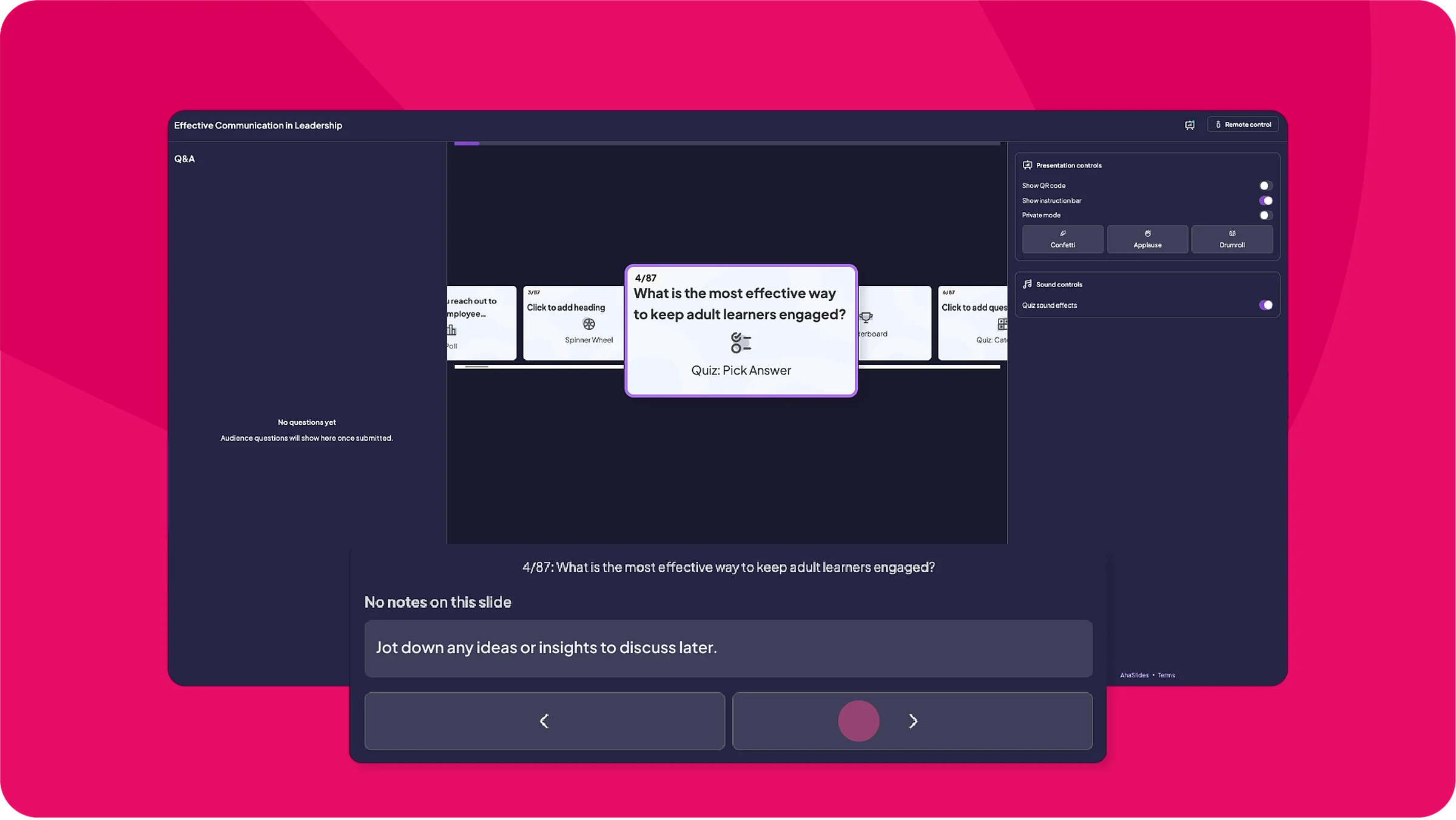
    The phone view of a presentation, showing the current slide, the next slide and the speaker notes
  • Sunum tıklayıcısı

    Turn your phone into a dependable slide advancer and presentation remote that can manage Q&A, adjust settings and navigate slides.
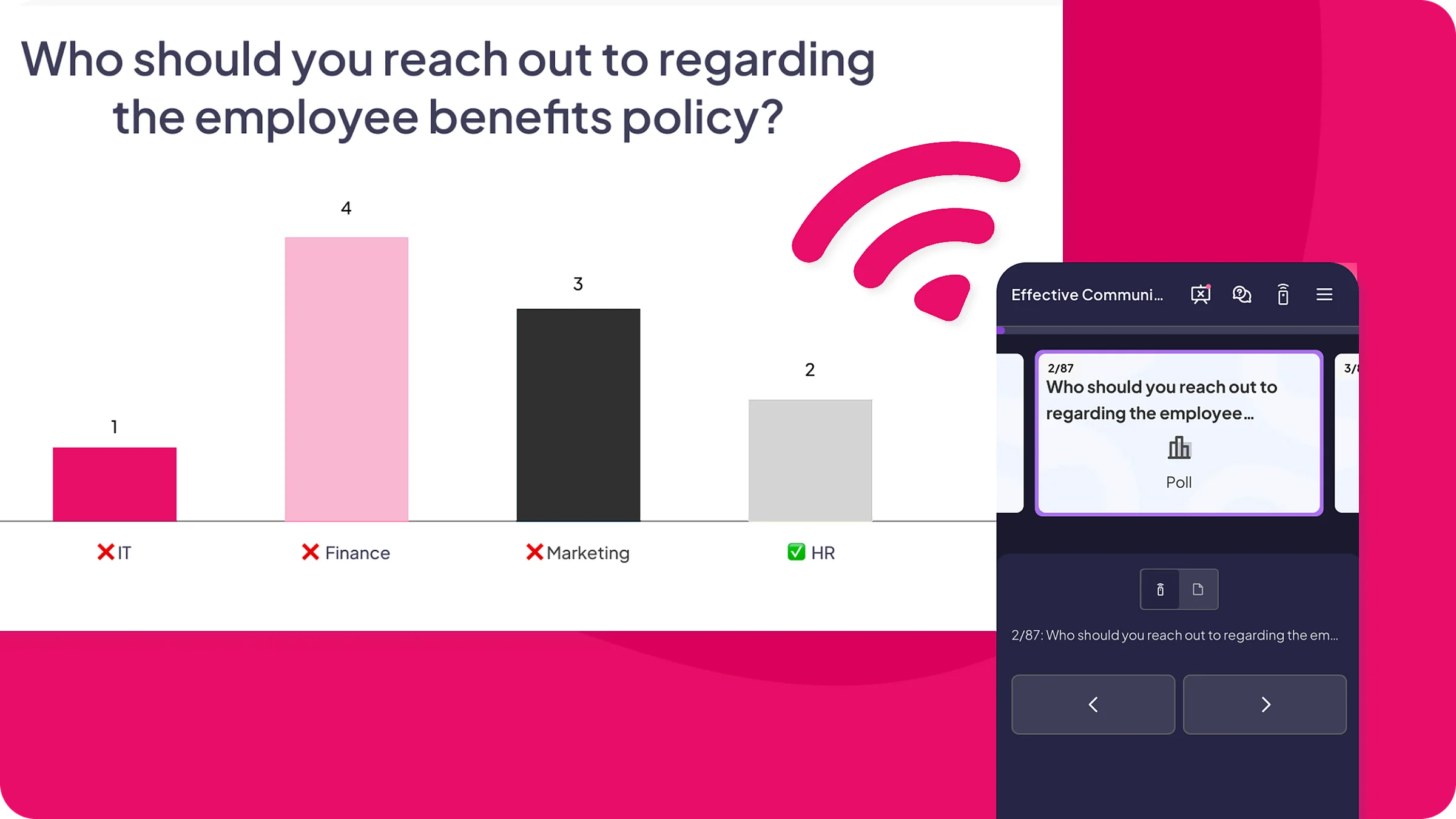
    A poll results slide on screen with the phone remote beside it
BAŞLAYIN

Why it is a game-changer

  • Bir profesyonel gibi yürüyün ve konuşun

    No more laptop leash. Move around the room with a speaker's confidence, using your phone as a wireless presentation clicker.

  • Bir adım önde olun

    Preview slides and notes discreetly, so you never lose your rhythm.

  • Soru-Cevap kısmını tek başıma halledeceğim

    Review audience questions from your phone and respond without disrupting the flow.
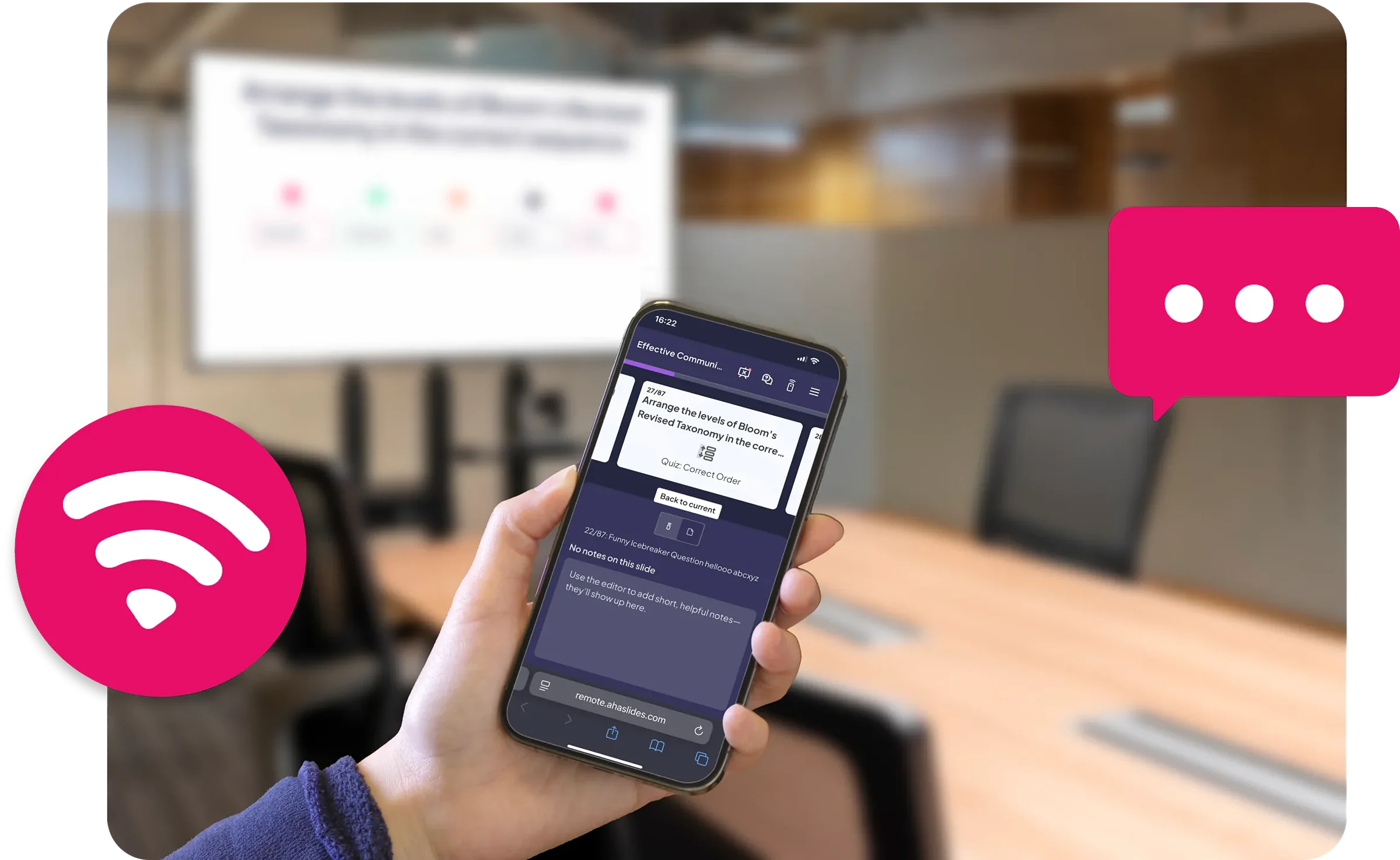
BAŞLAYIN
A presenter holding the phone that acts as the presentation controller for an AhaSlides sunum

How remote control works

  • 1 Adım: Slayt gezintisi

    Move forward, backwards or jump instantly.
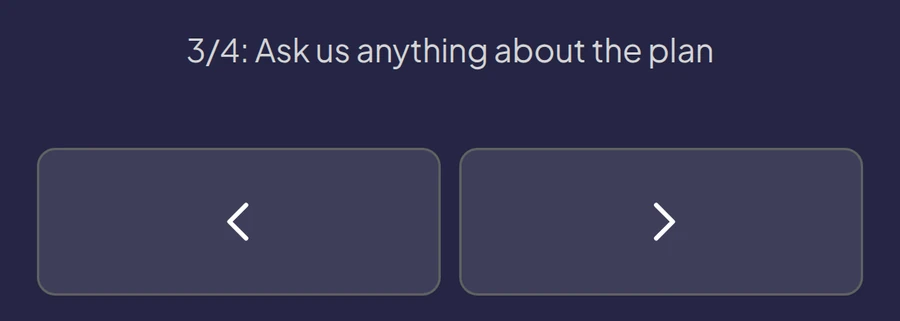
    MKS AhaSlides remote showing slide 3 of 4 with Back and Next arrows
  • 2 Adım: Canlı önizleme

    See the current, next and upcoming slides. Never lose your place.
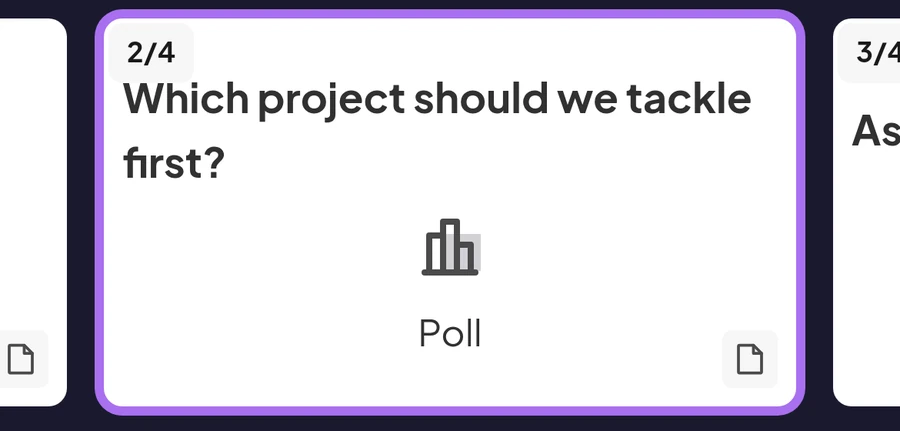
    MKS AhaSlides remote showing the current poll slide card between the previous and next slide cards
  • 3 Adım: Konuşmacı notları

    Read private notes while keeping eye contact. No more glancing back.
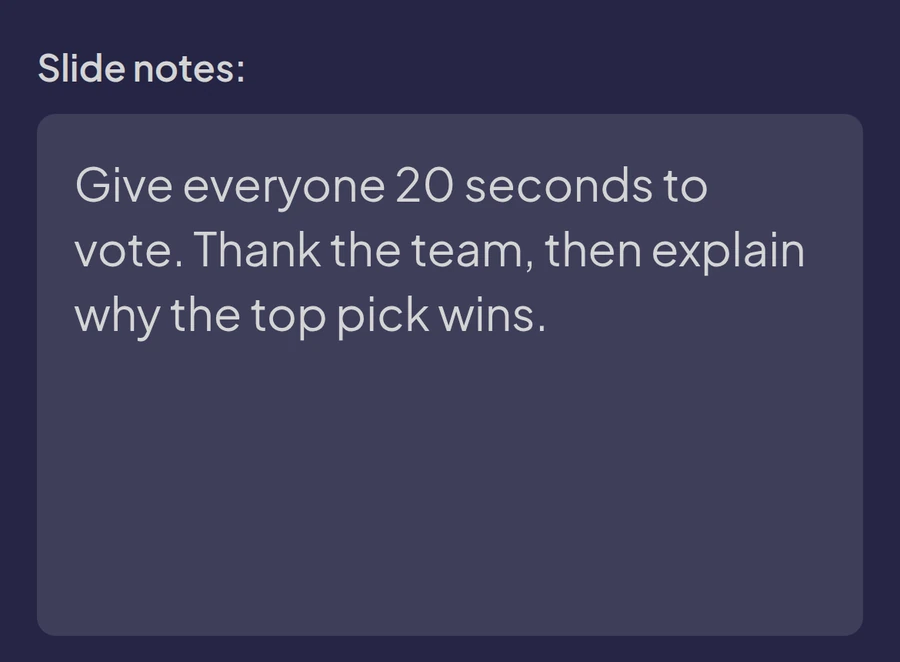
    MKS AhaSlides remote showing the speaker notes for the current slide
  • 4 Adım: Soru-Cevap yönetimi

    Questions appear instantly. Review and respond without anyone noticing.
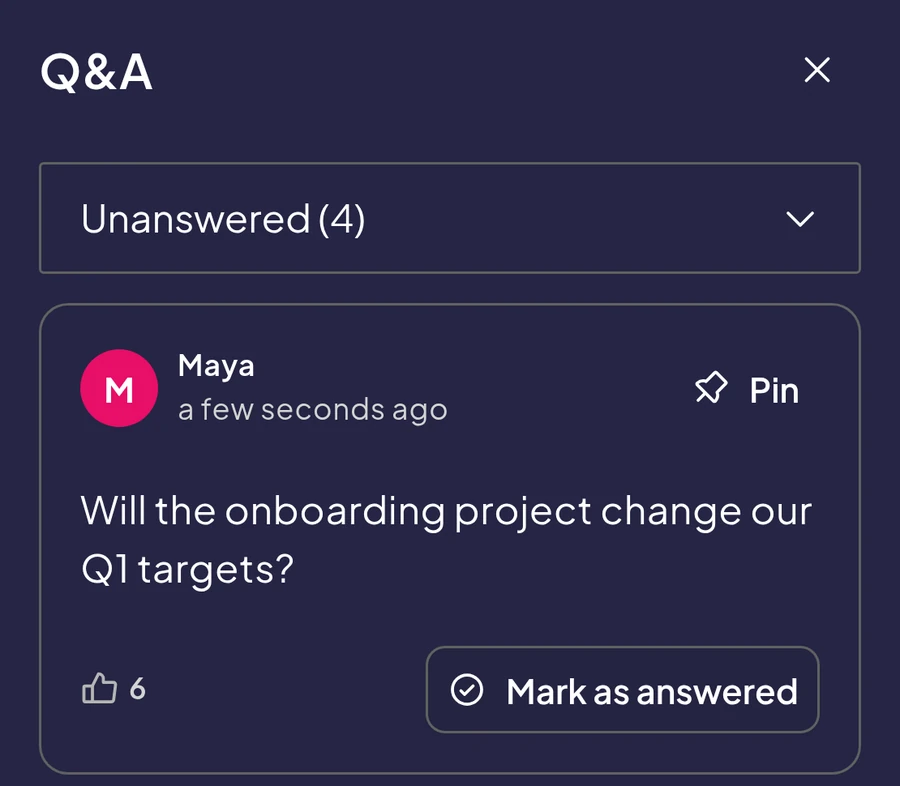
    The Q&A list on the AhaSlides remote with an unanswered audience question, its upvotes, and Pin and Mark as answered buttons
  • 5 Adım: Canlı ayarlar kontrolü

    Adjust sound effects, confetti and the leaderboard while you present.
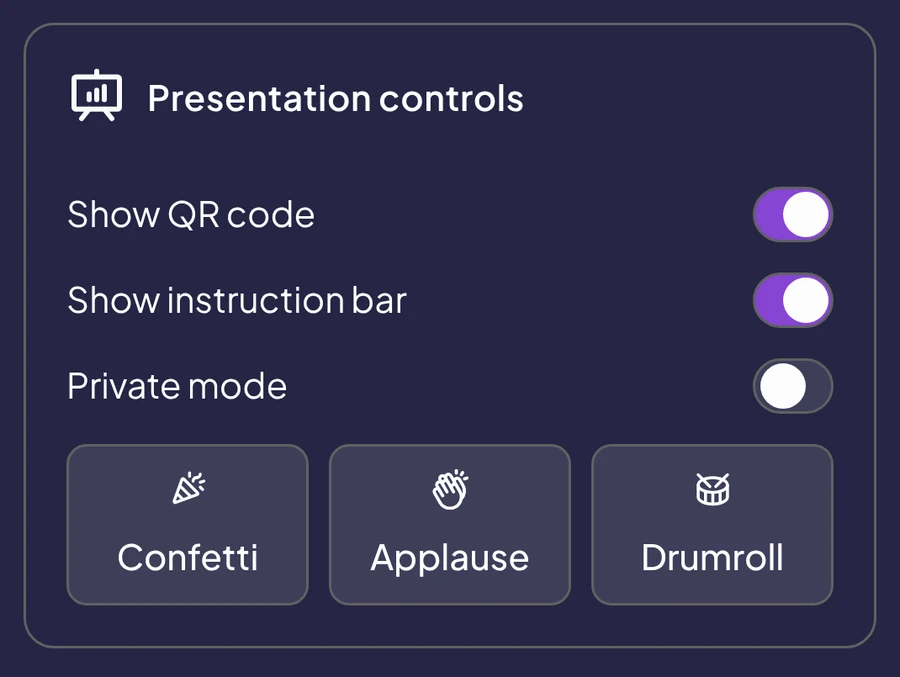
    The Presentation controls panel on the AhaSlides remote with switches for the QR code, instruction bar and private mode, and Confetti, Applause and Drumroll buttons

Kullanıcılarımız ne diyor

Bu ürünü her gün kullanan öğretmenlerden, eğitmenlerden ve ekiplerden bilgi alın.

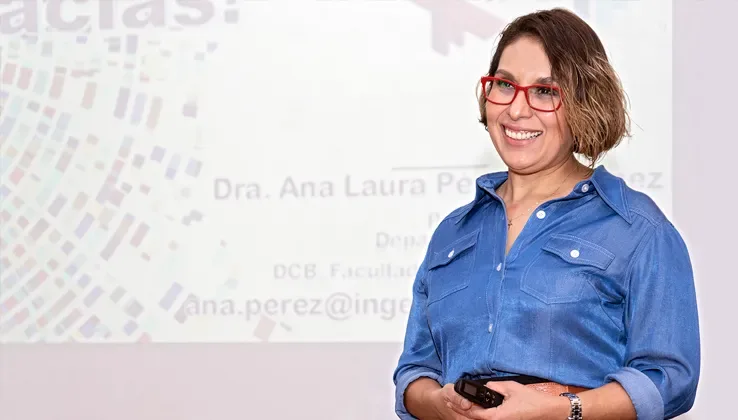
  • “Pasif bir izleyici olmak yerine, insanlar tartışmanın aktif katılımcıları haline geliyor. Bu, özellikle kariyer yolları, STEM alanındaki kadınlar ve akademik deneyimler gibi konuları tartışırken çok değerlidir; çünkü birçok farklı sesin duyulması konuşmayı zenginleştirir.”

    Ana Laura Pérez MartínezUNAM Mühendislik Fakültesi Profesörü
  • "Telefonlarını e-posta kontrol etmek için değil, cevap vermek için kullanıyorlar. Kazanmaya çalıştıkları için öğrenmeyi ne kadar pekiştirdiklerinin farkında bile değiller."

    Dave ChouraElite Training Innovations, LLC'nin yönetici ortağı
  • "Burada en önemli nokta, aracın büyük kalabalıklar için hazırlanmış olması ve önemli sayıda insanın aynı anda bağlanmasına olanak sağlamasıydı." AhaSlides Bize tam bir güvenilirlik sundular."

    Paula AnguloCasademont Zaragoza'da Pazarlama Müdürü

Sık Sorulan Sorular

No. Remote Control works directly in your mobile browser. Click the link or scan the QR code and you are ready to present, whether you use it as a slide advancer, presentation clicker or presentation remote.

Your presentation keeps running on the main screen. Reconnect and pick up exactly where you left off. Your audience will not notice.

Yes. Remote Control works with any presentation format, including AhaSlidesPowerPoint sunumlarından içe aktarılan dosyalar, PDF'ler veya sıfırdan oluşturulan içerikler.

Yes. Remote Control works on any device with a web browser. It is optimised for mobile phones for the best presenting experience, but you can also use it on tablets, laptops and desktop computers.