

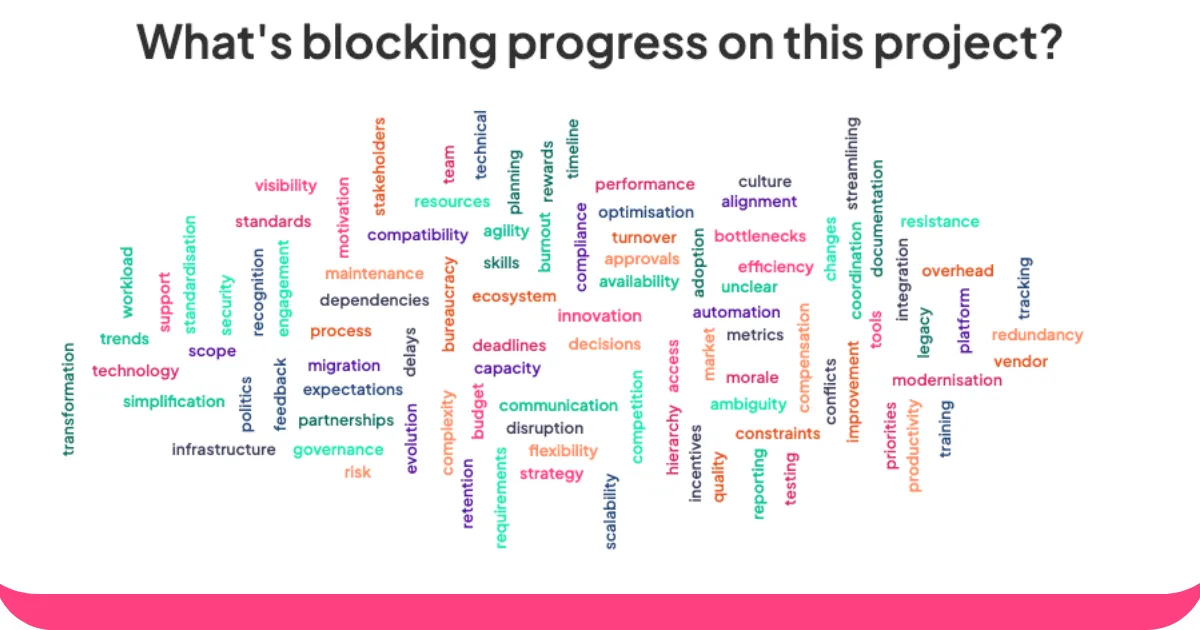
Canlı kelime bulutu oluşturucuları, grup düşünceleri için sihirli aynalar gibidir. Herkesin söylediklerini canlı, renkli görsellere dönüştürürler ve en popüler kelimeler ortaya çıktıkça daha büyük ve daha kalın hale gelir.
İster öğrencilerden fikirlerini paylaşmalarını isteyen bir öğretmen, ister ekibiyle beyin fırtınası yapan bir yönetici, isterse de kalabalığı etkilemeye çalışan bir etkinlik sunucusu olun, bu araçlar herkese sesini duyurma ve gerçekten dinlenme şansı veriyor.
İşte burada AhaSlides devreye giriyor. İnsanlar yanıtlarını telefonlarından yazıyorlar ve daha fazla düşünce geldikçe gerçek zamanlı olarak güncellenen anlık görsel geri bildirim alıyorsunuz.
AhaSlides kelime bulutu oluşturucu kullanarak kelime bulutları oluşturmak için şu adımları izleyin:
- Bir soru sor. AhaSlides'ta bir kelime bulutu oluşturun. Bulutun en üstündeki oda kodunu izleyicilerinizle paylaşın.
- Sorularınızın cevaplarını alın. Katılımcılarınız oda kodunu telefonlarındaki tarayıcıya girerler. Canlı kelime bulutunuza katılırlar ve telefonlarıyla kendi yanıtlarını gönderebilirler.
Canlı Kelime Bulutu Nasıl Barındırılır: 6 Basit Adım
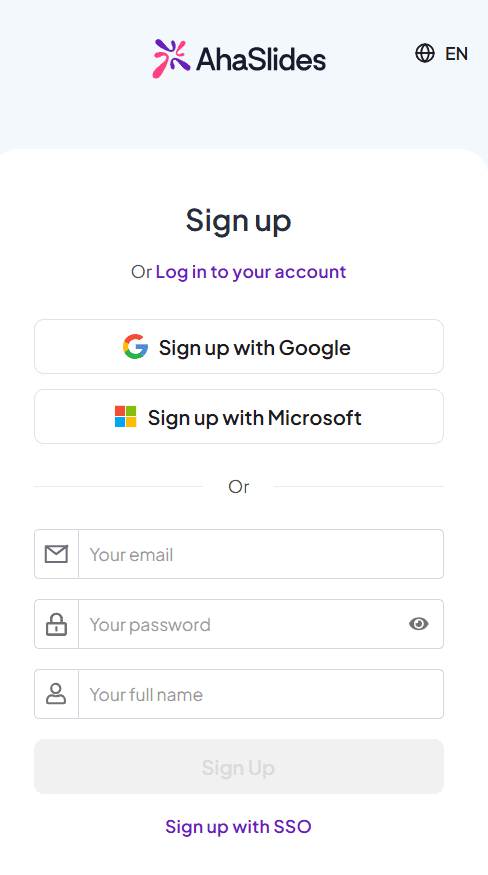
1. Adım: Hesabınızı oluşturun
MyCAD'de yazılım Güncelleme ye git Bu bağlantıyı bir hesaba kaydolmak için.
Adım 2: Bir sunum oluşturun
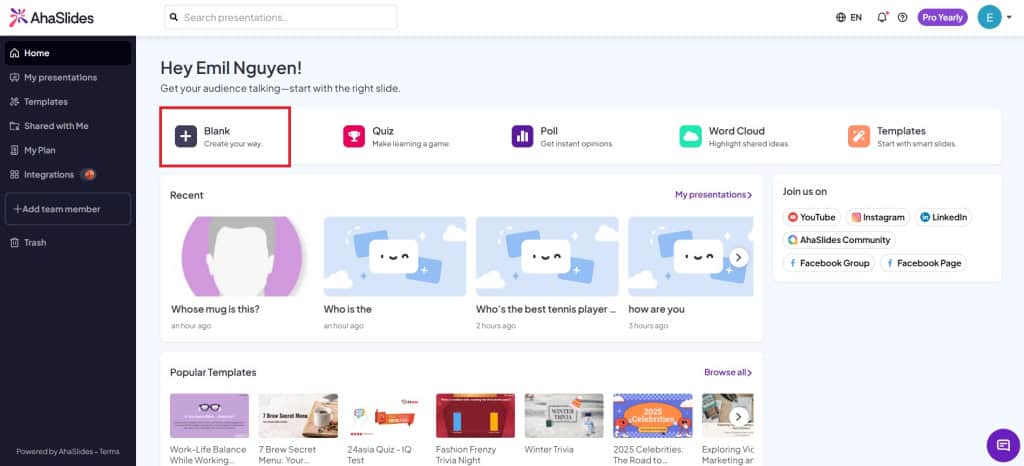
Yeni bir sunum oluşturmak için anasayfa sekmesinde "Boş"a tıklayın.
3. Adım: Kelime Bulutu slaydı oluşturun
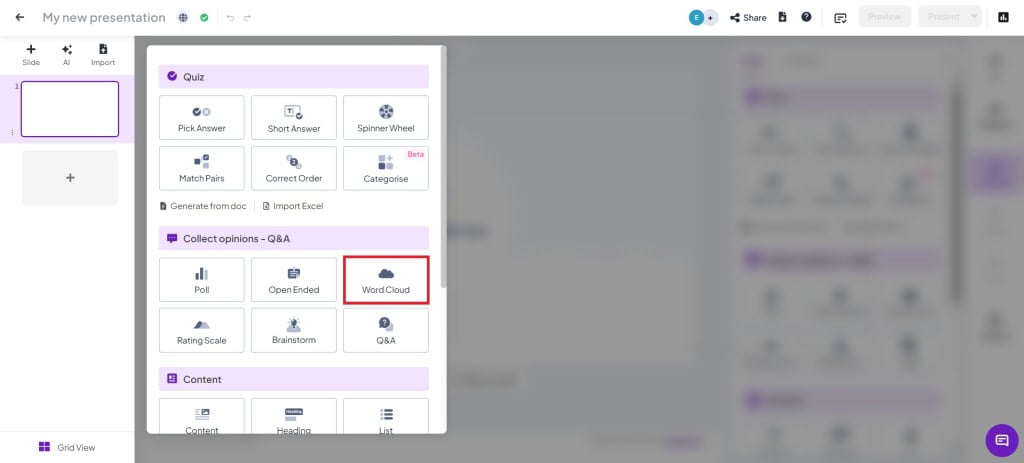
Sununuzda "Kelime Bulutu" slayt türünü tıklayarak oluşturabilirsiniz.
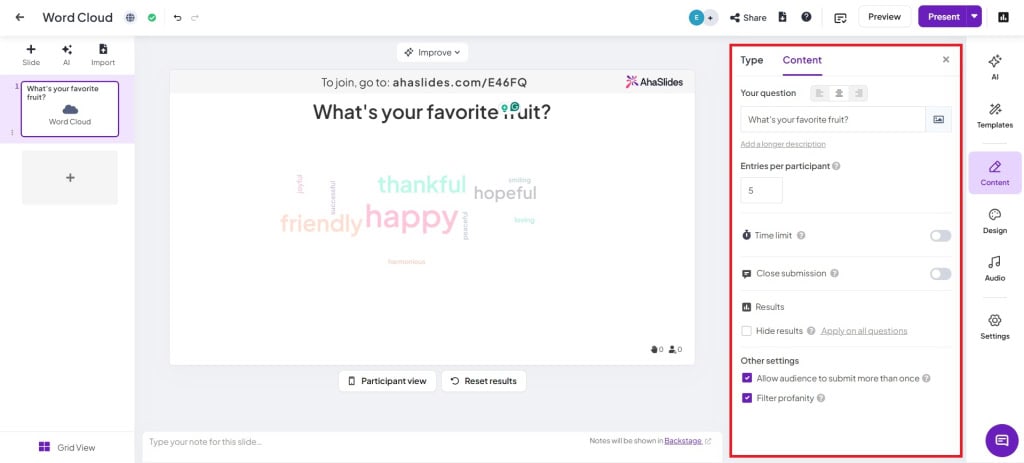
Adım 4: Bir soru yazın ve ayarları değiştirin
- Katılımcı başına giriş sayısı: Bir kişinin cevap gönderebileceği sayıyı değiştirin (en fazla 10 giriş).
- Zaman sınırı: Katılımcıların cevaplarını belirlenen süre içerisinde göndermelerini istiyorsanız bu ayarı açın.
- Gönderimi KapatSunum sırasında gönderim özelliğini manuel olarak etkinleştirin.
- Sonuçları gizleOy verme yanlılığını önlemek için gönderilen yorumlar otomatik olarak gizlenecektir.
- Kitlenin birden fazla kez göndermesine izin ver: İzleyicilerin yalnızca bir kez gönderim yapmasını istiyorsanız bu özelliği kapatın.
- Küfür filtresi: Dinleyicilerden gelen uygunsuz sözcükleri filtreleyin.
Adım 5: Sunum kodunu izleyicilere gösterin
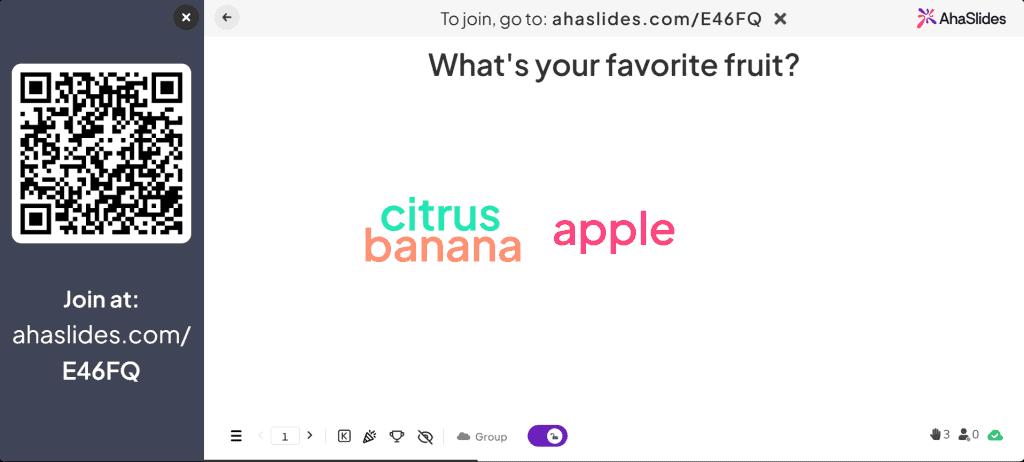
Odanızın QR kodunu veya katılım kodunu (/ sembolünün yanında) izleyicilerinize gösterin. İzleyiciler QR kodunu tarayarak telefonlarından katılabilirler.
Adım 6: Sunum yapın!
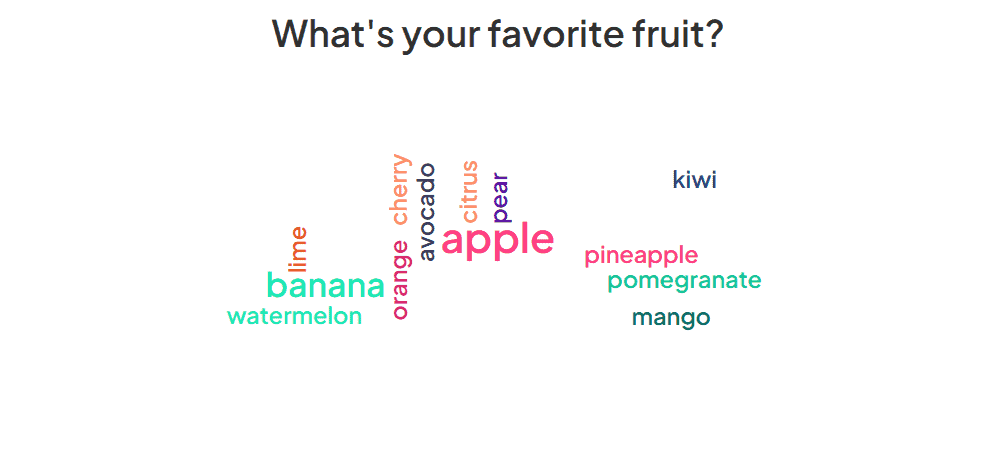
Tek yapmanız gereken "Sunum Yap" butonuna tıklamak ve canlı yayına geçmek! İzleyicilerin yanıtları sunumda canlı olarak görüntülenecektir.
Kelime Bulutu Etkinlikleri
Kelime bulutları en önemli görsel efektlerden biridir. çok yönlü cephaneliğinizdeki araçlar. Canlı (ya da canlı olmayan) bir izleyiciden bir dizi farklı yanıt almak için bir dizi farklı alanda kullanılabilirler.
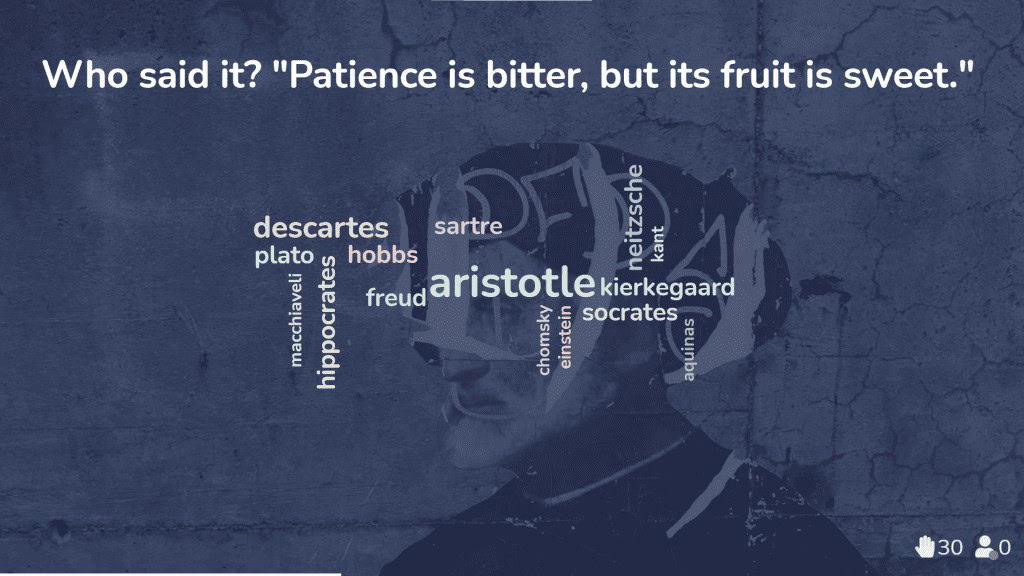
1. Bir öğretmen olduğunuzu ve şunları yapmaya çalıştığınızı hayal edin: öğrencilerin anlamalarını kontrol edin Yeni öğrettiğiniz bir konuyla ilgili olarak, öğrencilerin tek kelimelik yanıtlar verebileceği bir kelime bulutu sunabilirsiniz.
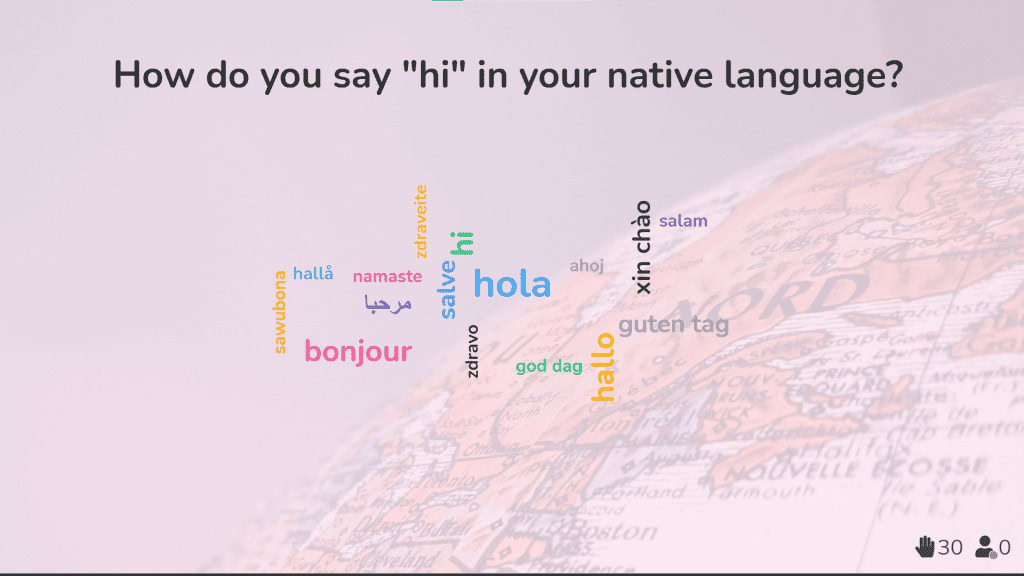
2. Uluslararası ekiplerle çalışan bir kurumsal eğitmen olarak, canlı kelime bulutları kültürel ve dil engellerini ortadan kaldırmaya ve herkesin en başından itibaren bağlantı kurmasını sağlamaya yardımcı oluyor.
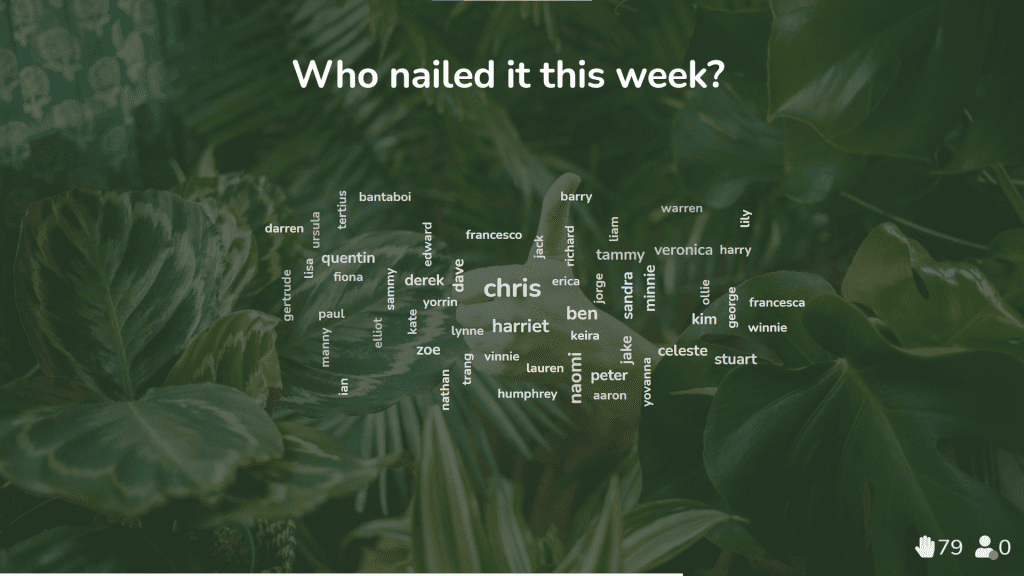
3. Uzaktan veya hibrit çalışma düzeninde bir ekip lideri olarak, canlı kelime bulutu, ekibinizin birbirine olan takdirini göstermesi ve moralini yükseltmesi için harika bir yoldur.
Birkaç Kelime Bulutu Şablonu Alın
Bizim, keşfedin kelime bulutu şablonları ve insanlarla daha iyi etkileşim kurmak.