Skip to content
Claim this template

Free course template · Global

AI in meetings: Note-takers, transcripts and summaries used fairly and lawfully

A ready-made course, live deck and two surveys for staff and managers. 30 minutes, 6 lessons, 10-question final check. Last reviewed 21 October 2026; not legal advice.

Claim the templatePreview the courseDownload SCORM for your LMS

Free. No credit card. Edit everything.

Play a game from the course

AI in meetings: Note-takers, transcripts and summaries used fairly and lawfully: try 3 questions

Three questions from this course. Pick an answer, then see why.

Play the game

Game not loading? Open it in a new tab (opens in a new tab)

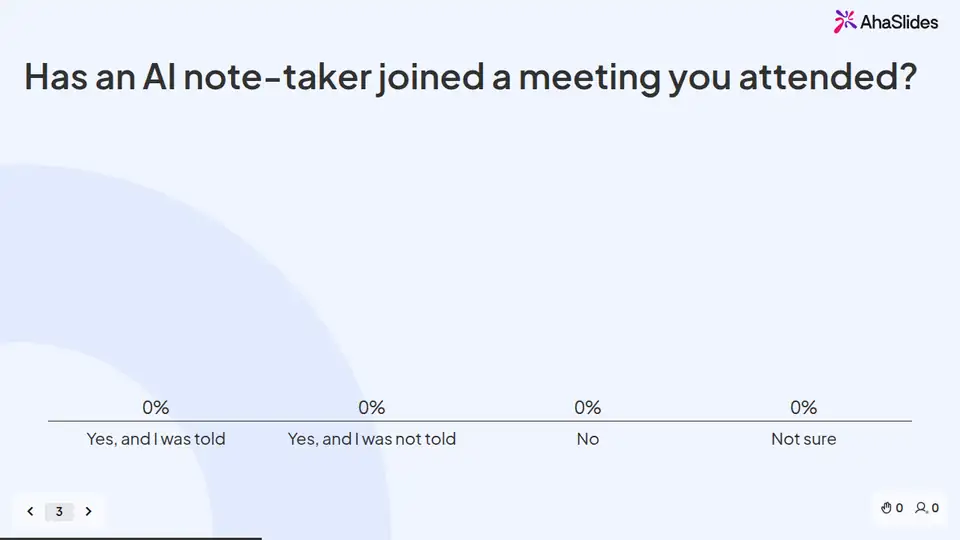
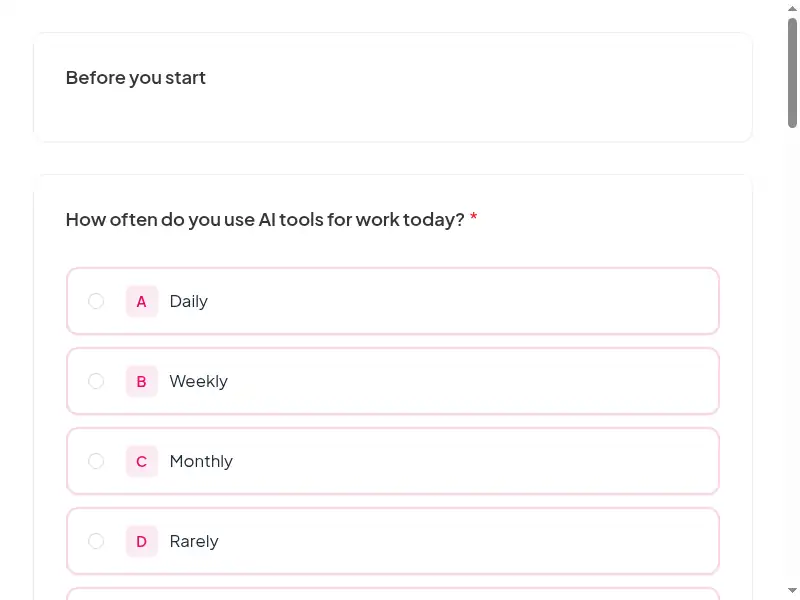
Three pieces that work together

Learners sign in, so every finish and score is recorded. 9 fields to fill in with your details.
Claim the template
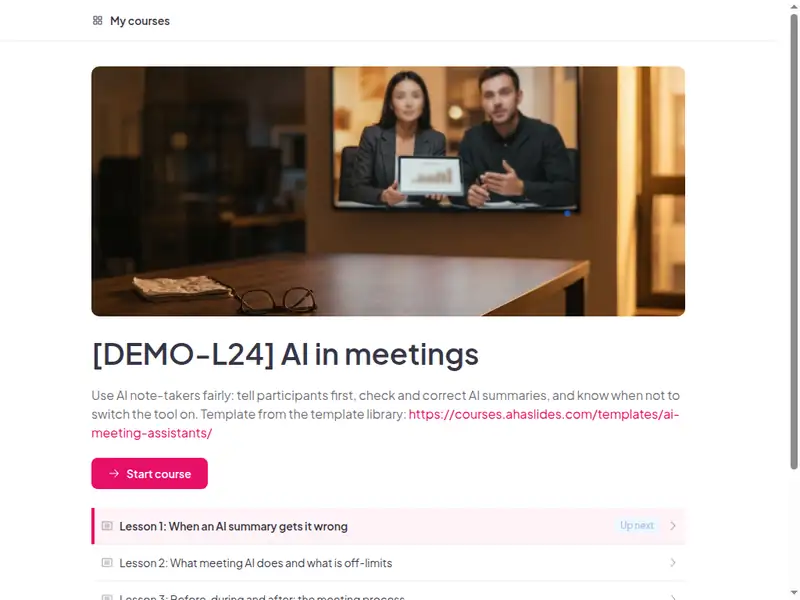
The AI in meetings: Note-takers, transcripts and summaries used fairly and lawfully course as a learner first sees it

6 lessons, about 30 minutes

Minutes are an estimate.

  • Lesson 1: When an AI summary gets it wrong · 6 min

    Before you begin · The decision nobody made · What went wrong

  • Lesson 2: What meeting AI does and what is off-limits · 6 min

    What it does · What is off-limits · Check

  • Lesson 3: Before, during and after: the meeting process · 5 min

    Three stages · Appropriate or not? · Fix the summary

  • Lesson 4: Grey areas: guests, grievances and engagement scores · 5 min

    The guest who objects · The grievance meeting · The engagement score

  • Lesson 5: Checklist, transcript ownership and retention · 4 min

    Who owns what · Meeting checklist

  • Lesson 6: Final assessment and acknowledgement · 4 min

    10 questions, 80% to pass. The result is saved to the learner's record.

Claim the template

Inside this course

Taken from the course itself.

By the end, learners can

  • Explain to participants when a meeting is recorded, transcribed or summarised by AI
  • Check and correct an AI meeting summary before it becomes the record
  • Decide when not to use an AI note-taker: sensitive HR, legal or health discussions
  • Recognise why 'sentiment' or engagement scores on people can be prohibited in the workplace
  • Use AI captions and summaries as accessibility support

Sample questions, with answers

  1. What was the most important step that was missed at Wrenfield?

    • Turning the note-taker off during jokes
    • Having a person who was there check the summary before it went out
    • Using a different tool
    • Sending the summary to fewer people

    Answer: Having a person who was there check the summary before it went out. Nobody who was in the meeting checked the summary before it was circulated and acted on. The tool will sometimes get things wrong, so a person must check before it becomes the record.

    Lesson 1: When an AI summary gets it wrong

  2. Which of the errors in this summary could do the most harm if it were circulated?

    • The invented budget decision
    • The missing full stop
    • The misspelt name
    • The wrong date

    Answer: The invented budget decision. A decision nobody made, such as a budget extension, can lead to spending or promises that were never agreed. A wrong date or a misspelt name matter, but a made-up decision is the hardest to undo. Check every decision first.

    Lesson 3: Before, during and after: the meeting process

  3. A colleague asks you to run the meeting AI on a private conversation about their health. What is the best response?

    • Switch it off and offer to take notes by hand if they want them
    • Run it and share the summary with HR
    • Run it, since they asked
    • Run it and delete it afterwards

    Answer: Switch it off and offer to take notes by hand if they want them. Health conversations are sensitive. Switch the tool off, offer a different way to keep notes if they want one, and follow your organisation's policy. Do not use it just because the colleague agreed, unless the policy allows it.

    Lesson 4: Grey areas: guests, grievances and engagement scores

A scenario from "Grey areas: guests, grievances and engagement scores"

An external client asks you to switch the note-taker off.

Best response: Switch it off straight away and take manual notes.

Weaker response: Just for the summary.

Related articles

An article from the AhaSlides blog that uses this course.

Common questions

Yes. Claiming the template and editing it are free.

Yes. The course is self-paced and online, and the live deck lets you add a live session in the room or online.

When an AI note-taker is rolled out, at hire, and annually.

Staff and managers who run or join online meetings with AI note-takers or summaries; run by HR, IT or L&D.

Record completion in your own LMS or record system, so you can show who finished the course and when.

Your own details, each highlighted inside the course:
  • Policy on AI note-takers
  • Wording for invitations and opening statements
  • Where transcripts live and for how long
  • Where transcripts live and for how long
  • How grievance and disciplinary meetings are recorded
  • Contact, surveys, completion record
  • Contact, surveys, completion record
Then edit anything else you like: wording, scenarios, your logo.
Visit the help centre (opens in a new tab)