Skip to content
Claim this template

Free course template · US federal

AI acceptable use at work

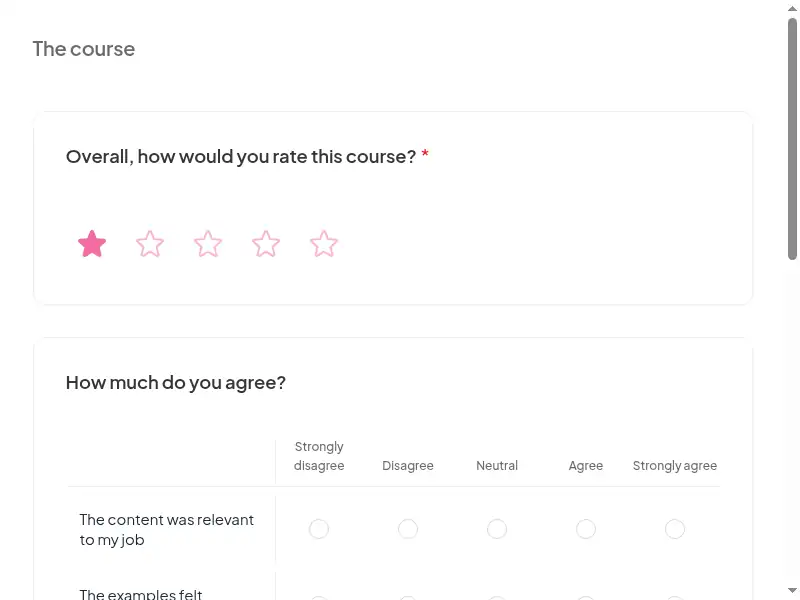
A ready-made course, live deck and two surveys for all employees using generative AI tools. 30 minutes, 6 lessons, 10-question final check. Last reviewed 8 October 2026; not legal advice.

Claim the templatePreview the courseDownload SCORM for your LMS

Free. No credit card. Edit everything.

Play a game from the course

AI acceptable use at work: try 3 questions

Three questions from this course. Pick an answer, then see why.

Play the game

Game not loading? Open it in a new tab (opens in a new tab)

Three pieces that work together

Learners sign in, so every finish and score is recorded. 9 fields to fill in with your details.
Claim the template
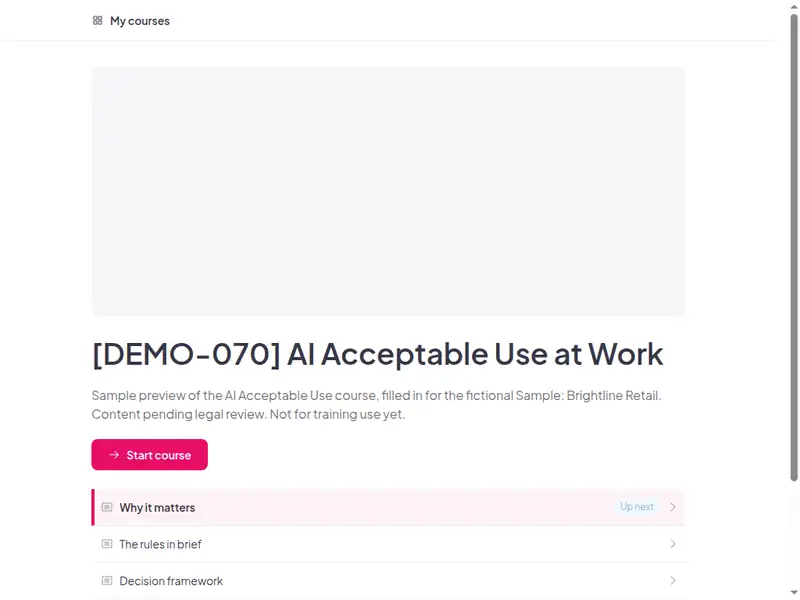
The AI acceptable use at work course as a learner first sees it

6 lessons, about 30 minutes

Minutes are an estimate.

  • Lesson 1: Why it matters · 5 min

    Explain the benefits and risks of using AI at work.

  • Lesson 2: The rules in brief · 5 min

    Follow the company's AI rules: approved tools and prohibited inputs.

  • Lesson 3: Decision framework · 3 min

    Apply a decision check before using AI output (accuracy, bias, IP, disclosure).

  • Lesson 4: Grey areas · 7 min

    Make sound calls in grey-area AI situations.

  • Lesson 5: Speak up · 5 min

    Report AI incidents and data leaks.

  • Lesson 6: Final assessment · 5 min

    10 questions, 80% to pass. The result is saved to the learner's record.

Claim the template

Inside this course

Taken from the course itself.

Sample questions, with answers

  1. What went wrong in the pasted spreadsheet story?

    • An unapproved tool, confidential data and unchecked output
    • Nothing, the tool fixed the list
    • The spreadsheet was too long
    • AI should never be used at work

    Answer: An unapproved tool, confidential data and unchecked output. The issue is an unapproved tool plus confidential data plus unchecked output, not AI use in general.

    Lesson 1: Why it matters

  2. You have an AI summary of a report with three statistics. What do you do before sharing it?

    • Share it, because AI is accurate
    • Check the figures against the source report
    • Delete the source report
    • Ask the AI whether it was right

    Answer: Check the figures against the source report. Verify facts and figures against a real source. Asking the same AI is not verification.

    Lesson 3: Decision framework

  3. A team wants to use a new AI tool that is not on the approved list. What should they do?

    • Start with a free trial
    • Use personal accounts instead
    • Submit a request through the approved process
    • Wait until someone complains

    Answer: Submit a request through the approved process. Request the tool through the proper process so it can be reviewed before use.

    Lesson 5: Speak up

A scenario from "Grey areas"

Project manager wants to use an unapproved AI note-taker on a client call.

Legal basis

Best practice; NIST AI Risk Management Framework 1.0 (Jan 2023) and Generative AI Profile NIST AI 600-1 (July 2024); related: FTC Act s.5 (deceptive AI claims), copyright law (US Copyright Office AI guidance), EU AI Act Art. 4 AI literacy (for EU operations).

Common questions

Yes. Claiming the template and editing it are free.

The course itself is self-paced and online, and the live deck lets you add a live session. Whether online delivery meets your local rules depends on the law that applies to you, so check the rules that apply to you or ask your own counsel.

At hire + annually; when new AI tools are approved.

All employees using generative AI tools (chatbots, copilots, image/code generators).

Record completion in your own LMS or record system, so you can show who finished the course and when. Check the retention period that applies to you in the rules that apply to you.

Your own details, each highlighted inside the course:
  • Leader quote on AI
  • AI policy link
  • Approved AI tools
  • Prohibited data types
  • AI disclosure rules
  • AI governance contact
  • AI tool request process
  • Security hotline
  • LMS or record system
Then edit anything else you like: wording, scenarios, your logo.
Visit the help centre (opens in a new tab)