Skip to content
Claim this template

Free course template · Global

Working smarter with generative AI: A safe everyday workflow for office tasks

A ready-made course, live deck and two surveys for all office staff. 40 minutes, 6 lessons. Last reviewed 21 October 2026; not legal advice.

Claim the templatePreview the courseDownload SCORM for your LMS

Free. No credit card. Edit everything.

Play a game from the course

Working smarter with generative AI: A safe everyday workflow for office tasks: try 3 questions

Three questions from this course. Pick an answer, then see why.

Play the game

Game not loading? Open it in a new tab (opens in a new tab)

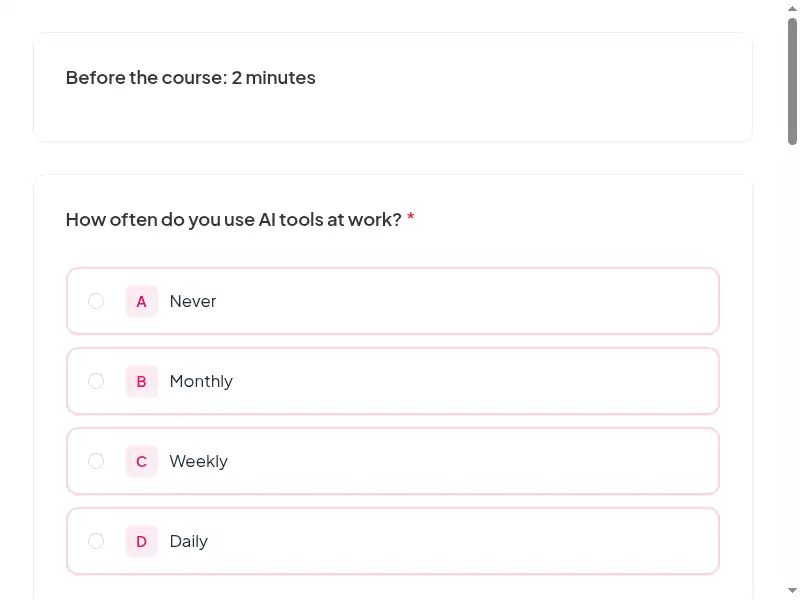
Three pieces that work together

Learners sign in, so every finish and score is recorded. 8 fields to fill in with your details.
Claim the template
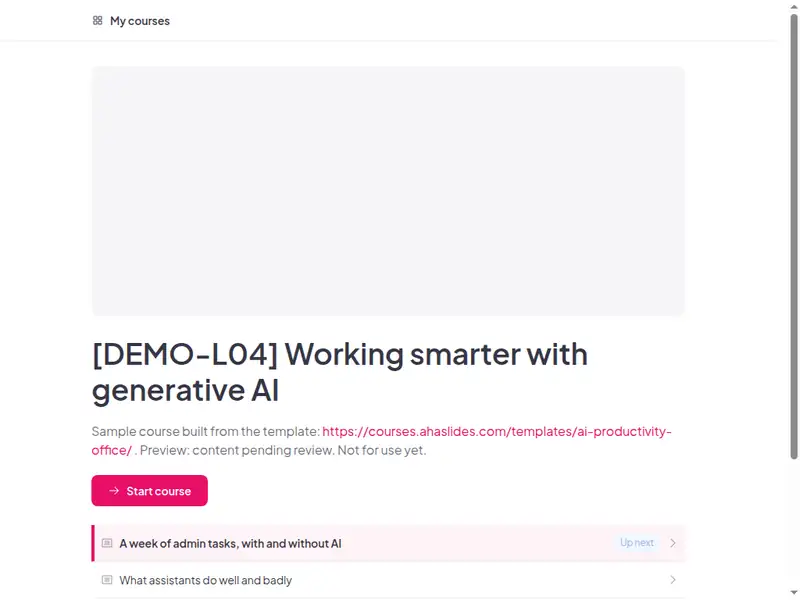
The Working smarter with generative AI: A safe everyday workflow for office tasks course as a learner first sees it

6 lessons, about 40 minutes

Minutes are an estimate.

  • Lesson 1: A week of admin tasks, with and without AI · 8 min

    Before you begin · Nia's Monday · Where could help land?

  • Lesson 2: What assistants do well and badly · 8 min

    Strengths and limits · Try the contrast · Check

  • Lesson 3: Task, prompt, check, finalise: the five-task routine · 8 min

    The routine · Five tasks · Put it in order

  • Lesson 4: Grey areas · 8 min

    Scenario · Scenario · Scenario

  • Lesson 5: Your approved assistant and where to get help · 5 min

    What you have · Disclosure

  • Lesson 6: Final assessment · 3 min

    Practice

Claim the template

Inside this course

Taken from the course itself.

By the end, learners can

  • Identify everyday tasks where generative AI saves time and tasks where it should not be used
  • Apply a repeatable draft-check-own workflow to AI-assisted work
  • Choose the approved tool that fits a given task
  • Decide what information may and may not be entered into an AI tool
  • Estimate and record the time saved on one real task

Sample questions, with answers

  1. Which task is the best first choice for an AI assistant?

    • Deciding who receives a warning
    • Rewording an email you wrote so it reads more clearly
    • Working out exact holiday pay
    • Summarising a confidential document in any tool

    Answer: Rewording an email you wrote so it reads more clearly. Rewording text you wrote is low risk and you can see at once whether it still says what you meant. The other tasks involve decisions, exact sums or confidential content.

    Lesson 1: A week of admin tasks, with and without AI

  2. An assistant drafts a summary of a document you supplied. What is the best next step?

    • Send it, because it came from the approved tool
    • Compare it with the document, then edit it in your own words
    • Ask the assistant whether it is correct, then send it
    • Delete the document

    Answer: Compare it with the document, then edit it in your own words. You compare against the source and make the text your own. Asking the assistant to confirm itself is not an independent check.

    Lesson 3: Task, prompt, check, finalise: the five-task routine

  3. Why might an assistant give a wrong total?

    • It predicts likely text rather than calculating
    • It always rounds up
    • It refuses to use numbers
    • It reads only the first row

    Answer: It predicts likely text rather than calculating. Assistants produce plausible text. They can swap or invent digits, so numbers need a check against the source.

    Lesson 4: Grey areas

A scenario from "Grey areas"

You are asked to summarise confidential HR minutes.

Best response: Do not paste them into a general tool unless the policy approves it; ask the AI help contact.

Weaker responses: Paste only half; Remove names and paste; Use a personal account.

Related articles

An article from the AhaSlides blog that uses this course.

Common questions

Yes. Claiming the template and editing it are free.

Yes. The course is self-paced and online, and the live deck lets you add a live session in the room or online.

After an AI assistant is rolled out, at onboarding, or as a 30-day follow-up to an AI basics session.

All office staff with access to an approved generative AI tool.

Record completion in your own LMS or record system, so you can show who finished the course and when.

Your own details, each highlighted inside the course:
  • Approved AI tools
  • AI help contact
  • AI incident route
  • Data classification policy link
  • Time saved record
  • LMS or record system
Then edit anything else you like: wording, scenarios, your logo.
Visit the help centre (opens in a new tab)