Skip to content
Claim this template

Free course template · Global

Creating AI images and video at work: Labelling, consent and copyright

A ready-made course, live deck and two surveys for marketing. 30 minutes, 6 lessons, 10-question final check. Last reviewed 21 October 2026; not legal advice.

Claim the templatePreview the courseDownload SCORM for your LMS

Free. No credit card. Edit everything.

Play a game from the course

Creating AI images and video at work: Labelling, consent and copyright: try 3 questions

Three questions from this course. Pick an answer, then see why.

Play the game

Game not loading? Open it in a new tab (opens in a new tab)

Three pieces that work together

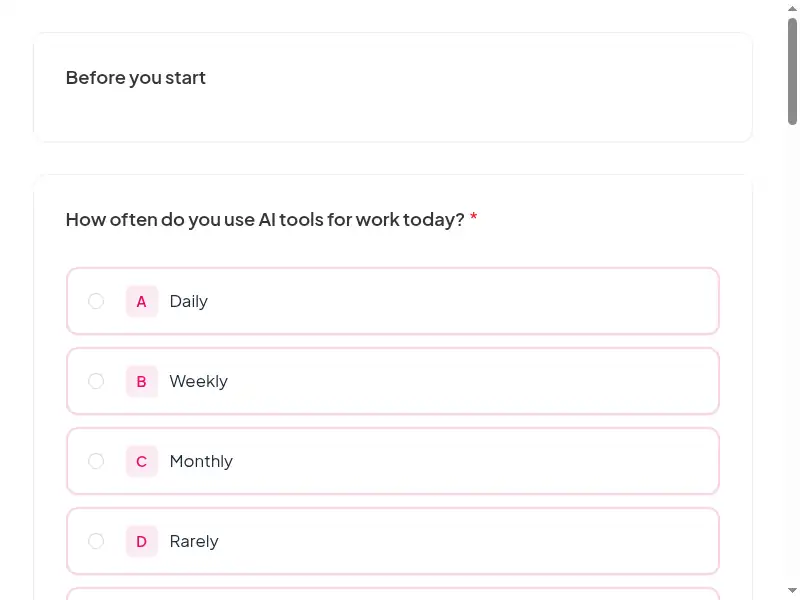
Learners sign in, so every finish and score is recorded. 11 fields to fill in with your details.
Claim the template
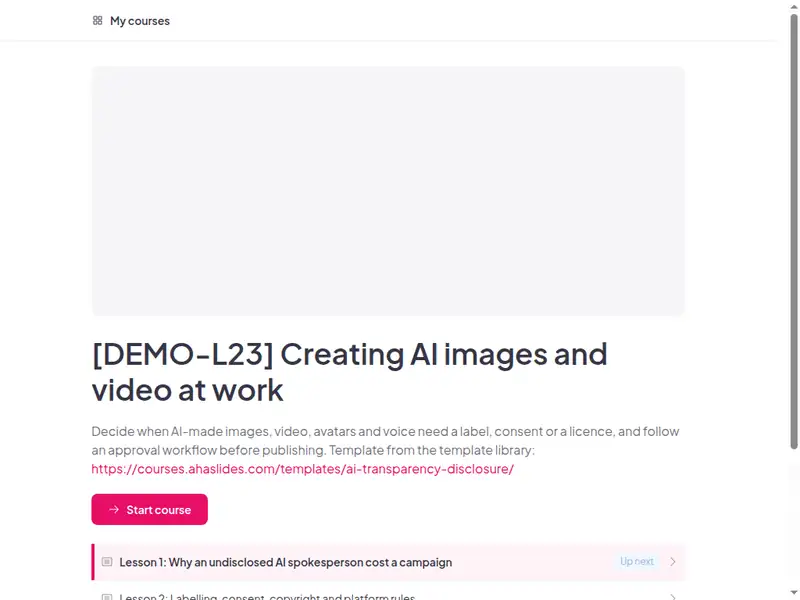
The Creating AI images and video at work: Labelling, consent and copyright course as a learner first sees it

6 lessons, about 30 minutes

Minutes are an estimate.

  • Lesson 1: Why an undisclosed AI spokesperson cost a campaign · 6 min

    Before you begin · The pulled campaign · What would have prevented it

  • Lesson 2: Labelling, consent, copyright and platform rules · 6 min

    Four questions · Rules in plain words · Match the rule

  • Lesson 3: From brief to archive: the synthetic media workflow · 5 min

    Six steps · Needs a label? · Check

  • Lesson 4: Grey areas: AI avatars, retouching and fake testimonials · 5 min

    The stand-in avatar · The testimonial that never happened · How much retouching is too much?

  • Lesson 5: Applying label templates, approvals and consent forms · 4 min

    Label wording · Fix the draft

  • Lesson 6: Final assessment and acknowledgement · 4 min

    10 questions, 80% to pass. The result is saved to the learner's record.

Claim the template

Inside this course

Taken from the course itself.

By the end, learners can

  • Identify when AI-generated or manipulated content must be labelled or disclosed
  • Obtain and record consent before generating a real person's likeness or voice
  • Check licence terms and human authorship before using AI images commercially
  • Apply the organisation's approval and labelling workflow for synthetic media
  • Recognise grey areas: AI avatars, retouching and testimonials, and ask before publishing

Sample questions, with answers

  1. Which step would most likely have caught the problem before launch?

    • Posting at a quieter time of day
    • A required approval step that checks for a label and a consent record
    • Writing a longer caption
    • Waiting to see whether viewers comment

    Answer: A required approval step that checks for a label and a consent record. A required approval step that checks for a label and a consent record. Posting at a quieter time, a longer caption or waiting for comments do not stop the problem: they only delay or hide it.

    Lesson 1: Why an undisclosed AI spokesperson cost a campaign

  2. Which edit most clearly crosses the line?

    • Cropping a photo
    • Brightening a photo
    • Adjusting the colour balance of a photo
    • Changing what a real person appears to say in a clip

    Answer: Changing what a real person appears to say in a clip. Changing what a real person appears to say or do in a clip. Cropping, brightening and adjusting colour balance are ordinary edits that do not change what the viewer believes is shown.

    Lesson 4: Grey areas: AI avatars, retouching and fake testimonials

  3. A draft carries the label 'AI' buried at the end of a long caption. What is the best fix?

    • Leave it: it is technically there
    • Make the font smaller to save space
    • Move the label next to the media in plain words
    • Remove the label since the caption is already long

    Answer: Move the label next to the media in plain words. Move the label next to the media in plain words. A label viewers cannot see does not do its job, and making it smaller or removing it defeats the purpose.

    Lesson 5: Applying label templates, approvals and consent forms

A scenario from "Grey areas: AI avatars, retouching and fake testimonials"

A colleague asks you to make an avatar of her for a recurring video.

Best response: Written consent covering use, length and withdrawal, label the avatar, store the consent.

Weaker responses: Reuse her photos without asking; Assume consent from a past shoot.

Common questions

Yes. Claiming the template and editing it are free.

Yes. The course is self-paced and online, and the live deck lets you add a live session in the room or online.

Before a team starts publishing AI-made media, annually, and when labelling rules change.

Marketing, communications, design, internal comms and L&D staff who create images, video, avatars or voice with AI; run by marketing leadership, legal or L&D.

Record completion in your own LMS or record system, so you can show who finished the course and when.

Your own details, each highlighted inside the course:
  • Labels the platforms you publish on require
  • Approved generation tools
  • Who signs off synthetic media
  • Where prompts, versions and consents are kept
  • The organisation's standard label lines
  • Likeness and voice consent form
  • Policy, contact, surveys and completion record
  • Policy, contact, surveys and completion record
  • Policy, contact, surveys and completion record
Then edit anything else you like: wording, scenarios, your logo.
Visit the help centre (opens in a new tab)