Skip to content
Claim this template

Free course template · US federal

Phishing & social engineering

A ready-made course, live deck and two surveys for all employees. 30 minutes, 6 lessons, 12-question final check. Last reviewed 8 October 2026; not legal advice.

Claim the templatePreview the courseDownload SCORM for your LMS

Free. No credit card. Edit everything.

Play a game from the course

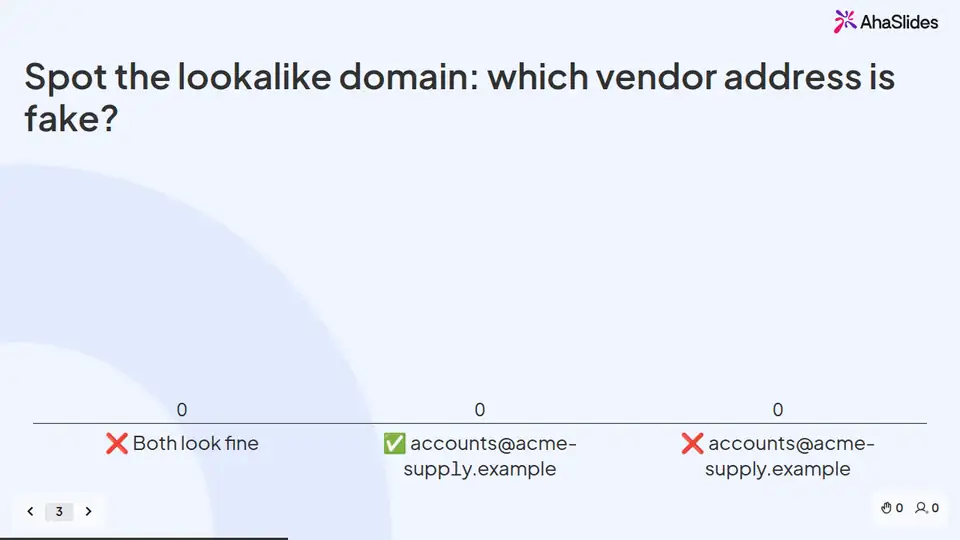
Phishing & social engineering: try 3 questions

Three questions from this course. Pick an answer, then see why.

Play the game

Game not loading? Open it in a new tab (opens in a new tab)

Three pieces that work together

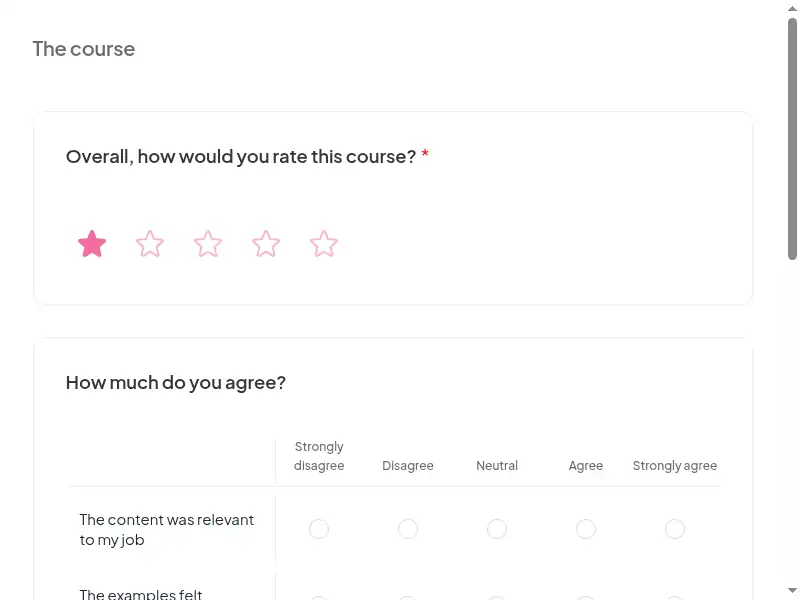
Learners sign in, so every finish and score is recorded. 5 fields to fill in with your details.
Claim the template
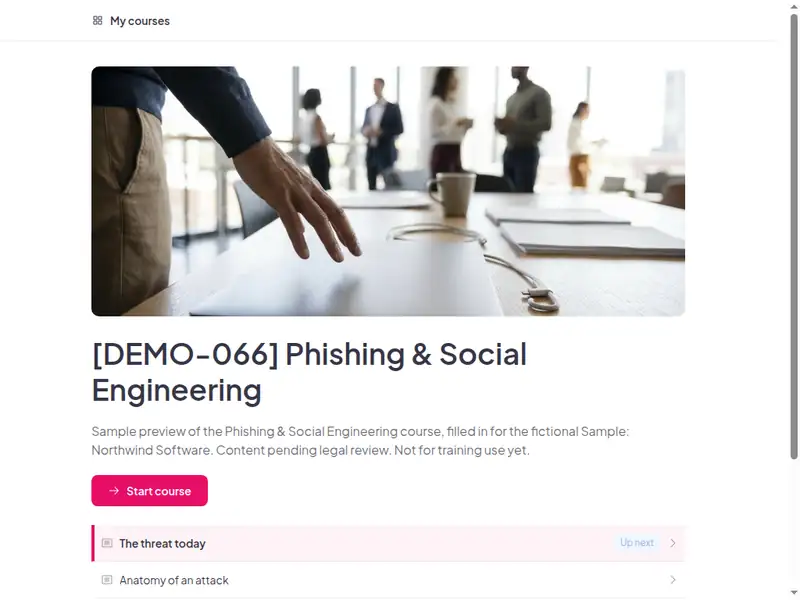
The Phishing & social engineering course as a learner first sees it

6 lessons, about 30 minutes

Minutes are an estimate.

  • Lesson 1: The threat today · 5 min

    Explain how social engineers exploit trust, urgency and authority.

  • Lesson 2: Anatomy of an attack · 5 min

    Trace the steps of a business email compromise.

  • Lesson 3: Spot the red flags · 7 min

    Detect phishing across email, SMS, voice, QR codes and AI deepfakes.

  • Lesson 4: Protect yourself · 5 min

    Verify requests using an independent channel.

  • Lesson 5: Respond & report · 4 min

    Respond correctly after clicking, replying or paying.

  • Lesson 6: Final assessment · 4 min

    12 questions, 80% to pass. The result is saved to the learner's record.

Claim the template

Inside this course

Taken from the course itself.

Sample questions, with answers

  1. What makes social engineering work?

    • It tricks a person rather than breaking a system
    • It needs special hardware
    • It only works on old computers
    • It only targets bosses

    Answer: It tricks a person rather than breaking a system. Social engineering targets people. A believable story is all it takes.

    Lesson 1: The threat today

  2. What is the most important question when a vendor asks to change bank details?

    • Does the email have the vendor's logo?
    • Can I confirm this through a number I already have?
    • Is the message polite?
    • Is the invoice number correct?

    Answer: Can I confirm this through a number I already have? A copied logo or a polite tone proves nothing. Confirm through a channel you already trust.

    Lesson 2: Anatomy of an attack

  3. A text from an unknown number asks you to tap a link to fix a locked account. What should you do?

    • Tap the link to check
    • Reply STOP
    • Not tap it, and report it
    • Forward it to a colleague

    Answer: Not tap it, and report it. Don't tap. Report the message so the security team can warn others.

    Lesson 4: Protect yourself

A scenario from "Respond & report"

Marketing coordinator replied to a fake "influencer agency" and opened a "brief.zip".

Best response: Report now, disconnect if told, don't open more.

Legal basis

Best practice; supports PCI DSS v4.0.1 req. 12.6.3.1; FTC Safeguards Rule 16 CFR 314.4(e); NIST SP 800-50r1.

Related articles

23 articles from the AhaSlides blog that use this course, newest first.

Common questions

Yes. Claiming the template and editing it are free.

The course itself is self-paced and online, and the live deck lets you add a live session. Whether online delivery meets your local rules depends on the law that applies to you, so check the rules that apply to you or ask your own counsel.

At hire + annually, plus simulated phishing.

All employees.

Record completion in your own LMS or record system, so you can show who finished the course and when. Check the retention period that applies to you in the rules that apply to you.

Your own details, each highlighted inside the course:
  • Security hotline
  • Phish report button howto
  • Payment change verification procedure
  • How results are used
  • LMS or record system
Then edit anything else you like: wording, scenarios, your logo.
Visit the help centre (opens in a new tab)