
Lesson 1: The threat today · 7 min
Explain why people are the most targeted part of security.
Learners sign in, so every finish and score is recorded. 6 fields to fill in with your details.
Minutes are an estimate.
Explain why people are the most targeted part of security.
Describe the stages of a typical attack, from lure to data theft.
Spot red flags across email, text, phone, web and USB.
Apply core habits: passphrases, MFA, updates, locking screens, safe data handling.
Report incidents fast through the right channel.
12 questions, 80% to pass. The result is saved to the learner's record.
Taken from the course itself.
Why do attackers target people instead of software?
Answer: People can be tricked into opening the door. Tricking a person is often easier than breaking a system, so people are the most targeted part of security.
Lesson 1: The threat today
At which step do you have the most power to stop an attack?
Answer: The lure: you can choose not to click or share. Most attacks only work if someone clicks, shares or approves. That is your moment.
Lesson 2: Anatomy of an attack
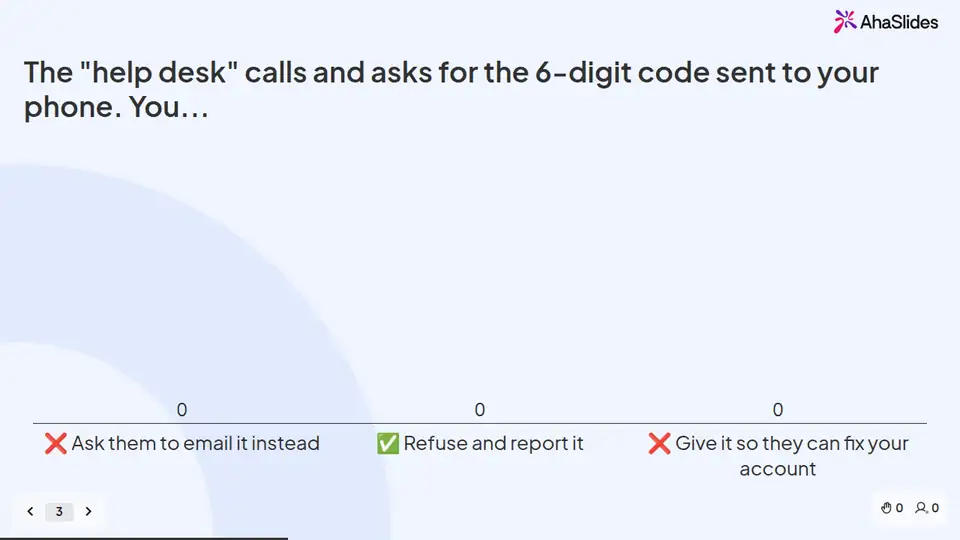
A sign-in approval pops up on your phone and you didn't just try to log in. What should you do?
Answer: Deny it and report it. An approval you didn't start can mean someone has your password. Deny it and report it.
Lesson 4: Protect yourself
Warehouse supervisor opens a "shipping invoice" and the file asks to "enable content".
Best response: Close, report immediately, don't keep working on it.
Weaker responses: Enable; Delete quietly; Wait to see what happens.
FTC Safeguards Rule 16 CFR 314.4(e) (security awareness training for financial institutions under GLBA); PCI DSS v4.0.1 req. 12.6.1-12.6.3.2 (upon hire + at least every 12 months, incl. phishing/social engineering and acceptable use); NIST SP 800-50 Rev. 1 (2024) Building a Cybersecurity and Privacy Learning Program; HIPAA 45 CFR 164.308(a)(5) where applicable.
Courses teams often run alongside this one.

Security Awareness Training

Security Awareness Training

Security Awareness Training
7 articles from the AhaSlides blog that use this course, newest first.







Comments from trainers
No comments yet. Tell other trainers how the course went.
Your comment
Comments are public. We remove spam and personal details.