Skip to content
Claim this template

Free course template · Global

Safe use of AI and digital tools in clinical practice

A ready-made course, live deck and two surveys for clinicians. 40 minutes, 6 lessons. Last reviewed 21 October 2026; not legal advice.

Claim the templatePreview the courseDownload SCORM for your LMS

Free. No credit card. Edit everything.

Play a game from the course

Safe use of AI and digital tools in clinical practice: try 3 questions

Three questions from this course. Pick an answer, then see why.

Play the game

Game not loading? Open it in a new tab (opens in a new tab)

Three pieces that work together

Learners sign in, so every finish and score is recorded. 18 fields to fill in with your details.
Claim the template
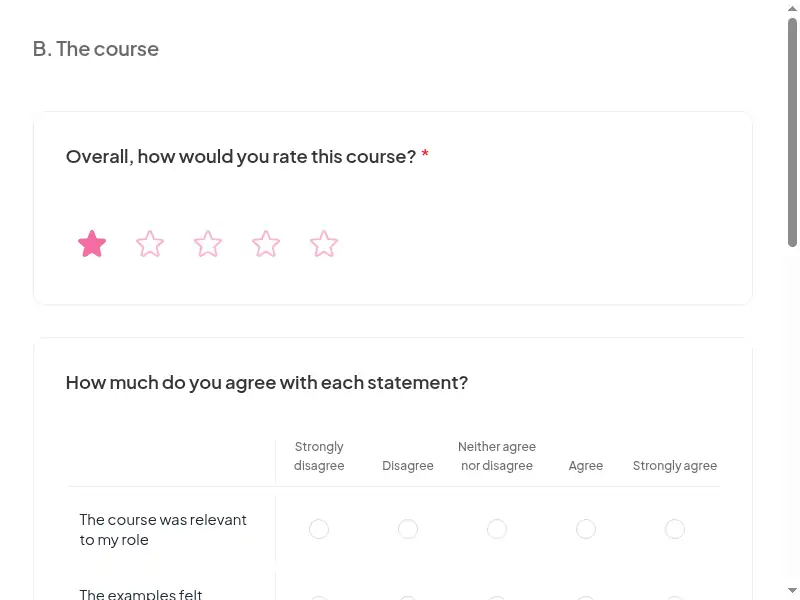
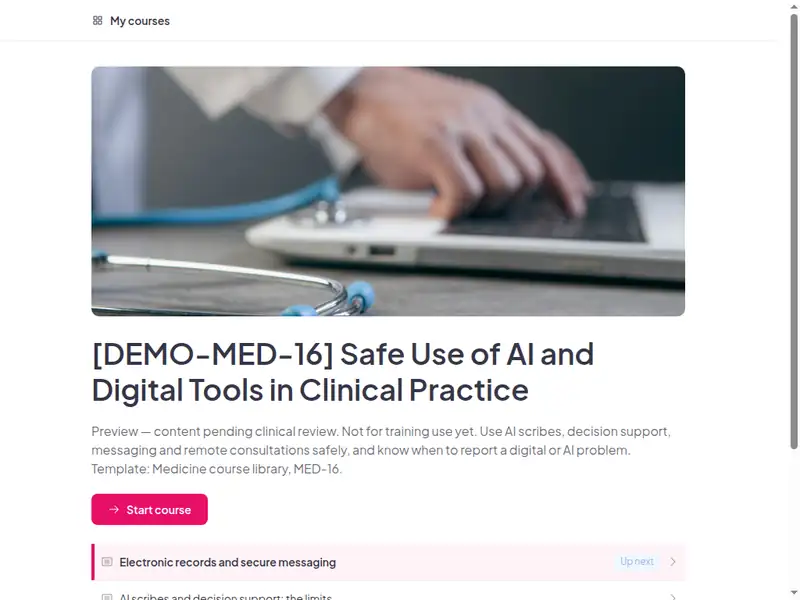
The Safe use of AI and digital tools in clinical practice course as a learner first sees it

6 lessons, about 40 minutes

Minutes are an estimate.

  • Lesson 1: Electronic records and secure messaging · 7 min

    Use electronic records and secure messaging so that the record stays complete and patient information stays protected.

  • Lesson 2: AI scribes and decision support: the limits · 9 min

    Check and correct AI scribe output before it enters the record, and treat decision-support output as advice you independently review.

  • Lesson 3: Patient data in AI tools · 7 min

    Keep patient data out of unapproved AI tools and report digital safety problems through the right route.

  • Lesson 4: Telehealth basics · 7 min

    Run a safe remote consultation: introductions, consent, identity checks, knowing when to switch to face-to-face, clear notes.

  • Lesson 5: Device and account security in clinical areas · 5 min

    Protect clinical accounts, shared workstations and mobile devices.

  • Lesson 6: Final assessment · 5 min

    Final assessment · Completion

Claim the template

Inside this course

Taken from the course itself.

Sample questions, with answers

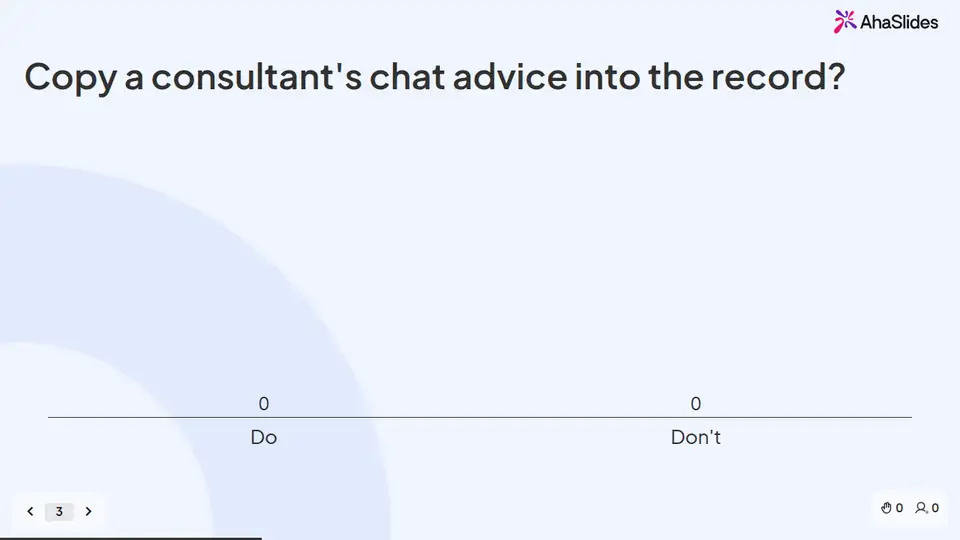
  1. A consultant gives you advice about a patient by approved instant message. What should happen to that advice?

    • Keep it in the chat so the team can scroll back to it
    • Add it to the patient record with who gave it, then delete the original message as policy says
    • Screenshot it to your personal phone as a backup
    • Nothing; messages are part of the record automatically

    Answer: Add it to the patient record with who gave it, then delete the original message as policy says. Messaging is no substitute for the record. Advice received by message is added to the medical record and the original deleted.

    Lesson 1: Electronic records and secure messaging

  2. Which is a clinical hazard named in NHS England guidance on AI scribes?

    • The scribe uses a different font from the record
    • The note leaves out critical information
    • The scribe takes up screen space
    • The patient speaks too slowly

    Answer: The note leaves out critical information. The guidance names missing critical information, incorrect information or context, and delayed outputs as clinical hazards.

    Lesson 2: AI scribes and decision support: the limits

  3. You want an AI tool to tidy up a discharge letter that names the patient. What do you check first?

    • Whether the tool is free
    • Whether your organisation has approved it for this use
    • Whether colleagues already use it
    • Whether it has good reviews in the app store

    Answer: Whether your organisation has approved it for this use. Approved tools have been through clinical safety and data protection checks. NHS England's scribe guidance is not meant for staff using unauthorised apps on their own.

    Lesson 3: Patient data in AI tools

A scenario from "AI scribes and decision support: the limits"

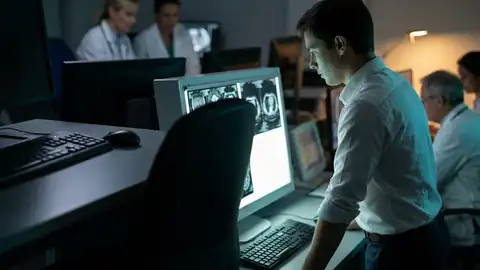
Fictional case. Dr Lena reviews her AI scribe note after a busy clinic. It says the patient 'denies shortness of breath'. She remembers the patient saying he gets breathless on the stairs.

Best response: Correct the note, approve it, and report the error through the incident route if your organisation tracks scribe errors.

Weaker responses: Approve it - the scribe is usually accurate and the clinic is running late; Leave it and add a separate note tomorrow.

Related articles

An article from the AhaSlides blog that uses this course.

Common questions

Yes. Claiming the template and editing it are free.

Yes. The course is self-paced and online, and the live deck lets you add a live session in the room or online.

At induction, when a new digital or AI tool goes live, and as an annual update (organisation policy).

Clinicians, healthcare assistants, ward clerks and clinic administrators who use electronic records, secure messaging, AI scribes, decision support or video consultations.

Record completion in your own LMS or record system, so you can show who finished the course and when.

Your own details, each highlighted inside the course:
  • The secure messaging tools staff may use for patient information
  • What identifiers may be sent, retention and deletion rules
  • How clinical images are taken, stored and shared
  • AI tools approved, and what each is approved
  • The patient script or leaflet and how patients can decline the scribe
  • How to override and document disagreement with an alert
  • Clinical safety officer or digital safety team
  • Local incident system for digital and AI problems
  • National medical device reporting route outside the UK
  • How to confirm identity and location on remote calls
  • What to do when red flags appear during a remote consultation
  • Login, smartcard and screen-lock rules
  • Lost device, locked account
  • LMS or record system
  • Live session URL
  • Course URL
  • Educator contact
Then edit anything else you like: wording, scenarios, your logo.
Visit the help centre (opens in a new tab)