Skip to content
Claim this template

Free course template · Global

Safe use of generative AI in clinical and care settings

A ready-made course, live deck and two surveys for clinicians. 40 minutes, 6 lessons. Last reviewed 21 October 2026; not legal advice.

Claim the templatePreview the courseDownload SCORM for your LMS

Free. No credit card. Edit everything.

Play a game from the course

Safe use of generative AI in clinical and care settings: try 3 questions

Three questions from this course. Pick an answer, then see why.

Play the game

Game not loading? Open it in a new tab (opens in a new tab)

Three pieces that work together

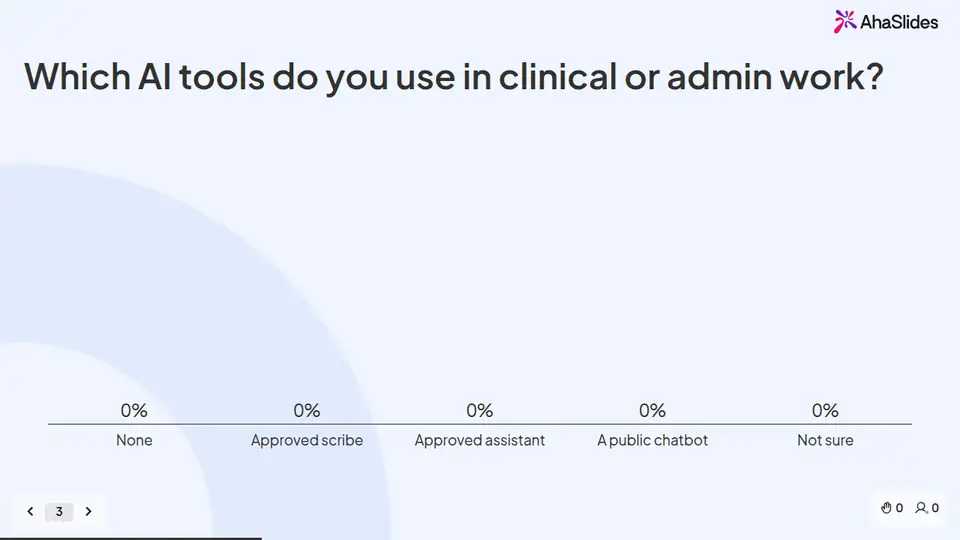
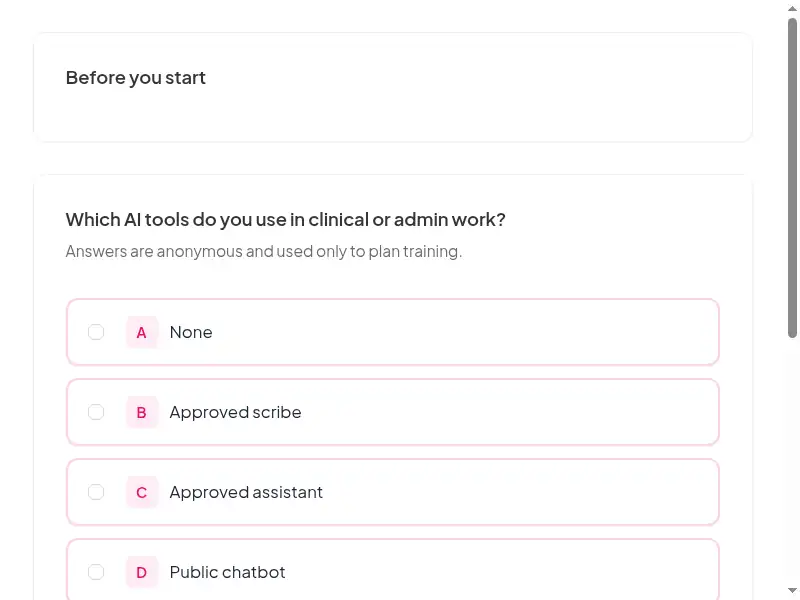
Learners sign in, so every finish and score is recorded. 8 fields to fill in with your details.
Claim the template
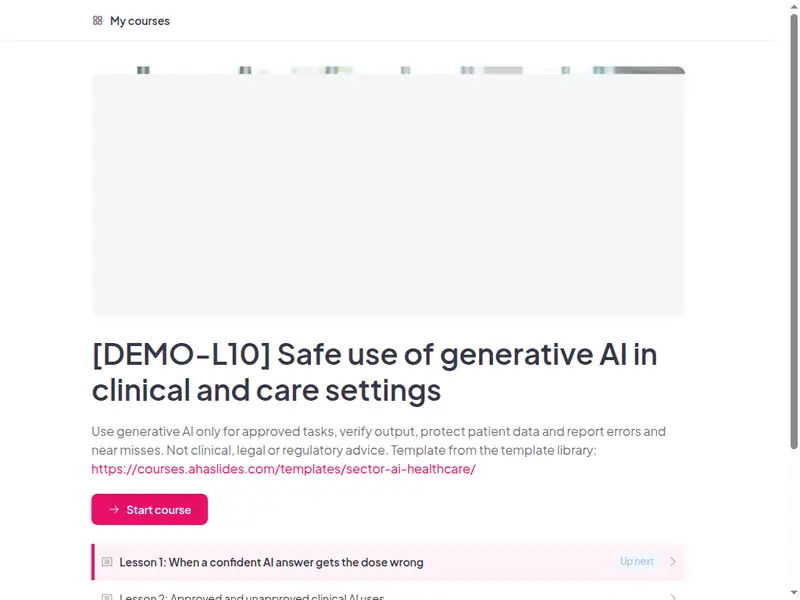
The Safe use of generative AI in clinical and care settings course as a learner first sees it

6 lessons, about 40 minutes

Minutes are an estimate.

  • Lesson 1: When a confident AI answer gets the dose wrong · 7 min

    Before you begin · An invented near miss · What made it dangerous?

  • Lesson 2: Approved and unapproved clinical AI uses · 7 min

    Approved or not · Sort the use · Check

  • Lesson 3: Health data rules and why plausible is not correct · 7 min

    Health data · Plausible but wrong · Judge the output

  • Lesson 4: Verify before use: source, guideline, second check · 7 min

    Verify routine · Worked example · Quick guide

  • Lesson 5: Grey areas: chatbot diagnoses, AI scribes, public tools · 7 min

    Scenario · Scenario · Scenario

  • Lesson 6: Reporting AI errors and near misses · 5 min

    Report path · Practice

Claim the template

Inside this course

Taken from the course itself.

By the end, learners can

  • Use generative AI only for approved clinical and administrative tasks
  • Verify AI-generated clinical content against guidelines and sources before acting
  • Protect patient data when using AI tools and scribes
  • Explain AI involvement to patients and record it appropriately
  • Report AI errors and near misses

Sample questions, with answers

  1. What should the assistant have done instead?

    • Used the chatbot figure
    • Used the formulary or the approved route
    • Averaged the chatbot and a guess
    • Asked the chatbot again

    Answer: Used the formulary or the approved route. The assistant should have used the formulary or the approved route, because a general chatbot is not validated for dosing. A confident answer is not a source.

    Lesson 1: When a confident AI answer gets the dose wrong

  2. A summary of a guideline has no named source. What do you do?

    • Use it as written
    • Check it against the current guideline
    • Ask the AI to confirm itself
    • Ask a colleague what they remember

    Answer: Check it against the current guideline. Check it against the current guideline before using it. Without a source you cannot tell whether it is right.

    Lesson 3: Health data rules and why plausible is not correct

  3. The AI output and the guideline differ. Which do you follow?

    • The AI output
    • The current guideline, and report the difference
    • The higher figure
    • Whichever is quicker

    Answer: The current guideline, and report the difference. The current guideline or formulary, and report the difference. The AI output is a draft at best.

    Lesson 4: Verify before use: source, guideline, second check

A scenario from "Grey areas: chatbot diagnoses, AI scribes, public tools"

A patient arrives sure of a diagnosis from a chatbot.

Best response: Listen, explain what the tool can and cannot do, and assess them in the usual way.

Weaker responses: Dismiss them; Agree with the chatbot; Ask the chatbot to settle it.

Related articles

An article from the AhaSlides blog that uses this course.

Common questions

Yes. Claiming the template and editing it are free.

Yes. The course is self-paced and online, and the live deck lets you add a live session in the room or online.

Before clinical or administrative AI tools are used, at onboarding, and annually.

Clinicians, nurses, allied health and care staff, healthcare administrators.

Record completion in your own LMS or record system, so you can show who finished the course and when.

Your own details, each highlighted inside the course:
  • Approved clinical AI tools
  • Patient data policy link
  • Incident system
  • Clinical AI owner
  • AI help contact
  • LMS or record system
Then edit anything else you like: wording, scenarios, your logo.
Visit the help centre (opens in a new tab)