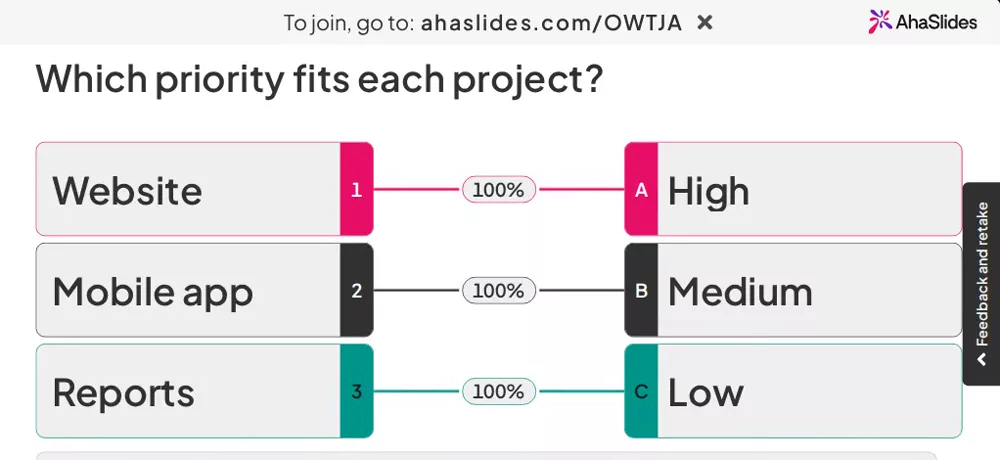
Every item gets a match
On their phone, each person gives every item a different match from a list, then taps Submit.
A show of hands takes one question at a time. With Matching Poll everyone pairs every item with a match on their phone, and your screen shows the pairing the room agrees on most.
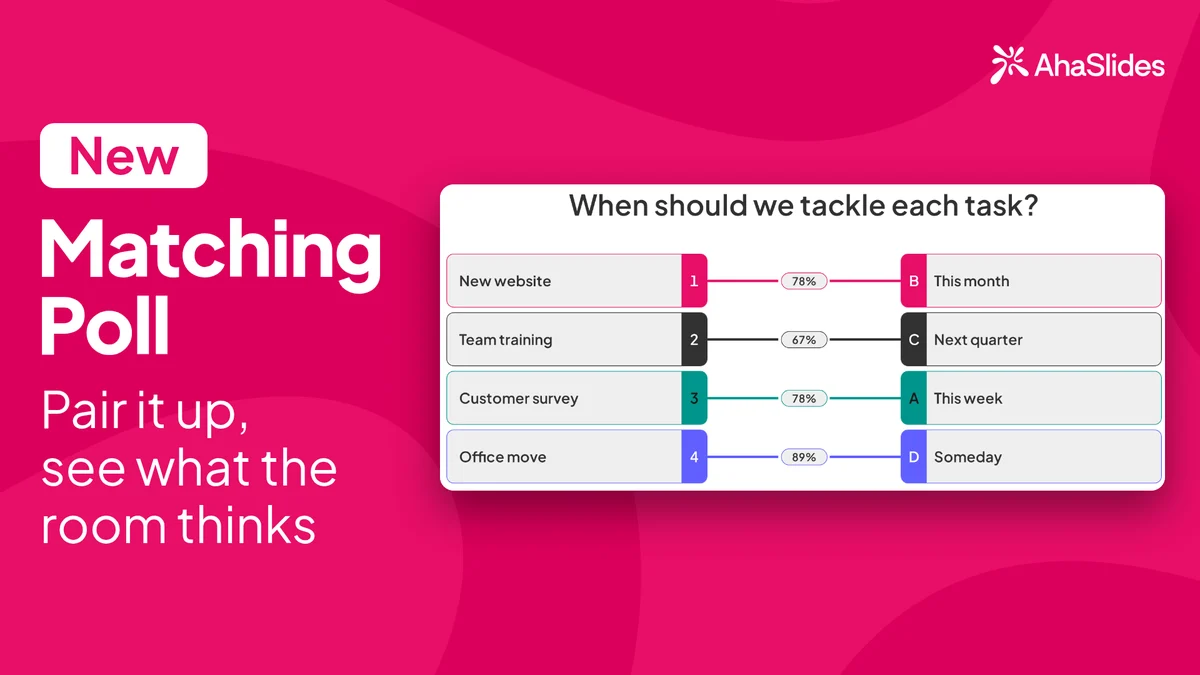
Click New slide and search for Matching Poll, or look in the Poll group. Ask your question, name the columns, such as Project and Priority, and add the items and matches, such as Website, Mobile app and Reports against High, Medium and Low.
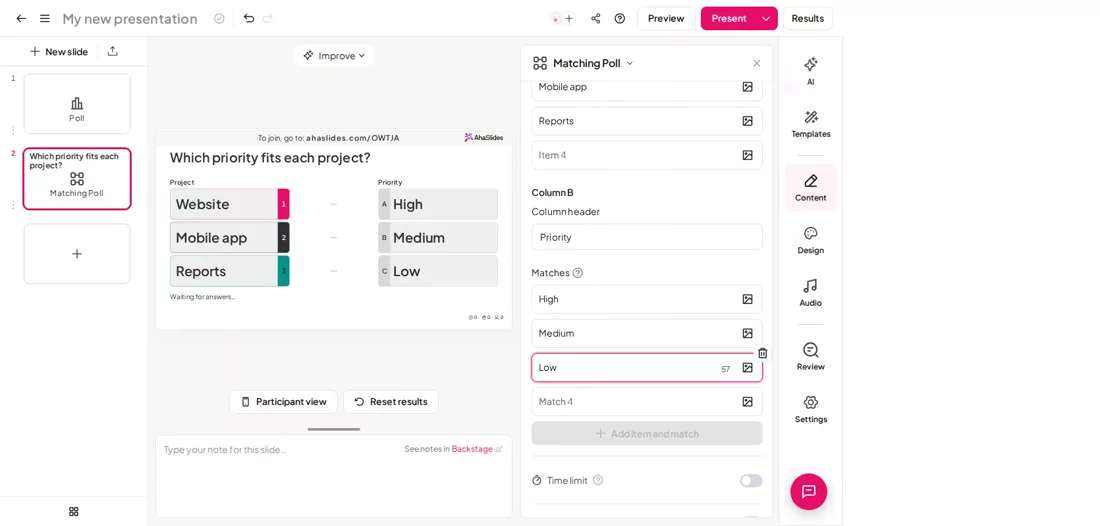
Share the access code. Each person picks a match for every item and taps Submit. Answers cannot be changed after that.
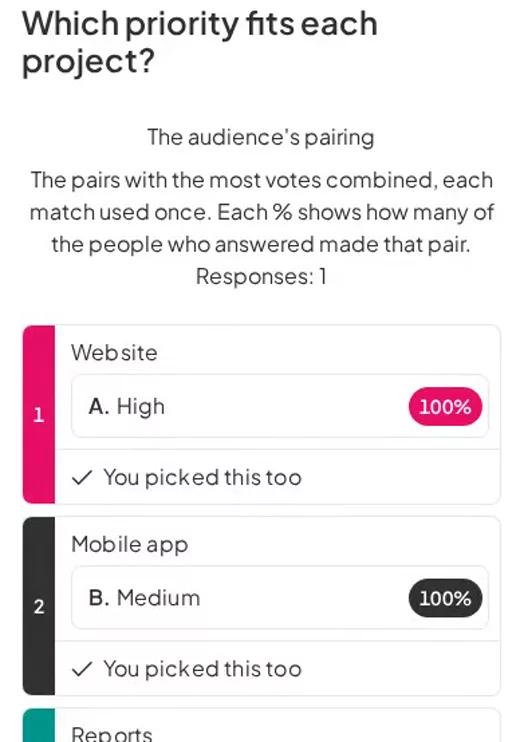
Your screen links each item to a match, with the share of votes on each pair. Turn on Show results manually to reveal it when you are ready.