Live Q&A app with anonymous questions

Give everyone a voice, not just the loudest in the room. People ask from their phones, anonymously or by name, and upvote the questions they most want answered, in live, remote or hybrid sessions.

Opret gratis spørgerunde

Gratis plan for op til 50 deltagere.

Bedømt 4.7 ud af 5 på G2, baseret på 428 anmeldelser
  • Abu Dhabi Universitets logo
  • Airbus-logo
  • Bend La Pine Schools logo
  • BMC-logo
  • Bosch logo
  • Criteo-logo
  • Ferrero Rocher-logo
  • Intel logo
  • Ivy Tech Community College-logo
  • Le Quiz Show-logo

Anonymous Q&A that ends awkward silences

The questions people hold back are often the ones the whole room wants answered. An anonymous Q&A takes away the fear of asking, so in training, workshops, conferences and all-hands meetings you hear what people really think and answer it on the spot.
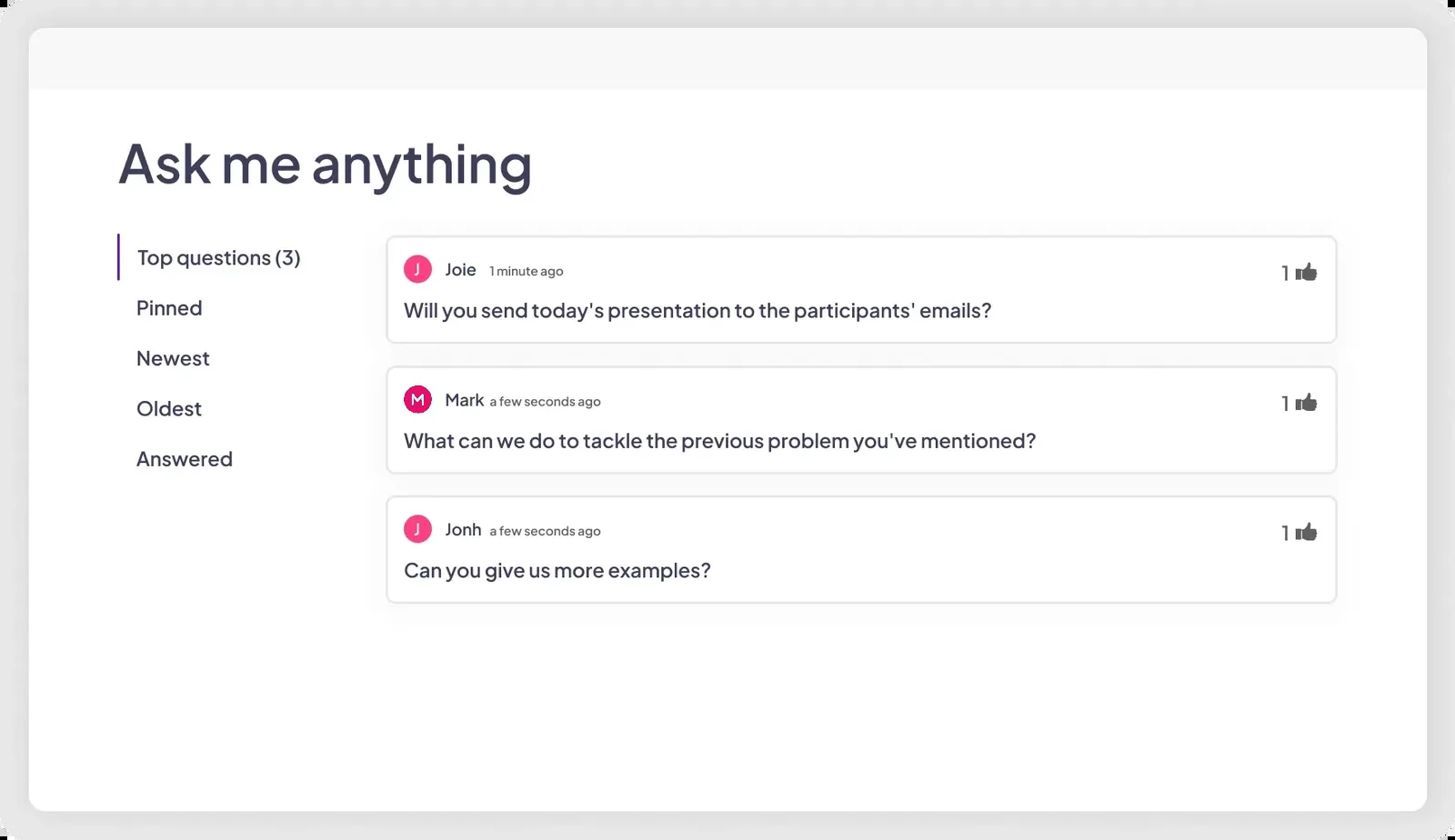
En Q&A-slide ind AhaSlides hvor taleren spørger, og deltagerne svarer i realtid
  • Ask and upvote questions

    Participants send questions from their own phones while you present, then upvote the ones they want answered. The most popular rise to the top of your screen.

  • Anonyme eller navngivne spørgsmål

    Turn on anonymous questions and the name field becomes optional, so shy or junior voices can ask freely. Leave it off when you want to know who asked.

  • Moderate before questions go live

    Hold every question until you approve it, and let the profanity filter block offensive language automatically. Moderation comes with Pro and Enterprise.

Opret en spørgerunde

A Q&A platform for large events

Up to 2,500 participants on Pro, and up to 100,000 on Enterprise. Run one live Q&A for a conference keynote, a town hall or a company-wide meeting.

  • Bygget til store rum

    Everyone asks in the same session, and you sort by Top questions to answer what most people care about first. A colleague can moderate from their own device through Backstage.

  • Spørg fra enhver telefon

    Your audience joins in the browser with an access code or QR code. There is no app to download and no account to create.
Opret en spørgerunde
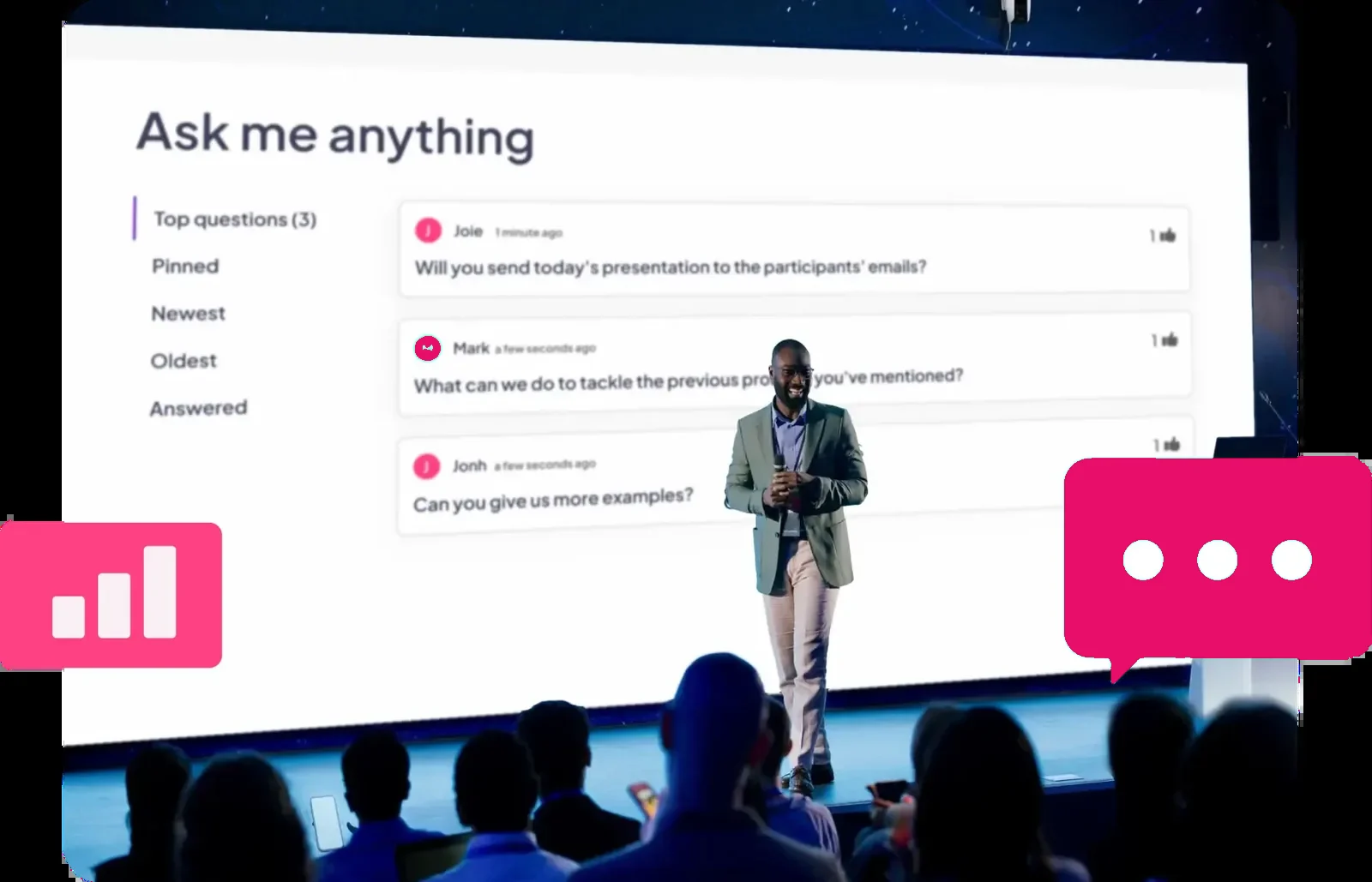
An AhaSlides Spørgsmål og svar-session kører ved et arrangement

Live Q&A for meetings, webinars and hybrid events

Brand it, moderate it and run it wherever your audience is, from the meeting room to a webinar with thousands online.
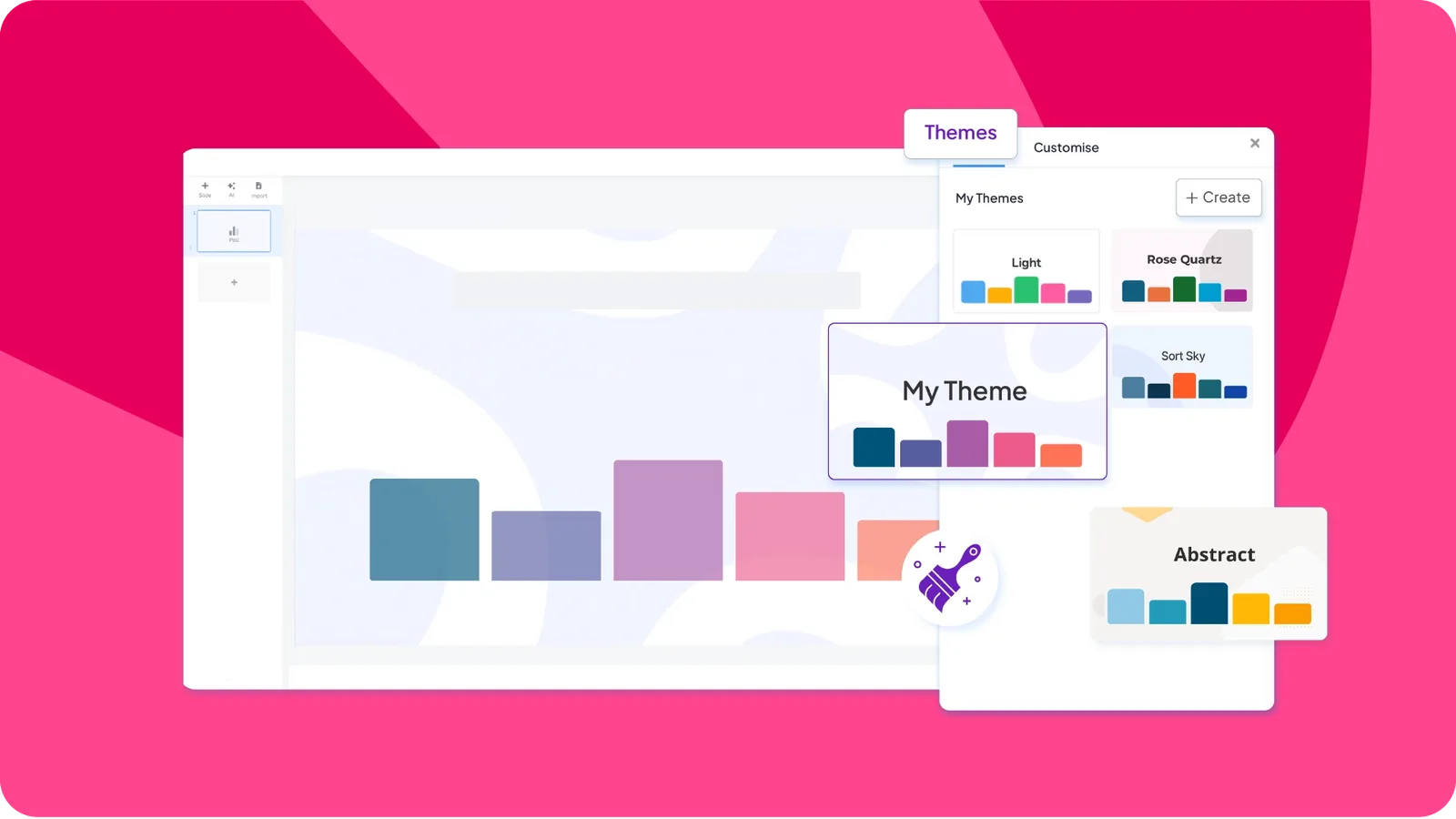
  • De brugerdefinerede brandingmuligheder for en Q&A-slide på AhaSlides

    Q&A sessions with custom branding

    Use your own colours, logos and themes to keep your brand front and centre while you engage your audience. Custom branding comes with Pro and Enterprise.

  • Pin, sort and answer with complete control

    Sort questions by Top, Newest or Oldest, pin the ones you want to cover next and mark each one answered as you go. Afterwards, export every question with its upvotes and answered status to Excel, on plans that include data export.
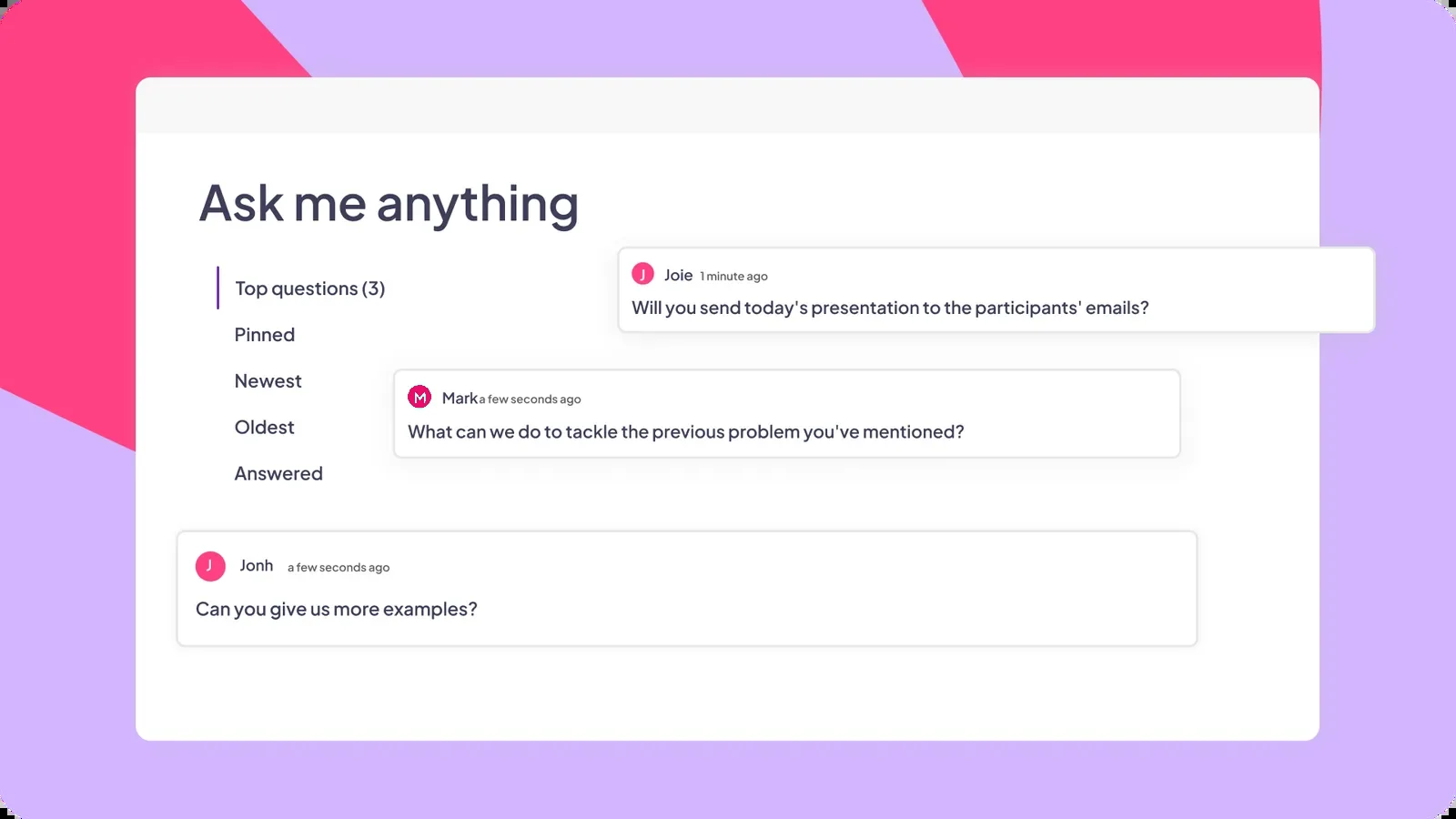
    En model af AhaSlides live spørgsmål og svar
  • AhaSlides bruges sammen med andre mødeplatforme

    Webinar Q&A in Zoom and Microsoft Teams

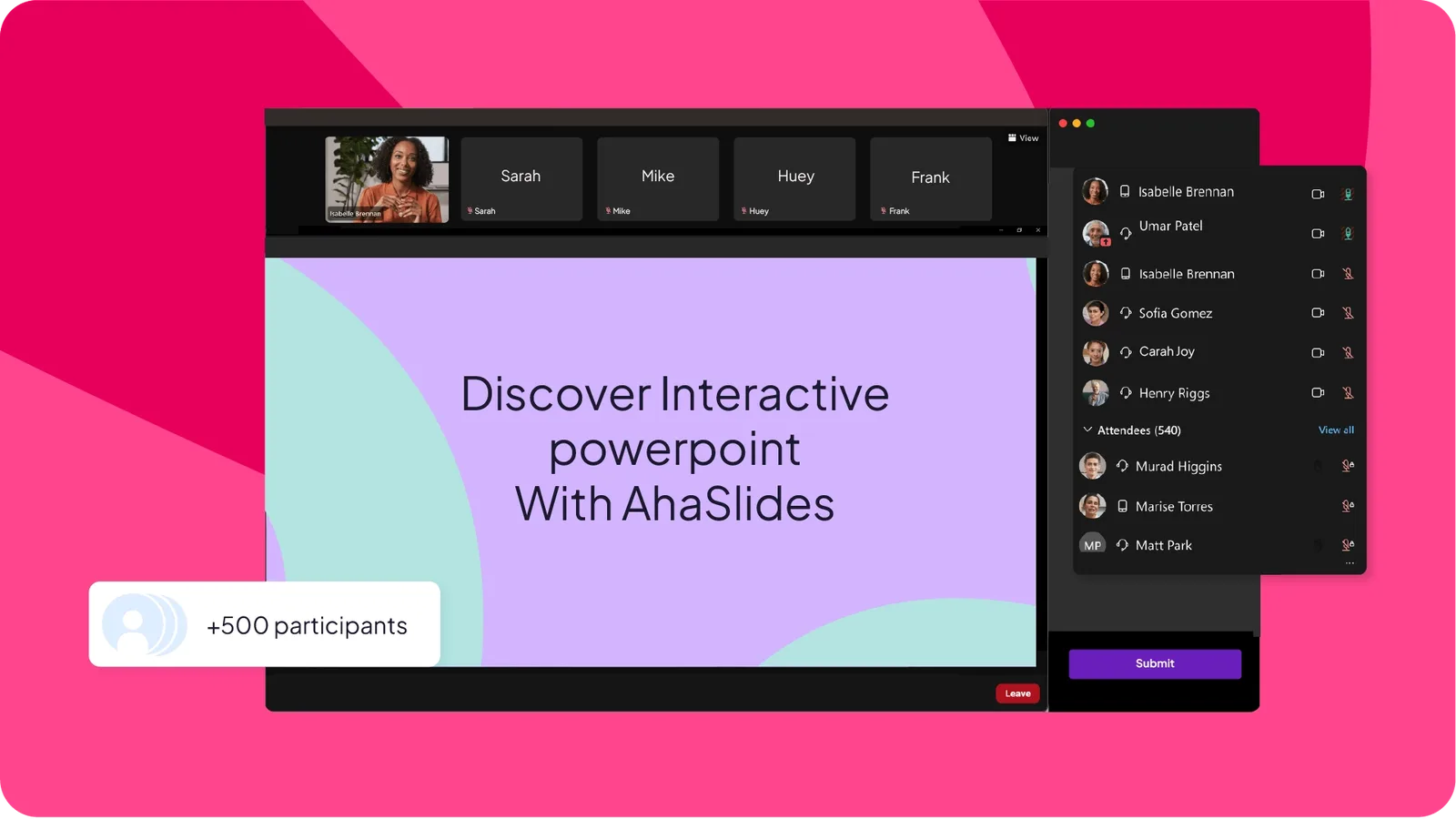
    Run your Q&A inside Microsoft Teams meetings or with the Zoom-app for meetings and webinars, where participants answer without leaving the call. It works for live, remote and hybrid events, and pairs well with polls and quizzes in interaktive webinarer.

Prøv Q&A gratis

Hvad vores brugere siger

Hør fra lærerne, trænerne og teamene, der bruger det hver dag.

  • "I stedet for et passivt publikum bliver folk aktive deltagere i diskussionen. Dette er især værdifuldt, når man diskuterer emner som karriereveje, kvinder inden for STEM og akademiske erfaringer, hvor det beriger samtalen at høre mange stemmer."

    Ana Laura Pérez MartínezProfessor, Det Tekniske Fakultet, UNAM
  • "De bruger deres telefoner til at svare, ikke til at tjekke e-mails. De er ikke engang klar over, hvor meget de forstærker læringen, fordi de prøver at vinde."

    Dave ChouraAdministrerende partner, Elite Training Innovations, LLC
  • "Det var afgørende, at værktøjet var forberedt til store folkemængder og tillod samtidig forbindelse af et betydeligt antal mennesker, noget der" AhaSlides tilbød os fuld pålidelighed.”

    Paula AnguloMarketingchef hos Casademont Zaragoza

Questions about our live Q&A app

Yes. The Free plan includes the Q&A slide with anonymous questions and upvoting, for up to 50 participants live, with unlimited presentations and no credit card needed. Paid plans raise the participant limit, and Pro adds Q&A moderation and custom branding.

Up to 50 on Free, 100 on Essential, 2,500 on Pro and up to 100,000 on Enterprise. The limit counts people connected at the same time, so when someone leaves, their place is freed for someone else.

Yes. Turn on Allow anonymous questions and the name field becomes optional, so people can ask without saying who they are. You can also turn off Allow audience to see each other's questions to keep the queue private to you.

Participants upvote the questions they want answered. The Top filter, which is on by default, puts the most upvoted questions first. You can also sort by Newest or Oldest, pin a question to keep it at the top and mark questions answered as you go.

Yes, on Pro and Enterprise. With moderation on, every question waits as Pending until you approve or dismiss it. A colleague can moderate from their own device through the Backstage remote control link, without access to your account, and the profanity filter blocks offensive language automatically.

Ja. Det Zoom-app runs inside Zoom meetings and webinars on the desktop app, and the Microsoft Teams add-in runs inside Teams meetings. You can also share your screen on any platform and let people join with the access code. See interaktive webinarer for flere ideer.

Both run live polls and audience Q&A from people's phones. If you are looking for a Slido alternativ, AhaSlides adds quizzes in seven formats with team and self-paced play, Spinner Wheel, Photo Share and editable imports of your PowerPoint slides. See the full AhaSlides vs Slido sammenligning.

Vores guide til best Q&A apps for presentations compares the main options on features and pricing, so you can pick the one that suits your sessions.