The AI course generator that starts from your file

Import a PDF, slide deck, Word document or notes. The Course Agent drafts the lessons from what your file already says, ready for you to check.

Import your first file
Arvosana 4.7/5 G2:ssa, perustuen 428 arvosteluun
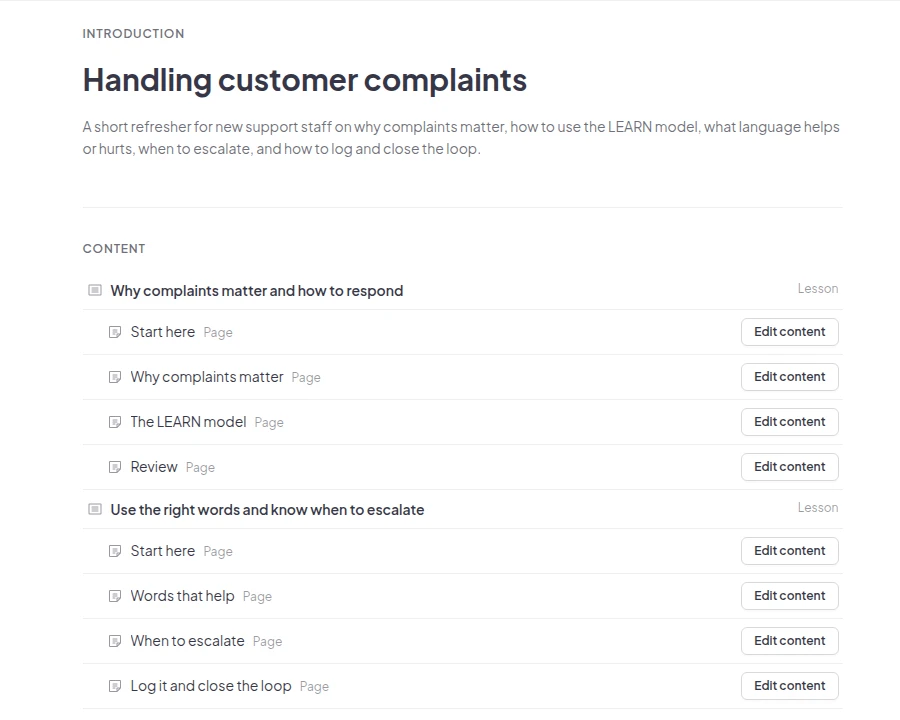
A course the Course Agent drafted from a PDF called Handling customer complaints: two lessons, each split into pages such as The LEARN model and When to escalate

Luotettu joukkueiden ja koulujen toimesta maailmanlaajuisesti

  • Abu Dhabin yliopiston logo
  • Airbus-logo
  • Bend La Pine Schoolsin logo
  • BMC-logo
  • Boschin logo
  • Criteo-logo
  • Ferrero Rocher -logo
  • Intel-logo
  • Ivy Tech Community Collegen logo
  • Le Quiz Show -logo

Create a course from a PDF in three steps

  • Vaihe 1: Valitse Tuo

    On your Courses list, click Import next to New course. In an empty course, click Import a file.
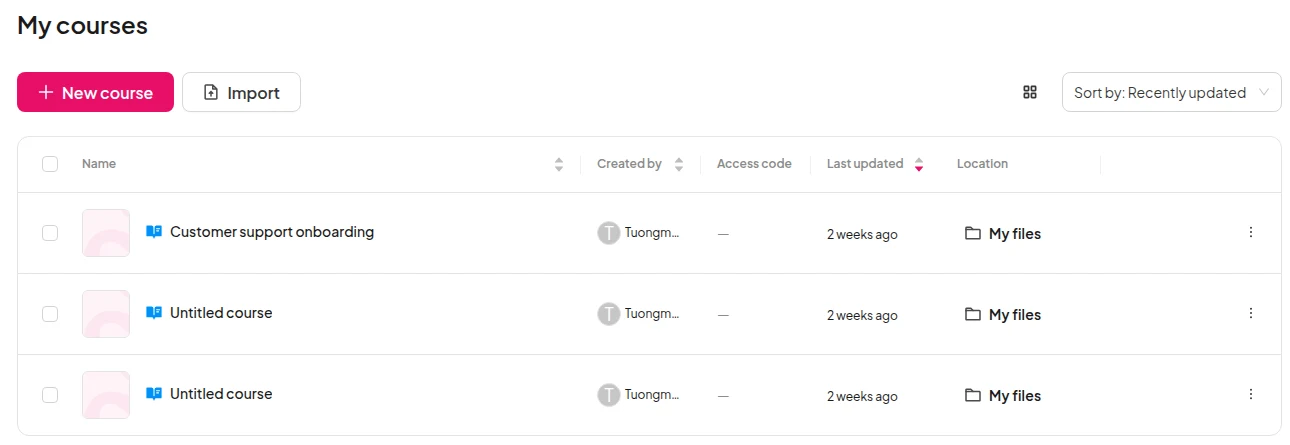
    The My courses list with the Import button next to New course
  • Vaihe 2: Valitse tiedostosi

    Pick one PDF, PowerPoint, Word, text, Markdown or image file, up to 50 MB and 100 slides.
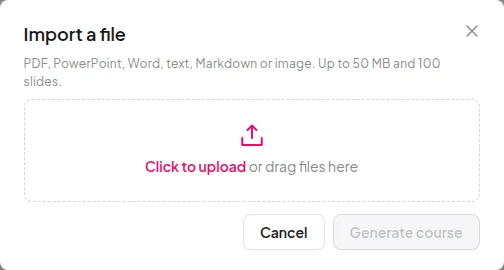
    The Import a file window listing the file types it takes, up to 50 MB and 100 slides
  • Vaihe 3: Check, then publish

    Open Preview to read the course the way learners will, edit what you want, then publish.
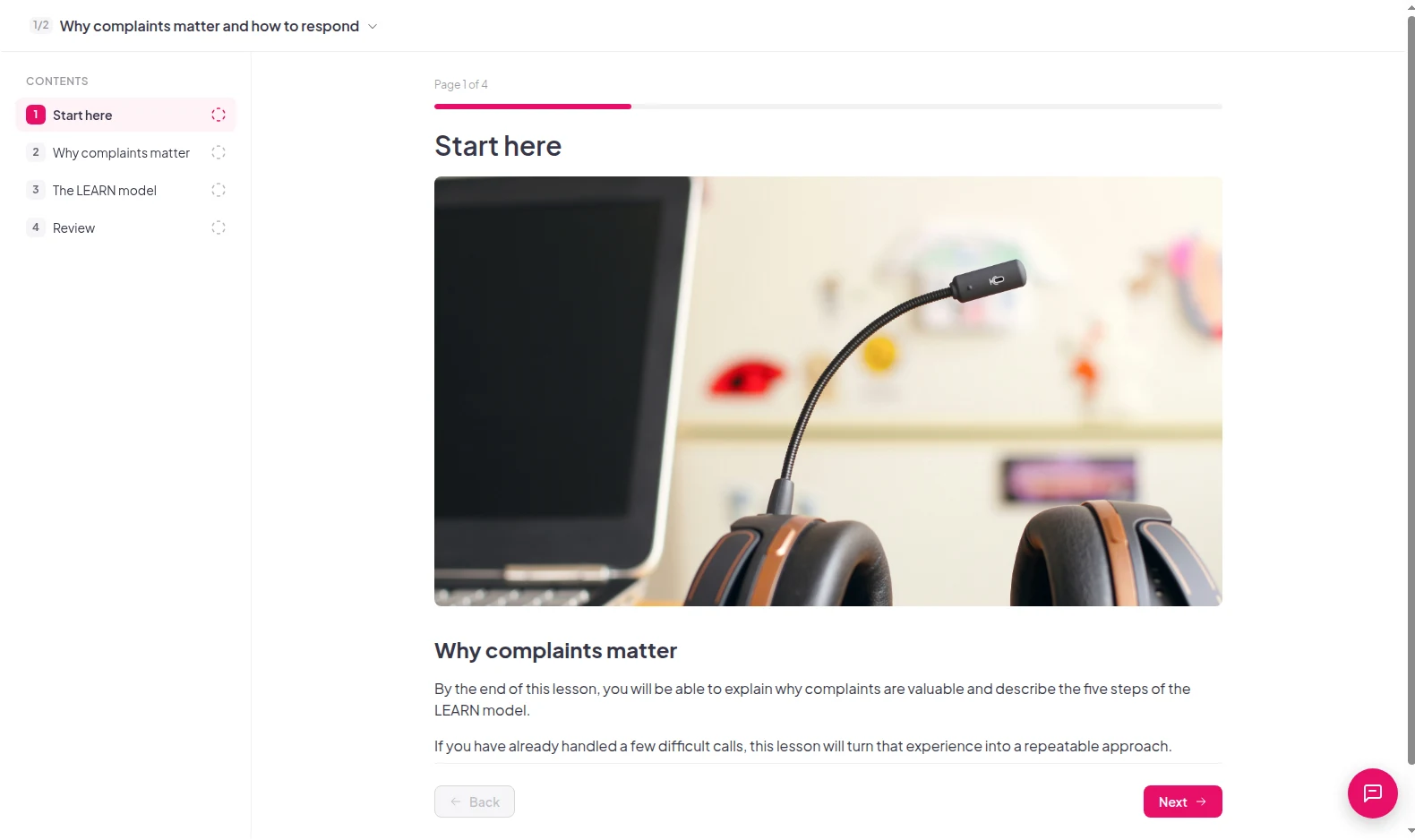
    The learner preview of a drafted lesson, page 1 of 4, with its contents list
Import your first file

Two ways to use your file

Import your first file
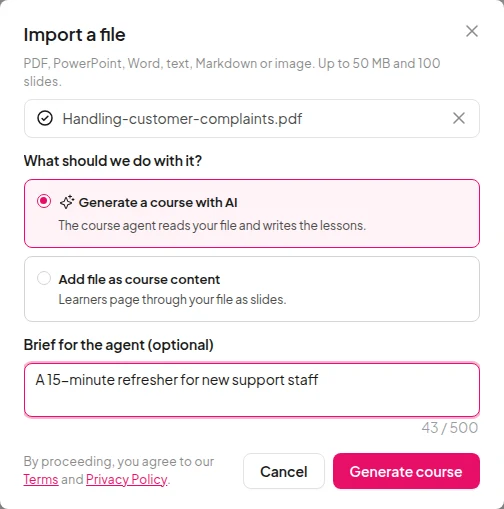
The Import a file window with Generate a course with AI chosen and a brief typed for the agent

See who started and who finished

  • Each learner's progress, lesson by lesson

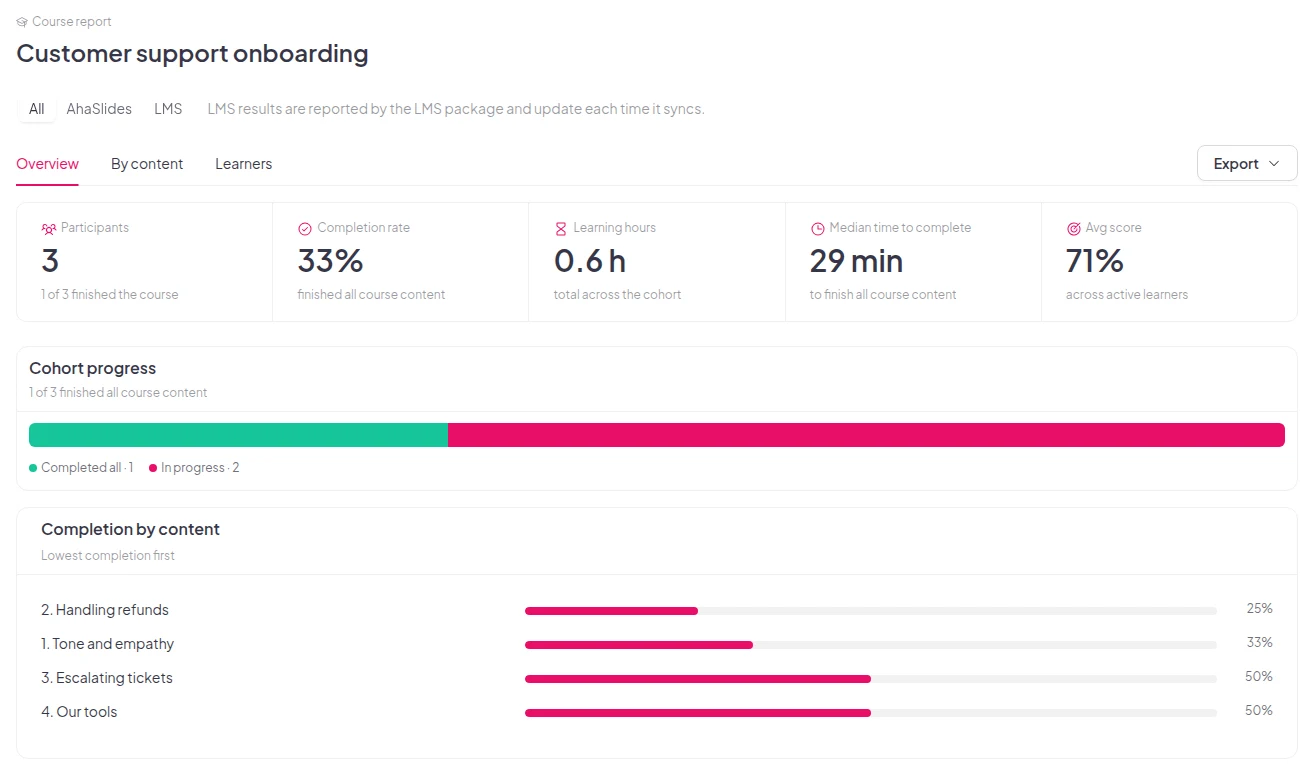
    An imported lesson shows in your course report like any other lesson. You see each learner's progress, not just whether they opened the file.
    Import your first file
    A course report showing 3 participants, a 33% completion rate and completion for each lesson

The files you already have

  • Seven file types

    PDF, PowerPoint, Word, text, Markdown, JPG and PNG.

  • Jopa 50 MB

    Each file can be up to 50 MB and 100 slides.

  • A brief if you want one

    Tell the Course Agent who the course is for and how long it should take.

Import your first file

Questions before you import

PDF, PowerPoint (PPTX), Word (DOCX), text (TXT), Markdown (MD), JPG and PNG. Each file can be up to 50 MB and 100 slides.

No. Choose one file at a time.

PDF and PowerPoint files. Choose Add file as course content, then Add to course, and learners click through the slides inside the course. Every supported file type works with Generate a course with AI.

The Course Agent follows the structure and facts of your file. Check the draft before you publish, and edit any lesson you want to change.

It steers the Course Agent. Type a short note, such as "a 20-minute refresher for new sales staff", then click Generate course. You can leave it empty.

Yes. Learner progress in an imported lesson shows in your course report like any other lesson, so you see who started it and who finished.

Yes. Start an empty course and add your own lessons, quizzes and slides. The verkkokurssien luoja page shows how.

Not yet. Course import is on AhaSlides, but not on EU accounts yet.
Lue asiakirjat (avautuu uuteen välilehteen)