Marque AhaSlides decks, courses and surveys with Claude

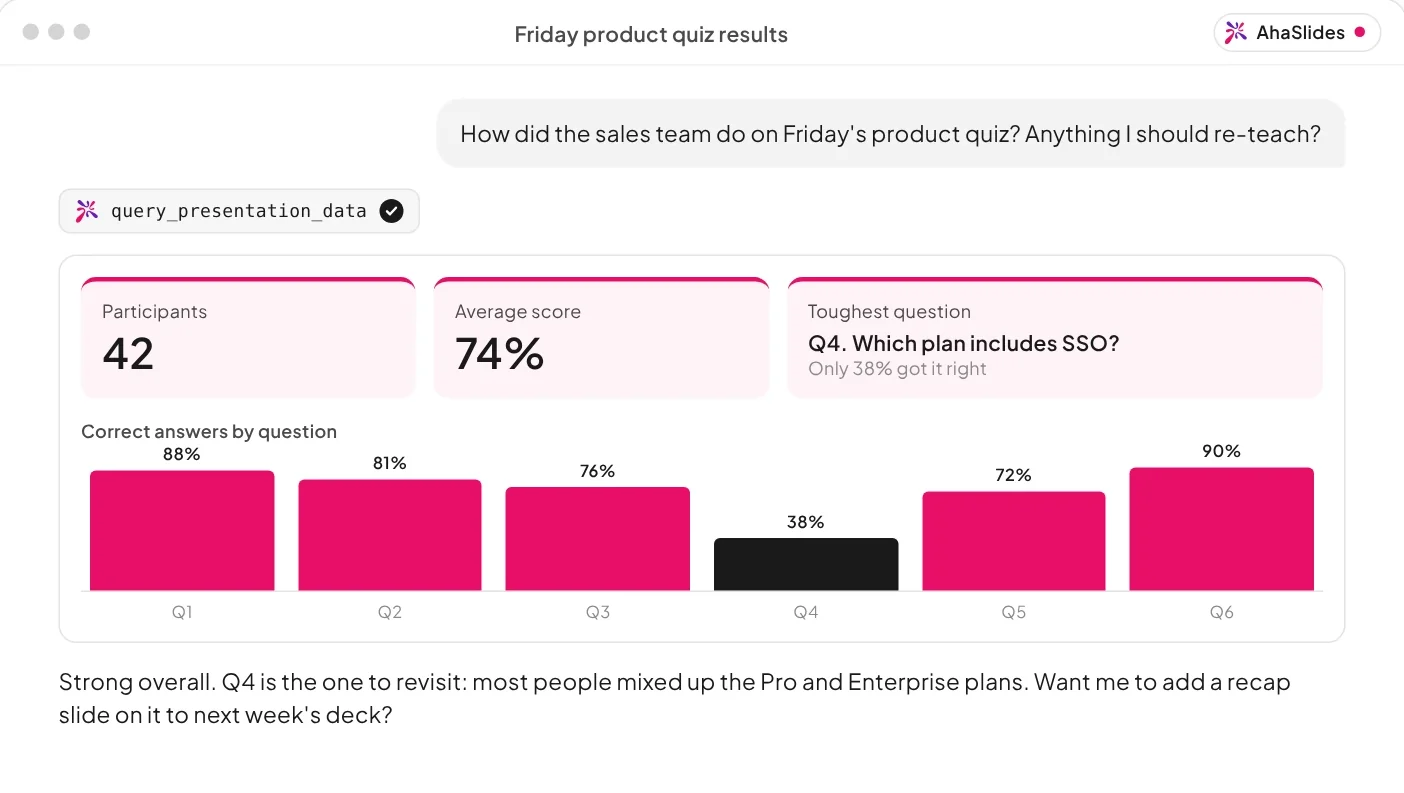
Connexion AhaSlides to Claude, then ask for what you need in plain words. Claude builds a deck with live polls and quizzes, a self-paced course or a feedback survey in your AhaSlides account, and shows you a preview of each deck right in the chat.

Connectez-vous à Claude
Noté 4.7 sur 5 sur G2, d'après 428 avis
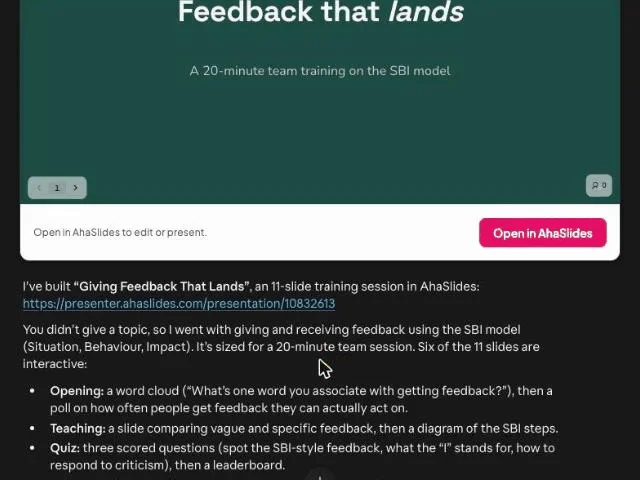
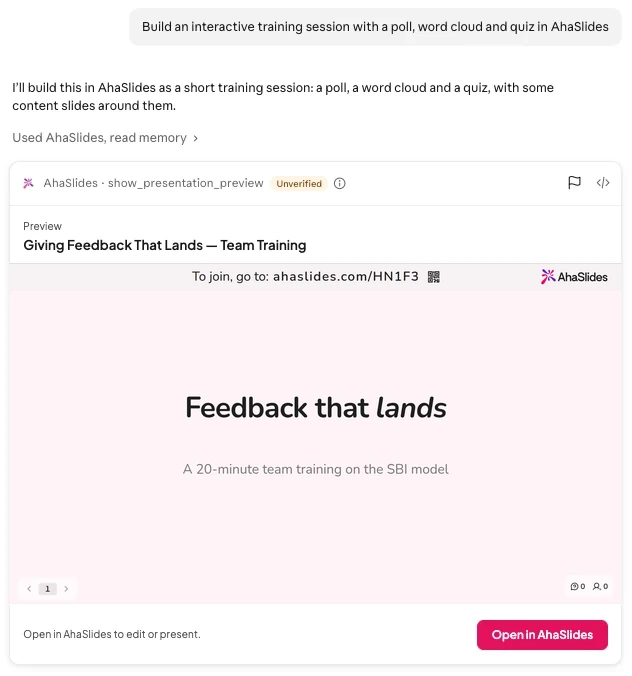
Claude asked to build an interactive training session with a poll, word cloud and quiz in AhaSlides, showing a preview of the first slide, Feedback that lands, with an Open in AhaSlides bouton (dans la fenêtre de contrôle qui apparaît maintenant)
  • Logo de l'Université d'Abu Dhabi
  • Airbus logo
  • Logo des écoles de Bend La Pine
  • Logo BMC
  • Logo Bosch
  • Logo Criteo
  • Logo Ferrero Rocher
  • Logo Intel
  • logo d'Ivy Tech Community College
  • Logo de Le Quiz Show

Comment les gens utilisent AhaSlides avec Claude

Check what landed before the bell

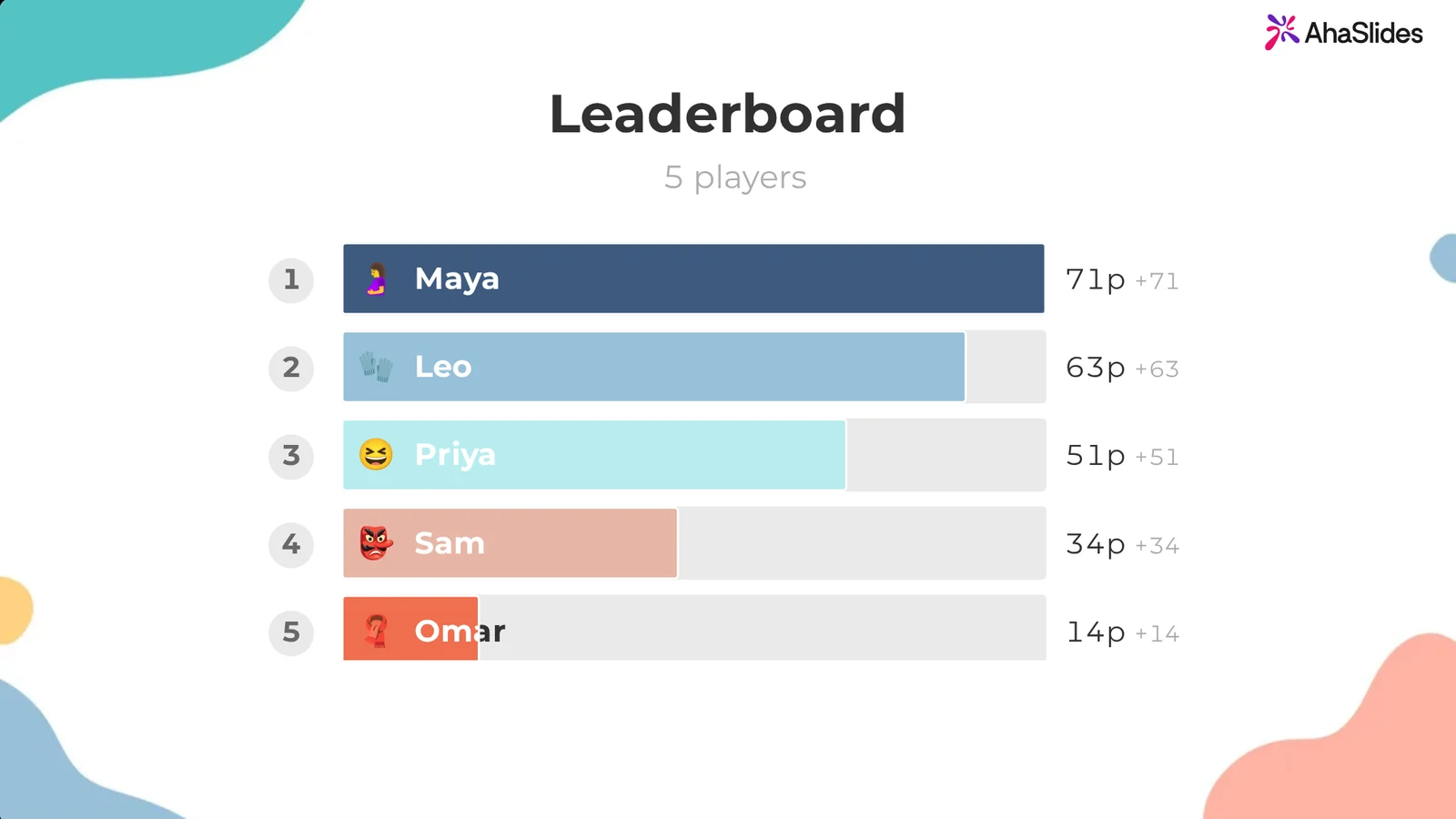
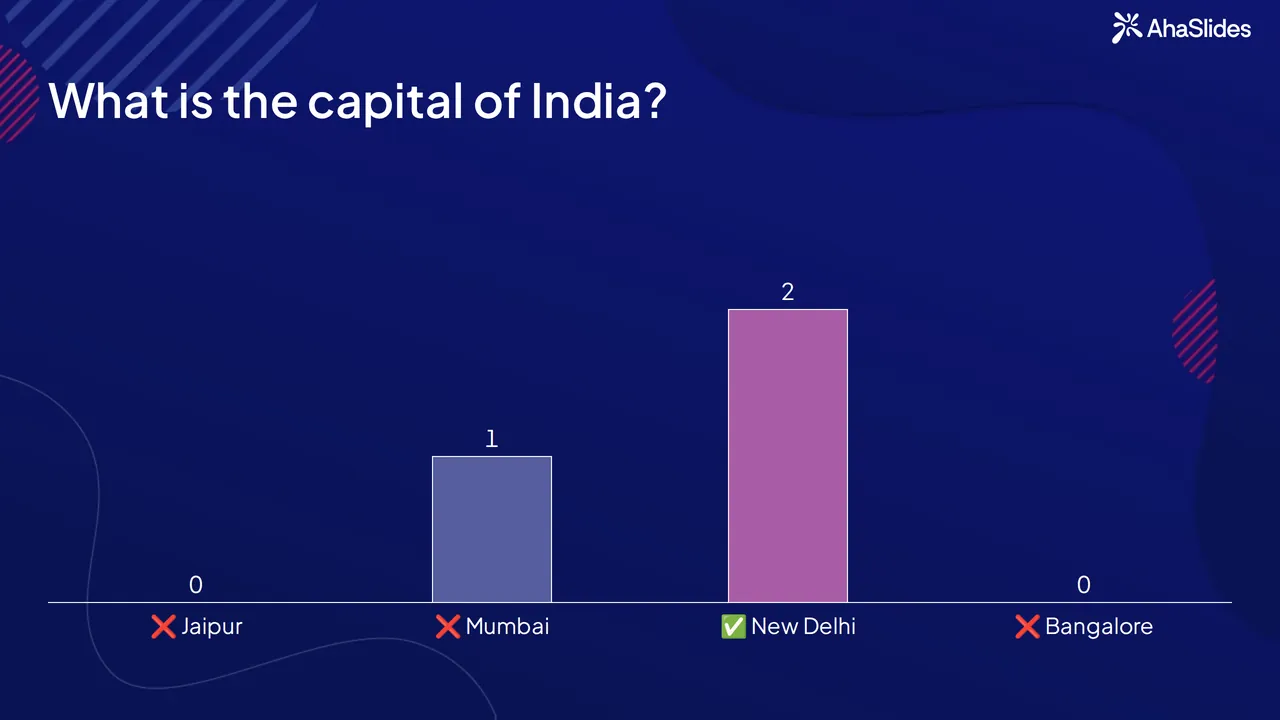
Ask Claude for a quiz on today's lesson, then see every answer on the big screen.
Presentations with Claude (s'ouvre dans un nouvel onglet)
A Pick answer quiz slide in AhaSlides asking for the capital of India, with the votes for each option on the big screen and New Delhi marked correct

Connexion AhaSlides à Claude

  1. Étape 1 : Connecteurs ouverts

    In Claude, click your profile and go to Settings, then Connectors.

  2. Étape 2 : Ajouter AhaSlides

    Click Add custom connector, paste https://mcp.ahaslides.com/mcp into the Remote server URL field and click Add.

  3. Étape 3 : Connexion

    The first time Claude uses an AhaSlides outil, connectez-vous avec votre AhaSlides account (free or paid). There is no API key to set up.

  4. Étape 4 : Demandez ce dont vous avez besoin

    Start a chat with a request such as "Make a 10-slide kickoff deck with an icebreaker poll".

Connectez-vous à Claude

Foire aux questions

Non le AhaSlides connector works on every AhaSlides plan, the free plan included.

Yes. Everything Claude builds is saved in your AhaSlides account, so you can open it and edit any slide yourself. Or stay in the chat and ask Claude to change titles, answers, timers, speaker notes or the theme.

Yes. Run claude mcp add ahaslides --transport http https://mcp.ahaslides.com/mcp in your terminal, then sign in with your AhaSlides account the first time Claude Code uses an AhaSlides outil.
Lisez le guide d'installation (s'ouvre dans un nouvel onglet)