
Étape 1 : Ajouter la diapositive
Click New slide and pick Emoji Poll from the Poll group.
Ask one question and pick 2 to 6 emojis. Everyone answers with a tap on their phone, and the count builds live on your screen.
Participants need no app or sign-up.
Approuvé par les équipes de








An emoji poll is a live poll people answer by tapping an emoji. Ask "How is everyone?" out loud and you often get silence. Ask with emojis and everyone answers.
Your emojis show as big buttons on any phone.
Allow submitting more than once is on by default. Turn it off for one answer each.
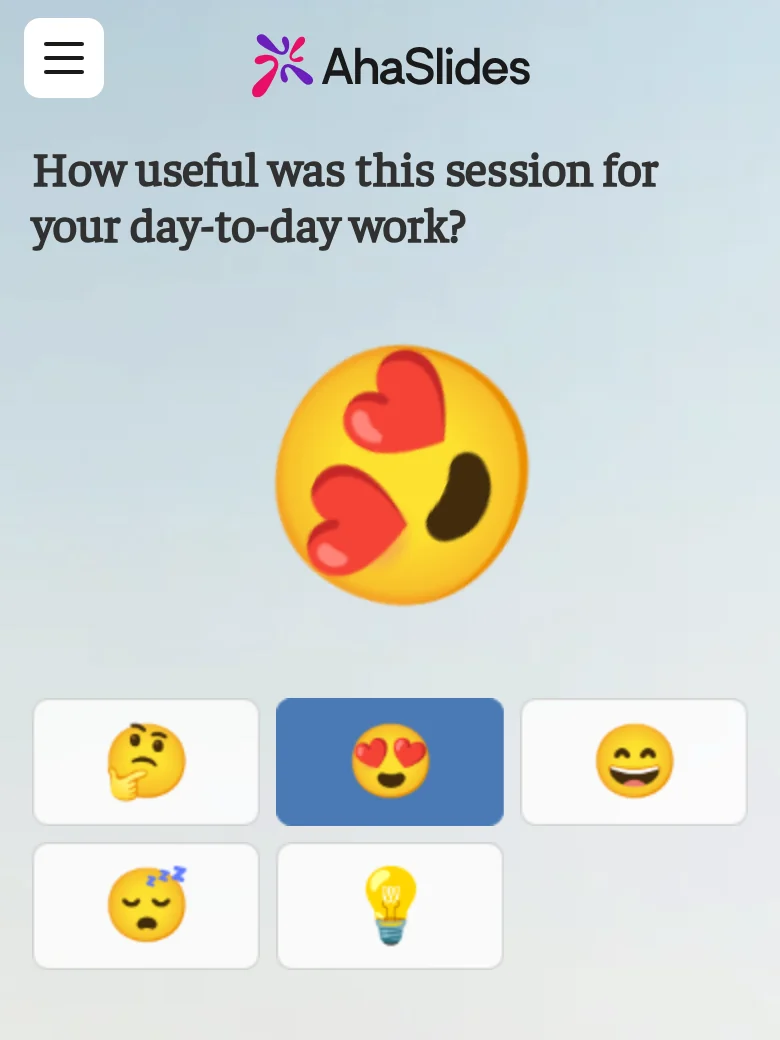
Each tap flies across your screen and adds to its emoji's count.
Turn on Close submission to stop new taps.
Pick the emojis before you present, then watch the count build.
Choose up to 6 from Reactions, Faces, Objects and symbols, or Food and nature.
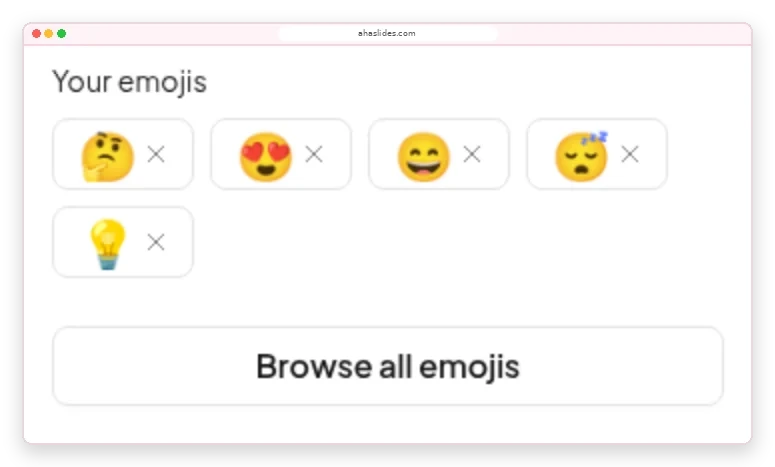
A card under each emoji adds up the taps, so you know whether to recap or move on.
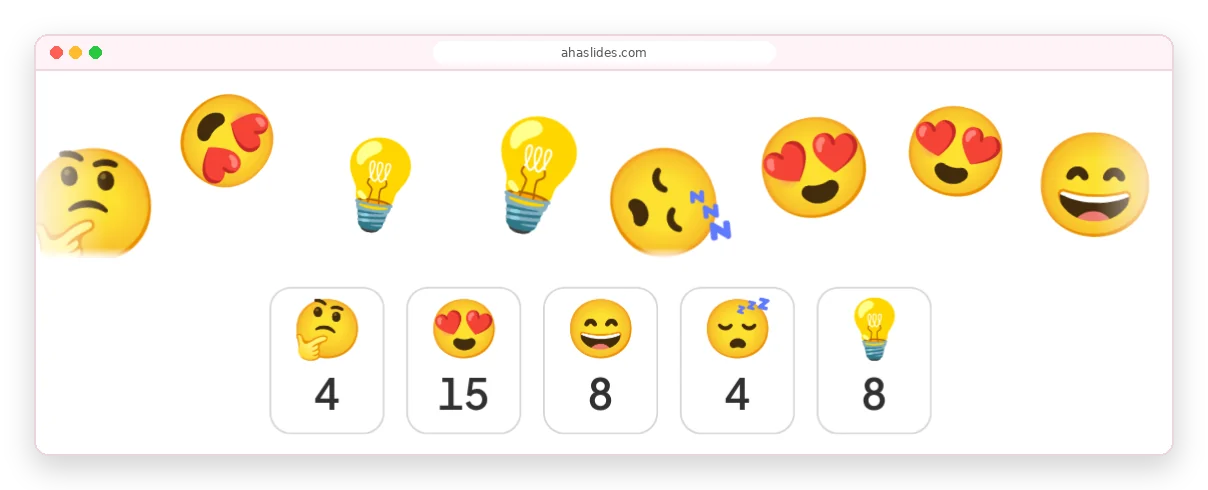
About two minutes from a blank slide to live answers.
Click New slide and pick Emoji Poll from the Poll group.
For example, "How is your energy this morning?"
Choose ones whose meaning is clear without words.
People join with the access code and start tapping.
A full hall answers at once, however far people sit from the stage.

Check in with trainees before the next module.

Every student answers on their own phone.

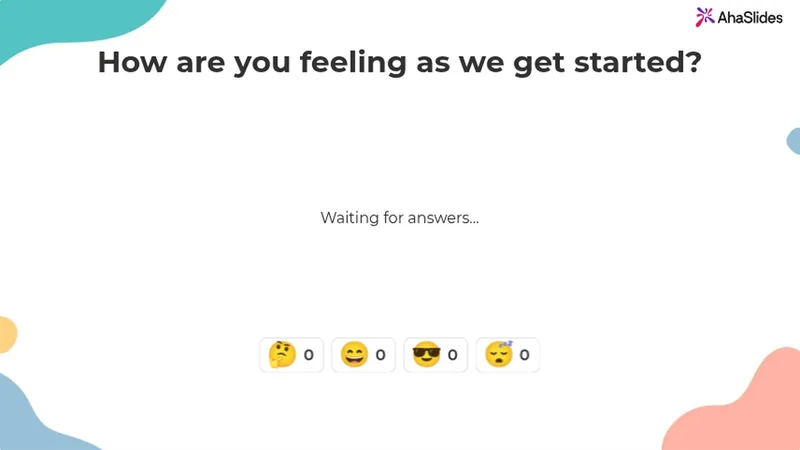
Mood check-in
Open any meeting with "How are you feeling as we get started?"
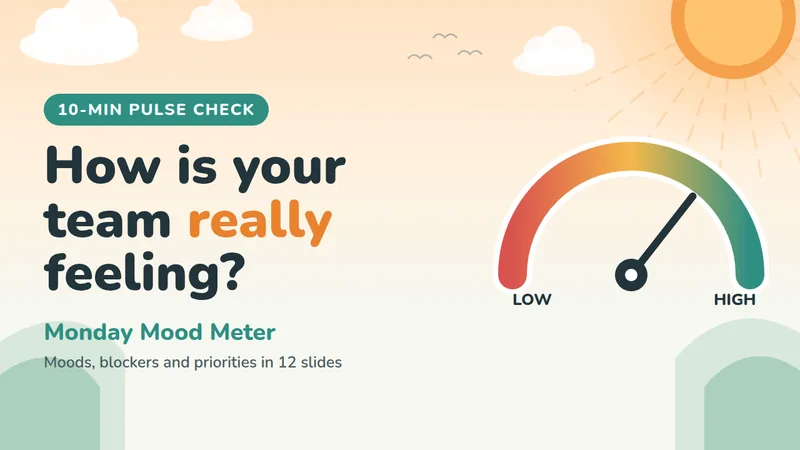
Réunions d'équipe
Take the team's mood on Monday and spot who needs support.
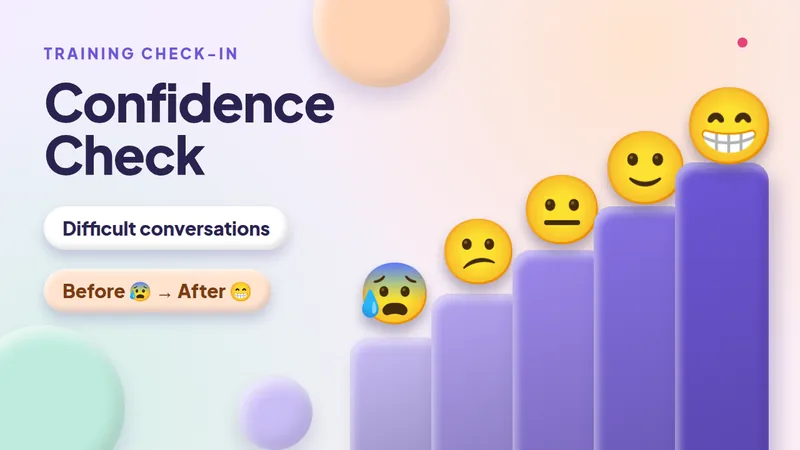
Formation
Ask the same emoji rating scale before and after a session.
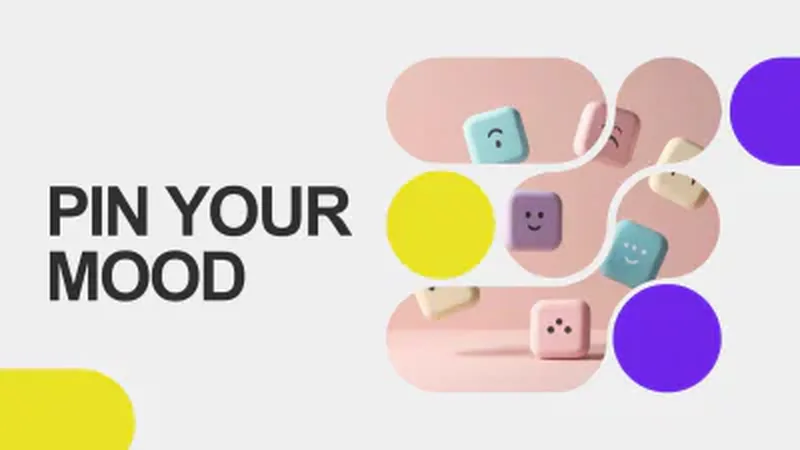
Réchauffer
Gauge energy and set the mood before a session starts.
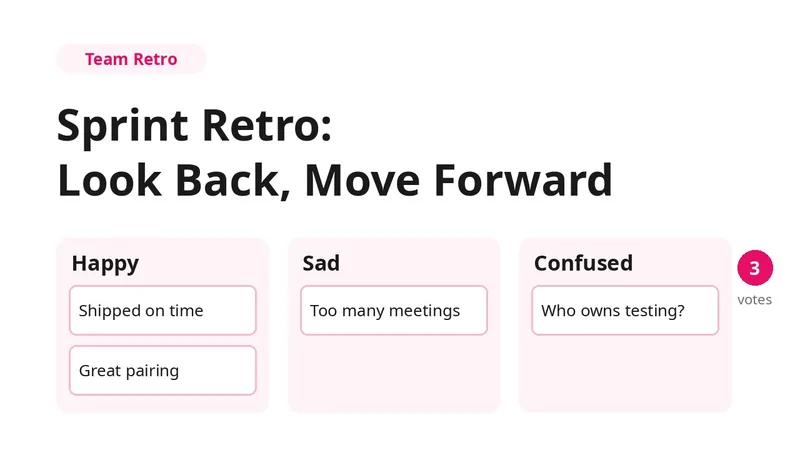
Discussion d'équipe
Sort the sprint into happy, sad and confused, then vote.
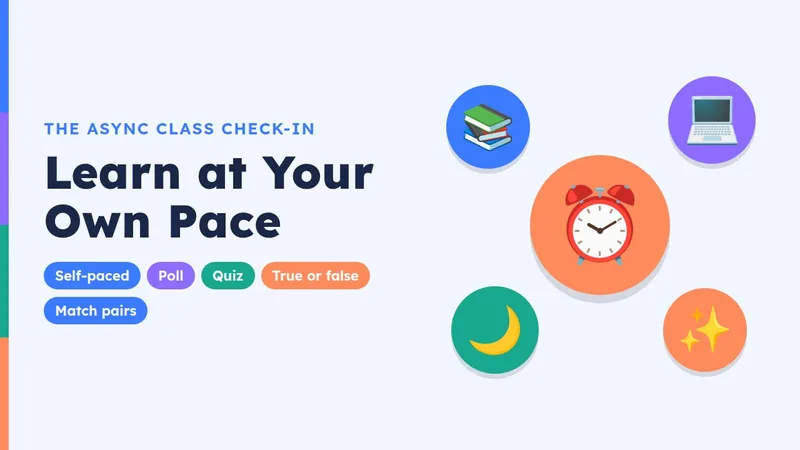
Cours à votre rythme
Learners check in on their phones whenever suits them.
Add an Emoji Poll slide, ask how people feel and present. Everyone joins with the access code, in the room or on a video call. The Emoji Poll guide couvre tous les contextes.
Use an emoji poll for a quick read on feelings, a échelle de notation for a score you can track, and a standard poll to choose between written options. For an emoji rating scale, order the faces from 😞 to 😍.