
Half a tiger.
Who knows what it is?

Cover a picture, uncover it piece by piece, and let everyone type a guess from their phone. The quicker the right answer, the more points it scores.
Try the ready-made Guess the image (s'ouvre dans un nouvel onglet)
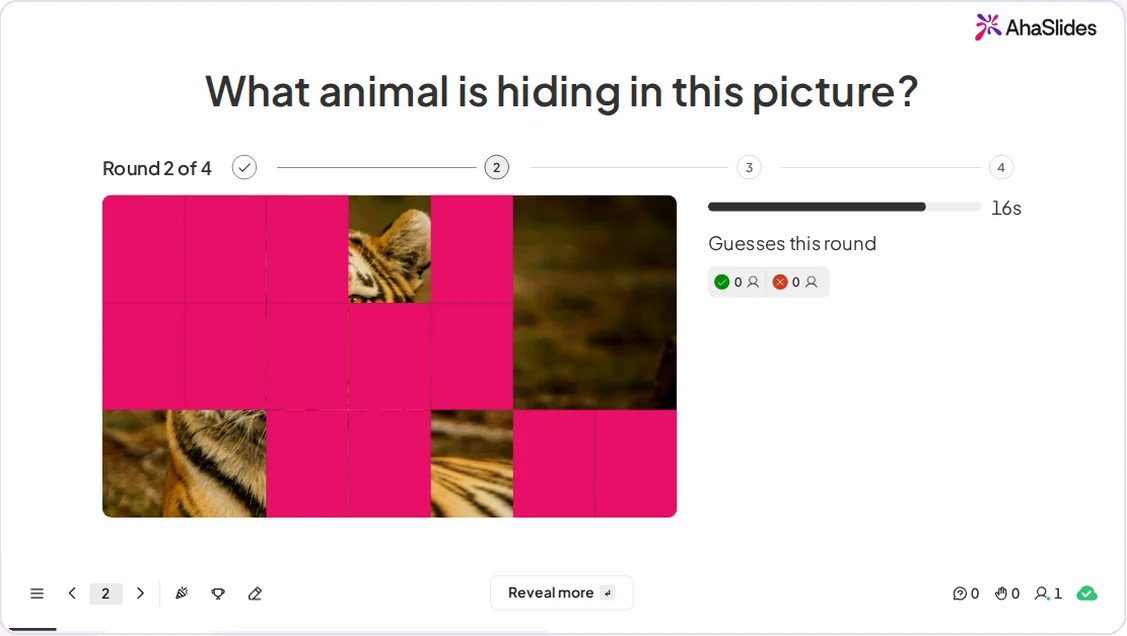
AhaSlides Guess the image on the presenter screen: Round 2 of 4, a picture mostly covered by pink tiles with part of a tiger showing, a 16 second timer and a Reveal more button

A guessing game the whole room plays

A scored slide for icebreakers, quiz nights, revision and team events.

  • Your picture, your answers

    Add a picture and 1 to 10 accepted answers. Capital letters, accents and one small typo are forgiven.

  • Four ways to reveal

    Choose Tiles, Pixelate, Zoom out or Spotlight, and 2 to 8 reveal steps. The default is 4.

  • A clock for every round

    Set 10 to 120 seconds per round. The default is 20.

  • One guess from every phone

    People type one guess per round while the picture is still covered.

  • Fast guessers score more

    Earlier right guesses earn more points, and the points count on the leaderboard.

  • Winners on the big screen

    The first round with a right guess ends the game and shows up to 5 winners, fastest first.

Run your first Guess the image

  • Add the picture and the answers

    Click New slide and pick Guess the image. Add a picture, type the accepted answers, choose a reveal style, the number of steps and the time per round.
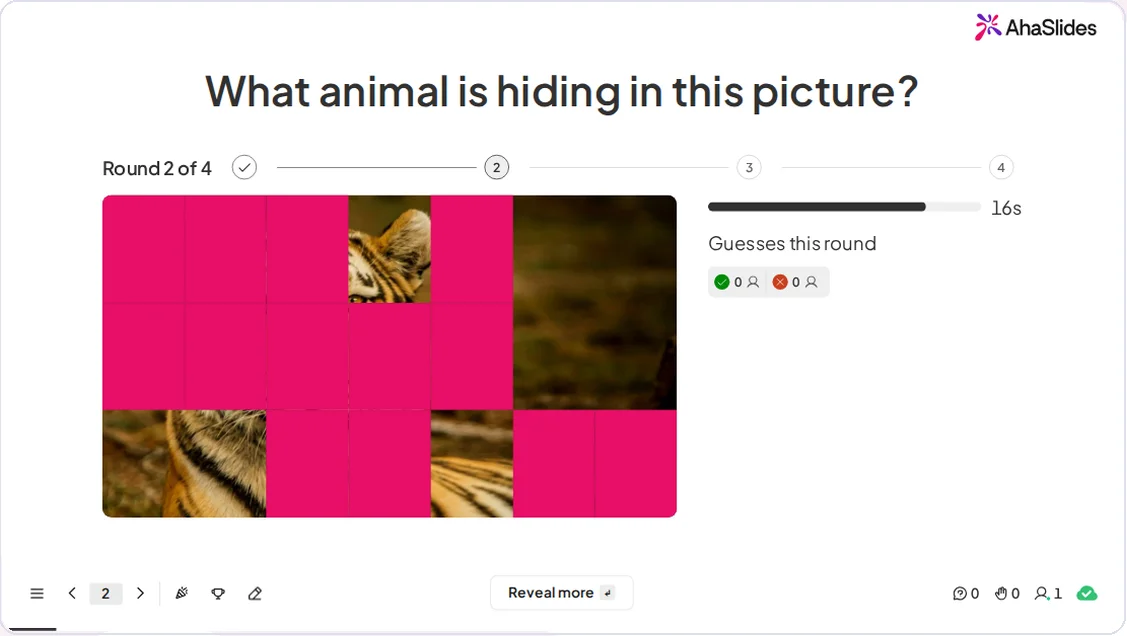
    The presenter screen in Round 2 of 4 with a tiger picture part-covered by pink tiles, the guess counts and a Reveal more button
  • Everyone guesses on their phone

    Start the game and share the access code. Each person sees Your guess and a Submit button, and sends one guess per round. Use Reveal more to uncover the picture further.
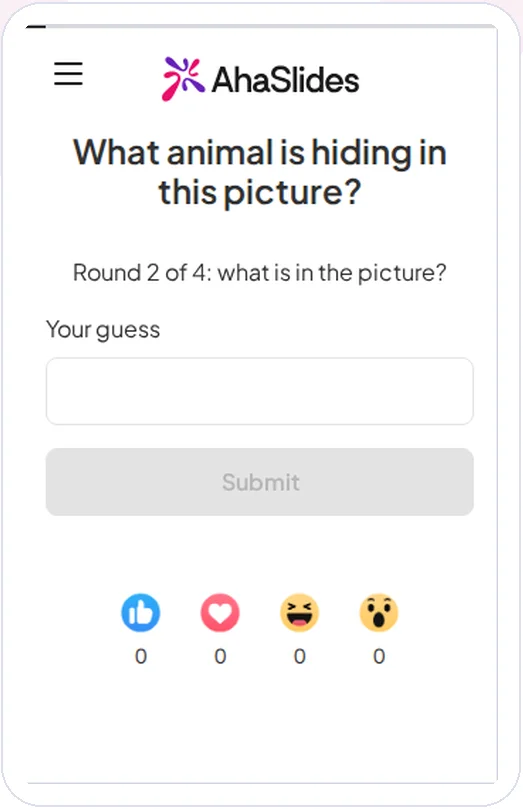
    A participant phone showing Round 2 of 4, the question What animal is hiding in this picture, a Your guess box and a Submit button
Lire le guide complet (s'ouvre dans un nouvel onglet)

Where Guess the image fits

Pick a picture everyone knows and let the room race to name it.

  • Brise-glaces

    Open a meeting with a quick guess, so people join in before the agenda starts.

  • Soirées quiz

    Add a picture round that scores faster guesses higher.

  • Révision en classe

    Hide a diagram or an object and ask students to name it.

  • Événements d'équipe

    Give a team a shared picture to guess and see who gets there first.

Questions avant de commencer

A scored picture-guessing game. You add a picture and accepted answers, the picture is uncovered step by step, and everyone types one guess per round on their phone.

Yes. It is in Beta and available now on every plan, on the global region. It is coming to the EU region later.

The first round with a right guess ends the game and shows the winners, up to 5, fastest first.

Earlier right guesses score more. The points count on the leaderboard.

Any of the answers you add, from 1 to 10. Capital letters, accents and one small typo are forgiven.

Tiles, Pixelate, Zoom out and Spotlight. You also choose 2 to 8 reveal steps, with 4 as the default.

You set it, from 10 to 120 seconds. The default is 20 seconds.

In the editor, click New slide and pick Guess the image from the list. It carries a Beta badge.
Try the ready-made Guess the image (s'ouvre dans un nouvel onglet)