Fun retrospective ideas are short games and formats that get the whole team talking about the sprint, not just the two people who always speak first. The best ones give everyone an easy way in, such as tapping an emoji or talking to one colleague, before the group decides what to change.
Below are 12 fun retrospective ideas for your next sprint retro: agile retrospective icebreakers, retro games for pairs and small groups, and fresh formats with ready-to-ask questions. Each one says what you do and why it works, and the steps show how to run them live on phones with AhaSlides.
Why make a sprint retro fun?
Because a retro only helps if people say what they really think, and most people find that easier when the meeting feels light. After a few sprints of the same three questions, answers get shorter and the same voices fill the silence.
A small game changes the routine. An emoji tap takes a second and needs no words. A two-minute chat in pairs gives people who rarely speak up a safe place to start. The aim stays the same: two or three actions the team will actually take next sprint. If you are new to the format, Kas yra projekto retrospektyva apima pagrindus.
12 fun retrospective ideas at a glance
Pick one opener, one main activity and one closer. That is enough for a 45-minute retro.
| Idėja | Apie tinkamumą ir panaudojimą: | Laikas |
|---|---|---|
| 1. Sprint weather report | Opening any retro | 2 minutės |
| 2. One-emoji sprint summary | A fast read of the whole team | 1 minučių |
| 3. Energy check | Deciding how long to run | 1 minučių |
| 4. Confidence vote | Closing with the next sprint goal | 2 minutės |
| 5. Retro buddies | Teams where a few people do the talking | 5 minutės |
| 6. Kudos swap | Ending a hard sprint on a good note | 5 minutės |
| 7. Explain your hardest ticket | Sharing knowledge across roles | 5 minutės |
| 8. Retro corners | Bigger teams of 8 or more | 10 minutės |
| 9. Role draw | Sharing the retro jobs fairly | 1 minučių |
| 10. Sailboat | Spotting risks before they hit | 15 minutės |
| 11. 4Ls | Sprints with lots of learning | 15 minutės |
| 12. Rose, thorn, bud | Short retros and new teams | 10 minutės |
Which agile retrospective icebreakers open a retro well?
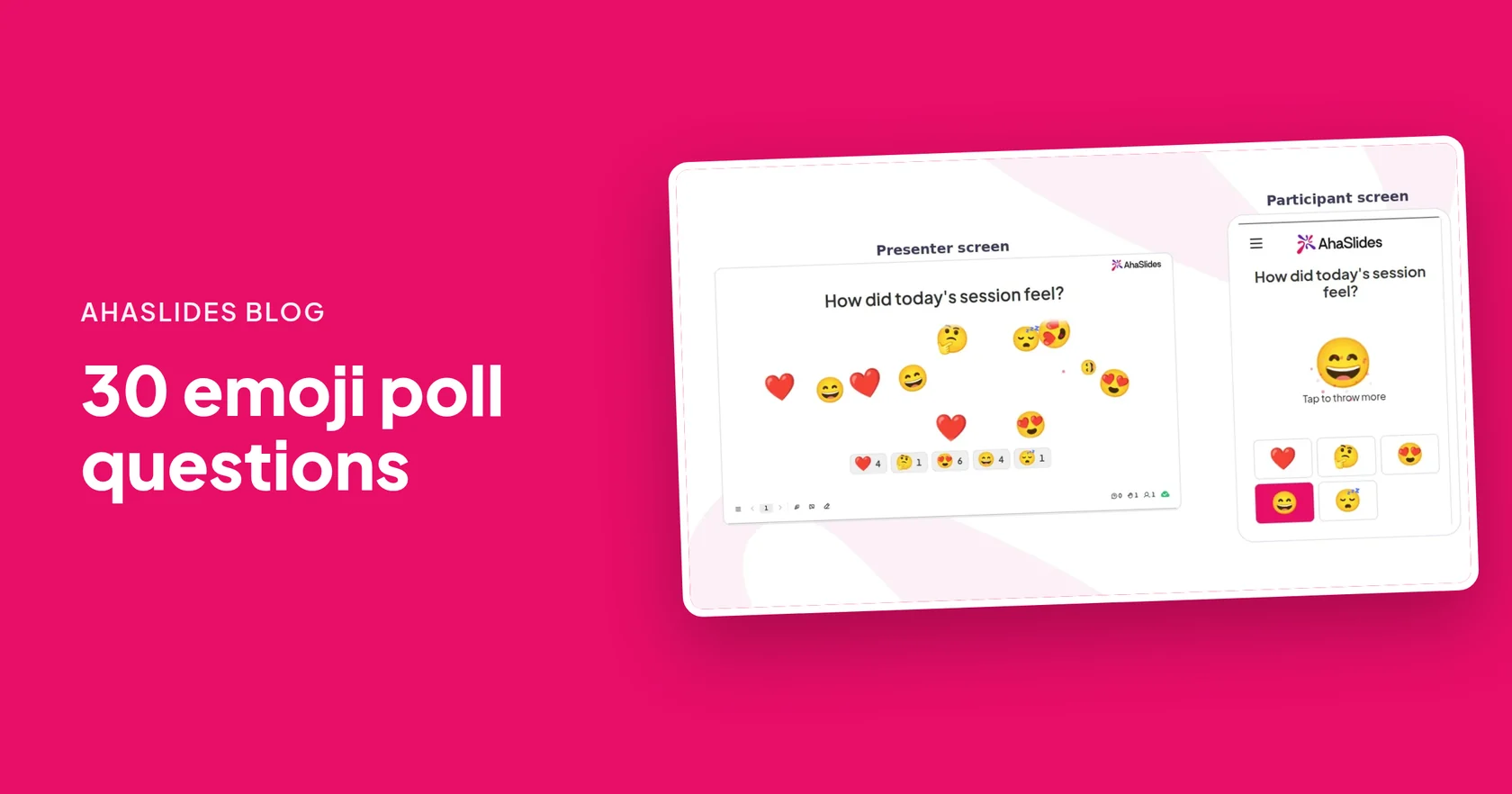
The best retro icebreakers take a minute and tell you something about the sprint. All four below use an Jaustukų apklausa: people tap an emoji on their phone, the taps fly across the big screen and a count builds under each emoji.
- Sprint weather report. Ask "What was the weather like on this sprint?" with a sun, a sun behind a cloud, a rain cloud and a storm cloud. Then ask anyone who tapped the storm what blew in. Weather lets people say "rough sprint" without pointing at a person.
- One-emoji sprint summary. Ask "Sum up the sprint in one emoji" with five faces, from worn out to delighted. Turn off Allow submitting more than once, so the count matches the number of people. A wide spread of faces is your first discussion point.
- Energy check. Ask "How much energy have you got for this retro?" with a sleepy face, a neutral face, a smiling face and a grinning face. A screen of sleepy faces is your cue to keep it short and pick one topic.
- Confidence vote. Save this one for the end. Ask "How confident are you in the next sprint goal?" with a worried face, a thinking face, a thumbs up and a flexed arm. If the worried faces win, talk about why before people leave.
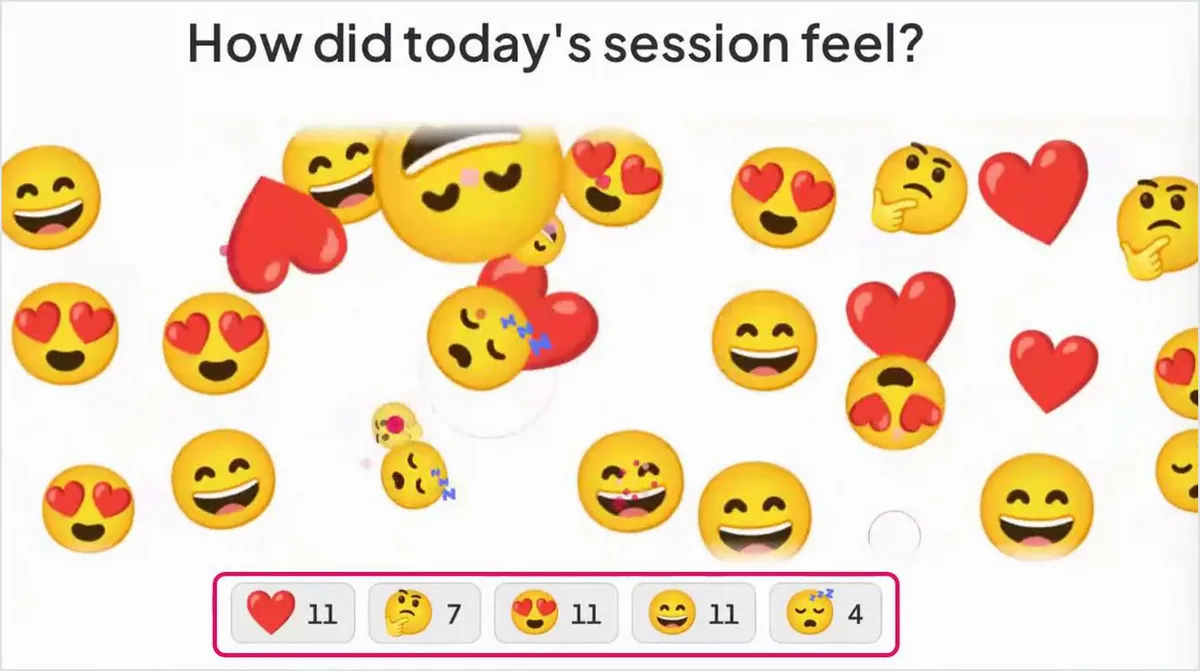
Want more openers? Our jaustukų registracijos vadovas has more mood questions to start a meeting.
Which retro games get everyone talking?
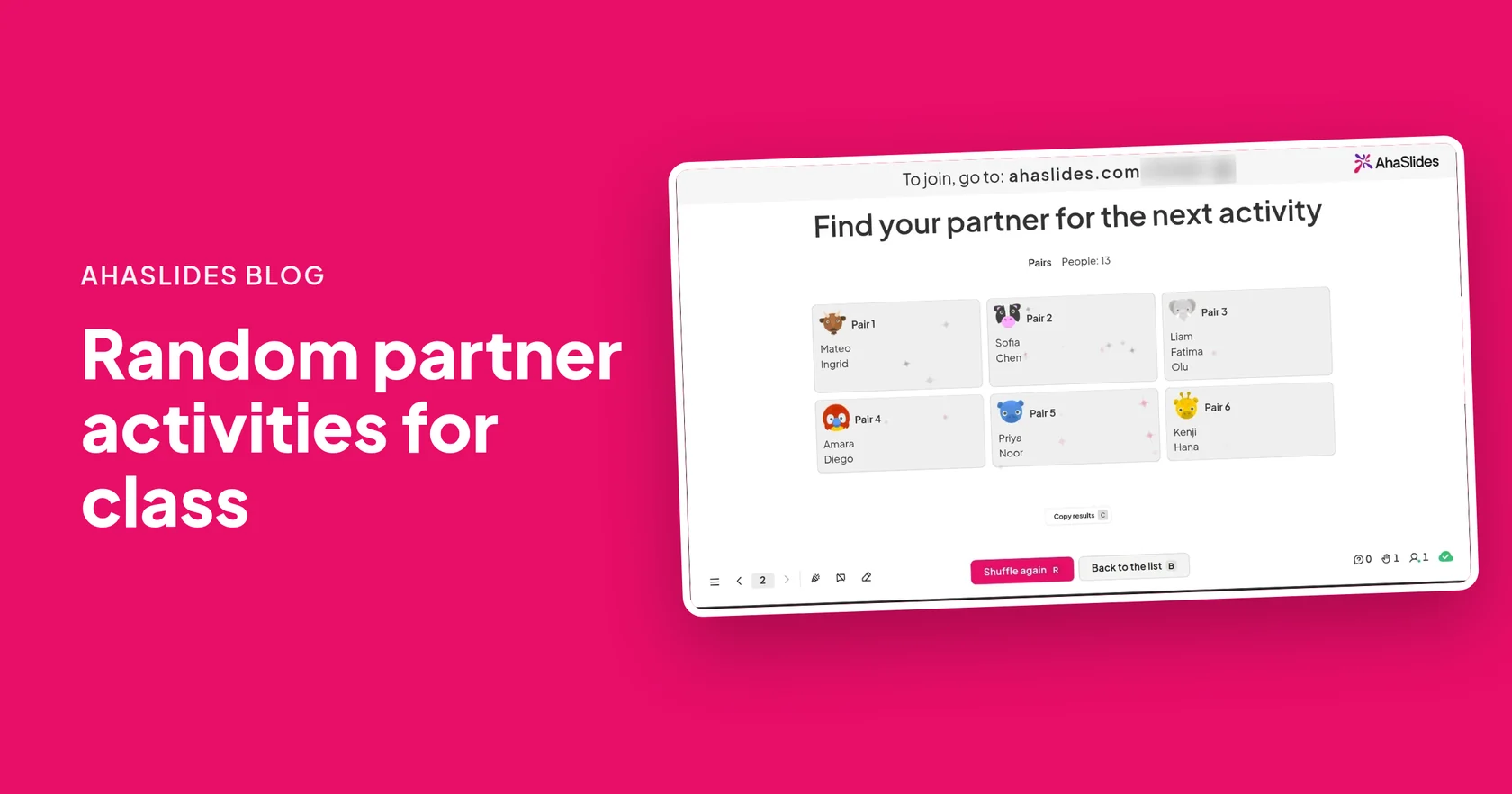
Talking in pairs or small groups first, then sharing with the team, gets more ideas into the room than one open discussion. A Atsitiktinių porų generatorius slide shuffles everyone into pairs, and each phone shows that person's partner, so nobody hunts for their name on the screen.
- Retro buddies. Shuffle the team into pairs and give each pair two minutes to agree on one thing to keep and one thing to change. Each pair then reads theirs out. People who rarely speak up get a partner to test an idea on first.
- Kudos swap. In fresh pairs, each person tells their partner one thing they did well this sprint. Then each partner shares the other's win with the team. Praise sounds more real coming from a colleague than from yourself.
- Explain your hardest ticket. In pairs, each person explains the trickiest piece of work they did in 60 seconds, and the partner asks one question. Random pairs often mix roles, so a developer hears from a tester and the other way round.
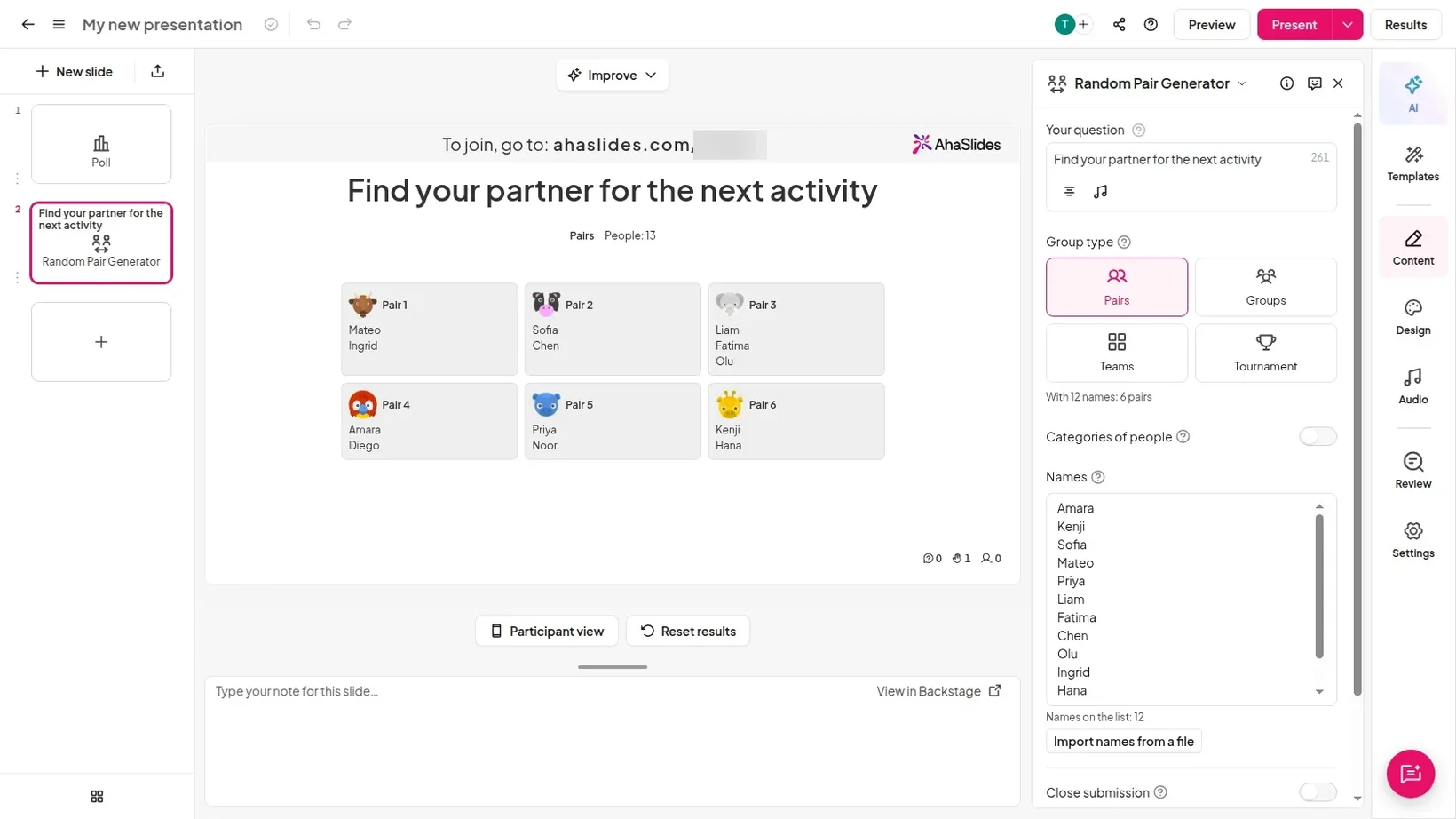
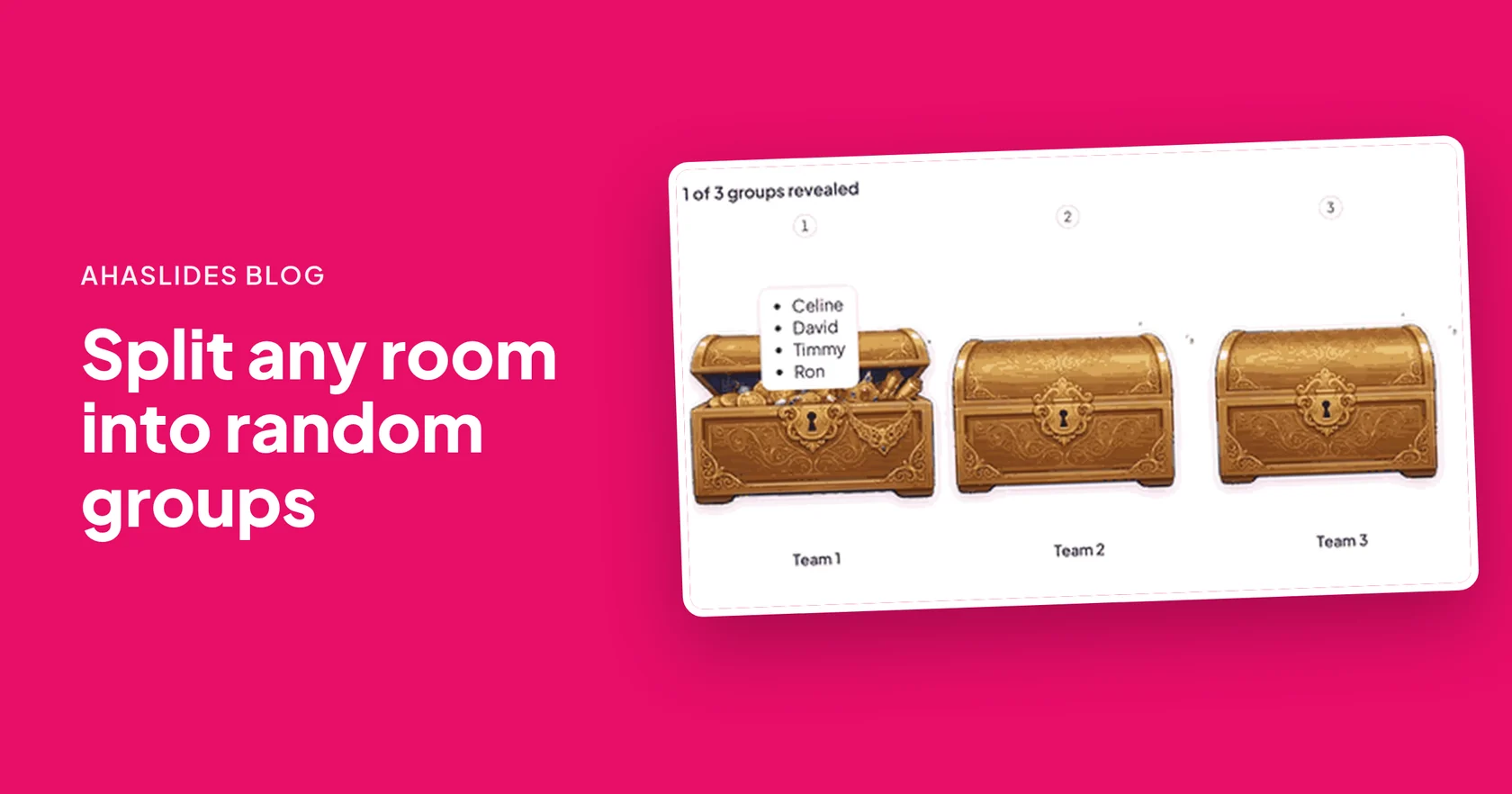
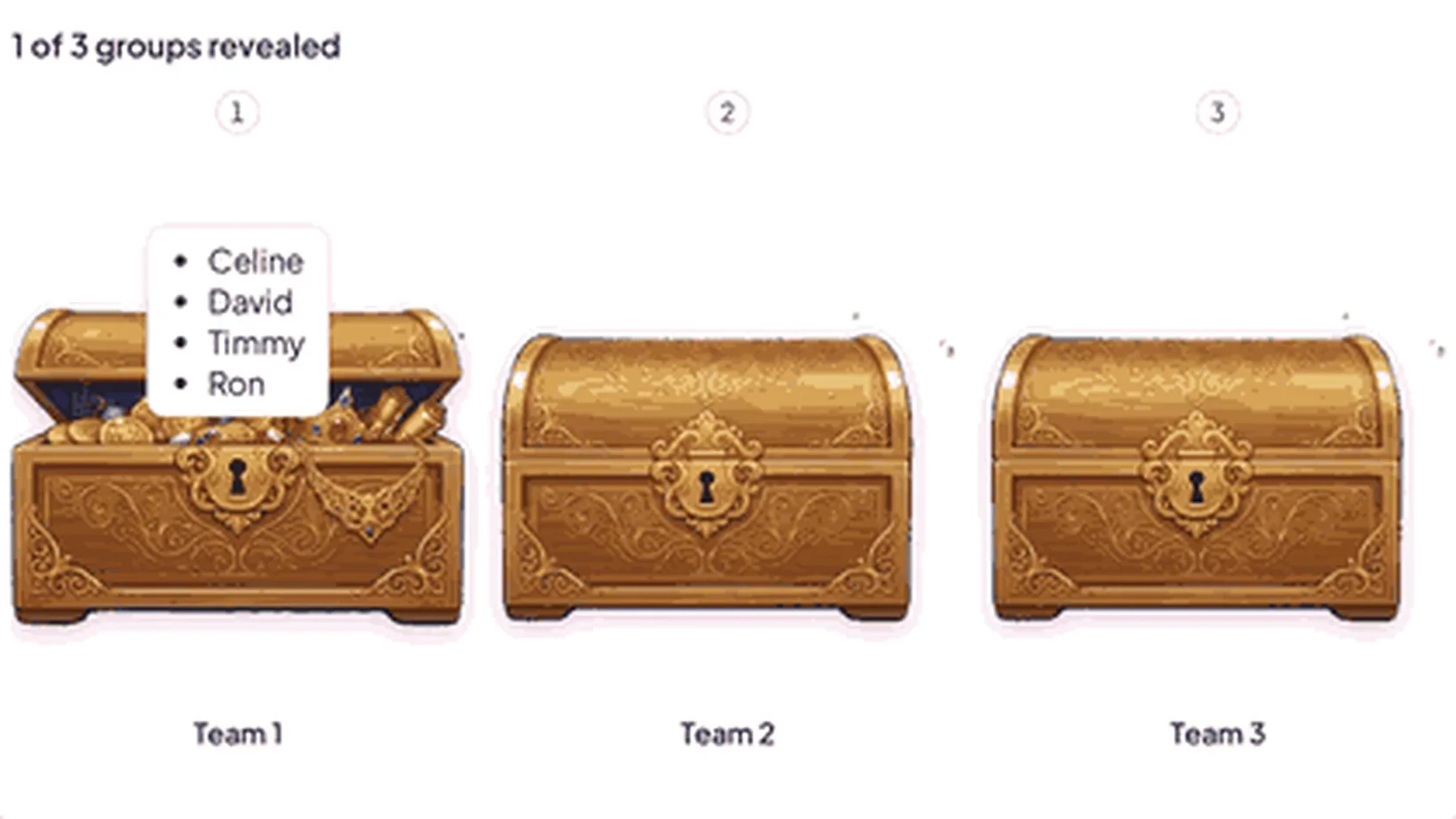
For bigger teams, a Atsitiktinių grupių kūrėjas slide sorts people into 2 to 16 groups you name, then opens them one by one on the big screen.
- Retro corners. Name three groups Keep, Change and Try, and choose People who join. Each person taps the corner they want to talk about, and anyone who has not chosen is placed at random. Give each corner five minutes, then one person from each reports back.
- Role draw. Name groups after the retro jobs: facilitator, timekeeper, note-taker and action chaser. Press Start reveal and the slide shares out the jobs, so the same person does not end up running every retro.
More ways to mix people up are in 15 random partner activities bei how to split a team into random groups.
Which retro formats keep a sprint retro fresh?
A new format changes the questions people answer, which brings out things the usual "what went well" misses. Use one per retro and rotate them.
- Sailboat. Draw a boat sailing to an island. Ask what pushed the team forward (the wind), what slowed it down (the anchors), what risks lie ahead (the rocks) and where the team wants to be (the island). It works well when a deadline is coming.
- 4Ls. Ask what people Liked, Learned, Lacked and Longed for. "Learned" and "Longed for" bring out ideas a keep-or-change list misses, which makes it a good pick after a sprint with new tools or new people.
- Rose, thorn, bud. Each person names a rose (something that went well), a thorn (something that hurt) and a bud (something that could grow). Three short answers each make it quick for new teams and short retros.
Prefer a ready structure? These sprint retrospective templates give you whole retros to copy.
How do you run a fun retro with AhaSlides?
Build the retro as a few slides: an Emoji Poll to open, a pair or group slide for the main activity, and a closing poll. Then present it in the room or on a video call.
- Pridėti jaustukų apklausos skaidrę. Užsiregistruoti AhaSlides, open a presentation, click New slide and search for Emoji Poll. It sits in the Poll group with a Beta tag. Type your question and pick 2 to 6 emojis.
- Add a Random Pair Generator slide. Click New slide, search for Random Pair Generator and choose Pairs under Group type. Paste your team list, or leave it empty so people who join are added.
- Or add a Random Group Maker slide. Name your groups, such as Keep, Change and Try, and choose Names you type or People who join.
- Paspauskite „Pristatykite“. Your team opens the link or scans the QR code on the big screen. They join on their phones, with no app or account.
- Run the opener, then shuffle. Read the emoji results out in one sentence, then click Shuffle for pairs or Start reveal for groups. Each phone shows that person's partner.
- Close with a poll. End with the confidence vote, then agree who owns each action before people leave.
What retro questions should you ask?
Ask open questions about the work, not about people. Pick three or four from this list for your main discussion.
Questions about the sprint
- What helped us most this sprint?
- What slowed us down that we could fix next sprint?
- Which ticket took far longer than we expected, and why?
- What did we start but not finish?
- What surprised you this sprint?
Questions about how we work
- Which meeting could we shorten or drop?
- Where did we wait on someone, and how could we wait less?
- What is one thing we keep saying we will fix?
- Which tool or habit should we try for one sprint?
- What would make the next sprint calmer?
Questions about the team
- Who helped you this sprint, and how?
- What did you learn from a colleague?
- When did you feel most stuck, and what would have helped?
- What should a new team member know about how we work?
- What is one thing we did well that we should keep doing?
How do you keep a fun retro useful?
A fun retro still has one job: a short list of changes the team will make. These habits keep the games pointed at that.
- Timebox every activity. Say how long each part takes before it starts, and stop when the time is up.
- Papasakokite apie tai, ką rodo ekranas. One sentence about the emoji results, such as "half of you had a stormy sprint", shows people their tap counted.
- End with two or three actions, each with an owner. More than three rarely get done. Write them where the team will see them next sprint.
- Start the next retro by checking those actions. If nothing changed, ask why before adding new ones.
- Pasukite formatą. Keep the opener if the team likes it, and change the main activity every few sprints.
For more quick activities, see 8 komandos formavimo žaidimai gyvai sesijai. For help phrasing feedback, try these examples of feedback for colleagues.
Free fun retrospective templates to host
Open a template below, change the questions to fit your sprint, and present it at your next retro.
Sprint Rewind: The Emoji Retro
Open the retro with three emoji polls on how the sprint felt.
Naudoti šį šabloną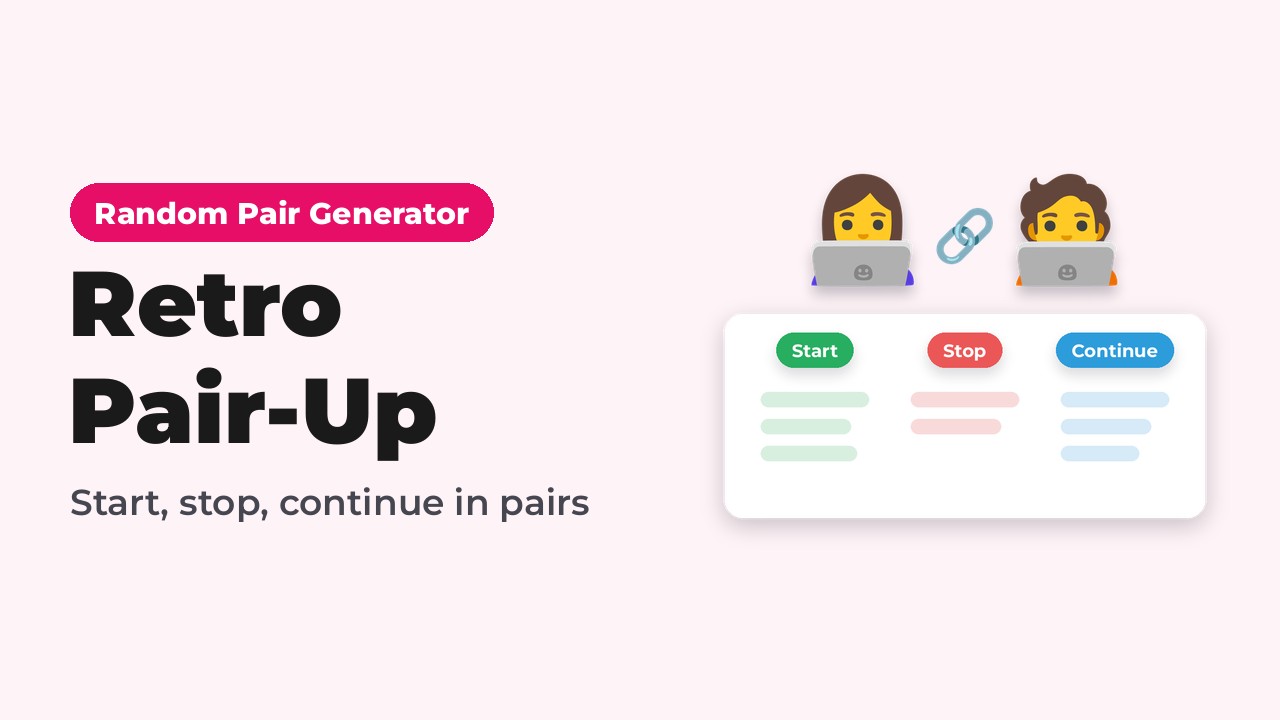
Retro Pair-Up: Start, Stop, Continue
Random pairs share start, stop, continue ideas before the team discusses them.
Naudoti šį šabloną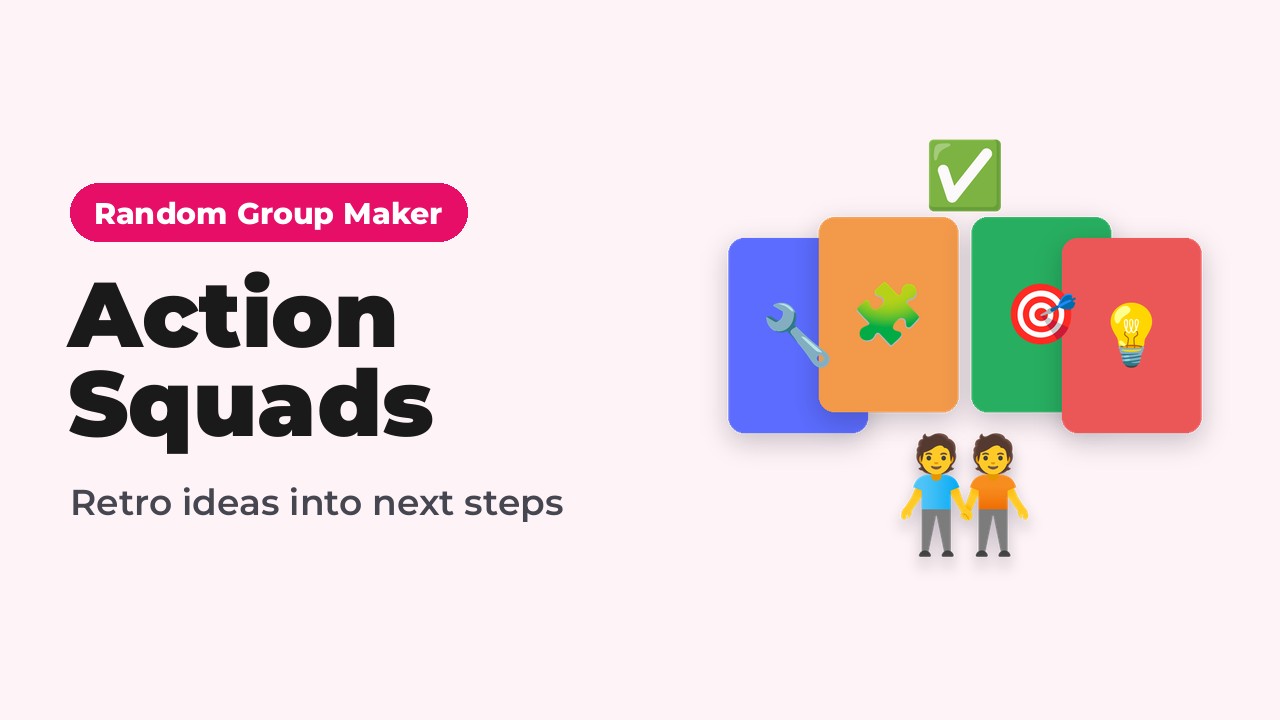
Action Squads: Turn Retro Ideas into Next Steps
Deal the team into random squads so each improvement gets an owner.
Naudoti šį šablonąReady to build your own? Add a Random Pair Generator slide, paste your team and press Present. The Atsitiktinių porų generatorius puslapyje yra daugiau būdų, kaip jį naudoti.
Host your first fun retro
Dažnai užduodami klausimai
What are some fun retrospective ideas?
A sprint weather report, a one-emoji sprint summary, retro buddies in random pairs, a kudos swap and the sailboat format are all quick to run. Each one gives everyone an easy way to take part before the team agrees on actions.
How do you make a sprint retro fun?
Open with a one-minute game, such as an emoji poll, then talk in pairs or small groups before the whole team. Change the format every few sprints, and keep the end the same: two or three actions with owners.
What is a good icebreaker for a retrospective?
Ask the team to describe the sprint as the weather, from sunny to stormy, by tapping an emoji. It takes a minute, needs no words and gives you the first thing to discuss.
How long should a sprint retro be?
Many teams run 45 to 60 minutes for a two-week sprint. A fun opener and closer take only a few minutes, so most of the time goes to the main discussion.
How do you run a retro with a remote team?
Share your presenter screen on the video call, and your team joins on their phones or laptops from the link. Emoji taps and pairs show on their own screens, so remote colleagues take part the same way as people in the room.
How do you pair people at random in a retro?
Add a Random Pair Generator slide, choose Pairs and click Shuffle. Each person sees their partner on their own phone, and with an odd number, one pair gets three people.