
Pause the video,
ask the room

Paste a YouTube link, trim it and pin questions on the timeline. The video stops at each question, everyone answers on their phones, then it carries on.
Use the YouTube Quiz template (otvorí sa na novej karte)
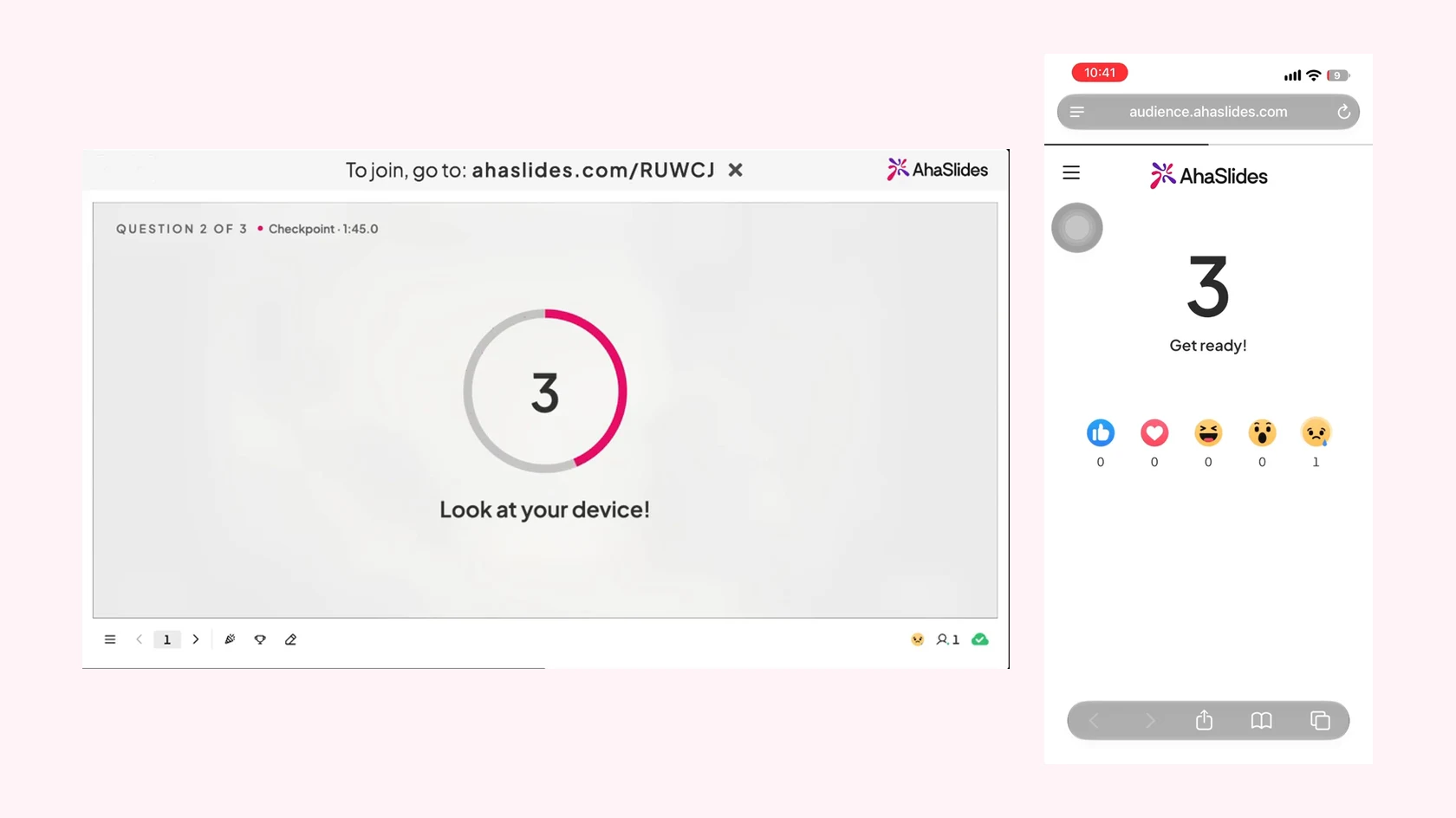
YouTube Quiz in AhaSlides: the presenter screen shows the Look at your device countdown before question 2 of 3, and the participant phone shows Get ready with a 3 on screen

A video quiz with no extra tools

Bring your own YouTube video and turn it into a scored round in minutes.

  • Paste a link, trim it

    Paste a YouTube link, trim the start and the end, and use New cut to skip the slow bits in the middle.

  • Questions pinned to the timeline

    Pin each question to a moment in the video. At the checkpoint the video stops and the question opens.

  • Answered on phones

    The video plays on the big screen. Players see each question on their phones, pick an answer and tap Submit.

  • A time limit for every question

    By default players have 25 seconds to answer, and Auto-continue plays the video on once the answer is revealed.

  • Faster answers score more

    A correct answer earns up to 100 points, and Speed bonus gives more to quicker players. The leaderboard shows the totals.

  • Upcoming pins on the timeline

    Show upcoming question pins on the progress bar so players know more questions are coming, or hide them.

Run your first YouTube Quiz

  1. Krok 1: Paste a link, pin questions

    Click New slide, then pick YouTube Quiz in the Quiz group, or search for it. Paste a YouTube link, trim the video, then select Add question where you want one.
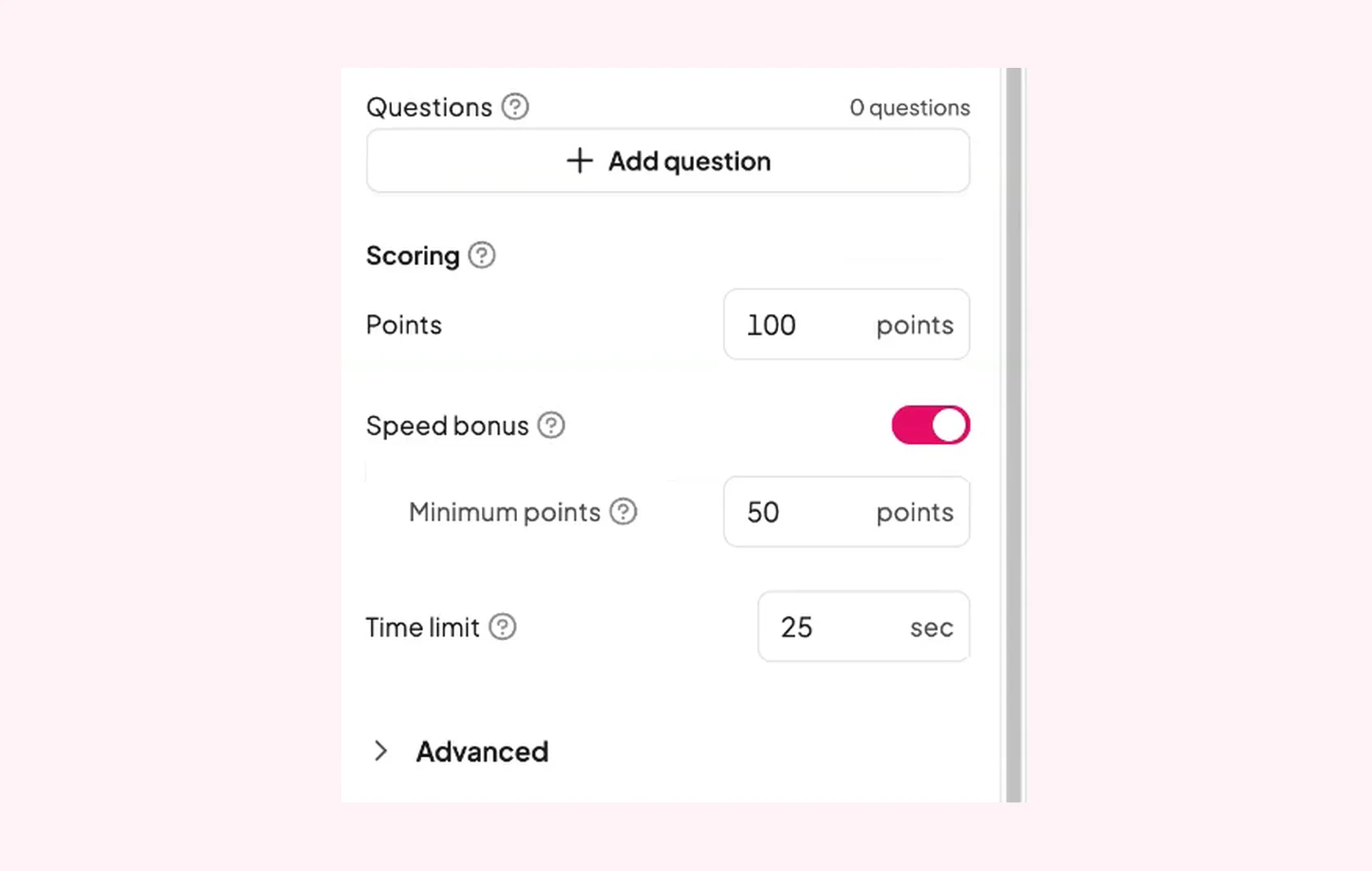
    The YouTube Quiz settings panel in the AhaSlides editor: Add question, Points 100, Speed bonus with 50 minimum points, a Time limit of 25 seconds and Advanced
  2. Krok 2: The video stops at each question

    Participants join with the access code and watch the main screen. At each checkpoint the video pauses, a short Look at your device countdown runs and the question opens.
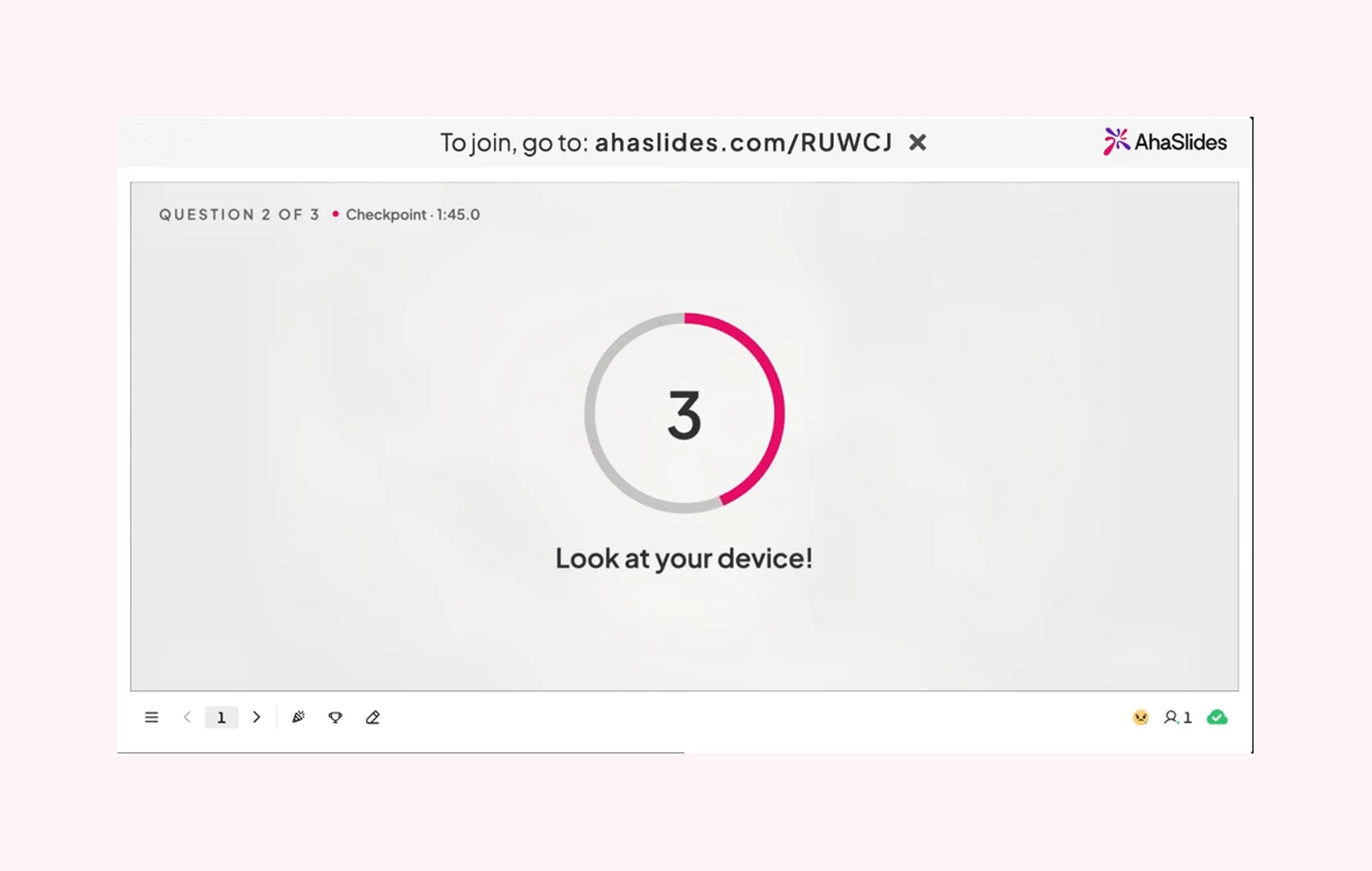
    The presenter screen at question 2 of 3: a countdown from 3 and the words Look at your device
  3. Krok 3: Everyone answers on their phone

    Players pick an answer and tap Submit. The correct answer is revealed, the video carries on, and the leaderboard shows who scored most.
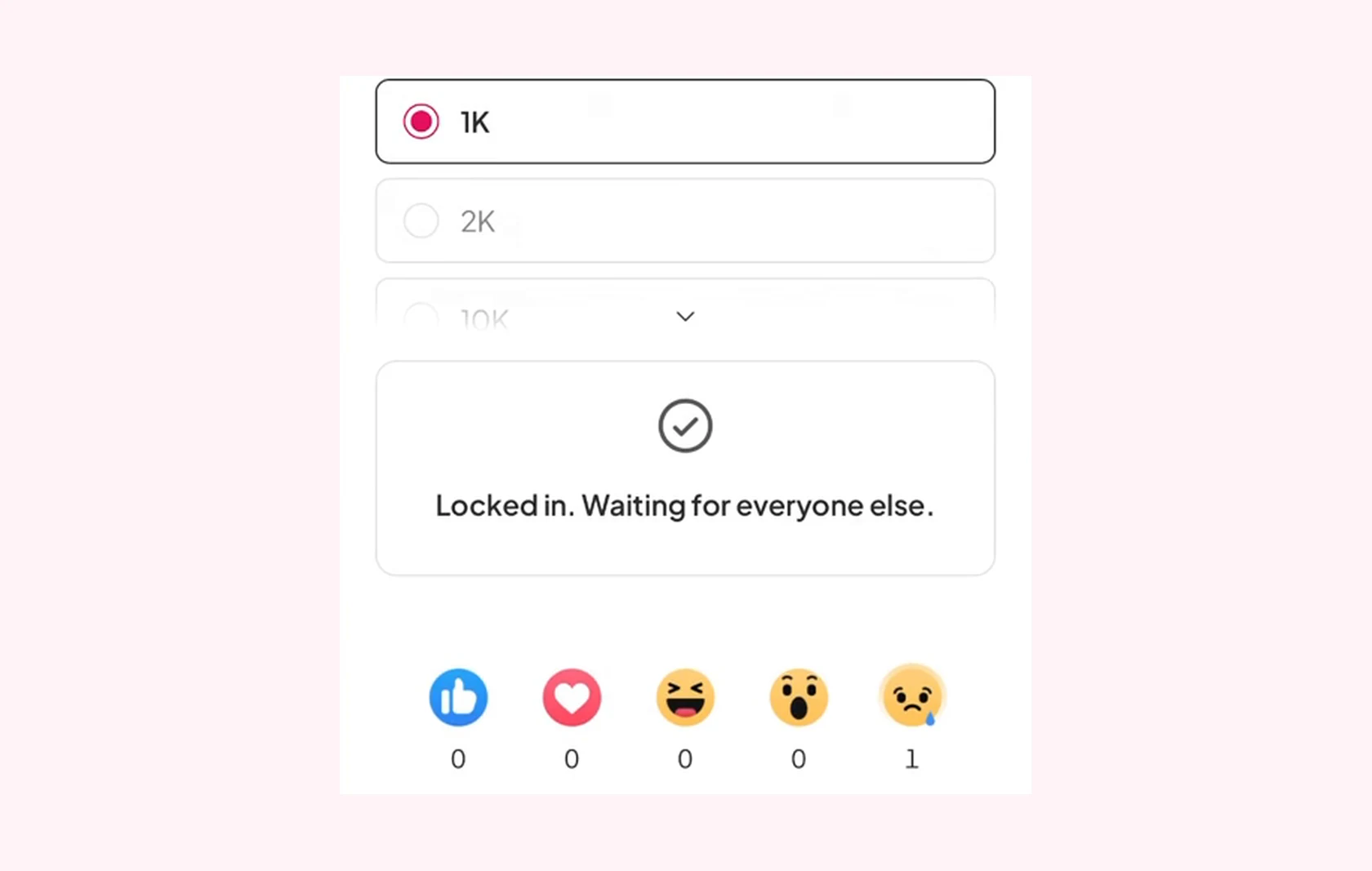
    The participant phone after choosing an answer: the choice 1K selected and the message Locked in. Waiting for everyone else
Read the YouTube Quiz guide (otvorí sa na novej karte)

Where a YouTube Quiz fits

Any short video can become a round. Pin the questions and let the room answer as it watches.

  • Tréningové video

    Pin a question after each key step to check people followed it.

  • Lesson recap

    Play a short explainer and ask about each idea as it comes up.

  • Quiz night round

    Use a nature or science clip and ask what players spotted.

  • Quick check during a clip

    Stop the video mid-way and test whether the room is following.

  • Predict what happens next

    Pause just before a result and let players guess.

  • onboarding

    Turn a welcome video into a quick game for new starters.

Otázky pred začiatkom

A scored quiz slide built on a YouTube video. The video stops at each question, players answer on their phones, and then it plays on.

No. The video plays on the main screen only. Phones show each question when it opens.

Yes. YouTube Quiz is included on all plans.

By default a correct answer earns up to 100 points, Speed bonus gives more to faster players, and players have 25 seconds for each question.

In the editor, click New slide, then open the Quiz group, where it carries a Beta badge, or search for YouTube Quiz.

YouTube may play ads in some videos. Play the video through once before you present, so an ad does not interrupt your quiz.
Use the YouTube Quiz template (otvorí sa na novej karte)