Skip to content
Claim this template

Free course template · Global

Working with AI agents: Delegation, human oversight and accountability

A ready-made course, live deck and two surveys for staff and team leads. 40 minutes, 6 lessons. Last reviewed 21 October 2026; not legal advice.

Claim the templatePreview the courseDownload SCORM for your LMS

Free. No credit card. Edit everything.

Play a game from the course

Working with AI agents: Delegation, human oversight and accountability: try 3 questions

Three questions from this course. Pick an answer, then see why.

Play the game

Game not loading? Open it in a new tab (opens in a new tab)

Three pieces that work together

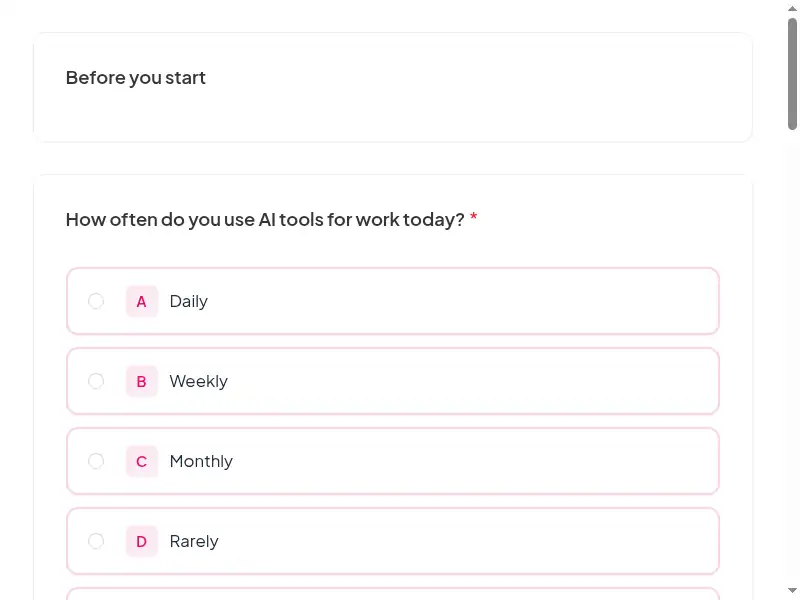
Learners sign in, so every finish and score is recorded. 8 fields to fill in with your details.
Claim the template
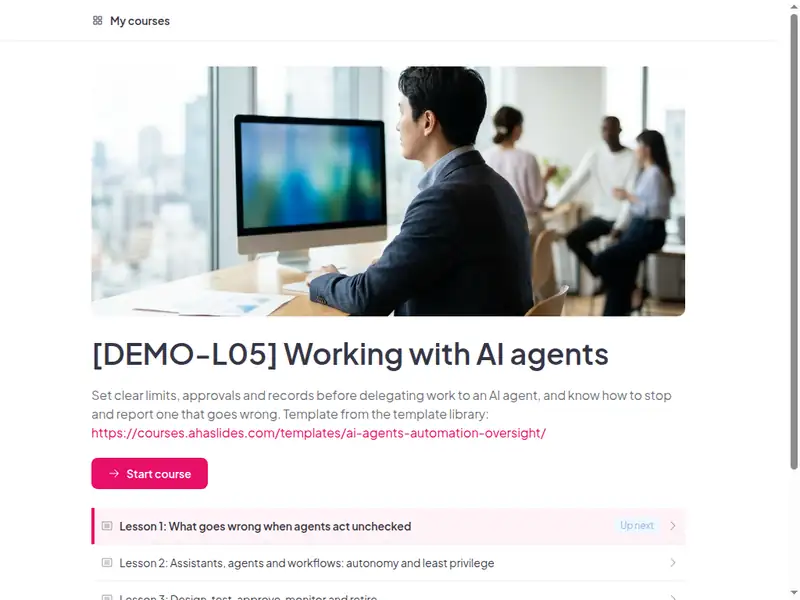
The Working with AI agents: Delegation, human oversight and accountability course as a learner first sees it

6 lessons, about 40 minutes

Minutes are an estimate.

  • Lesson 1: What goes wrong when agents act unchecked · 8 min

    Before you begin · An invented story · What failed?

  • Lesson 2: Assistants, agents and workflows: autonomy and least privilege · 8 min

    Three things that look alike · Autonomy ladder · Match the permission

  • Lesson 3: Design, test, approve, monitor and retire · 8 min

    The lifecycle · Where a person must approve · Put it in order

  • Lesson 4: Grey areas · 8 min

    Scenario · Scenario · Scenario

  • Lesson 5: Registering agents, requesting connectors and reporting incidents · 5 min

    Register and request · Report it

  • Lesson 6: Final assessment on safe agent building · 3 min

    Practice

Claim the template

Inside this course

Taken from the course itself.

By the end, learners can

  • Distinguish rules-based automation, an AI assistant and an AI agent
  • Set clear goals, permissions and stop points before delegating a task to an agent
  • Decide which agent actions need human approval
  • Recognise and report agent failures, including prompt injection and actions outside scope
  • Keep a record that lets someone trace what an agent did and why

Sample questions, with answers

  1. What was the most important control missing from Priya's setup?

    • A faster agent
    • A stop point or review of what the agent did
    • More access to other mailboxes
    • Silent archiving

    Answer: A stop point or review of what the agent did. A stop point with a person approving, or at least a summary of what the agent had done, would have caught the archived dispute. Making the agent faster, giving it more access or hiding its actions would make this worse.

    Lesson 1: What goes wrong when agents act unchecked

  2. Which comes first in the lifecycle of an agent?

    • Test it on safe data
    • Define the goal and limits
    • Monitor it
    • Retire it

    Answer: Define the goal and limits. You define the goal and limits first, because testing, approving and monitoring all measure the agent against them. Without limits there is nothing to test against.

    Lesson 3: Design, test, approve, monitor and retire

  3. What is the best first step when a shared assistant can read data it should not?

    • Remove its access to the data
    • Wait for someone to complain
    • Delete the team chat
    • Restrict it next quarter

    Answer: Remove its access to the data. Remove the access straight away, then tell the data owner and register the assistant. Limiting it later or hoping nobody notices leaves the exposure open.

    Lesson 4: Grey areas

A scenario from "Grey areas"

An agent that reads email follows a line hidden in a supplier message telling it to forward the contract list.

Best response: Stop the agent, report it, do not reply to the sender.

Weaker responses: Let it finish; Delete the message and carry on; Ask the agent whether it was tricked.

Common questions

Yes. Claiming the template and editing it are free.

Yes. The course is self-paced and online, and the live deck lets you add a live session in the room or online.

Before staff can build or connect agents; annually for builders.

Staff and team leads who use or configure AI agents and automated workflows.

Record completion in your own LMS or record system, so you can show who finished the course and when.

Your own details, each highlighted inside the course:
  • Agent register
  • Agent request route
  • AI incident route
  • Approved AI tools
  • AI help contact
  • LMS or record system
Then edit anything else you like: wording, scenarios, your logo.
Visit the help centre (opens in a new tab)