Skip to content
Claim this template

Free course template · Global

Dealership training: New-hire orientation day

A ready-made course, live deck and a survey for dealership trainers and HR leads orienting new staff across sales, service and the business office. AhaSlides tracks progress, completion and scores for you. 25 minutes, 4 lessons, 10-question final check. Last reviewed 22 October 2026; not legal advice.

Claim the templatePreview the courseDownload SCORM for your LMS

Free. No credit card. Edit everything.

Course outline at a glance

  • How a car moves through our dealership
  • Process
  • Quiz

  • Department tour
  • Sort it
  • Tabs
  • Sorting activity
  • Quiz

  • Safety basics
  • Customer information care
  • Flashcards
  • Scenario
  • Quiz

  • Final check
  • You have finished
  • Quiz
  • Multi-select quiz
  • Matching quiz
  • Accordion

Try some questions from the course

Question 1 of 3

Which department prepares a vehicle for sale?


Service checks and prepares the vehicle before it goes on the lot.

Lesson 1, Welcome to the dealership, teaches this. See the outline

Question 2 of 3

Who do you ask first when you are unsure about a policy?


Ask early. A short question is better than a guess.

Lesson 2, Who does what, teaches this. See the outline

Question 3 of 3

Where should customer paperwork be kept when you are not using it?


Keep customer information out of sight and out of reach.

Lesson 3, Safe and careful, teaches this. See the outline

Learners earn a certificate

Your organisation

Certificate of completion

This certifies that

Alex Morgan

has completed

Dealership training: New-hire orientation day

Completed on12 October 2026
Sample certificate with a placeholder learner name.

Style 1 of 6: Indigo serif

Everyone who finishes gets a certificate with their name, the course title and the completion date. Add your own logo, colours and signer.

Three pieces that work together

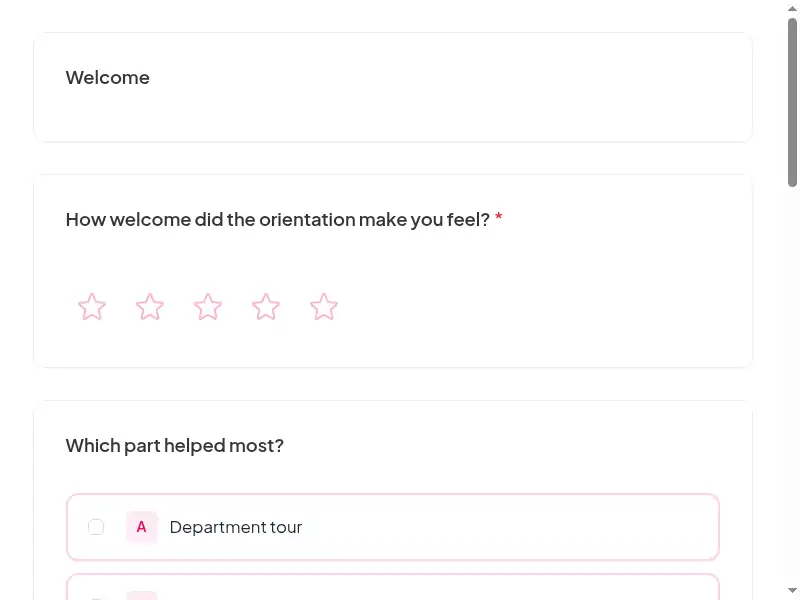
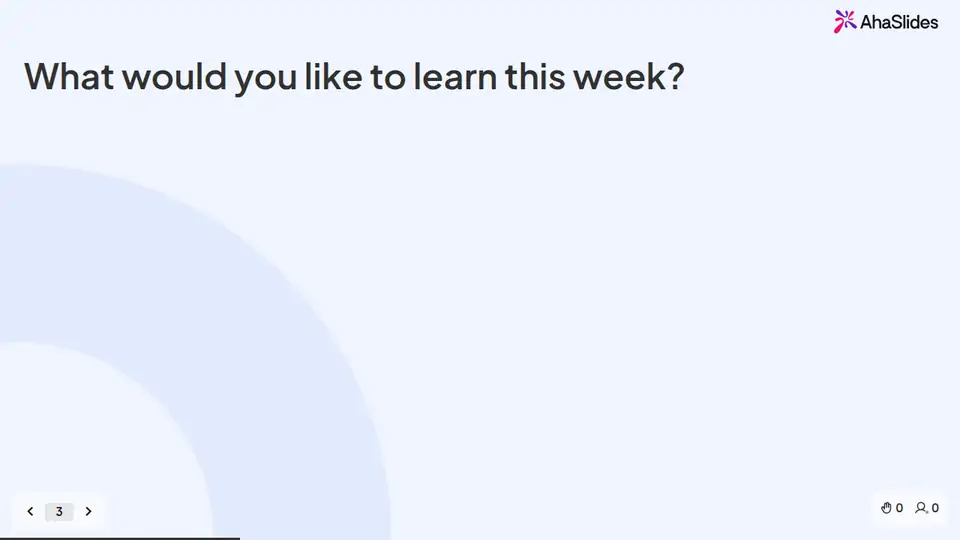
Learners prepare on their own, you answer questions live, and the survey tells you what stuck. 11 fields to fill in with your own policy, contacts and locations; each one is highlighted inside the course.
Claim the template
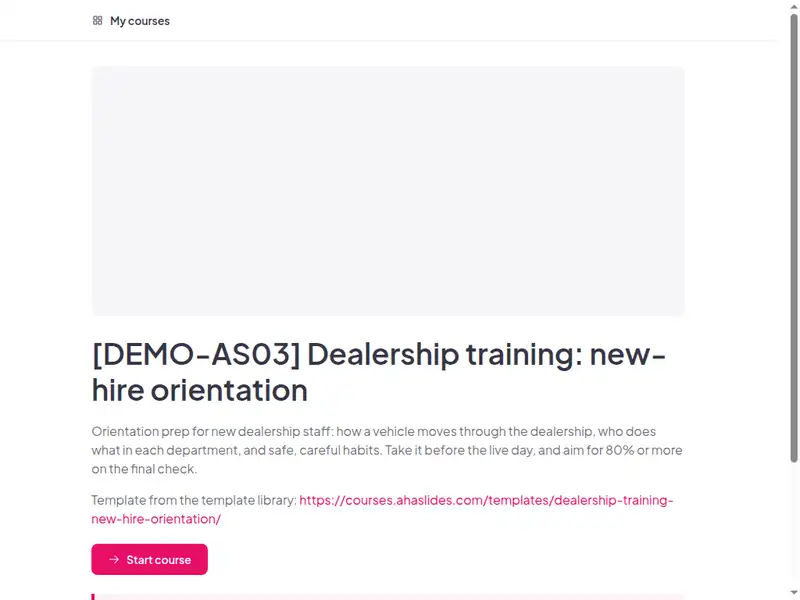
The Dealership training: New-hire orientation day course as a learner first sees it

Completion is tracked for you

Learners sign in to take the course, so every start, finish and score is recorded in AhaSlides. No spreadsheet to keep.

  • Who has finished

    See who has not started, who is in progress and who has completed the course.

  • Every score

    Each learner's result on the 10-question final check, against the 80% pass mark.

  • What landed

    Survey results show what people took away and what to change next time.

Claim the template

4 lessons, about 25 minutes

What learners can do at the end of each lesson. Minutes are an estimate.

  • Lesson 1: Welcome to the dealership · 8 min

    Before you begin · How a car moves through our dealership · Check

  • Lesson 2: Who does what · 6 min

    Department tour · Sort it

  • Lesson 3: Safe and careful · 6 min

    Safety basics · Customer information care

  • Lesson 4: Final check · 5 min

    Final check · You have finished

Claim the template

Common questions

Yes. The course, the live deck and the survey are free. Claiming the template into your AhaSlides account is free too.

Yes. The course is self-paced and online, and the live deck lets you add a live session in the room or online.

Orientation session (live, 90 min) + self-paced prep.

Dealership trainers and HR leads orienting new staff across sales, service and the business office.

Record completion in your own LMS or record system, so you can show who finished the course and when.

Yes, everything. Change the wording, swap scenarios for ones from your workplace, add your logo, or remove parts that don't apply.

Your own details, each highlighted inside the course:
  • History question
  • History option wrong 1
  • History option correct
  • History option wrong 2
  • First week plan
  • Buddy programme
  • Department contacts
  • Safety rules link
  • Course URL
  • Dealership name
Then edit anything else you like: wording, scenarios, your logo.
Visit the help centre (opens in a new tab)