Skip to content
Claim this template

Free course template · Global

Hazard identification and risk assessment for teams

A ready-made course, live deck and two surveys for supervisors. AhaSlides tracks progress, completion and scores for you. 40 minutes, 6 lessons. Last reviewed 21 October 2026; not legal advice.

Claim the templatePreview the courseDownload SCORM for your LMS

Free. No credit card. Edit everything.

Course outline at a glance

  • Alder Foods store room
  • Same word, different meaning
  • Tabs
  • Sorting activity
  • Quiz

  • Spot the hazards
  • Step by step
  • Quiz

  • Place it
  • Score it
  • Sorting activity
  • Scenario
  • Quiz

  • Rank the controls
  • Best control for the job
  • Sorting activity
  • Scenario
  • Multi-select quiz

  • What to write
  • When to review
  • Checklist
  • Accordion
  • Quiz

  • Ask the people who do the job
  • Next steps
  • Flashcards
  • Process
  • Quiz

Try some questions from the course

Question 1 of 3

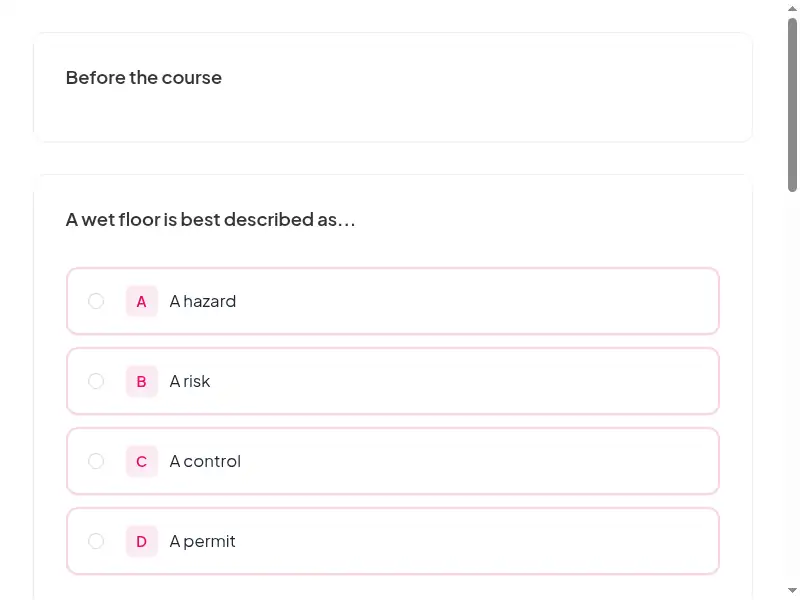
Which of these is a hazard?


A hazard is the thing; risk is the chance and the harm.

Lesson 1, Hazard, risk, likelihood and severity, teaches this. See the outline

Question 2 of 3

You walk a job and see oil on the floor. What do you note?


Note the hazard and who could be harmed.

Lesson 2, Walking the job: breaking a task into steps, teaches this. See the outline

Question 3 of 3

What does a good score record show?


Both scores show the control works.

Lesson 3, Scoring risk with a matrix, teaches this. See the outline

Learners earn a certificate

Your organisation

Certificate of completion

This certifies that

Alex Morgan

has completed

Hazard identification and risk assessment for teams

Completed on12 October 2026
Sample certificate with a placeholder learner name.

Style 1 of 6: Standard

Everyone who finishes gets a certificate with their name, the course title and the completion date. Add your own logo, colours and signer.

Three pieces that work together

Learners prepare on their own, you answer questions live, and the surveys tell you what stuck. 7 fields to fill in with your own policy, contacts and locations; each one is highlighted inside the course.
Claim the template
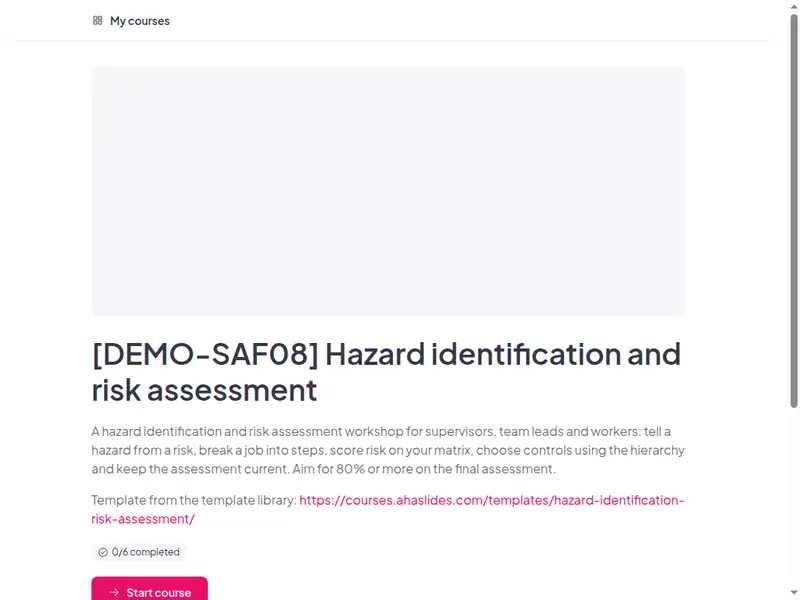
The Hazard identification and risk assessment for teams course as a learner first sees it

Completion is tracked for you

Learners sign in to take the course, so every start, finish and score is recorded in AhaSlides. No spreadsheet to keep.

  • Who has finished

    See who has not started, who is in progress and who has completed the course.

  • Every score

    Each learner's answers to the quizzes and activities in the course.

  • What landed

    Survey results show what people took away, and the 30-day check-in shows whether they use it.

Claim the template

6 lessons, about 40 minutes

What learners can do at the end of each lesson. Minutes are an estimate.

  • Lesson 1: Hazard, risk, likelihood and severity · 8 min

    Before you begin · Alder Foods store room · Same word, different meaning

  • Lesson 2: Walking the job: breaking a task into steps · 6 min

    Spot the hazards · Step by step

  • Lesson 3: Scoring risk with a matrix · 6 min

    Place it · Score it

  • Lesson 4: Hierarchy of controls: eliminate to PPE · 6 min

    Rank the controls · Best control for the job

  • Lesson 5: Writing and reviewing the risk assessment · 6 min

    What to write · When to review

  • Lesson 6: Involving workers, keeping it current and next steps · 8 min

    Ask the people who do the job · Next steps · Practice

Claim the template

Common questions

Yes. The course, the live deck and both surveys are free. Claiming the template into your AhaSlides account is free too.

Yes. The course is self-paced and online, and the live deck lets you add a live session in the room or online.

Before a new job or task starts, at each yearly risk assessment review, and as a workshop for supervisors and safety representatives.

Supervisors, safety officers, team leads and workers who contribute to risk assessments; run by EHS and operations managers.

Record completion in your own LMS or record system, so you can show who finished the course and when.

Yes, everything. Change the wording, swap scenarios for ones from your workplace, add your logo, or remove parts that don't apply.

Your own details, each highlighted inside the course:
  • Safety contact
  • Incident report route
  • Risk assessment register
  • Risk matrix
  • LMS or record system
  • Course URL
Then edit anything else you like: wording, scenarios, your logo.
Visit the help centre (opens in a new tab)