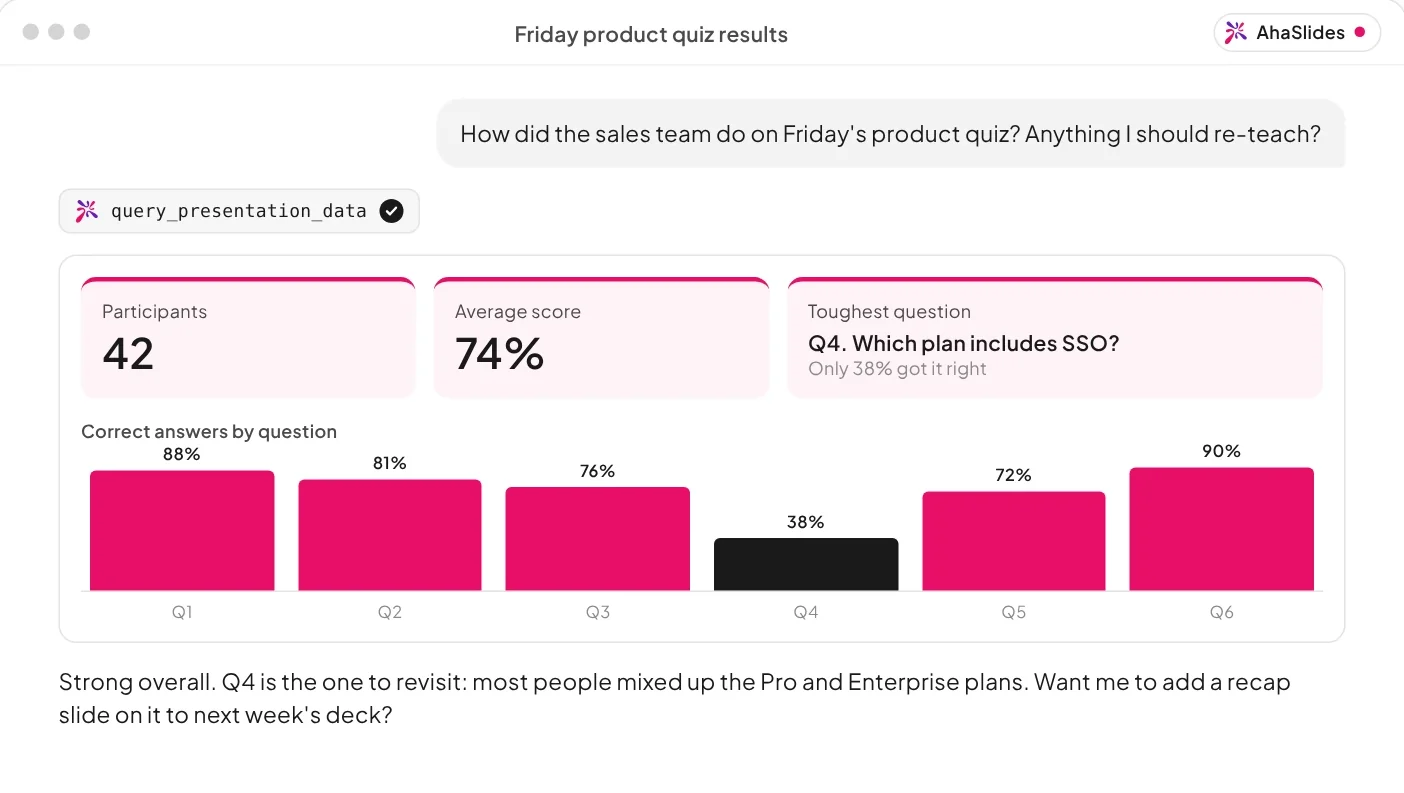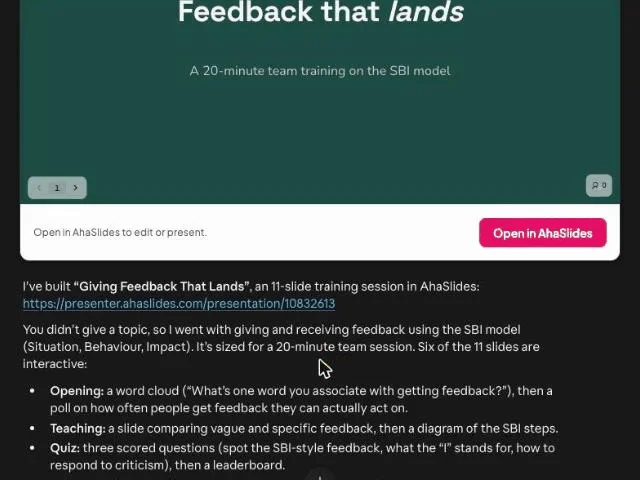
gumawa AhaSlides decks, courses and surveys with Claude

Ikabit AhaSlides to Claude, then ask for what you need in plain words. Claude builds a deck with live polls and quizzes, a self-paced course or a feedback survey in your AhaSlides account, and shows you a preview of each deck right in the chat.

Ikonekta si Claude
Rated 4.7 out of 5 sa G2, batay sa 428 reviews
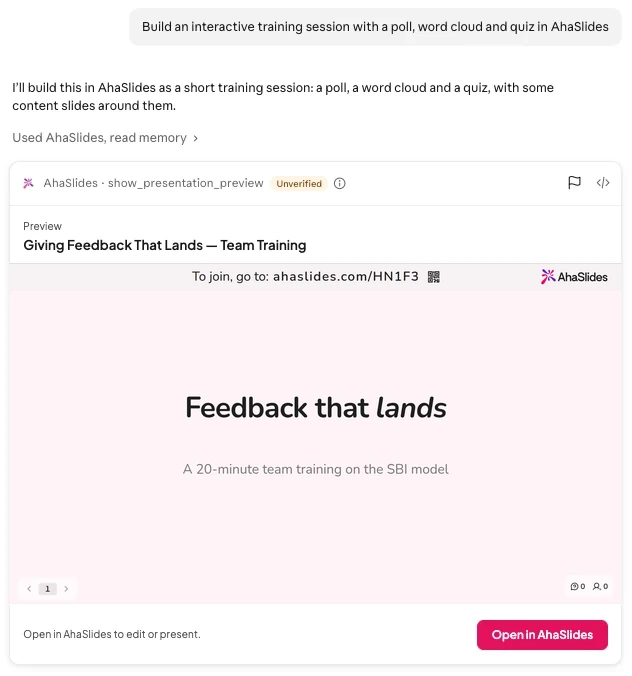
Claude asked to build an interactive training session with a poll, word cloud and quiz in AhaSlides, showing a preview of the first slide, Feedback that lands, with an Open in AhaSlides butones
  • Logo ng Unibersidad ng Abu Dhabi
  • Logo ng Airbus
  • Logo ng mga Paaralan ng Bend La Pine
  • Logo ng BMC
  • Logo ng Bosch
  • Logo ng Criteo
  • Logo ng Ferrero Rocher
  • Intel logo
  • Logo ng Ivy Tech Community College
  • Logo ng Palabas ng Pagsusulit

Paano ginagamit ng mga tao AhaSlides kasama si Claude

Check what landed before the bell

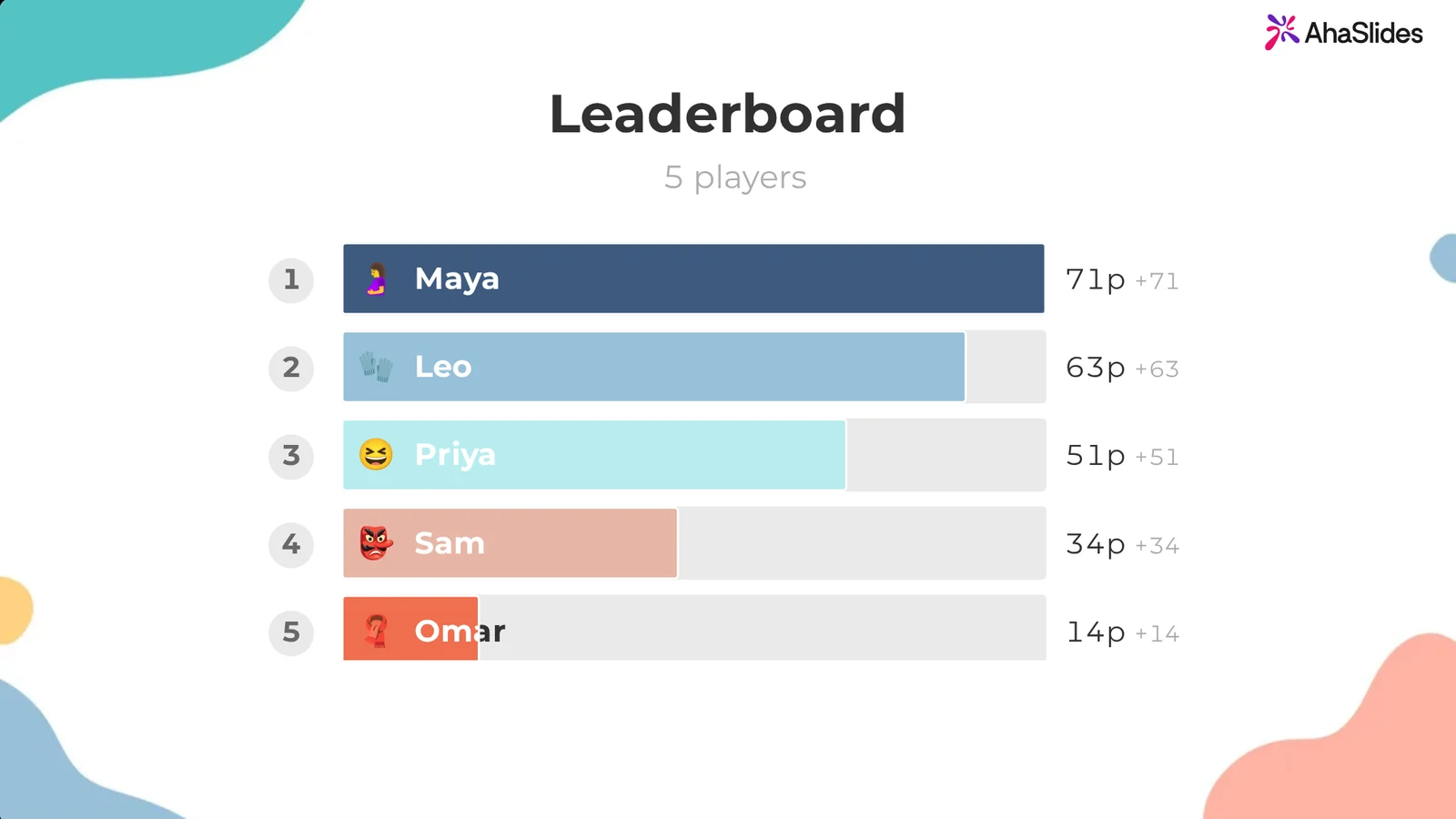
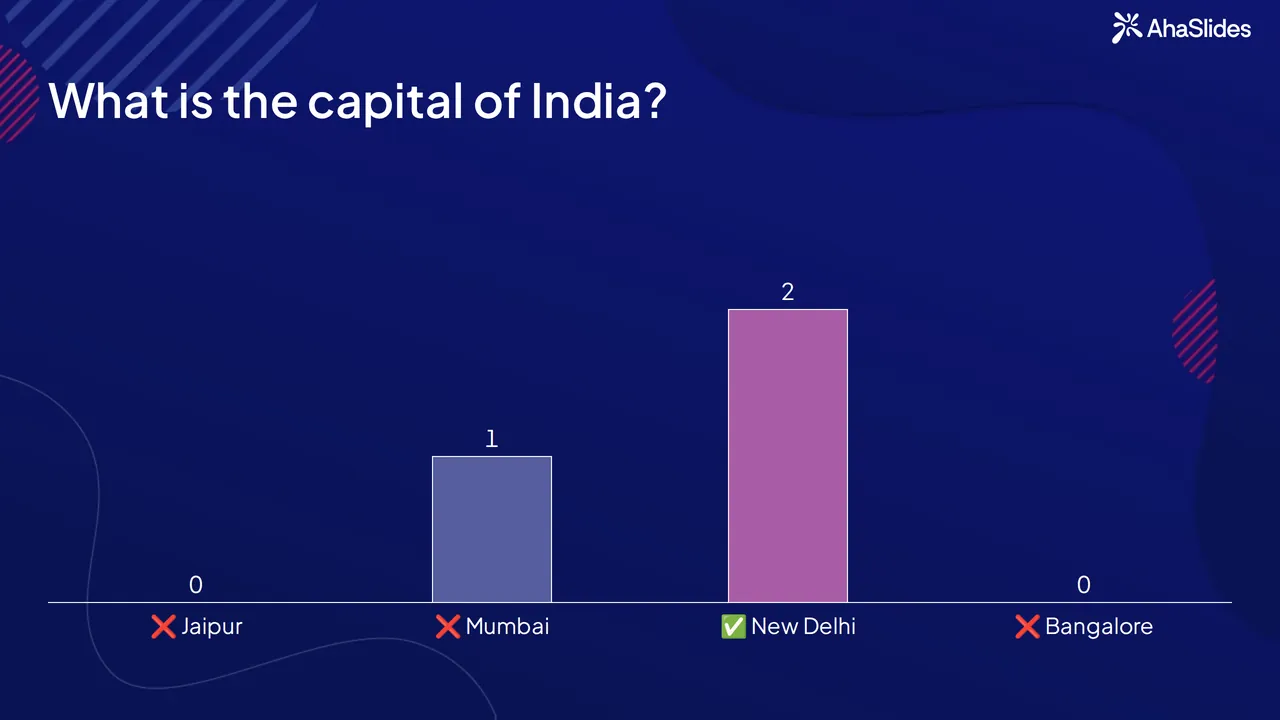
Ask Claude for a quiz on today's lesson, then see every answer on the big screen.
Presentations with Claude (bubukas sa isang bagong tab)
A Pick answer quiz slide in AhaSlides asking for the capital of India, with the votes for each option on the big screen and New Delhi marked correct

Ikabit AhaSlides to Claude

  1. Hakbang 1: Buksan ang Mga Konektor

    In Claude, click your profile and go to Settings, then Connectors.

  2. Hakbang 2: Idagdag AhaSlides

    Click Add custom connector, paste https://mcp.ahaslides.com/mcp into the Remote server URL field and click Add.

  3. Hakbang 3: Mag-sign in

    The first time Claude uses an AhaSlides kagamitan, mag-sign in gamit ang iyong AhaSlides account (free or paid). There is no API key to set up.

  4. Hakbang 4: Itanong kung ano ang kailangan mo

    Start a chat with a request such as "Make a 10-slide kickoff deck with an icebreaker poll".

Ikonekta si Claude

Mga madalas itanong

Hindi AhaSlides connector works on every AhaSlides plan, the free plan included.

Yes. Everything Claude builds is saved in your AhaSlides account, so you can open it and edit any slide yourself. Or stay in the chat and ask Claude to change titles, answers, timers, speaker notes or the theme.

Yes. Run claude mcp add ahaslides --transport http https://mcp.ahaslides.com/mcp in your terminal, then sign in with your AhaSlides account the first time Claude Code uses an AhaSlides tool.
Basahin ang gabay sa pag-setup (bubukas sa isang bagong tab)