Skip to content
Claim this template

Free course template · Global

Safe EHR use and clinical system downtime procedures for nurses

A ready-made course, live deck and two surveys for registered and enrolled nurses. 35 minutes, 6 lessons. Last reviewed 21 October 2026; not legal advice.

Claim the templatePreview the courseDownload SCORM for your LMS

Free. No credit card. Edit everything.

Play a game from the course

Safe EHR use and clinical system downtime procedures for nurses: try 3 questions

Three questions from this course. Pick an answer, then see why.

Play the game

Game not loading? Open it in a new tab (opens in a new tab)

Three pieces that work together

Learners sign in, so every finish and score is recorded. 16 fields to fill in with your details.
Claim the template
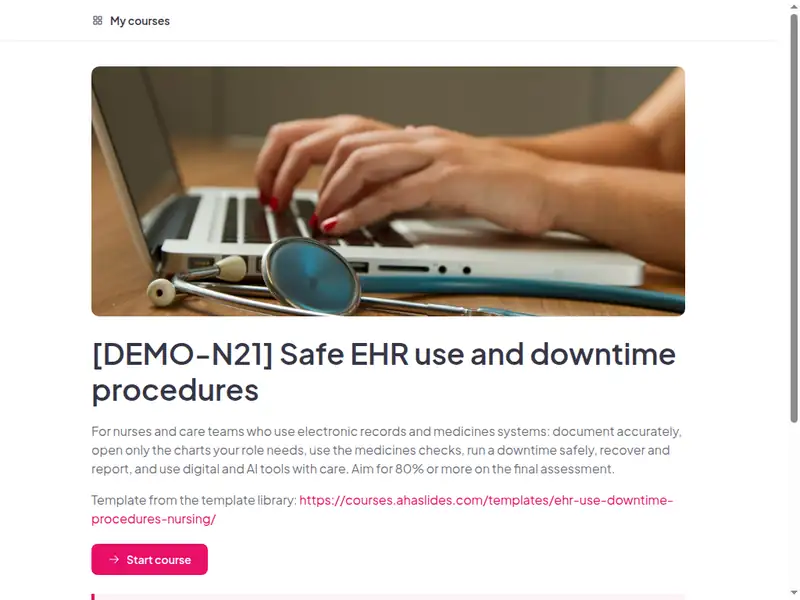
The Safe EHR use and clinical system downtime procedures for nurses course as a learner first sees it

6 lessons, about 35 minutes

Minutes are an estimate.

  • Lesson 1: Why the record and the system matter · 7 min

    Before you begin · The screen goes blank on Ward 6 · What a good record does

  • Lesson 2: Using the record accurately, privately and safely · 6 min

    The duties in brief · Open it only if you need it · Good entries

  • Lesson 3: Medicines on screen: checks and safeguards · 6 min

    What the system does and does not do · Put the electronic round in order · Check

  • Lesson 4: Downtime and the grey areas · 6 min

    The downtime routine · Scenario · Scenario

  • Lesson 5: Recovery, speak up and apply · 6 min

    Recovery in order · Digital tools and AI in nursing · Scenario

  • Lesson 6: Final assessment · 4 min

    Practice · Completion

Claim the template

Inside this course

Taken from the course itself.

By the end, learners can

  • Document accurately and safely in the electronic record and open only the charts your role needs
  • Apply the checks and safeguards built into electronic prescribing and medicines administration, and report a system warning or workaround that looks unsafe
  • Follow the local downtime routine: switch to paper, tell the right people and keep patients safe
  • Recover after downtime: back-enter, reconcile, and report the event
  • Use digital tools and AI-generated text appropriately, and stay accountable for what you record

Sample questions, with answers

  1. Why do accuracy and timing matter as much as completeness?

    • The next clinician acts on what is recorded
    • Auditors prefer neat notes
    • It saves paper

    Answer: The next clinician acts on what is recorded. The record exists so the next clinician can act safely.

    Lesson 1: Why the record and the system matter

  2. Which test should you pass before you open a chart?

    • Do I need this to care for this patient or do my role?
    • Do I have access?
    • Is it quiet?

    Answer: Do I need this to care for this patient or do my role? Having access is not the same as having a need.

    Lesson 2: Using the record accurately, privately and safely

  3. A hard stop appears when you scan a medicine. You…

    • Stop and check why
    • Override it to save time
    • Ignore it

    Answer: Stop and check why. A hard stop is a safety feature. Understand it before you go on.

    Lesson 3: Medicines on screen: checks and safeguards

A scenario from "Downtime and the grey areas"

The last printed medicines list is hours old and a new order may have been made since.

Best response: Confirm current orders with the prescriber or pharmacy by the agreed route before giving anything new.

Weaker responses: Give from the old list; Hold all doses without telling anyone; Ask a colleague to remember it.

Related articles

An article from the AhaSlides blog that uses this course.

Common questions

Yes. Claiming the template and editing it are free.

Yes. The course is self-paced and online, and the live deck lets you add a live session in the room or online.

At onboarding, before a new system goes live, after a significant downtime event, and annually alongside downtime drills.

Registered and enrolled nurses, nursing associates and healthcare assistants in hospitals and care homes who document, support prescribing or administer medicines using electronic systems; run by the nurse educator or clinical education lead, with the digital or business continuity lead as a guest.

Record completion in your own LMS or record system, so you can show who finished the course and when.

Your own details, each highlighted inside the course:
  • Clinical education contact
  • Local policy link
  • Incident reporting route
  • Escalation route
  • Regulator and standards
  • LMS or record system
  • Ehr system name
  • Privacy policy link
  • Downtime procedure link
  • Downtime forms location
  • It service desk contact
  • AI tools policy link
  • Course URL
  • Live session URL
Then edit anything else you like: wording, scenarios, your logo.
Visit the help centre (opens in a new tab)