Skip to content
Claim this template

Free course template · Global

Cyber incident response and breach reporting for non-specialists

A ready-made course, live deck and two surveys for all staff. 35 minutes, 6 lessons. Last reviewed 21 October 2026; not legal advice.

Claim the templatePreview the courseDownload SCORM for your LMS

Free. No credit card. Edit everything.

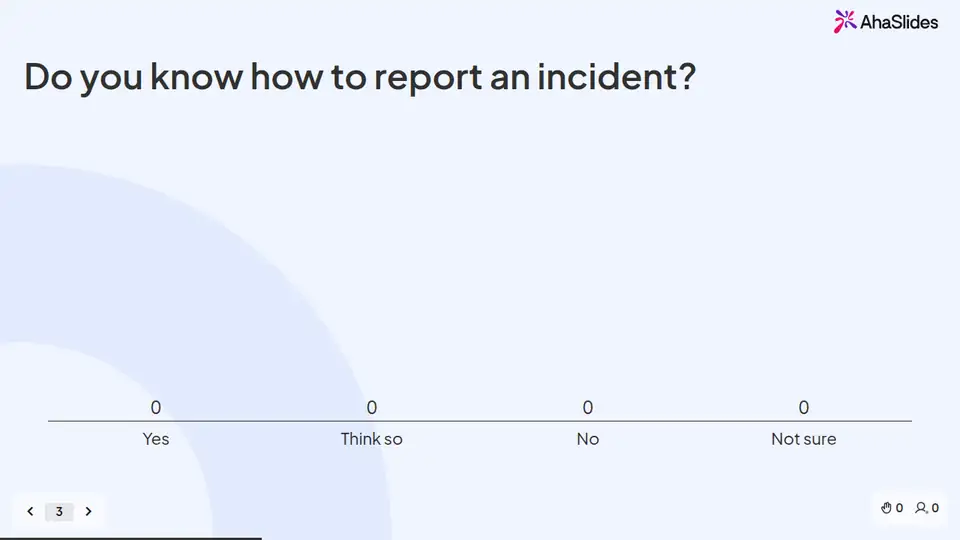
Play a game from the course

Cyber incident response and breach reporting for non-specialists: try 3 questions

Three questions from this course. Pick an answer, then see why.

Play the game

Game not loading? Open it in a new tab (opens in a new tab)

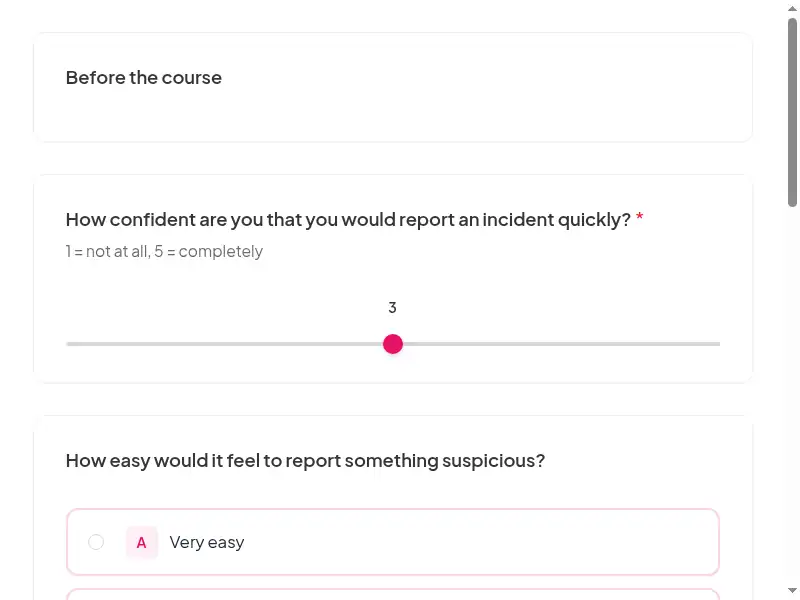
Three pieces that work together

Learners sign in, so every finish and score is recorded. 7 fields to fill in with your details.
Claim the template
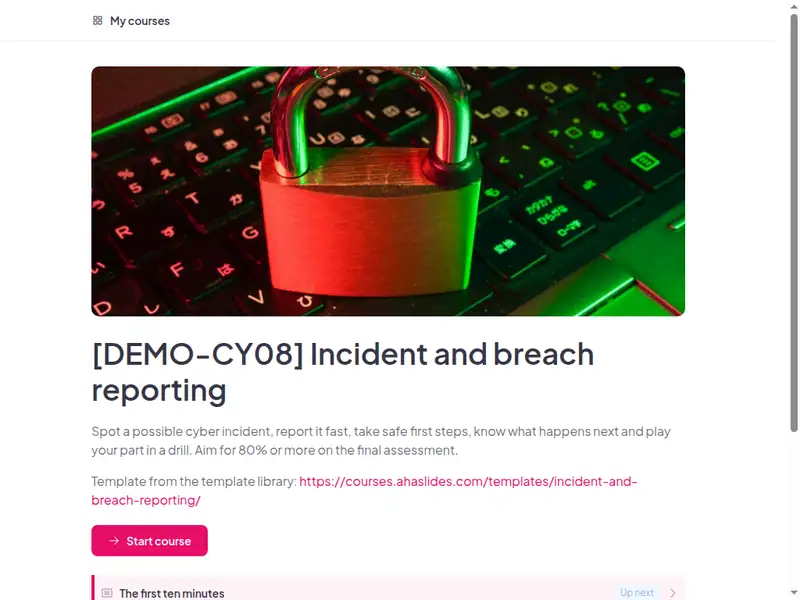
The Cyber incident response and breach reporting for non-specialists course as a learner first sees it

6 lessons, about 35 minutes

Minutes are an estimate.

  • Lesson 1: The first ten minutes · 7 min

    Before you begin · The quiet laptop · What would you change?

  • Lesson 2: Spotting and reporting · 6 min

    Signs · How to report · Check

  • Lesson 3: What happens next · 6 min

    The team's steps · Why time matters · Try it

  • Lesson 4: Grey areas: pressure, blame and silence · 6 min

    Why people stay silent · What would you do? · Check

  • Lesson 5: Drill: your role · 6 min

    Roles · Tabletop · Check

  • Lesson 6: Your checklist and the final assessment · 4 min

    Next steps · Practice

Claim the template

Inside this course

Taken from the course itself.

By the end, learners can

  • Recognise a possible incident and report it fast
  • Take safe first actions and avoid destroying evidence
  • Describe what happens after a report in plain words
  • Explain why time limits for notification exist, without stating them
  • Take part in a drill with a role and a checklist

Sample questions, with answers

  1. Imogen sees a strange message on her laptop. What should she do first?

    • Report it at once through the incident route
    • Wait to see if it goes away
    • Restart and carry on

    Answer: Report it at once through the incident route. Speed matters. The team can judge the risk, but only once they know.

    Lesson 1: The first ten minutes

  2. Why does the team want reports quickly, even when you are unsure?

    • It helps them contain the problem sooner
    • It lets them find someone to blame
    • It is only a formality

    Answer: It helps them contain the problem sooner. Early reports give the team time to contain a problem and meet any legal duties.

    Lesson 3: What happens next

  3. What is containment?

    • Actions that stop a problem spreading
    • Deleting all the evidence
    • Telling the press

    Answer: Actions that stop a problem spreading. Containment limits the damage while the team investigates.

    Lesson 5: Drill: your role

A scenario from "What happens next"

You realise you emailed a customer list to the wrong address.

Best response: Report at once, say what was sent and to whom.

Weaker responses: Ask the recipient quietly to delete it; Wait for a reply; Say nothing.

Related articles

2 articles from the AhaSlides blog that use this course, newest first.

Common questions

Yes. Claiming the template and editing it are free.

The course itself is self-paced and online, and the live deck lets you add a live session. Whether online delivery meets your local rules depends on the law that applies to you, so check the rules that apply to you or ask your own counsel.

At onboarding, annually and before an incident exercise.

All staff, with an incident-team variant as a note; run by L&D with the security and privacy leads.

Record completion in your own LMS or record system, so you can show who finished the course and when. Check the retention period that applies to you in the rules that apply to you.

Your own details, each highlighted inside the course:
  • The route for reporting a security incident or suspected breach, and the time limit that applies
  • Your data protection officer or privacy lead
  • Link to the next course in your security awareness path
  • Where course completions are recorded
  • Link to the self-paced course
Then edit anything else you like: wording, scenarios, your logo.
Visit the help centre (opens in a new tab)