Skip to content
Claim this template

Free course template · Global

Secure AI-assisted software development: Coding assistants and agents without the risk

A ready-made course, live deck and two surveys for software developers. 45 minutes, 6 lessons, 12-question final check. Last reviewed 21 October 2026; not legal advice.

Claim the templatePreview the courseDownload SCORM for your LMS

Free. No credit card. Edit everything.

Play a game from the course

Secure AI-assisted software development: try 3 questions

Three questions from this course. Pick an answer, then see why.

Play the game

Game not loading? Open it in a new tab (opens in a new tab)

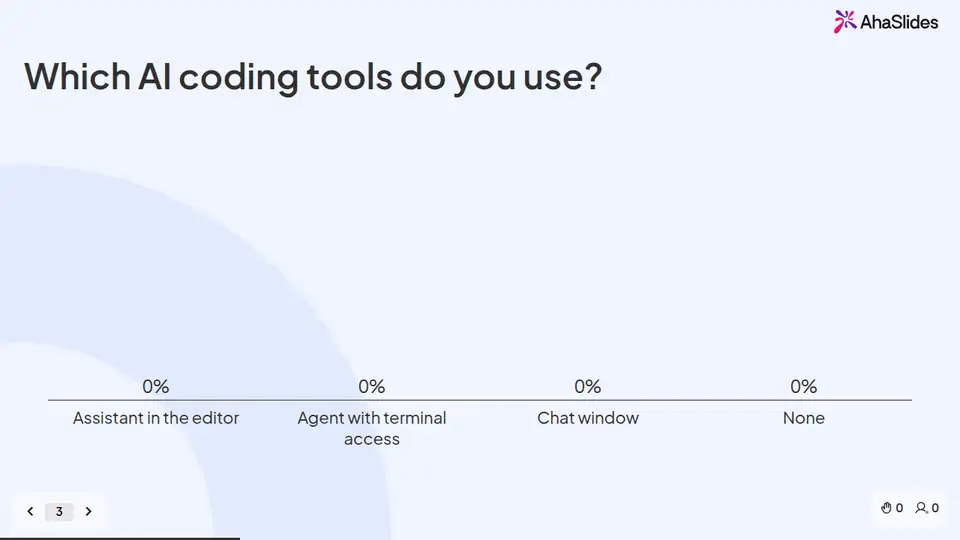
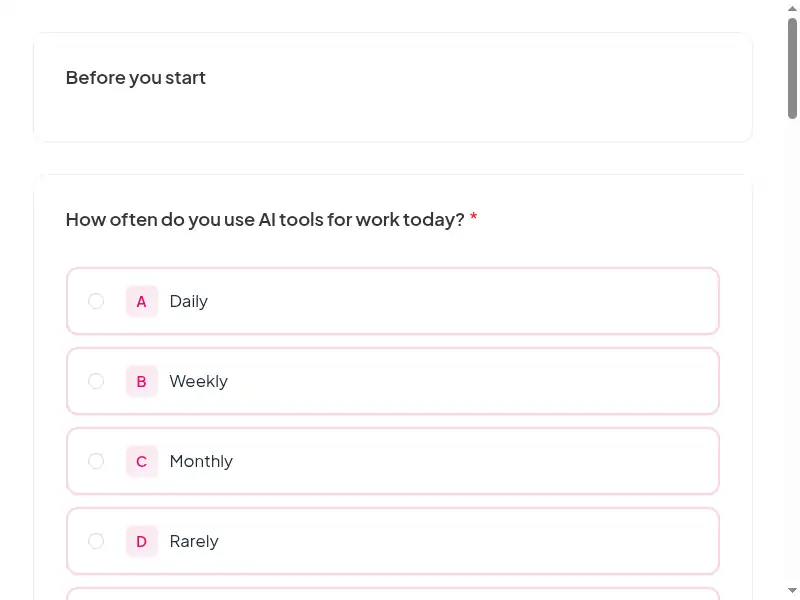
Three pieces that work together

Learners sign in, so every finish and score is recorded. 8 fields to fill in with your details.
Claim the template
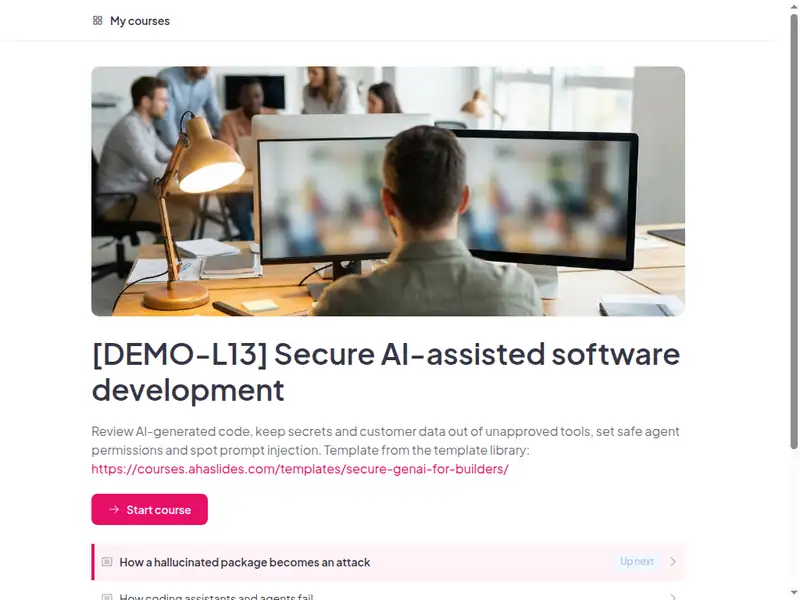
The Secure AI-assisted software development: Coding assistants and agents without the risk course as a learner first sees it

6 lessons, about 45 minutes

Minutes are an estimate.

  • Lesson 1: How a hallucinated package becomes an attack · 9 min

    Before you begin · The package that did not exist · The chain

  • Lesson 2: How coding assistants and agents fail · 8 min

    Six failure modes · Spot the flaw · Check

  • Lesson 3: The secure AI coding loop · 8 min

    Prompt, inspect, test, disclose · Share or never share · Check

  • Lesson 4: Grey areas: customer data, shell commands, untested pull requests · 8 min

    The stack trace · The agent and the issue · The untested pull request

  • Lesson 5: Approved tools, settings and AI-use pull request labelling · 6 min

    Approved set-up · Labelling and review

  • Lesson 6: Final assessment and secure coding acknowledgement · 6 min

    12 questions, 80% to pass. The result is saved to the learner's record.

Claim the template

Inside this course

Taken from the course itself.

By the end, learners can

  • Review AI-generated code for security flaws, licence issues and hallucinated dependencies
  • Keep secrets, customer data and proprietary code out of unapproved AI tools
  • Set safe permissions for coding agents (repositories, terminals, tool access)
  • Recognise prompt injection through code comments, issues and documents
  • Follow the team's rules for disclosing and reviewing AI-assisted changes

Sample questions, with answers

  1. What should Priya have done before installing the suggested library?

    • Asked the assistant whether the package is safe
    • Checked that the package exists, is approved and is what she expected
    • Installed it in a throwaway folder and tested it there
    • Installed it, since the code looked tidy

    Answer: Checked that the package exists, is approved and is what she expected. She should have checked that the package exists, that her team approves it and that it is the library she expected, before installing anything. Asking the assistant to vouch for its own suggestion is not a check, and installing in a throwaway folder still runs the code on her machine.

    Lesson 1: How a hallucinated package becomes an attack

  2. You paste a failing test's output into an approved assistant and notice it contains a customer's name and order number. What is the right habit?

    • Paste it anyway, since the tool is approved
    • Ask the assistant not to store the data
    • Remove the customer details and share only the error type and relevant lines
    • Send the full output to a colleague to paste instead

    Answer: Remove the customer details and share only the error type and relevant lines. Remove or replace the customer details before you share, and give only what the assistant needs, such as the error type and the relevant lines. Adding a request not to store the data does not stop it being stored, and pasting everything because the tool is approved ignores your data rules.

    Lesson 3: The secure AI coding loop

  3. Why does your team ask you to label an AI-assisted pull request?

    • So the author can be blamed if something goes wrong
    • So the reviewer knows to read the change closely
    • So the change can skip testing
    • So the change needs no review

    Answer: So the reviewer knows to read the change closely. The label tells the reviewer to read closely, because assistant-written code can look finished and still hide flaws. It is not a mark of blame, and it does not replace review or testing.

    Lesson 5: Approved tools, settings and AI-use pull request labelling

A scenario from "Grey areas: customer data, shell commands, untested pull requests"

A failing job prints a customer's details.

Best response: Strip the data and share only the error type.

Weaker responses: Paste it all; Ask a colleague to paste it; Skip the assistant and do nothing.

Related articles

An article from the AhaSlides blog that uses this course.

Common questions

Yes. Claiming the template and editing it are free.

Yes. The course is self-paced and online, and the live deck lets you add a live session in the room or online.

When a team adopts an assistant or agent; annually with the secure coding refresher.

Software developers, tech leads and DevOps engineers using AI coding assistants or agents; run by engineering leadership or application security.

Record completion in your own LMS or record system, so you can show who finished the course and when.

Your own details, each highlighted inside the course:
  • Approved AI coding tools
  • AI pr label rule
  • Agent permissions standard
  • Appsec contact
  • Secure coding standard link
  • LMS or record system
Then edit anything else you like: wording, scenarios, your logo.
Visit the help centre (opens in a new tab)