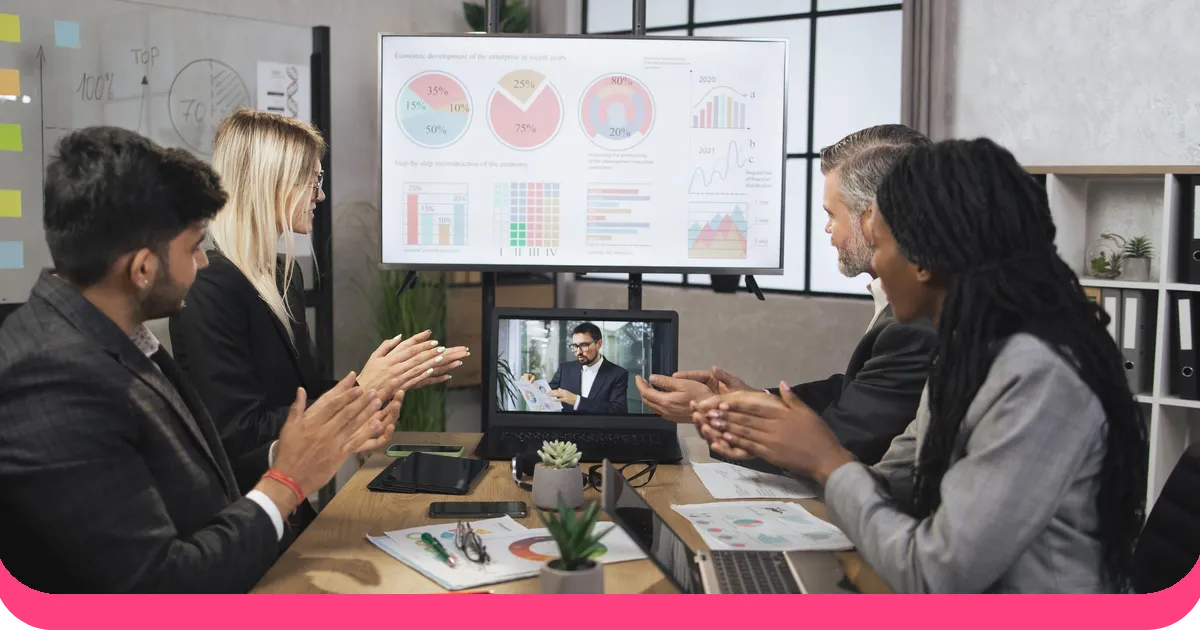



De fleste præsentationer mislykkes på samme tidspunkt: når præsentanten afslutter en sektion, kigger op og ikke får noget tilbage. Ingen spørgsmål. Ingen reaktioner. Bare et rum fyldt med mennesker, der venter på det næste slide. Forelæsningsformatet er behageligt for præsentanter, men det er et dårligt middel til læring, overtalelse eller ægte engagement.
Forskning fra AhaSlides fandt ud af, at 41.7 % af oplægsholderne identificerer manglende interaktivitet som en ledende årsag til publikums distraktion. Løsningen er ikke et bedre slidedesign eller en højere stemme. Det er at ændre strukturen, så dit publikum gør noget, ikke bare lytter. Denne guide dækker alle dimensioner af dette skift: teknikker, værktøjer, ideer til specifikke kontekster og hvordan man omsætter det til praksis på tværs af PowerPoint. Google Slidesog dedikerede platforme.
Hvad gør en præsentation interaktiv?
En interaktiv præsentation er enhver præsentation, hvor publikum deltager, ikke bare observerer. Denne deltagelse kan antage mange former: besvare en live-afstemning, svare på en quiz, bidrage med ord til en ordsky, stille spørgsmål via et spørgeskema eller diskutere et scenarie med en nabo, før man rapporterer tilbage til rummet.
Den fælles tråd er, at publikum skal gøre noget, der ændrer, hvordan præsentationen udfolder sig. En præsentation er ikke interaktiv blot fordi den indeholder animationer eller video. Det er multimedieelementer. Interaktivitet kræver en tovejsudveksling, hvor publikums input rent faktisk betyder noget.
Når interaktive elementer er til stede, viser AhaSlides platformdata, at 80.9% af publikum aktivt engagerer sig, og 44.6% interagerer med hver eneste interaktive side i en præsentation. Tallene er ikke marginale. De repræsenterer et fundamentalt skift i, hvordan publikum oplever en session.
Kerneteknikker til interaktive præsentationer
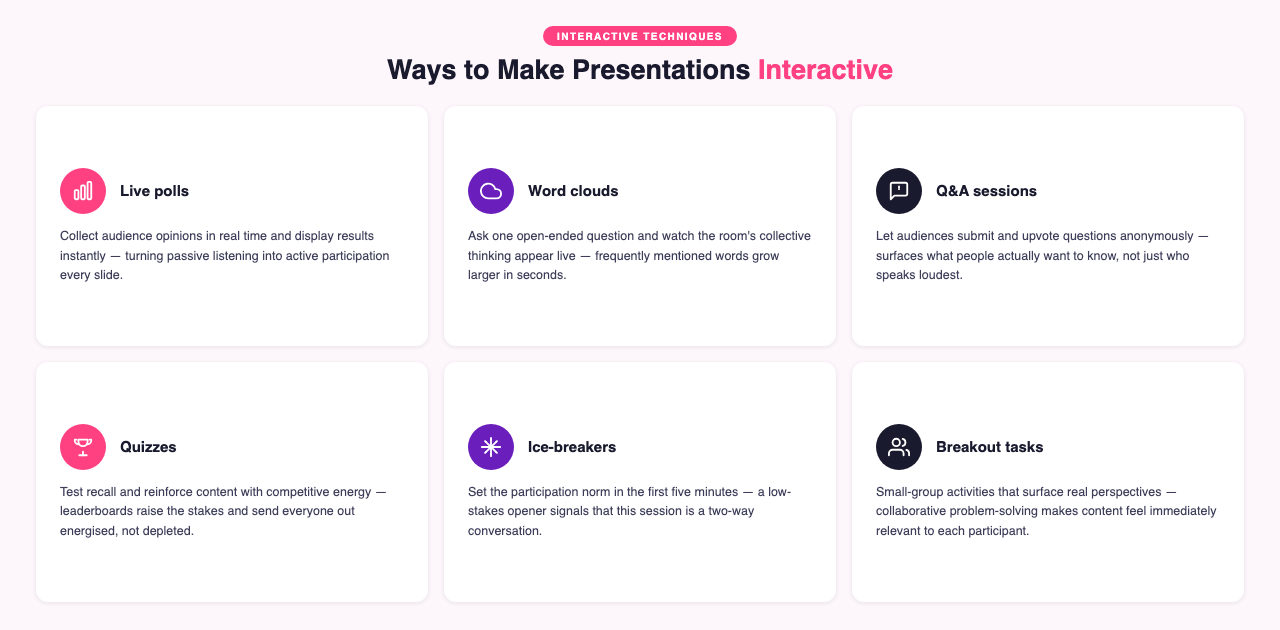
Dette er de centrale metoder, der fungerer på tværs af stort set alle præsentationskontekster. For en fuldstændig oversigt med implementeringsvejledning for hver, se: 10 bedste interaktive præsentationsteknikker til at engagere dit publikum.
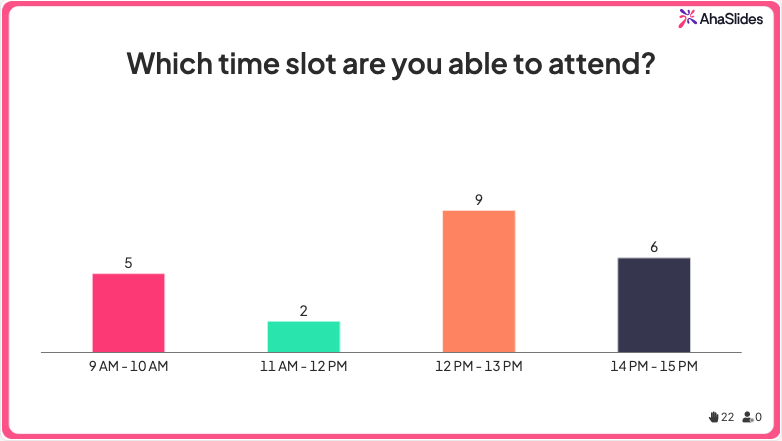
Live afstemninger
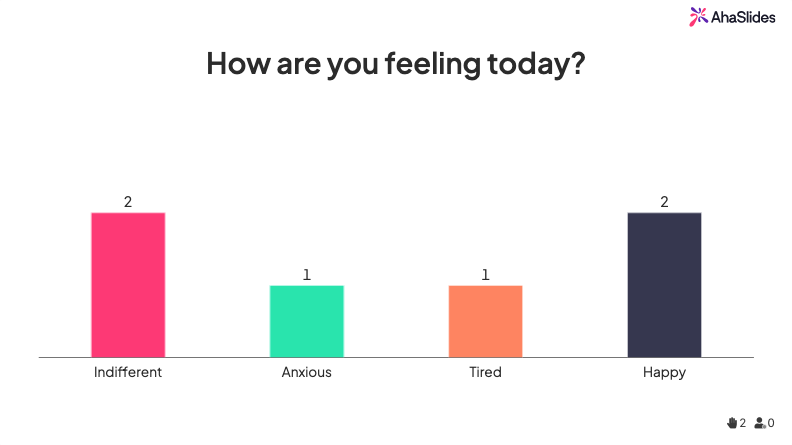
Afstemninger indsamler publikums meninger i realtid og viser resultaterne med det samme. De er mest nyttige, når du vil forstå, hvor dit publikum står, før du dykker ned i et emne, eller når du vil generere en diskussion ud fra faktiske data i stedet for hypotetiske eksempler. Et godt afstemningsspørgsmål er specifikt nok til at producere en meningsfuld spredning af svar: "Hvor mange af jer har afholdt en præsentation med live-publikumsværktøjer?" producerer mere handlingsrettet data end "Synes I, at præsentationer er engagerende?"
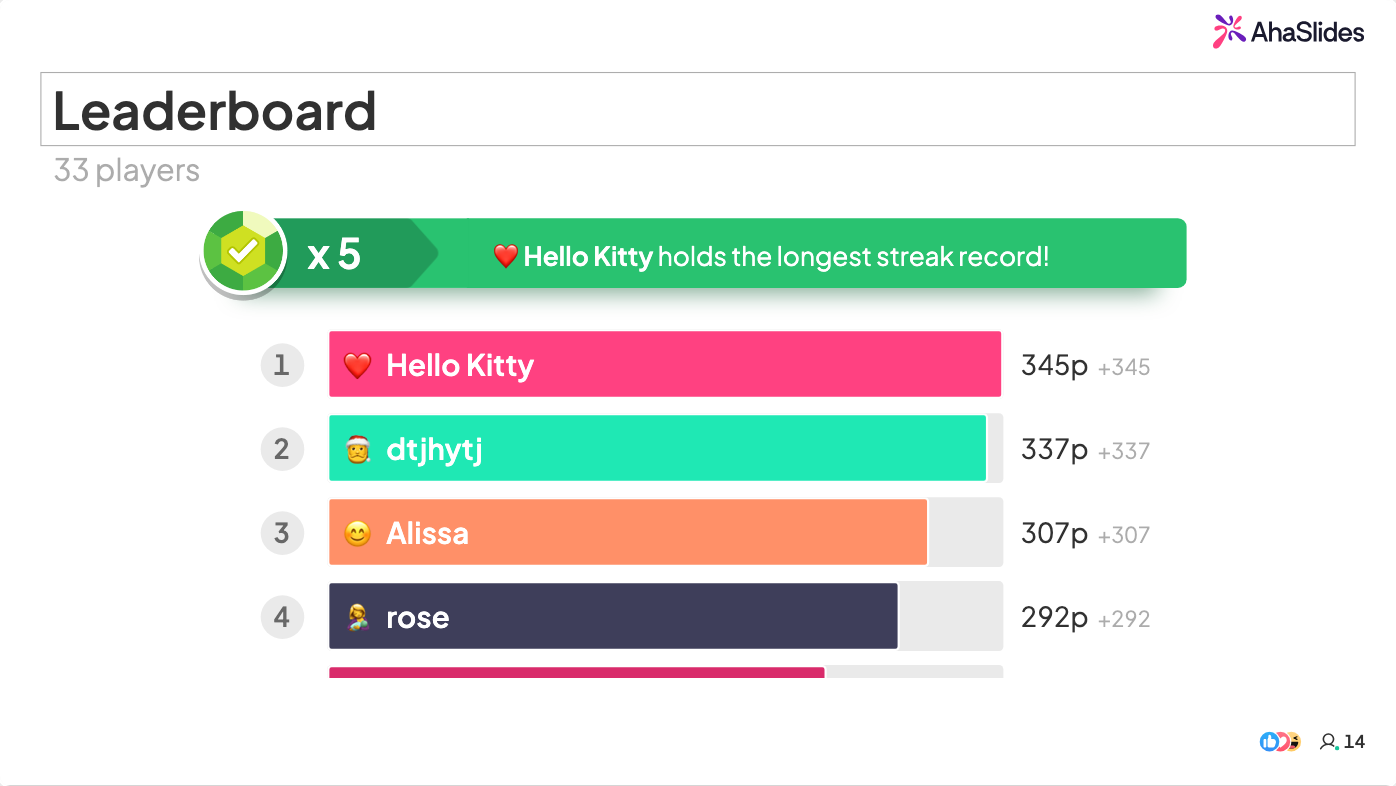
Quizzer og spil
Quizzer tester hukommelse og forstærker indhold. Spil gør det samme med et konkurrencepræget lag, der øger energien. Begge fungerer bedst, når de er korte (under to minutter), lave indsatser (ingen karakterer eller offentlig forlegenhed) og efterfulgt af en kort diskussion af det rigtige svar. En quiz midt i en træningssession genaktiverer opmærksomheden og afslører, hvilke begreber der kræver mere forklaring. Et spil i slutningen af en session cementerer hukommelsen og sender folk ud med energi snarere end udmattede.
Ordskyer
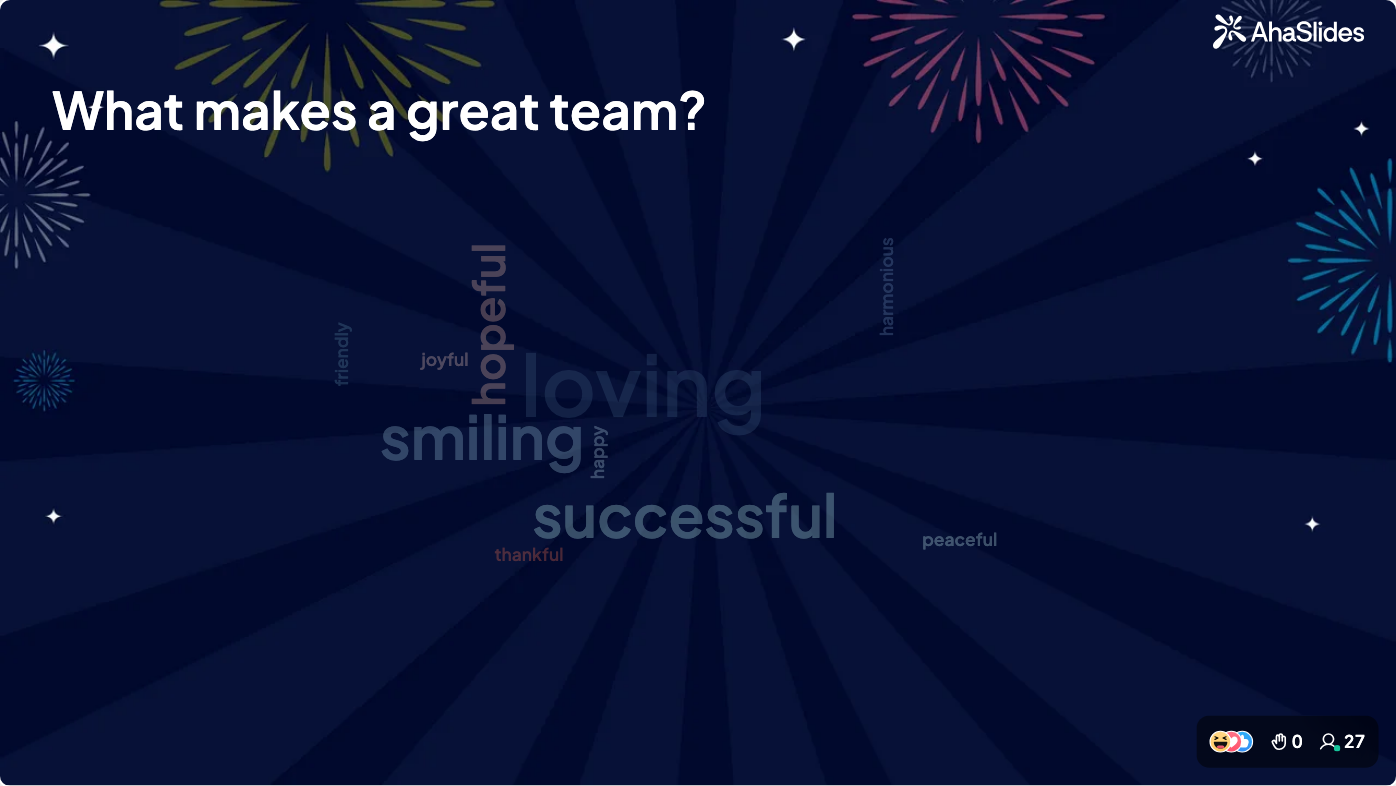
Stil dit publikum et enkelt åbent spørgsmål, indsaml svarene, og vis dem som en ordsky, hvor ofte nævnte ord vises større. På 30 sekunder har du et visuelt kort over rummets kollektive tænkning om et hvilket som helst emne. Ordskyer er især nyttige i starten af en session (for at fremhæve eksisterende viden eller associationer) og efter et nøglebegreb (for at kontrollere, om budskabet landede som tilsigtet).
Live Q&A
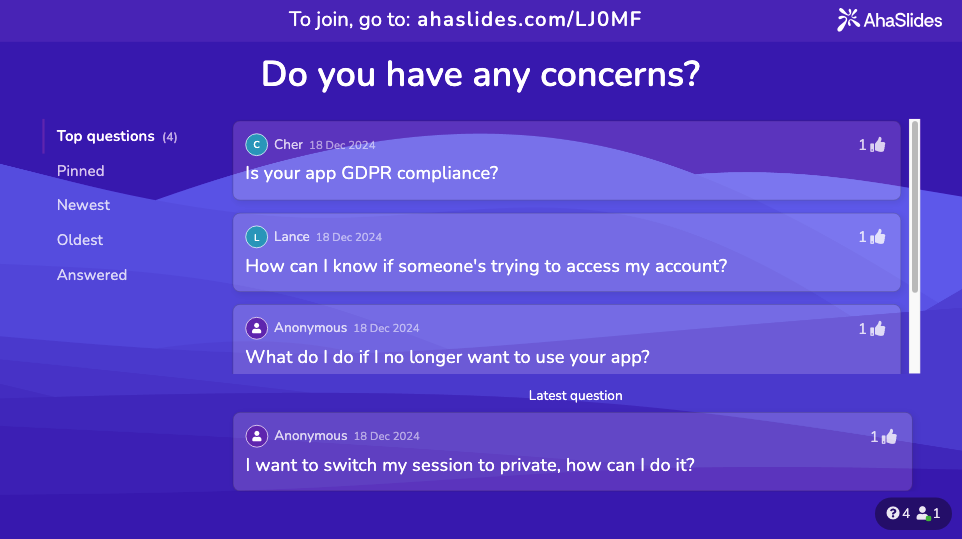
Et dedikeret spørgeskema-værktøj giver publikum mulighed for at indsende spørgsmål anonymt, stemme op på de spørgsmål, de er mest interesserede i, og få svar på de ting, der rent faktisk betyder noget for dem, i stedet for de spørgsmål, som præsentatoren gætter på, de har. Dette giver mere omfattende sessioner end at stille "nogle spørgsmål?" og vente på, at de samme tre personer rækker hånden op.
Isbrydere
De første fem minutter sætter forventningerne til deltagelse for hele sessionen. Hvis du dykker direkte ned i indholdet, signalerer du, at dette er en forelæsning. Hvis du først inviterer til et svar, signalerer du, at deltagelse er vigtig. Et isbryderspørgsmål med lav indsats etablerer den interaktive kontrakt, før noget seriøst indhold begynder. Se: 15 interaktive præsentationsidéer, der kan engagere dit publikum.
Interaktive præsentationsidéer efter kontekst
De rigtige interaktive elementer afhænger af din målgruppe og omgivelserne. Hvad der fungerer i en virksomhedskoncert, fungerer forskelligt i et universitetsseminar, et Zoom-opkald eller en marketingpitch.
Virksomhedstræningssessioner
Træningssessioner har et specifikt mål: videnoverførsel, der hænger ved. Den største risiko er passiv lytning, hvor deltagerne virker opmærksomme, men husker meget lidt. Interaktive spil, scenariebaserede spørgsmål og quizzer på naturlige kontrolpunkter øger alle hukommelsen ved at kræve aktiv genkaldelse snarere end passiv absorption.
Rollespilsscenarier, problemløsningsaktiviteter i grupper og live-afstemninger, der viser eksempler fra virkelige arbejdspladser, får træningsindholdet til at føles umiddelbart relevant snarere end teoretisk. Se: 15 interaktive spil til træningssessioner, der styrker læringen.
Præsentationer fra studerende og klasseværelser
Studerende står over for den dobbelte udfordring at fastholde jævnaldrendes opmærksomhed (et skeptisk publikum) og at demonstrere forståelse over for underviserne. Interaktive elementer løser begge dele: de bryder formatet med en person, der taler med hinanden, som jævnaldrende ignorerer, og viser underviserne, at præsentatoren forstår stoffet godt nok til at engagere sig dynamisk i det. Se: 14 interaktive præsentationsidéer for studerende, der kan øge engagementet.
Virtuelle og Zoom-præsentationer
Virtuelle præsentationer har færre naturlige feedbackmekanismer end fysiske præsentationer. Du kan ikke læse kropssprog eller måle opmærksomhed ud fra et gitter af dæmpede miniaturebilleder. Interaktive værktøjer kompenserer: en afstemning fremtvinger genengagement, en ordsky giver dig synlige data om, hvorvidt folk stadig er sammen med dig, og en fælles aktivitet skaber et øjeblik, der bryder passiviteten ved at stirre på en skærm. Se: 7 tips til Zoom-præsentationer, der bekæmper træthed og øger engagementet.
Marketing- og salgspræsentationer
Marketingpræsentationer tjener et overtalende formål. Interaktive elementer hjælper, fordi de ændrer dynamikken fra "vi fortæller dig om vores produkt" til "lad os se på dit specifikke problem sammen". Afstemninger, der afdækker målgruppens smertepunkter, spørgsmål, der inviterer den potentielle kunde til at beskrive sin situation, og datavisualiseringer, der reagerer på input fra publikum, får alle præsentationen til at føles skræddersyet snarere end skabelonbaseret. Se: Guide til at lave en overbevisende marketingpræsentation.
Interaktive spil, der fungerer i alle omgivelser
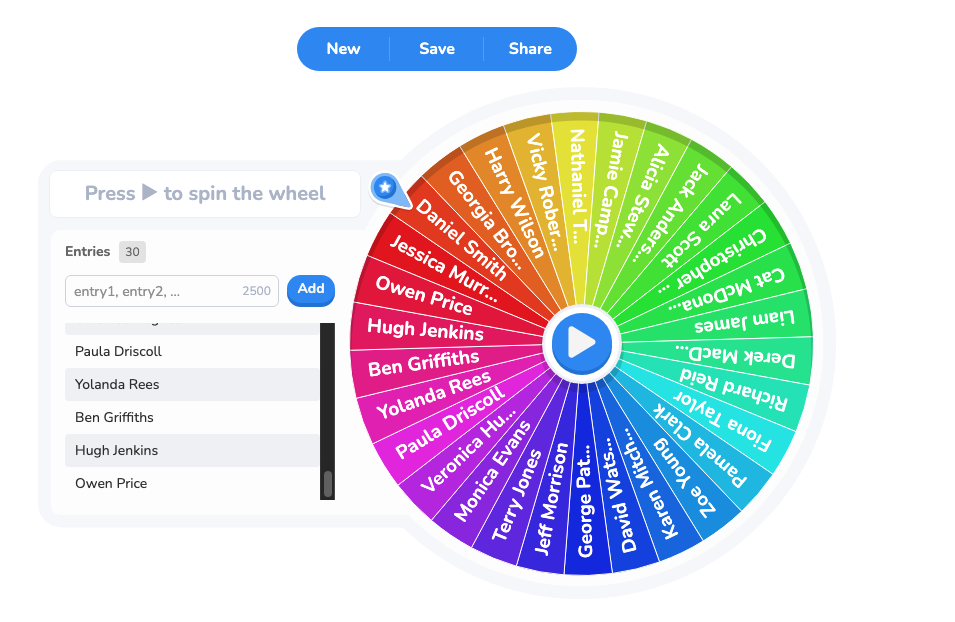
Spil er den hurtigste måde at ændre energien i et rum. De kræver minimal forklaring, skaber øjeblikkelig engagement og skaber en fælles oplevelse, som resten af sessionen drager fordel af. Live quizzer med ranglister, quizrunder om et emne, der er relevant for dit indhold, holdudfordringer, hvor grupper konkurrerer om at svare korrekt først, og hjulspil, der opfordrer deltagerne, fungerer alle på tværs af fysiske og virtuelle sammenhænge.
Nøglen er integration: spil føles gimmicky, hvis de ikke er forbundet med sessionens indhold. En quizrunde om dit emne tjener både engagementsfunktionen og læringsfunktionen. Et tilfældigt opvarmningsspil tjener kun energifunktionen. Begge har deres plads, men emnerelaterede spil er mere forsvarlige i professionelle sammenhænge. Se den fulde guide: 11 interaktive præsentationsspil til at opnå fuldt engagement.
Sådan gør du PowerPoint interaktiv
PowerPoint har ikke indbyggede værktøjer til publikumsdeltagelse. Der er ingen indbygget måde at køre en live-afstemning, vise quizresultater i realtid eller indsamle svar fra ordskyen. Men du kan tilføje denne funktion uden at forlade PowerPoint-miljøet.
AhaSlides integreres direkte med PowerPoint via et tilføjelsesprogram. Du opbygger dine interaktive slides i PowerPoint, kører dem under din præsentation, og deltagerne deltager fra deres telefoner ved hjælp af en kode. Resultaterne vises live på sliden, når folk svarer. Arbejdsgangen er den samme som i enhver anden PowerPoint-præsentation; den eneste forskel er, at nogle slides indsamler og viser publikumsdata i realtid.
For en trinvis opsætningsvejledning, se: Sådan laver du en interaktiv PowerPoint med AhaSlides.
Hvordan laver man Google Slides interaktiv
Google Slides har en spørgsmålsfunktion, der giver publikum mulighed for at indsende spørgsmål under en præsentation, og en livevisningstilstand, der lader eksterne deltagere følge med. Disse er nyttige, men begrænsede: du kan ikke køre afstemninger, quizzer eller ordskyer direkte.
Den samme tilføjelsesmetode, der fungerer til PowerPoint, gælder her. AhaSlides opretter forbindelse til Google Slides præsentationer, så du kan integrere interaktive elementer uden at ændre din præsentationsworkflow. Til alt Google Slides kan gøre native, plus hvad det ikke kan, se: Interactive Google SlidesFunktioner, tips og tricks.
Multimedieelementer, der understøtter interaktivitet
Video, lyd, animationer og datavisualiseringer er ikke interaktive i sig selv, men de skaber øjeblikke, som interaktive elementer kan bygge videre på. En kort video, der præsenterer et problem eller scenarie, giver konteksten for en afstemning eller diskussion. En animation, der afslører data, kan gå forud for et spørgsmål om, hvad publikum mener driver denne tendens.
Multimedia og interaktivitet fungerer bedst, når de er parret: multimedia leverer stimulus, et interaktivt element indfanger responsen. For eksempler på, hvordan forskellige multimedieformater integreres i præsentationer, se: Inspirerende eksempler på multimediepræsentationer og hvordan du kan lave dine egne.
Valg af den rigtige præsentationssoftware
Det værktøj, du bruger, bestemmer, hvilke typer interaktivitet der er tilgængelige for dig. PowerPoint og Google Slides er allestedsnærværende, men kræver tilføjelser for at opnå funktioner til publikumsdeltagelse. Dedikerede præsentationsplatforme, der er bygget op omkring interaktivitet, håndterer afstemninger, quizzer og spørgsmål og svar direkte uden ekstra opsætning.
Det rigtige valg afhænger af din kontekst: om du har brug for dybdegående designkontrol, om dit publikum forventer et specifikt format, om du præsenterer live eller asynkront, og om din organisation har eksisterende værktøjskrav. For en oversigt over hovedkategorierne og hvad hver især er bedst egnet til, se: 9 typer præsentationssoftware til enhver præsentatorFor Mac-specifikke anbefalinger, se: 12+ bedste præsentationssoftware til Mac i 2026.
Brug AhaSlides til at gøre dine præsentationer interaktive
AhaSlides er en præsentationsplatform bygget specifikt til publikumsinteraktion. Afstemninger, quizzer, ordskyer, spørgsmål og svar, spinnerhjul og gamificerede quizspil er alle tilgængelige direkte, uden tilføjelser eller løsninger, og fungerer på enhver enhed via en simpel tilmeldingskode.
For teams, der allerede bruger PowerPoint eller Google SlidesAhaSlides integrerer direkte, så du beholder din eksisterende arbejdsgang og tilføjer værktøjer til live publikum ovenpå. Til sessioner, der er bygget fra bunden, har AhaSlides sin egen slide-editor, hvor interaktive slides og indholdsslides placeres side om side.
Resultaterne vises i realtid, efterhånden som deltagerne svarer. Efter sessionen eksporteres svardataene til Excel til yderligere analyse. For L&D-teams, der afholder regelmæssig træning, fjerner kombinationen af hurtig opsætning, liveresultater og eksporterbare data behovet for en separat undersøgelse eller et feedbackværktøj.
Prøv AhaSlides gratis og kør din første interaktive præsentation på under fem minutter.
Almindelige fejl for at undgå
Overbelastning af hvert slide med interaktion. Interaktion er mest effektiv, når den sætter fokus på indholdet på centrale tidspunkter: efter et komplekst koncept, ved en naturlig overgang, eller når du har brug for at genskabe opmærksomheden. At gøre hvert slide interaktivt er udmattende for publikum. Tre til fem velplacerede interaktioner i en 30-minutters session er et mere effektivt mål end én pr. slide.
Der gives ikke reel plads til svar. Den mest almindelige fejltilstand er at stille et spørgsmål og derefter besvare det med det samme. Hold en pause i mindst 10 sekunder efter at have spurgt. Stilheden er ubehagelig for præsentanten, men det er det rum, hvor gode svar kommer fra.
Brug af interaktion som dekoration, ikke funktion. En afstemning, der ikke har nogen indflydelse på den efterfølgende samtale, er et trick. Hvert interaktivt element bør enten informere dit næste træk (en afstemning afslører, hvor publikum står, og former din forklaring) eller forstærke læringen (en quiz tjekker, om konceptet landede). Hvis du ikke kan forklare, hvad du vil gøre med dataene, så slet elementet.
Ignorerer resultaterne. Hvis du kører en afstemning og derefter går direkte til næste slide uden at diskutere, hvad folk sagde, signalerer du, at afstemningen ikke rigtig betød noget. Svar altid på, hvad publikum fortæller dig, selv kort: "Interessant, at 40% af jer valgte den mulighed. Lad os tale om hvorfor."
Ofte stillede spørgsmål
Hvordan gør man en præsentation interaktiv uden teknologi?
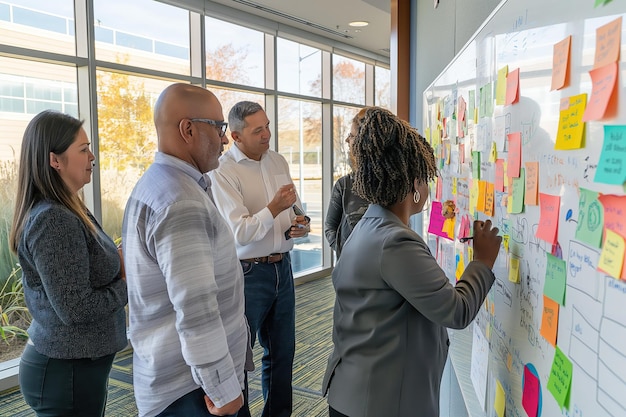
Stil spørgsmål og vent på verbale svar. Brug tænk-par-del (individer tænker, diskuterer derefter med en nabo og deler derefter med gruppen). Få folk til at bevæge sig fysisk for at angive deres svar på et scenarie. Send en genstand videre, der giver ordet til indehaveren. Brug post-it-sedler til en hurtig brainstorm og gruppesvar på en whiteboard. Teknologi gør disse interaktioner hurtigere og skalerbare til større grupper, men de underliggende teknikker fungerer i enhver sammenhæng.
Hvad er det bedste værktøj til interaktive præsentationer?
Det afhænger af dit primære værktøj og din brugsscene. Hvis du præsenterer i PowerPoint, tilføjer AhaSlides-tilføjelsesprogrammet live-afstemninger, quizzer og spørgsmål og svar uden at ændre din arbejdsgang. Hvis du ønsker en dedikeret platform med alle interaktionstyper indbygget, fungerer AhaSlides som et selvstændigt værktøj. For en fuld sammenligning, se: 9 typer præsentationssoftware til enhver præsentator.
Hvor mange interaktive elementer skal en 30-minutters præsentation have?
Tre til fem er et rimeligt mål. En i starten (for at etablere deltagelsesnormen), en eller to midt i sessionen (for at kontrollere forståelsen eller genskabe opmærksomheden) og en nær slutningen (for at konsolidere læringen eller indsamle feedback). Mere end det bliver trættende. Færre end det risikerer helt at miste fordelene ved det interaktive format.
Fungerer interaktive præsentationer for et stort publikum?
Ja, og de fungerer ofte bedre for store målgrupper end små, fordi telefonbaserede værktøjer skalerer uden logistiske problemer. En afstemning med 500 personer indsamler og viser resultater lige så hurtigt som en afstemning med 10. Funktionen til opstemning med spørgsmål og svar er især nyttig i stor skala, fordi den afdækker de spørgsmål, som de fleste deler, i stedet for kun dem, som et par personer er villige til at stille offentligt.
Hvordan holder man et virtuelt publikum engageret?
Virtuelle sessioner mister det omgivende sociale pres fra et fysisk rum. Interaktive elementer kompenserer direkte: en afstemning fremtvinger en beslutning, en quiz kræver opmærksomhed, en ordsky giver synlige beviser på, at publikum reagerer. Sigt efter et interaktivt element hvert 10. til 12. minut i en virtuel session. For specifikke taktikker, se: 7 tips til Zoom-præsentationer, der bekæmper træthed og øger engagementet.
Kilder
[1] AhaSlides (2026). Videnskaben om distraktion. AhaSlides-hvidbog — data om præsentationsundersøgelse og platformengagement citeret overalt.