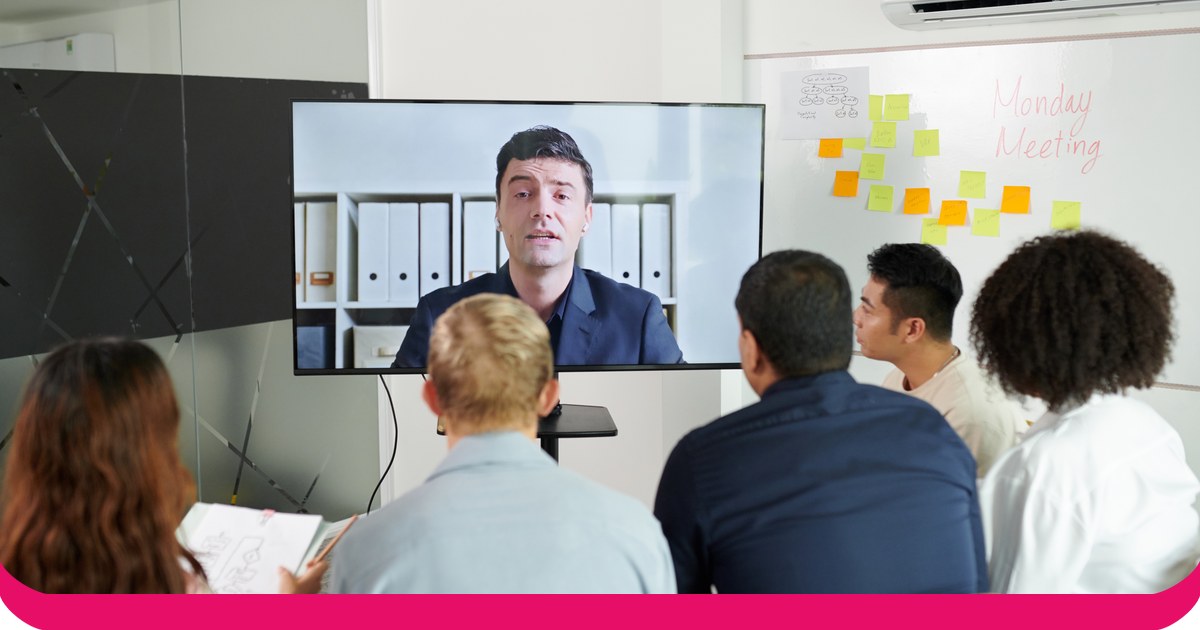
An audience response system lets the people in front of you answer your questions live, and shows the results on your slides. For PowerPoint, there are two kinds: clicker systems with handsets and a USB receiver, and phone-based add-ins where people answer on their own devices.
We compared eight systems that work with PowerPoint on how people answer, which versions of PowerPoint they run on, their free plans and their lowest prices. Almost every detail comes from each vendor’s own website or help centre, and prices are as listed on 19 November 2026. One disclosure first: AhaSlides is our product, and we say plainly where another system is the better fit.
Clickers or phones: which kind do you need?
Clicker systems give each person a small handset. Answers go to a receiver plugged into the presenter’s computer. Clickers suit lecture halls where phones are banned or not everyone has one. The cost is the hardware: someone buys, charges, hands out and collects the handsets.
Phone-based add-ins put the question on a slide with a QR code or a short link. People join in their browser, with no app to install, and results update on screen as they answer. They suit training, meetings, events and classes where people already carry a phone, and they let you ask open questions that a clicker’s buttons can’t handle, such as word clouds and written Q&A.
If you’re choosing for a university that already owns clickers, look at PointSolutions or iClicker. For almost anyone else, a phone add-in needs no hardware to buy or hand out.
Audience response systems for PowerPoint at a glance
| σύστημα | How people answer | PowerPoint: Windows / Mac / web | Δωρεάν σχέδιο | Lowest paid price |
|---|---|---|---|---|
| AhaSlides | Phones, by QR code or link | Ναι / Ναι / Ναι | Ναι Μέχρι 50 ζωντανοί συμμετέχοντες | 7.95 $ το μήνα Τιμολογείται ετησίως |
| Poll Everywhere | Phones and web | Ναι / Ναι / Ναι | Ναι Audience of up to 40 | 10 $ το μήνα 120 $ τιμολογείται ετησίως |
| Mentimeter | Phones and web | Ναι / Ναι / Όχι | Ναι | $11.99 a month per presenter Τιμολογείται ετησίως |
| Slido | Phones, by code, QR code or link | Ναι / Ναι / Όχι | Ναι | Από 15€ το μήνα Πληρώνεται ετησίως |
| Vevox | Phones and web | Ναι / Ναι / Όχι | Ναι Μέχρι και 100 συμμετέχοντες | 11.95 $ το μήνα 143.40 $ τιμολογείται ετησίως |
| ClassPoint | Any device, no app | Ναι / Όχι / Όχι Windows add-in only | Ναι 25 μαθητές ανά τάξη | USD 8 a month USD 96 billed annually |
| PointSolutions | Clickers or phones | Ναι / Ναι / Όχι | Δεν αναφέρεται κανένα | Δεν δημοσιεύτηκε Bought per institution |
| iClicker | Remotes, phones or web | No add-in Runs alongside your slides | Free for instructors | Students from $4.99 Six months, attendance only |
Sources: each vendor’s own pricing and help pages, linked in the sections below, checked 19 November 2026.
The 8 systems, one by one
1. AhaSlides
AhaSlides είναι μια ολοκληρωμένη πλατφόρμα αλληλεπίδρασης για ομάδες και τάξεις. Πρόσθετο PowerPoint adds polls, quizzes, word clouds, Q&A and rating scales to your existing deck, and people answer on their phones.
- PowerPoint versions: Microsoft 365 and PowerPoint 2024, 2021 and 2019 on Windows and Mac, plus PowerPoint for the web, per the AhaSlides κέντρο βοήθειαςΤο PowerPoint 2016 και οι παλαιότερες εκδόσεις δεν υποστηρίζονται.
- Δωρεάν σχέδιο: yes. You can engage up to 50 participants live, with unlimited presentations (AhaSlides τιμολόγηση).
- Lowest paid plan: Essential, from $7.95 a month billed yearly (AhaSlides τιμολόγηση).
- Καλύτερο για: trainers, teachers and team leads who want more than polls in the same deck, with no hardware.
2. Poll Everywhere
Poll Everywhere’s PowerPoint add-in, Poll Everywhere 2.0, installs from the Microsoft 365 add-ins store with no separate download and works on Windows and macOS, according to its κέντρο βοήθειας. Του PowerPoint page adds that you can use it on the web too.
- Δωρεάν σχέδιο: Intro, for audiences of up to 40, with PowerPoint integration included (Poll Everywhere φώναξε).
- Lowest paid plan: Present, $10 a month, billed annually at $120 a year for one seat.
- Καλύτερο για: universities and companies that already use it for polling.
3. Mentimeter
Mentimeter’s add-in works with its live presentations and is available on all plans. Its κέντρο βοήθειας lists Windows (version 2111 or later) and Mac (16.55 or later), and says PowerPoint Online is not supported.
- Δωρεάν σχέδιο: yes (Mentimeter φώναξε).
- Lowest paid plan: Basic, $11.99 per presenter a month, billed yearly.
- Καλύτερο για: teams already on Mentimeter who present from PowerPoint on Windows or Mac.
4. Slido
Slido for PowerPoint is a free integration that you download from SlidoΟ ιστότοπος and install on the computer you present from. Slido lists Windows 10 22H2 or later with PowerPoint 2016 or newer, and macOS 12 or later with PowerPoint 2019 or newer. PowerPoint Online isn’t supported.
- Δωρεάν σχέδιο: yes, free to start.
- Lowest paid plan: from €15 a month, paid annually (Slido για δουλειές).
- Καλύτερο για: Q&A in company meetings. Our Slido οδηγός προσθήκης covers the setup.
5. Vevox
The Vevox PowerPoint add-in installs from Microsoft AppSource and needs Office version 2208 or later on Windows, or 16.64 or later on Mac. Vevox says Office on the web is currently not supported.
- Δωρεάν σχέδιο: one user, up to 100 participants (Vevox business pricing).
- Lowest paid plan: Starter, $11.95 a month, or $143.40 billed annually, for up to 250 participants.
- Καλύτερο για: larger free audiences who only need multiple choice polls, quizzes and Q&A.
6. ClassPoint
ClassPoint runs inside PowerPoint after you install it on Windows 10 with Office 2013 or higher. It isn’t compatible with macOS.
- Δωρεάν σχέδιο: Basic, with up to 25 students per class and 3 classes (ClassPoint τιμολόγηση).
- Lowest paid plan: Pro, USD 8 a month or USD 96 billed annually.
- Καλύτερο για: teachers on Windows who want quick quizzes inside PowerPoint.
7. PointSolutions (formerly TurningPoint)
TurningPoint is now PointSolutions, sold by Echo360. It supports both clickers and mobile devices, and its PowerPoint polling mode lets instructors build polling slides in PowerPoint through the PointSolutions Desktop app on Windows or Mac. Echo360’s Απαιτήσεις συστήματος say PowerPoint on the web is not supported.
- Δωρεάν σχέδιο: none listed.
- Τιμή: not published on Echo360’s PointSolutions page. Participant subscriptions and clickers are sold through Echo360, with options set per institution.
- Καλύτερο για: campuses that already run TurningPoint clickers.
8. iClicker
iClicker lets students answer on a phone, on the web or with an iClicker remote, with the iClicker Base as the receiver for remotes. Its σελίδα ενσωματώσεων lists LMS connections rather than a PowerPoint add-in, so you run iClicker Cloud alongside your slides.
- Δωρεάν σχέδιο: “always free for instructors to use” (iClicker pricing). Students pay.
- Student price: iClicker Pulse, for attendance only, from $4.99 for six months; iClicker Pro from $15.99 for six months.
- Καλύτερο για: colleges where students already have an iClicker subscription.
Why PowerPoint alone isn’t an audience response system
PowerPoint can show a question, but it can’t collect answers. The closest you’ll get on your own is a show of hands typed into a chart:
- Προσθέστε μια διαφάνεια με ερωτήσεις. Write the question and two to four answer options.
- Insert a chart on the next slide. Go to Insert, then Chart, and pick a bar chart.
- Count hands. Ask for a show of hands for each option and count them.
- Type in the numbers. Right-click the chart, choose Edit Data and enter the counts, so the bars update.
It works for a small group, but it stops quickly. Counting takes time, people see how others vote before they raise a hand, nothing is anonymous and nothing is saved for later. A response system fixes all of that: everyone answers at once, privately, and you keep the results.
How to run a live poll in PowerPoint with AhaSlides
AhaSlides is an all-in-one engagement platform for teams and classrooms. For an audience response system, that means everyone answers on their own phone at the same time, privately, and the results build on your slide.
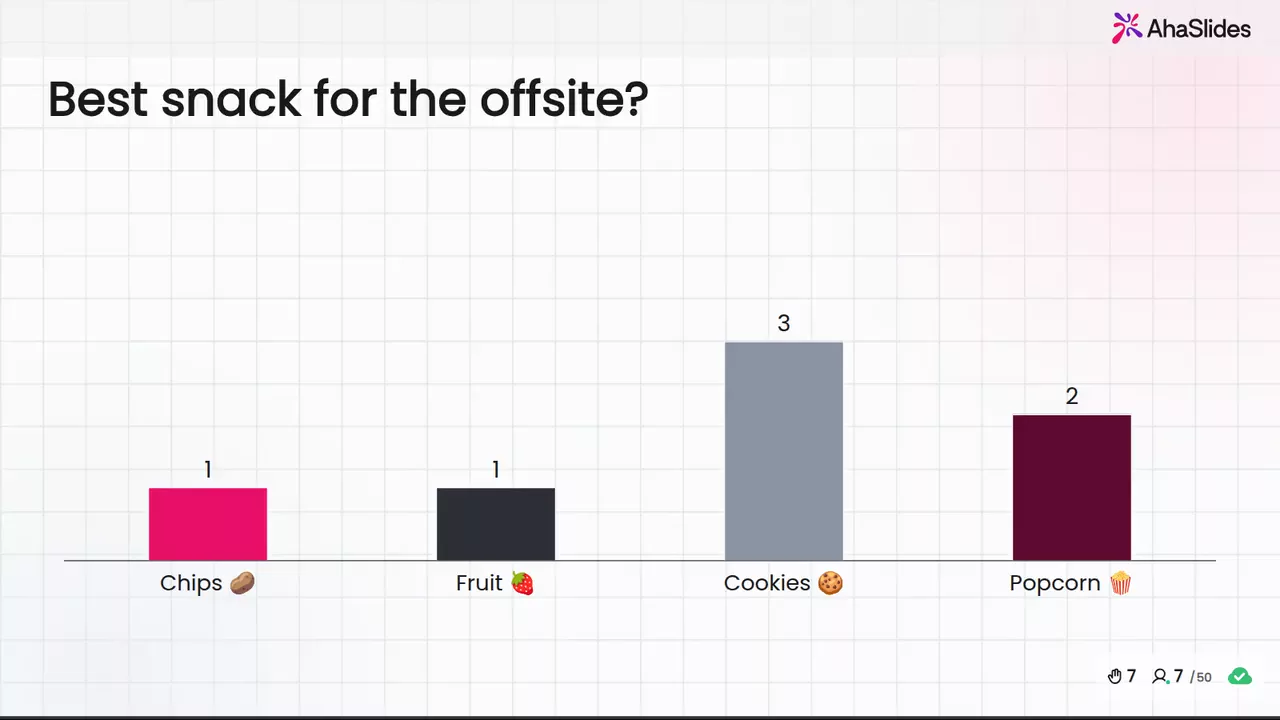
Δύο γρήγοροι τρόποι για να ξεκινήσετε:
- Ανεβάστε την τράπουλά σας. Ανεβάστε το αρχείο PowerPoint σας στο AhaSlides και αφήστε την Τεχνητή Νοημοσύνη να προσθέσει δημοσκοπήσεις και ερωτήσεις κουίζ μέσω αυτού, ώστε να γίνει μια διαδραστική συνεδρία χωρίς να ξεκινήσει ξανά (Δημιουργός PowerPoint με τεχνητή νοημοσύνη).
- Ή συνεχίστε να κάνετε παρουσιάσεις στο PowerPoint. Προσθέστε το δωρεάν AhaSlides πρόσθετο και τοποθετήστε ζωντανές διαφάνειες ανάμεσα στις δικές σας. Χρειάζονται τρία βήματα, παρακάτω.
Here's the phone-based way, start to finish:
- Εγκαταστήστε το και συνδεθείτε. Στο PowerPoint, μεταβείτε στην Αρχική σελίδα, έπειτα στην επιλογή Πρόσθετα και, στη συνέχεια, στην επιλογή Περισσότερα πρόσθετα. Στο PowerPoint για το Web, επιλέξτε Εισαγωγή, έπειτα Πρόσθετα και, στη συνέχεια, Περισσότερα πρόσθετα. Αναζητήστε AhaSlides, κάντε κλικ στην επιλογή Προσθήκη και, στη συνέχεια, συνδεθείτε με τον λογαριασμό σας AhaSlides λογαριασμό ή δημιουργήστε έναν δωρεάν.
- Build your questions and add them. In AhaSlides, add a poll, a word cloud or a rating scale, or start from a template. Then, in the add-in, choose your presentation, tick the slides you want and click Add slides. On PowerPoint for the web, slides go in one at a time.
- Παρόν. Start the slideshow. Each AhaSlides slide shows a link and QR code, people join on their phones, and their answers appear on the slide as they come in.
Start with a ready template
This End of Lesson Review template is a short set of feedback questions for the end of a session. Copy it, change the questions, and add it to the last slides of your deck.
5 ways to use an audience response system in PowerPoint
- Check understanding mid-lecture. One multiple choice question after each key point shows whether to move on or explain again.
- Collect questions without a queue. Open an anonymous Q&A so people ask what they’d never put a hand up for.
- Run a quiz round in training. A short scored quiz at the end of a module shows what people remember, not just what you covered.
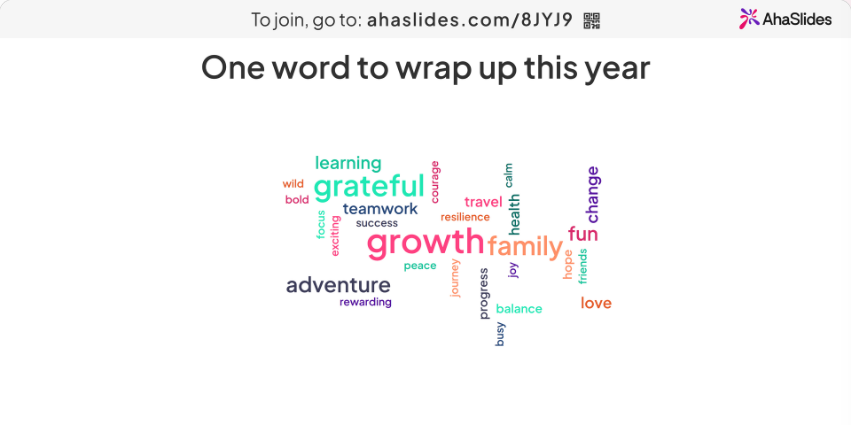
- Warm up a meeting. Start with a word cloud (“one word for this quarter?”) so everyone has answered something before the agenda.
- Get feedback before people leave. A rating scale and one open question on the last slide give you feedback while everyone is still in the room.
Συχνές Ερωτήσεις
What is an audience response?
It’s an answer the audience gives to a presenter’s question during a session, collected with clickers or phones and shown as live results. An audience response system is the tool that collects those answers and puts them on screen.
What are the key benefits of audience response systems?
Everyone answers, not just the confident few. Answers can be anonymous. You see straight away what people understood, and you keep the results for later. Our guide to συστήματα απόκρισης στην τάξη goes deeper on the classroom side.
How do you get an audience engaged?
Ask them something early and often. A quick poll or word cloud in the first five minutes, a question after each section and a Q&A that anyone can post to anonymously all give people a reason to join in.
What are some effective tools for audience engagement?
For PowerPoint, phone-based add-ins such as AhaSlides, Poll Everywhere, Mentimeter, Slido and Vevox, or clicker systems such as PointSolutions and iClicker. Our ζωντανές ερωτήσεις και απαντήσεις στο PowerPoint guide shows one of those in action.
Κάντε αυτήν την τράπουλα διαδραστική
Τα Οδηγός για τη δημιουργία διαδραστικού PowerPoint δείχνει πώς να κάνετε τους ανθρώπους να απαντούν, να ψηφίζουν και να κάνουν ερωτήσεις σε οποιαδήποτε τράπουλα. Ή ξεκινήστε από ένα δωρεάν τράπουλα εκκίνησης στη βιβλιοθήκη προτύπων μας και προσθέστε το στην επόμενη παρουσίασή σας.
Σχετική ανάγνωση
- Kahoot στο PowerPoint: πώς να προσθέσετε ένα και μια δωρεάν εναλλακτική λύση
- Slido add-in for PowerPoint: how to install and use it
- AhaSlides διαδικτυακός δημιουργός δημοσκοπήσεων
Hear from everyone in your next presentation
Add live polls, quizzes and Q&A to the PowerPoint deck you already have. No clickers to hand out: people answer on their phones, free for up to 50 live participants.