Skip to content
Claim this template

Free course template · Global

Dental and eye-care practice team essentials

A ready-made course, live deck and two surveys for dental nurses. AhaSlides tracks progress, completion and scores for you. 45 minutes, 6 lessons. Last reviewed 21 October 2026; not legal advice.

Claim the templatePreview the courseDownload SCORM for your LMS

Free. No credit card. Edit everything.

Play a game from the course

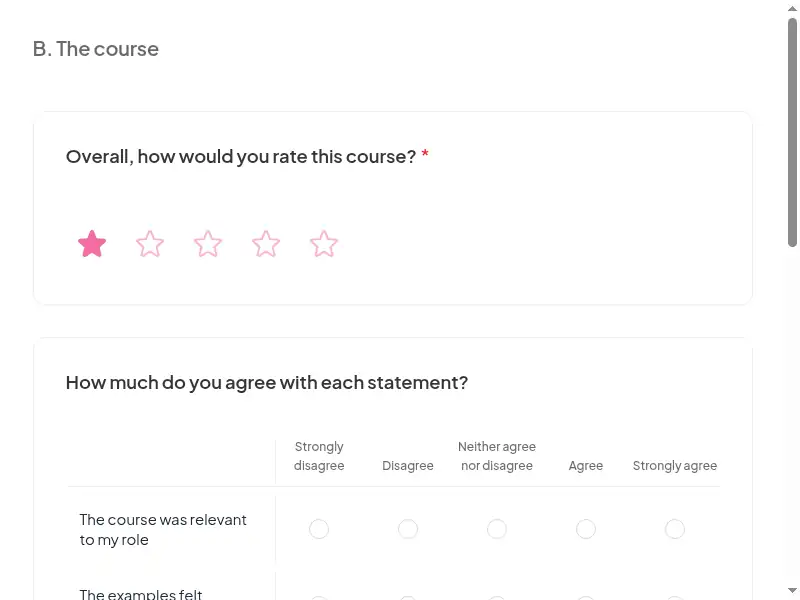
Dental and eye-care practice team essentials: try 3 questions

Three questions from this course. Pick an answer, then see why.

Play the game

Game not loading? Open it in a new tab (opens in a new tab)

Three pieces that work together

Learners prepare on their own, you answer questions live, and the surveys tell you what stuck. 15 fields to fill in with your own policy, contacts and locations; each one is highlighted inside the course.
Claim the template
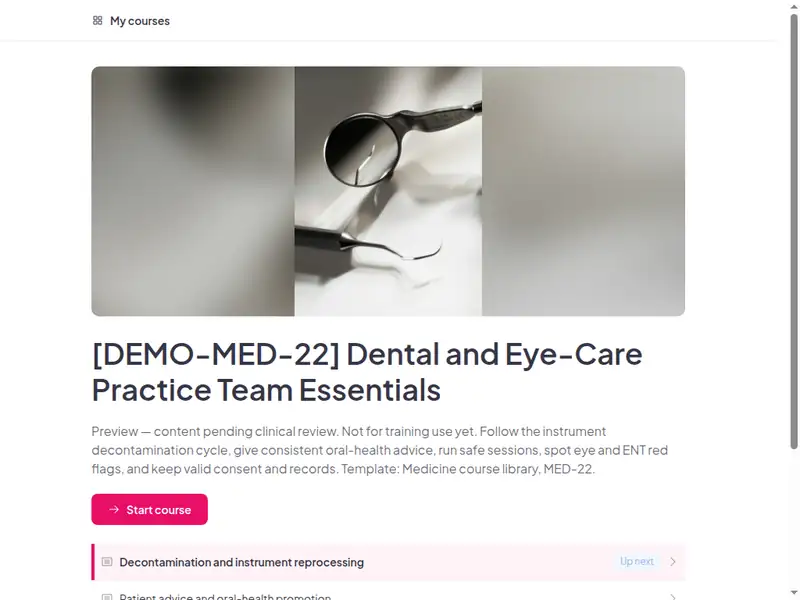
The Dental and eye-care practice team essentials course as a learner first sees it

Completion is tracked for you

Learners sign in to take the course, so every start, finish and score is recorded in AhaSlides. No spreadsheet to keep.

  • Who has finished

    See who has not started, who is in progress and who has completed the course.

  • Every score

    Each learner's answers to the quizzes and activities in the course.

  • What landed

    Survey results show what people took away, and the 30-day check-in shows whether they use it.

Claim the template

6 lessons, about 45 minutes

What learners can do at the end of each lesson. Minutes are an estimate.

  • Lesson 1: Decontamination and instrument reprocessing · 10 min

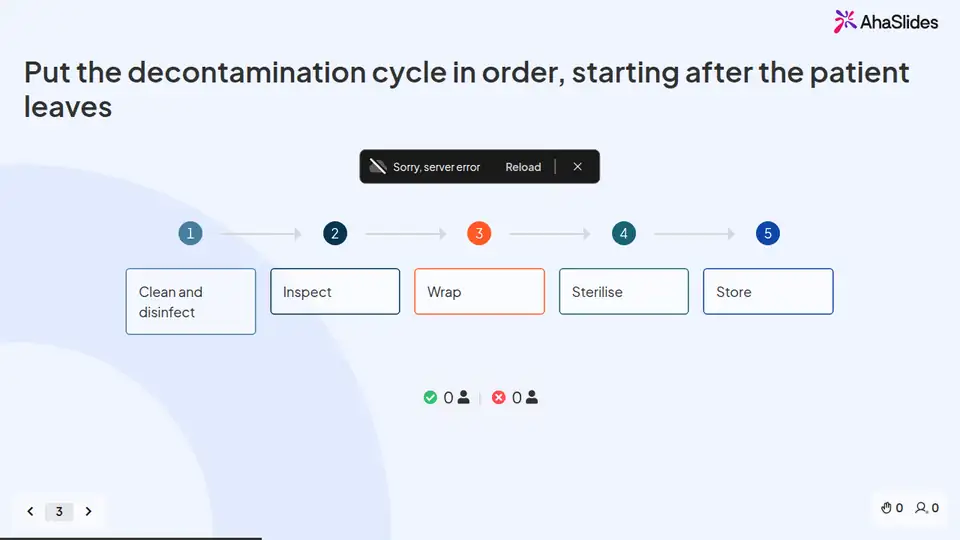
    Put the instrument decontamination cycle in the right order and explain how to clean, inspect and store instruments.

  • Lesson 2: Patient advice and oral-health promotion · 8 min

    Give consistent, evidence-based oral-health advice on toothbrushing, sugar, tobacco and alcohol.

  • Lesson 3: Clinic workflows for screening and surgery days · 8 min

    Set up, run and close a clinic session safely, including water lines, surfaces and medical emergency readiness.

  • Lesson 4: Eye and ENT red flags to refer · 7 min

    Recognise eye, ear, nose and mouth red flags and use the right urgency of referral.

  • Lesson 5: Consent and record keeping in practice · 7 min

    Explain what makes consent valid and keep clear, accurate, contemporaneous records.

  • Lesson 6: Final assessment · 5 min

    Final assessment · Completion

Claim the template

Common questions

Yes. The course, the live deck and both surveys are free. Claiming the template into your AhaSlides account is free too.

Yes. The course is self-paced and online, and the live deck lets you add a live session in the room or online.

At induction to the practice, then refreshed at the interval your practice policy sets (organisation policy).

Dental nurses, dental hygienists and therapists, practice receptionists and managers, optical assistants and dispensing staff, and ENT clinic support staff.

Record completion in your own LMS or record system, so you can show who finished the course and when.

Yes, everything. Change the wording, swap scenarios for ones from your workplace, add your logo, or remove parts that don't apply.

Your own details, each highlighted inside the course:
  • Named lead for infection control and decontamination
  • Written decontamination and manual cleaning procedures, room layout
  • Steriliser and washer-disinfector daily tests, logs and validation records
  • Local stop smoking service and patient leaflets
  • Session opening and closing checklist, screening-day and surgery-day workflow
  • Location of the AED, oxygen and emergency drugs, kit checks and drill schedule
  • Eyewash station location and COSHH sheets for products used
  • Referral routes and contacts for eye casualty, ENT and suspected cancer, and the practice's urgency grading
  • Consent forms, and policy for children and adults who may lack capacity
  • Patient record system and retention periods
  • Practice manager, lead dental nurse or clinical lead
  • LMS or record system
  • Live session URL
  • Course URL
Then edit anything else you like: wording, scenarios, your logo.
Visit the help centre (opens in a new tab)